How To Create Dashboard In Mixpanel
- George Apostolov
How To Create Dashboard In Mixpanel: step-by-step guide
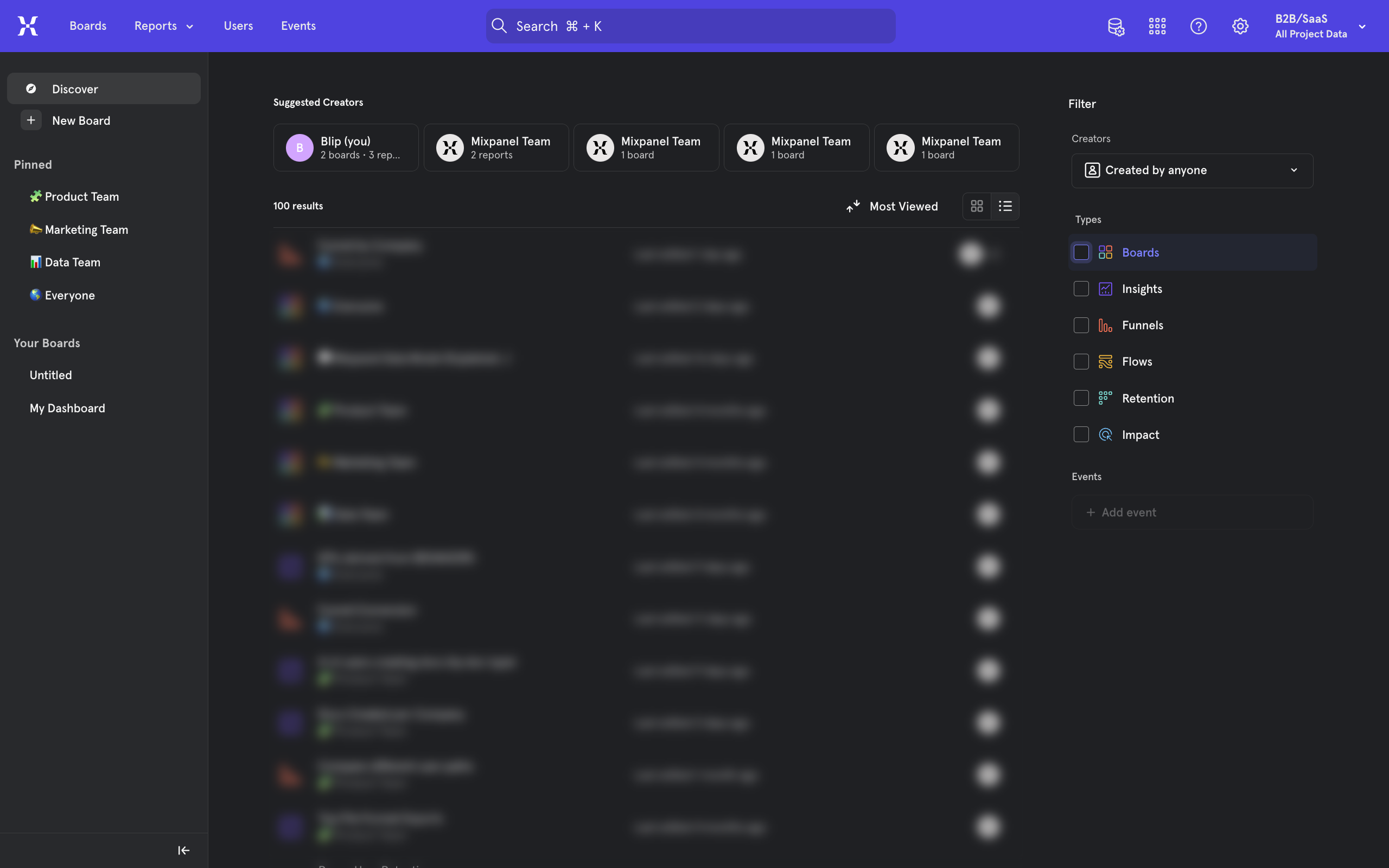
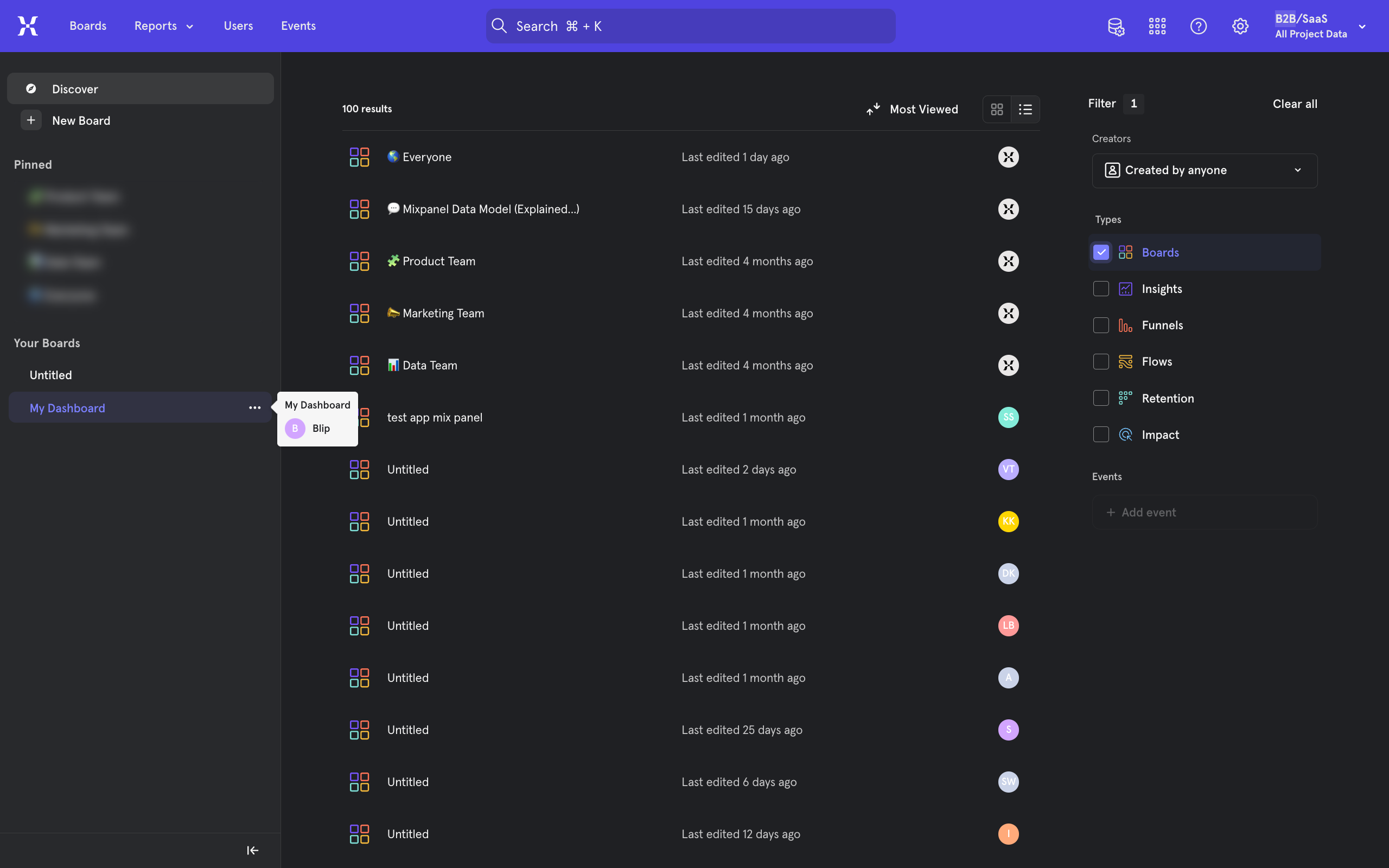
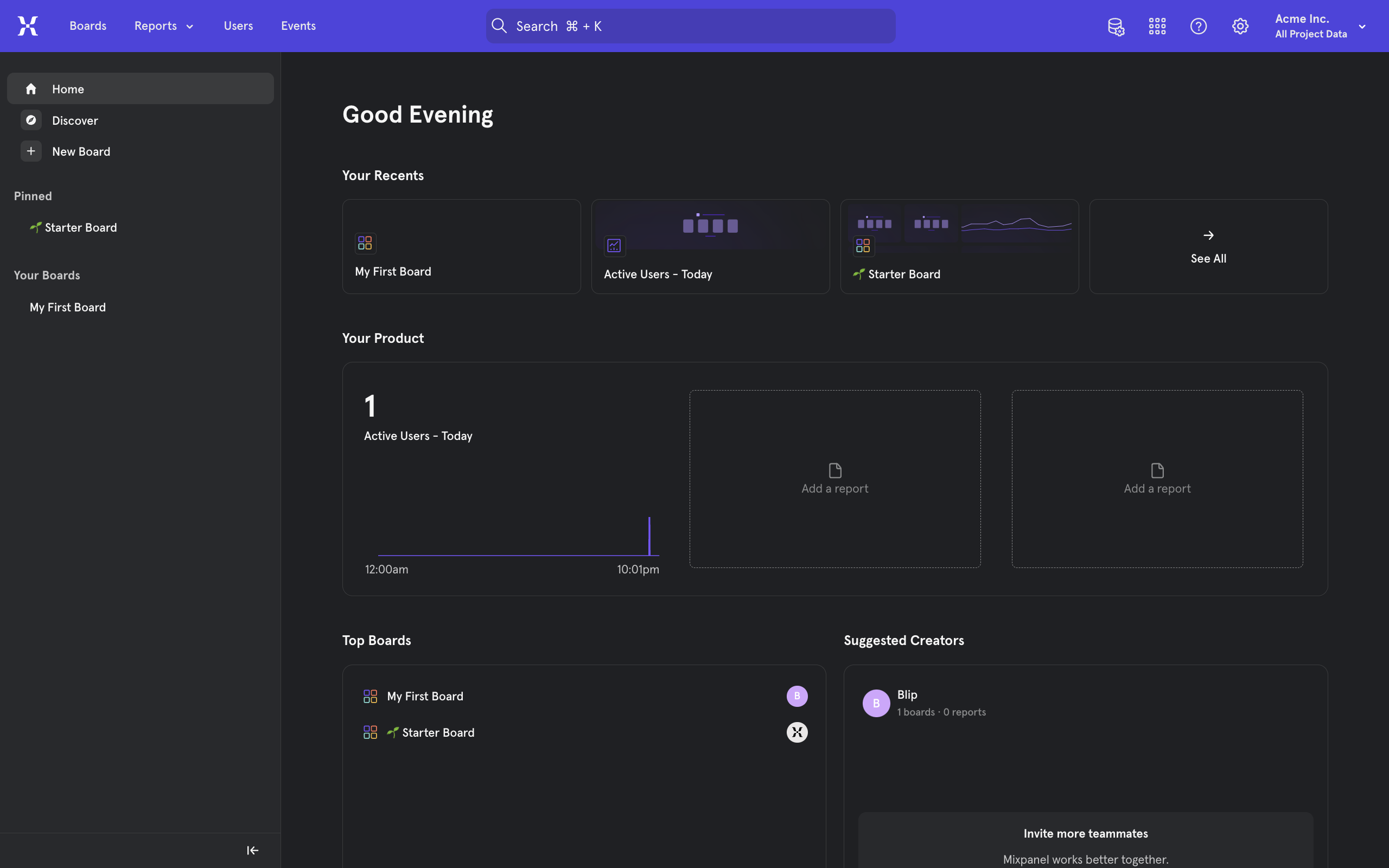
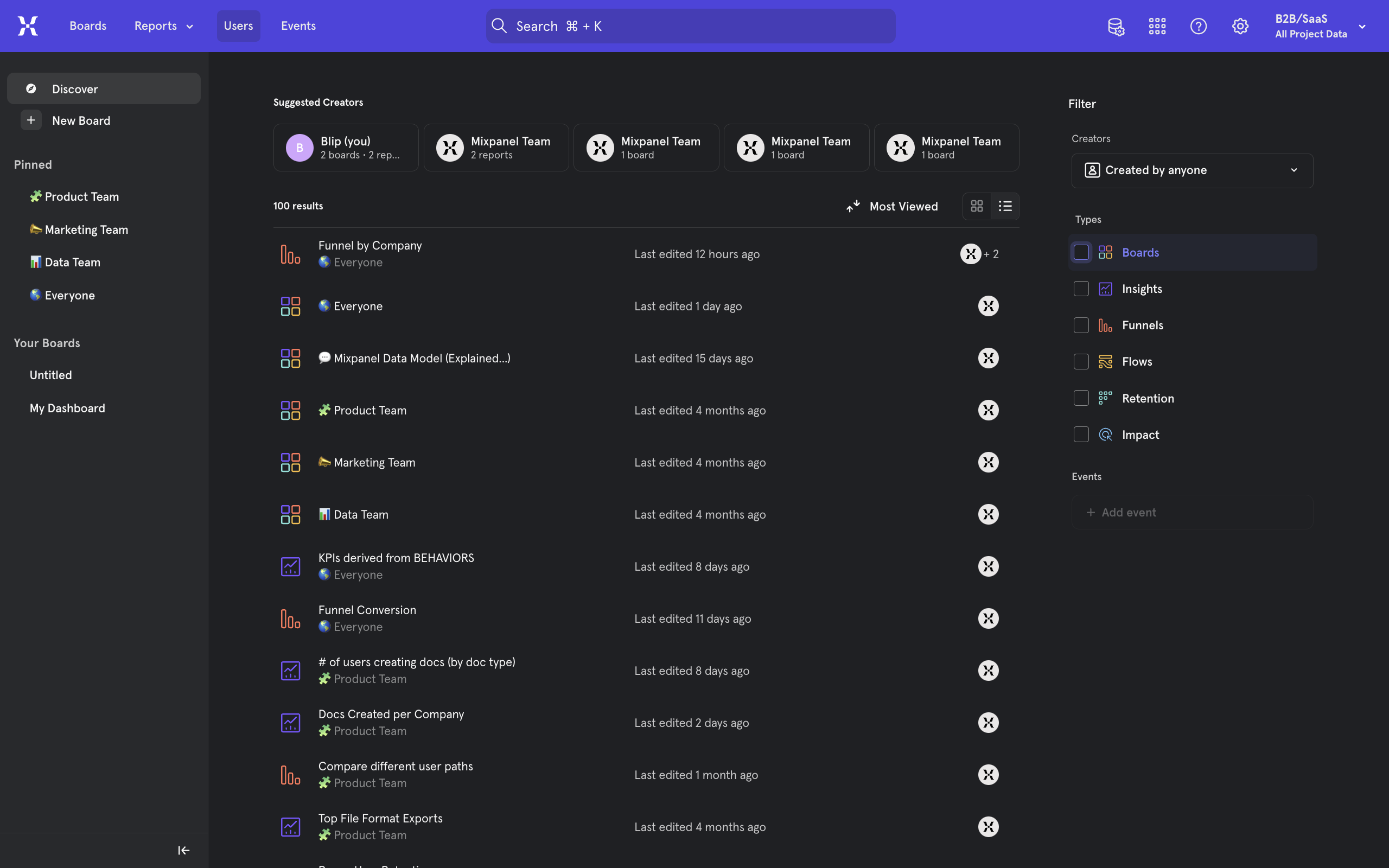
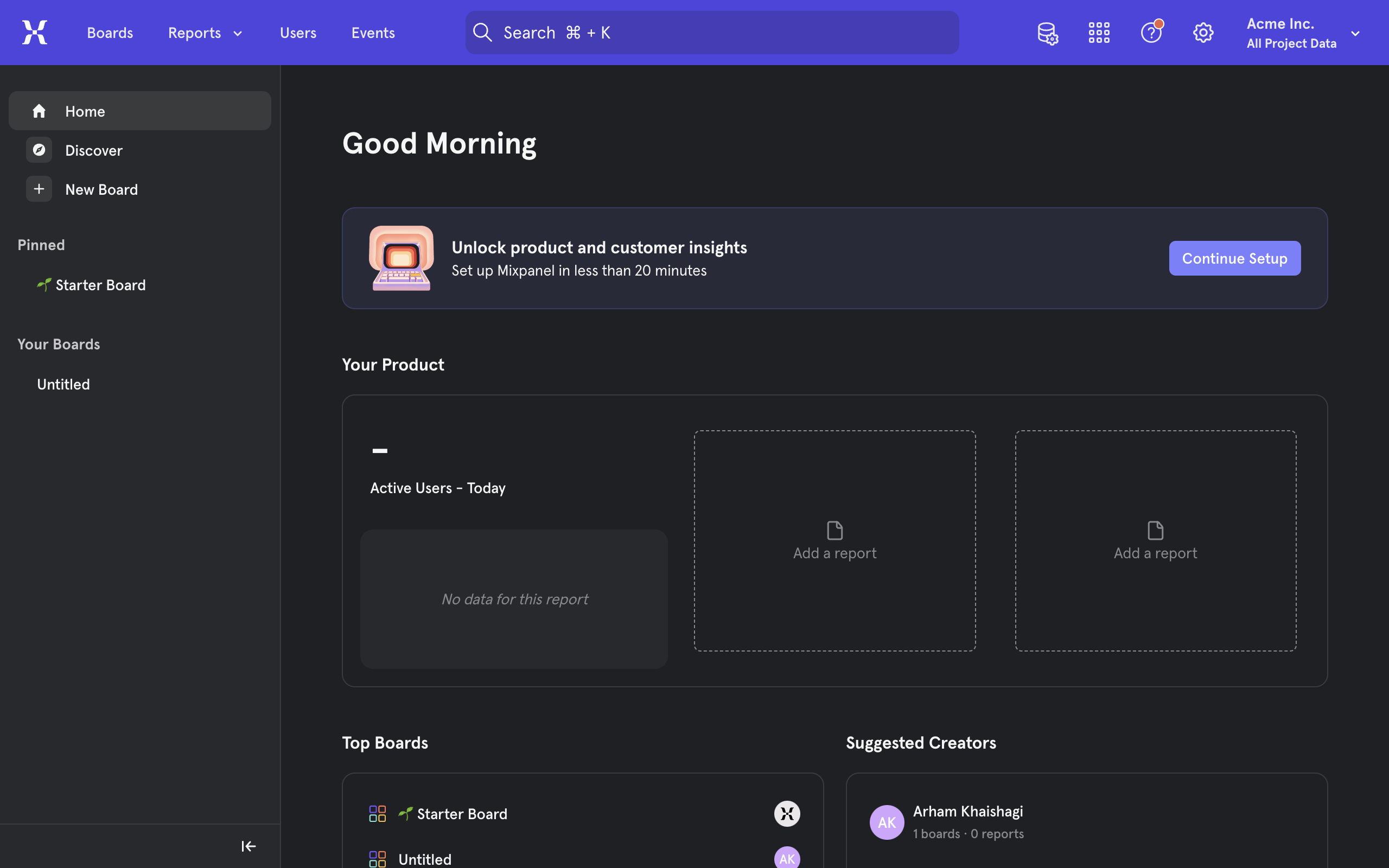
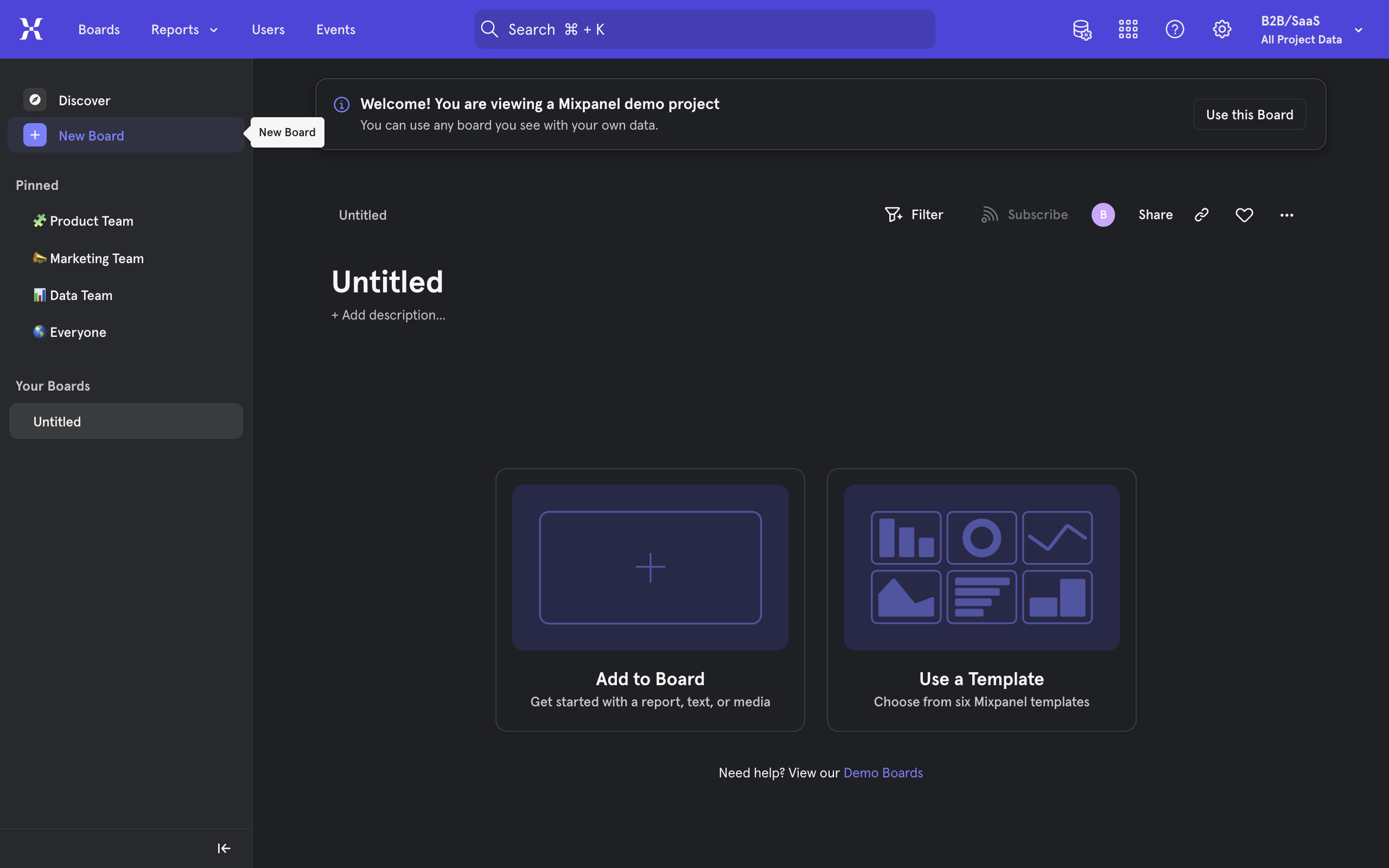
To begin, from inside the mixpanel homepage, locate the + New Board button on the top of the left sidebar menu. Click once to create a new board.
Set a name for your new board.
Click on the Add to Board button to view options for customizing our dashboard. Alternatively, you may find the templates option convenient for common designs.
From the menu, select any item to add to your dashboard. Simply click once to add.
Text blocks can be formatted while selected, images uploaded and videos linked.
You can continue adding more items to your board using the new + Add content button.
For example, you can add the Insights Report to visualize the traffic to your project.
To do so, select Insights Report, then click on the Select Event button under Metrics.
Select the event you wish to track on your report.
Save your report.
Go back to the dashboard via the navigation on the top left or the Close button the top right.
Now that you have multiple items added as separate rows, you can also add additional items to each row like a grid using the add content button on the side.
Add a few more useful items to your board.
Use the handle icon on each item to drag and rearrange their position.
Continue exploring and customizing your own personal dashboard in mixpanel.
Quick answer: To build a dashboard in Mixpanel, click the + New Board button, name your board, and add customizable items or templates. Format text, images, and videos, add reports like the Insights Report, and save. Finally, rearrange items using handle icons and customize your grid layout.
About this Mixpanel tutorial
Build and customize your Mixpanel dashboard by adding boards, reports, media, and arranging items in a grid layout. This guide shows how to create Dashboard In Mixpanel in 15 steps, starting with "To begin, from inside the mixpanel homepage, locate the + New Board button on the top o..." and finishing with "Continue exploring and customizing your own personal dashboard in mixpanel". The interactive demo above is a click-through copy of the real Mixpanel interface, so you can rehearse each step before doing it in your own account.
Frequently asked questions
How many steps does it take to create Dashboard In Mixpanel?
15 steps. Each one is listed in order above, and the demo highlights exactly where to click.
Can I try it without changing my own account?
Yes. Clicking through the demo doesn't touch your Mixpanel data or settings. Once you know the flow, repeat it in your own workspace.
This tutorial is filed under Mixpanel. Related guides: How To Do A/B Testing With Mixpanel, How To Export Data From Mixpanel and How to Export Raw Event Data from Mixpanel via API. Last reviewed 05 Oct 2026.

Create your first interactive demo in minutes
No credit card required • Start building today