How to Export Raw Event Data from Mixpanel via API
- George Apostolov
How to Export Raw Event Data from Mixpanel via API: step-by-step guide
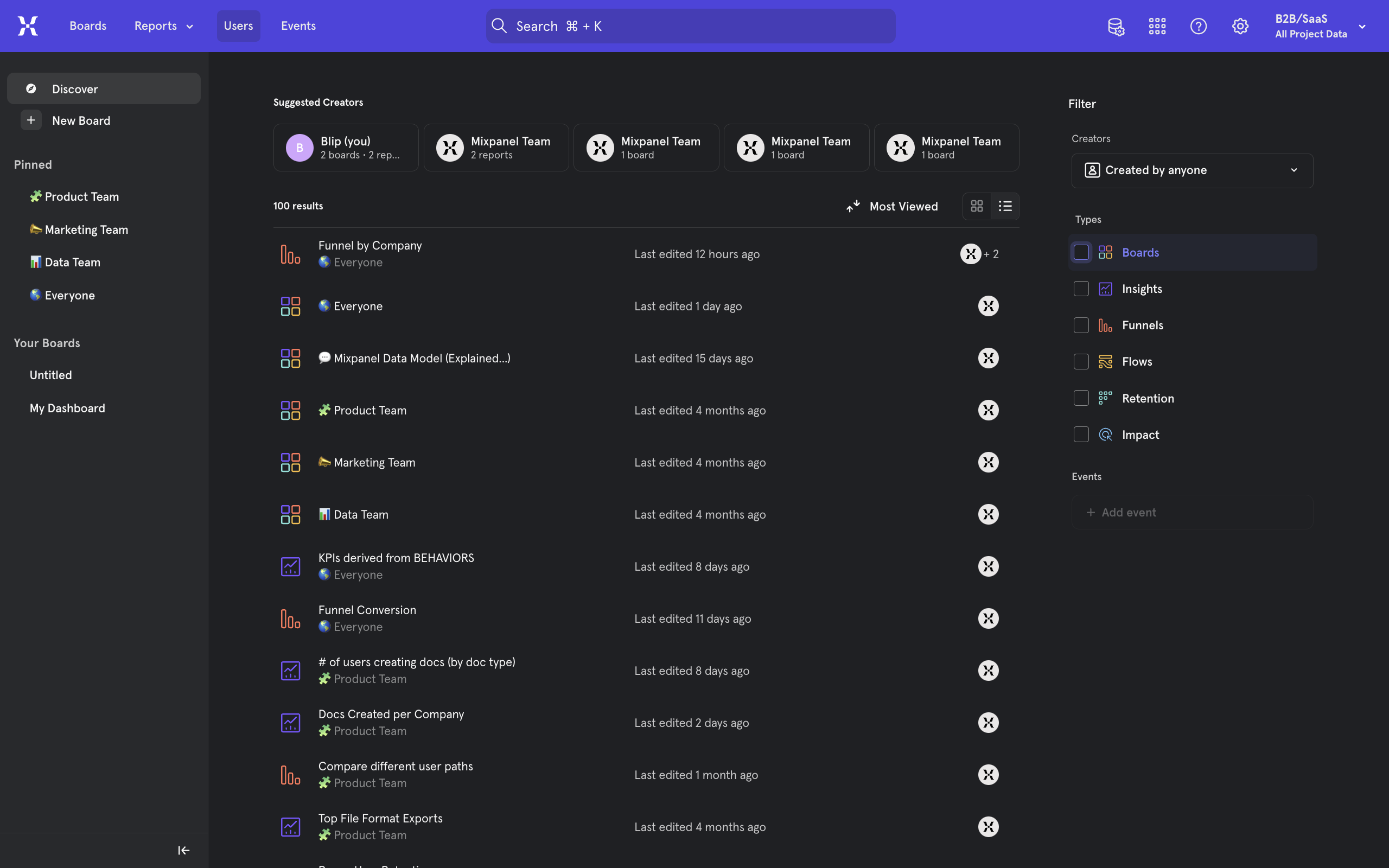
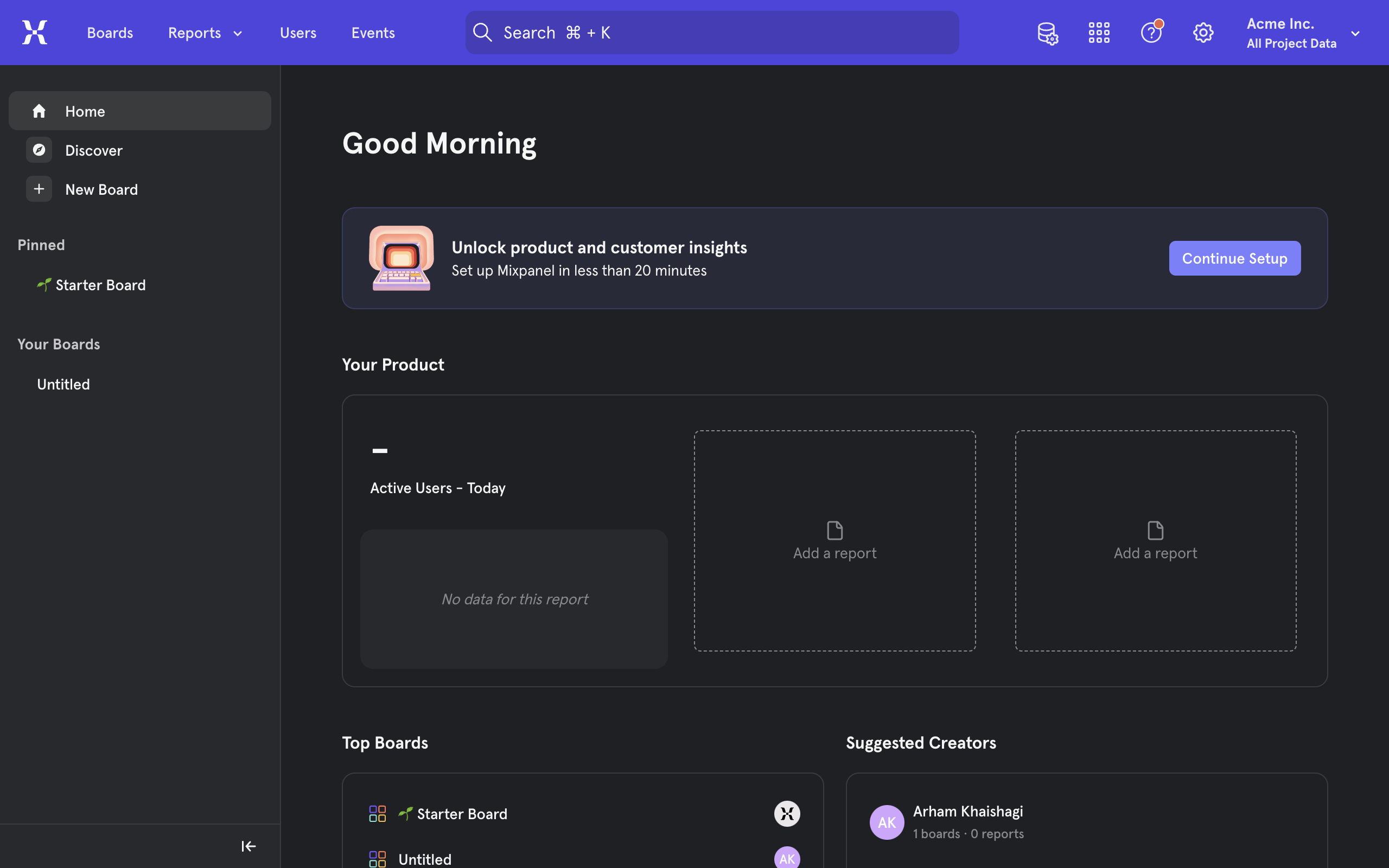
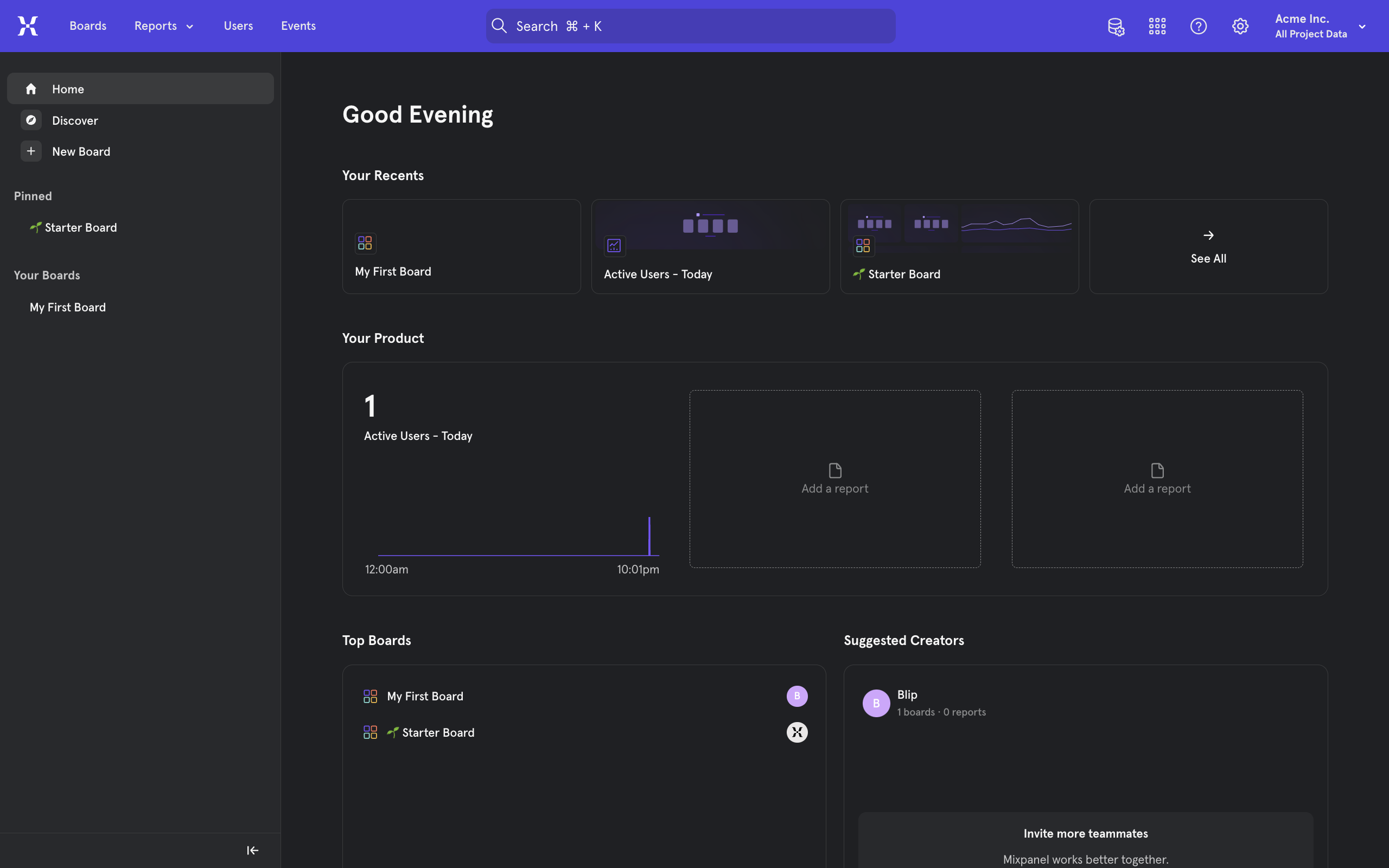
From inside mixpanel, head to the gear icon for Settings on the top right to view options.
Select Organization Settings.
From the left sidebar menu, go to Service Accounts.
From the top right corner, locate and click on the + Add Service Account button.
Enter a name for your account and other details. These will control the scope and power of this specific account.
One of the more important settings is the Projects to which this account allowed access to.
Followed by the Project Role which determines the level of authorization or permissions it has over the project.
Verify all fields and permissions and then click on Create.
Make sure you copy and save these credentials to your account. These are what will be used to fetch data using the mixpanel API and cannot be retrieved once the window is closed. When done, click Done.
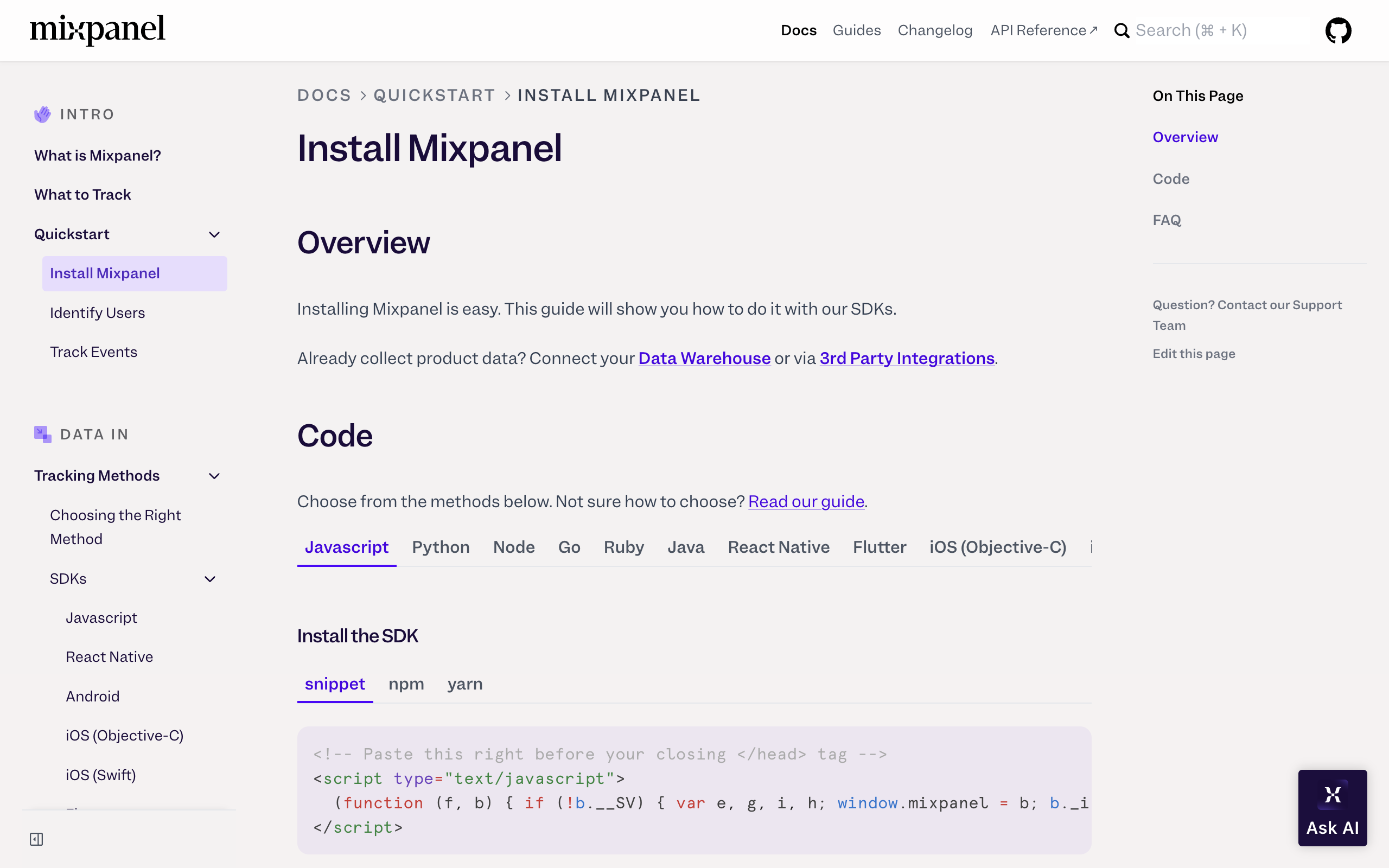
Now, for advanced users, you may proceed to use the mixpanel APIs that come with great documentation as you see fit to include in your projects. However, a simpler way to test, fetch or export data is to use the user-friendly mixpanel web UI. To do so, head to the Download Data page in the mixpanel docs.
Enter your credentials in the Authorization fields.
Fill the required and optional fields for your query. Note that project_id is a required field when using Service Account as authorization.
When ready, click on Try It!
The data will be fetched, which you may either copy or use the recommended way to export your data which involves creating a pipeline or process to regularly update your mixpanel data to a destination file such as a CSV.
Quick answer: To download all raw data from Mixpanel, navigate to Organization Settings and create a Service Account with the required project access and role. Save your credentials, then use either the Mixpanel APIs or the Download Data page in the documentation to enter your credentials, query the data, and export it.
About this Mixpanel tutorial
Export all your raw data from Mixpanel by setting up a service account and using the Mixpanel APIs or documentation download page to fetch and export. This guide shows how to export Raw Event Data from Mixpanel via API in 14 steps, starting with "From inside mixpanel, head to the gear icon for Settings on the top right to view options" and finishing with "The data will be fetched, which you may either copy or use the recommended way to expor...". The interactive demo above is a click-through copy of the real Mixpanel interface, so you can rehearse each step before doing it in your own account.
Frequently asked questions
How many steps does it take to export Raw Event Data from Mixpanel via API?
14 steps. Each one is listed in order above, and the demo highlights exactly where to click.
Can I try it without changing my own account?
Yes. Clicking through the demo doesn't touch your Mixpanel data or settings. Once you know the flow, repeat it in your own workspace.
This tutorial is filed under Mixpanel. Related guides: How To Find Total Users In Mixpanel, How To Get Mixpanel Project Token and How To Install Mixpanel. Last reviewed 05 Oct 2026.

Create your first interactive demo in minutes
No credit card required • Start building today