How to Create Views MS Access
- George Apostolov
How to Create Views MS Access: step-by-step guide
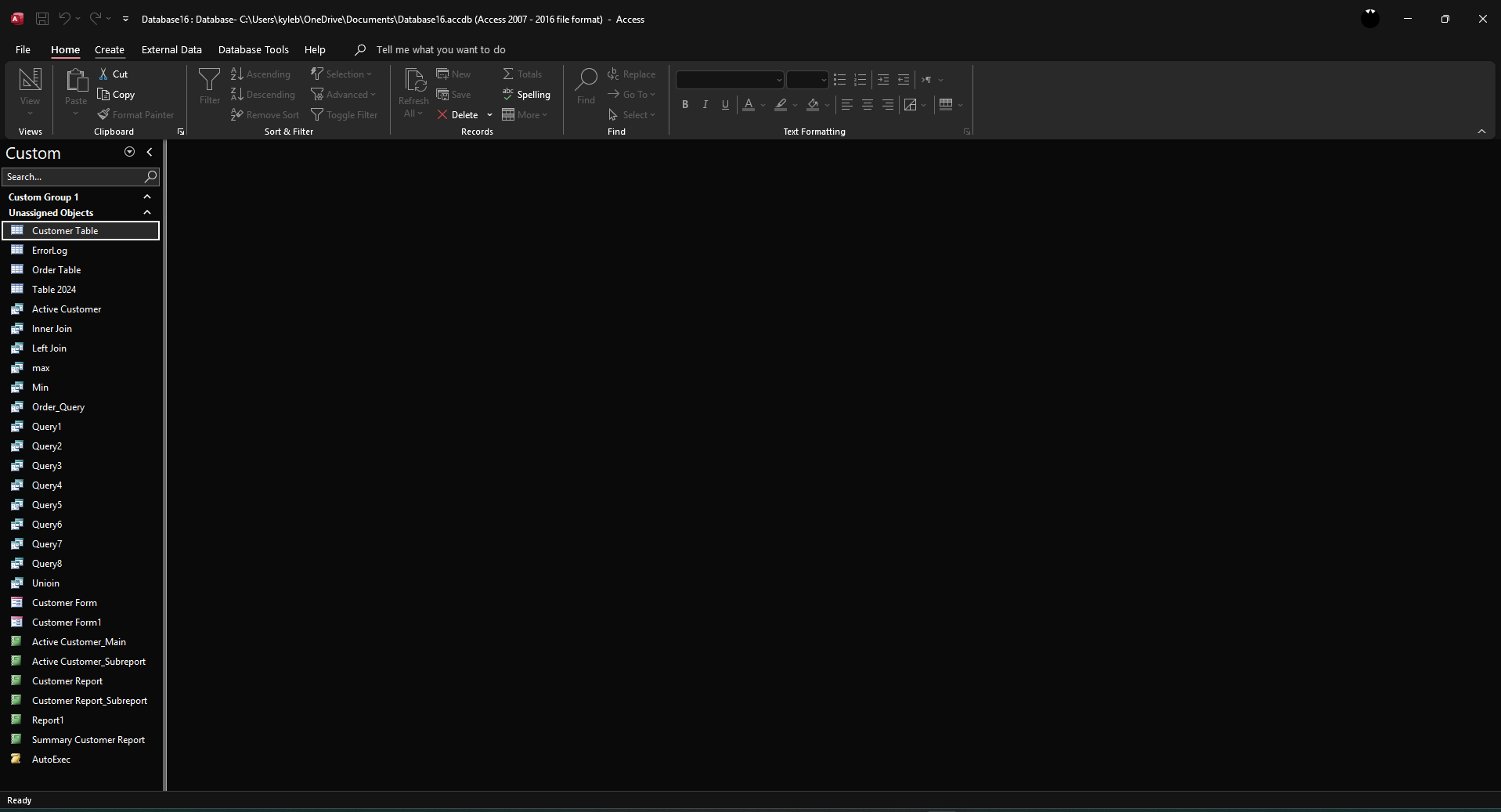
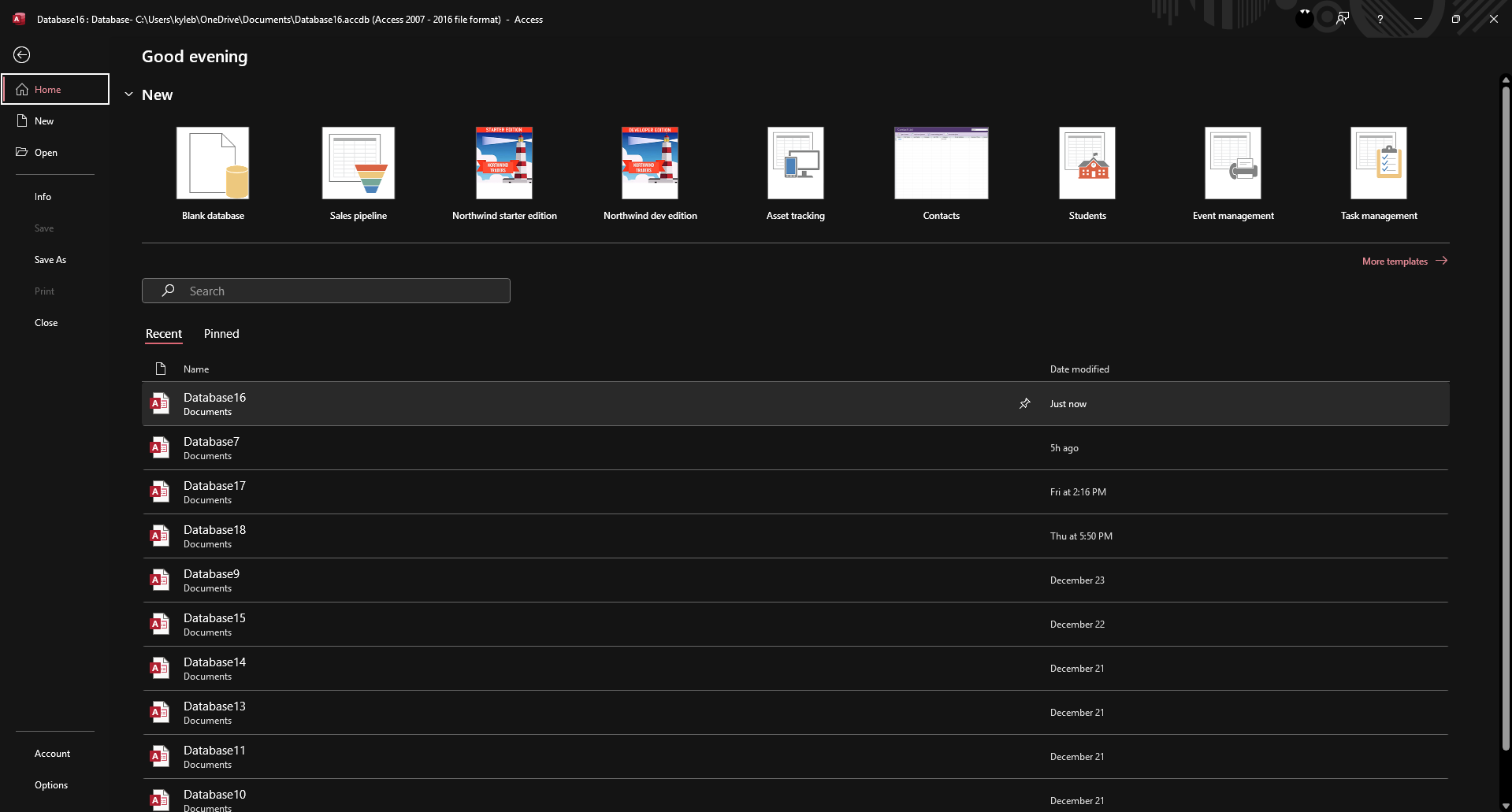
Open your Access database and ensure the tables you need are present.
Click on the 'Create' tab button.
Click 'Query Design'.
Select your preferred table and click 'Add Selected Tables'.
Drag the fields you want to include in your query to the design grid at the bottom of the Query Design window.
To sort the data, choose Ascending or Descending in the 'Sort' row.
To filter the data, specify conditions in the 'Criteria' row of the design grid.
Click 'Save' to save the changes.
Give your query a descriptive name and click 'OK'.
The saved query can now be used like a view.
Quick answer: To create views in Microsoft Access, open your database, click the 'Create' tab, and select 'Query Design'. Add your desired tables, drag fields to the design grid, set sorting and criteria, then save the query with a descriptive name to use it like a view.
About this tutorial
Build custom database views by designing, filtering, and saving queries inside the app for easy data management. This guide shows how to create Views MS Access in 10 steps, starting with "Open your Access database and ensure the tables you need are present" and finishing with "The saved query can now be used like a view". The interactive demo above is a click-through copy of the real product interface, so you can rehearse each step before doing it in your own account.
Frequently asked questions
How many steps does it take to create Views MS Access?
10 steps. Each one is listed in order above, and the demo highlights exactly where to click.
Can I try it without changing my own account?
Yes. Clicking through the demo doesn't touch your data or settings. Once you know the flow, repeat it in your own workspace.

Create your first interactive demo in minutes
No credit card required • Start building today