How to Edit the Mobile Version of the WordPress Site
- George Apostolov
How to Edit the Mobile Version of the WordPress Site: step-by-step guide
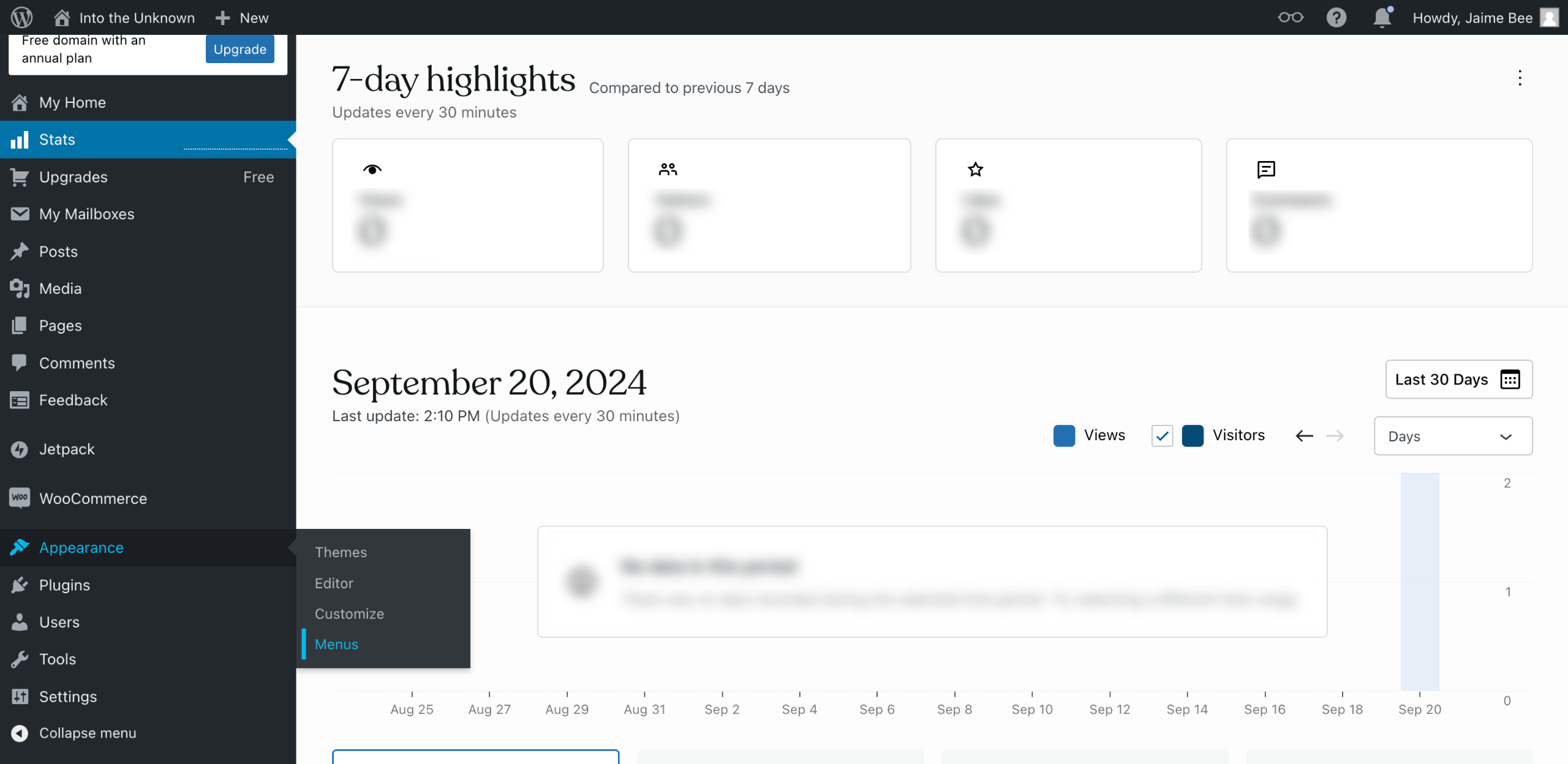
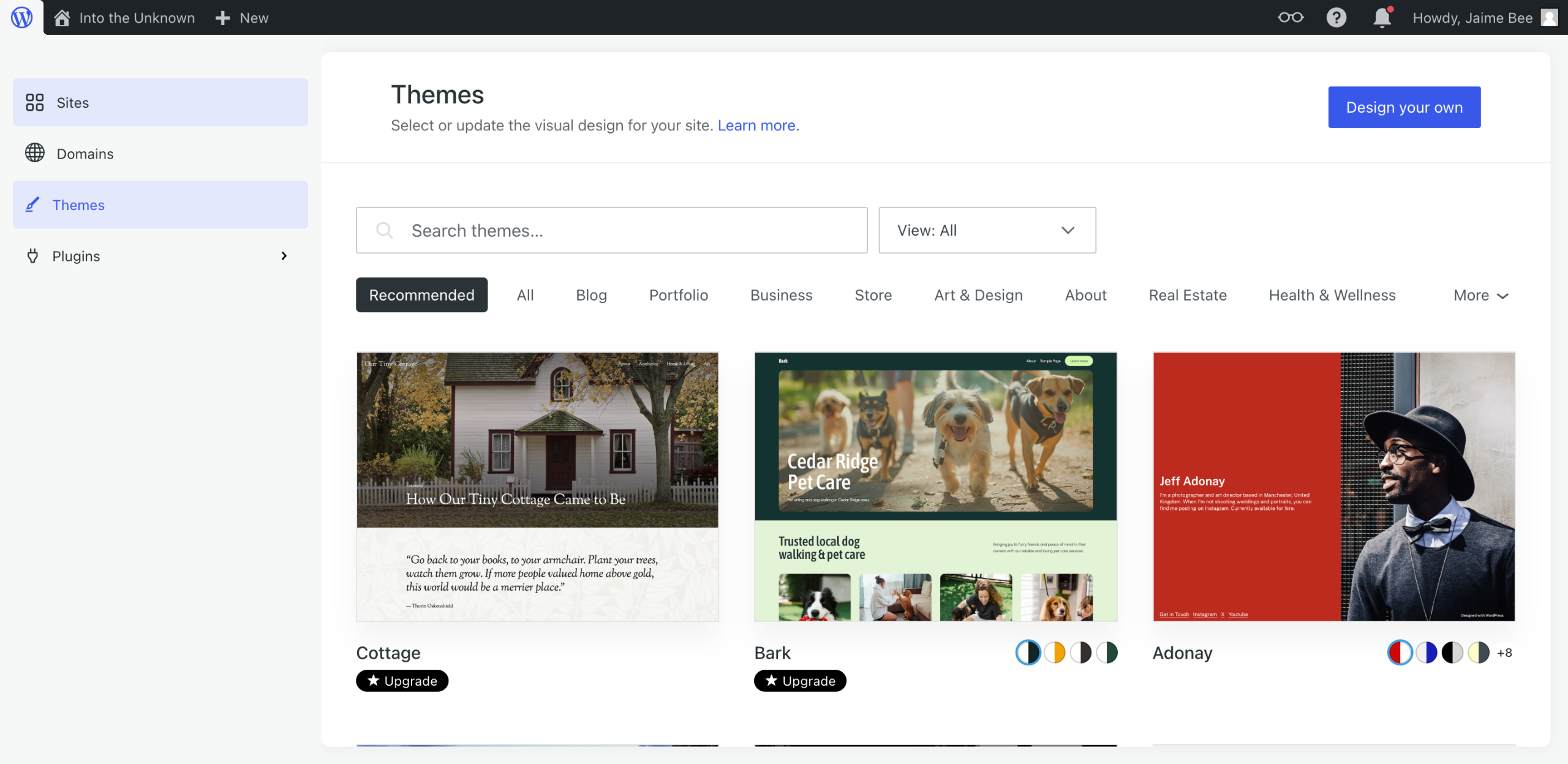
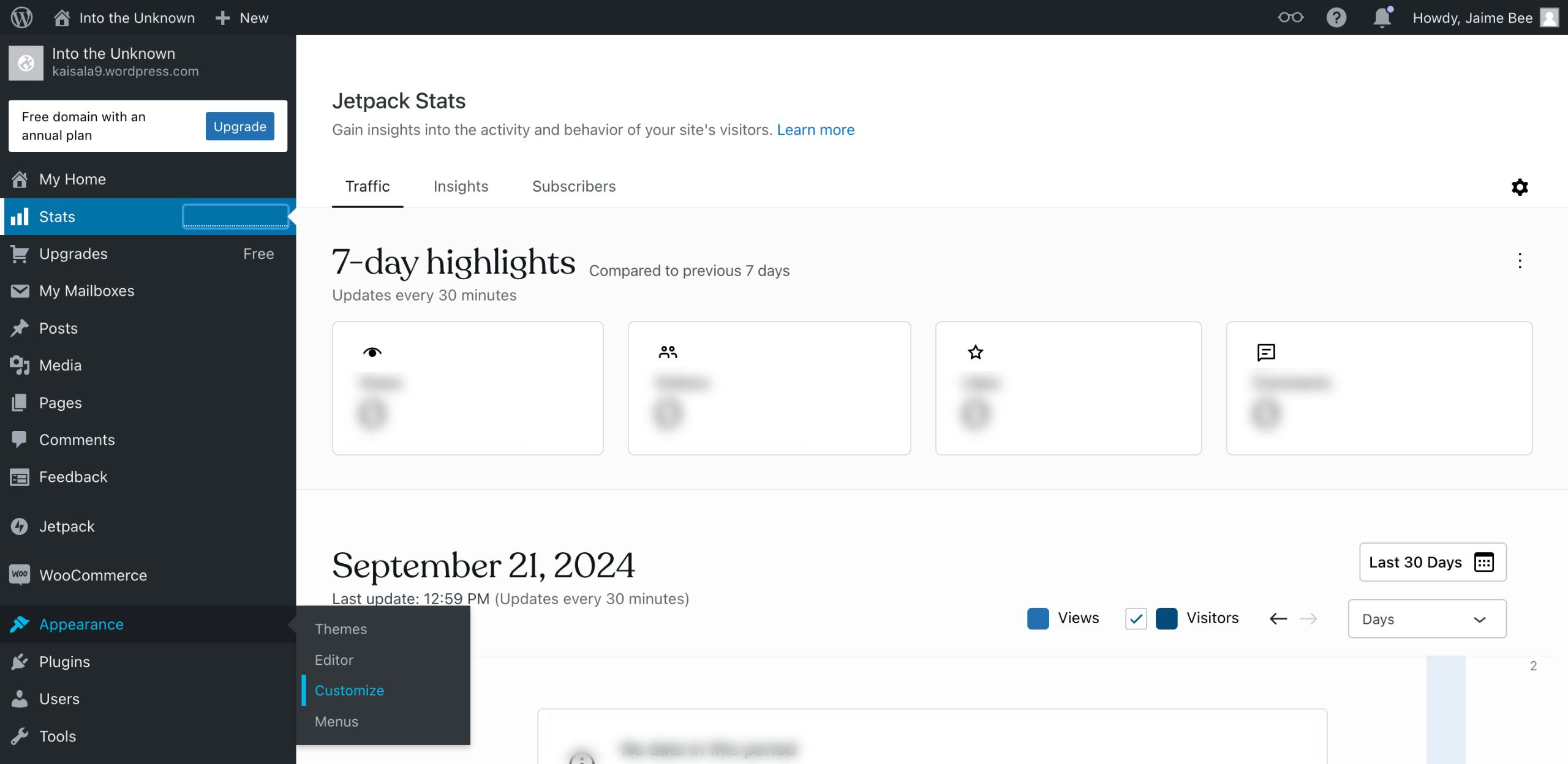
On the left sidebar, hover your mouse cursor over the 'Appearance' section and click 'Customize'.
Following that, select the 'Mobile' icon at the bottom section of the left-side panel to access the mobile settings of your WordPress website.
Find and select the specific configuration you want to edit.
After that, start making your desired changes.
Once done, click 'Save Changes' to apply your recent modifications to the mobile version of your WordPress website.
Quick answer: To edit your site on WordPress, hover over Appearance and click Customize. Next, select the Mobile icon in the left panel, choose the specific configuration you want to edit, and make your desired changes. Finally, click Save Changes to apply your modifications.
About this WordPress tutorial
Modify the mobile version of your WordPress site by accessing the Customizer, selecting mobile settings, and saving your changes. This guide shows how to edit the Mobile Version of the WordPress Site in 5 steps, starting with "On the left sidebar, hover your mouse cursor over the 'Appearance' section and click 'C..." and finishing with "Once done, click 'Save Changes' to apply your recent modifications to the mobile versio...". The interactive demo above is a click-through copy of the real WordPress interface, so you can rehearse each step before doing it in your own account.
Frequently asked questions
How many steps does it take to edit the Mobile Version of the WordPress Site?
5 steps. Each one is listed in order above, and the demo highlights exactly where to click.
Can I try it without changing my own account?
Yes. Clicking through the demo doesn't touch your WordPress data or settings. Once you know the flow, repeat it in your own workspace.
This tutorial is filed under WordPress. Related guides: How to Edit the Navigation Bar in WordPress, How to Edit the WordPress Site and How to Embed a Google Map in WordPress. Last reviewed 05 Oct 2026.

Create your first interactive demo in minutes
No credit card required • Start building today