How to Embed a Podcast into a LinkedIn Newsletter
- George Apostolov
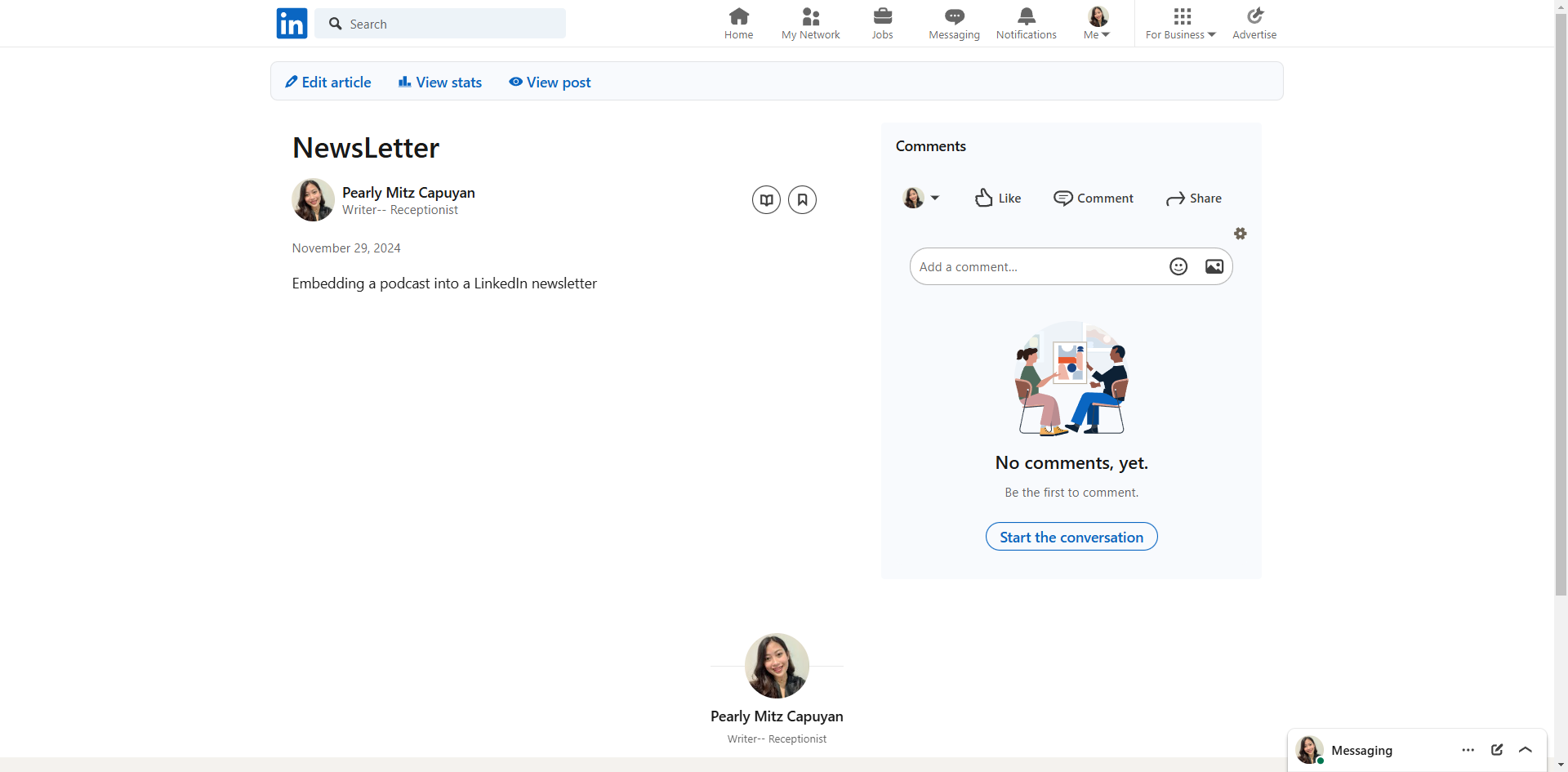
How to Embed a Podcast into a LinkedIn Newsletter: step-by-step guide
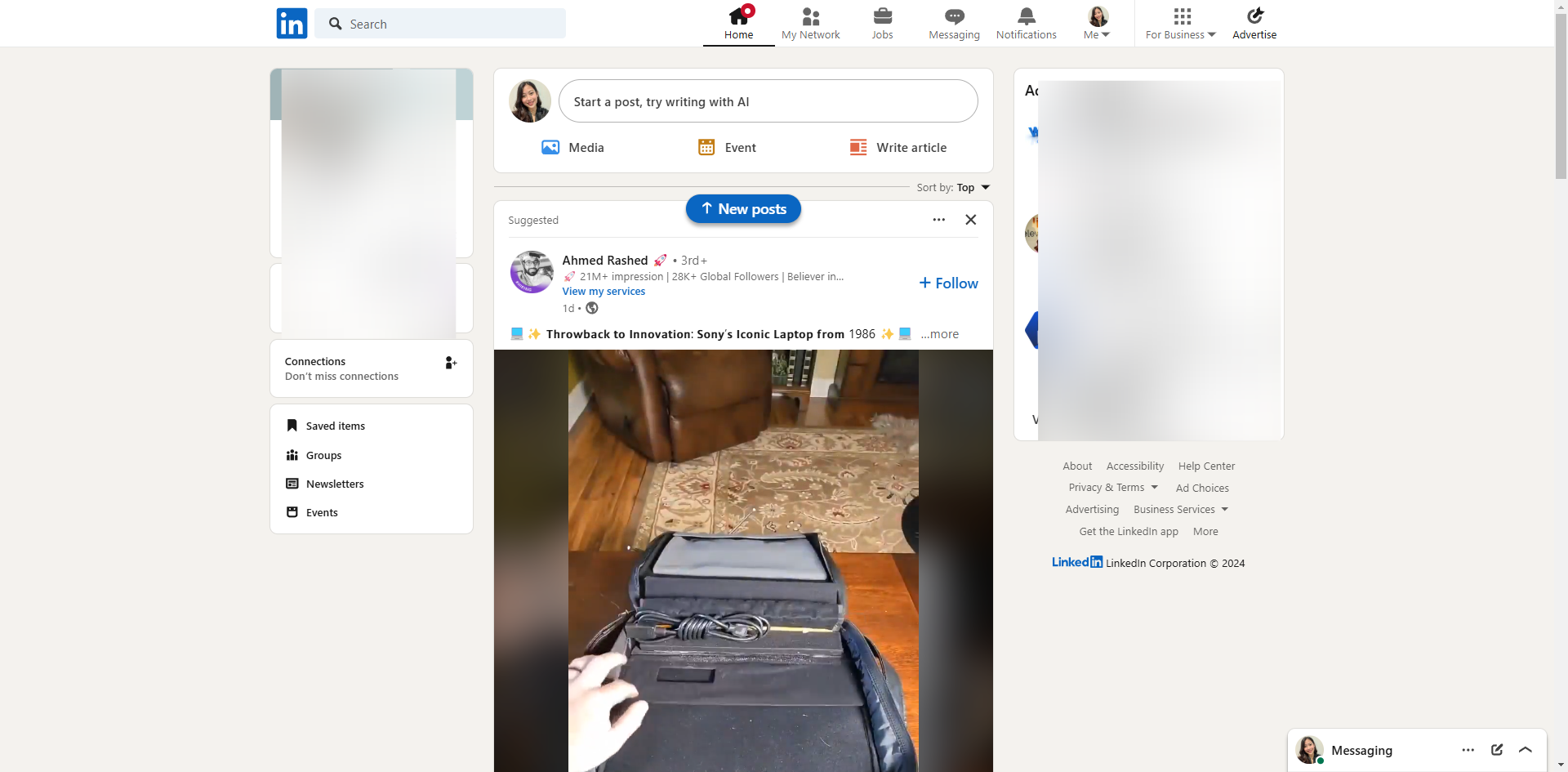
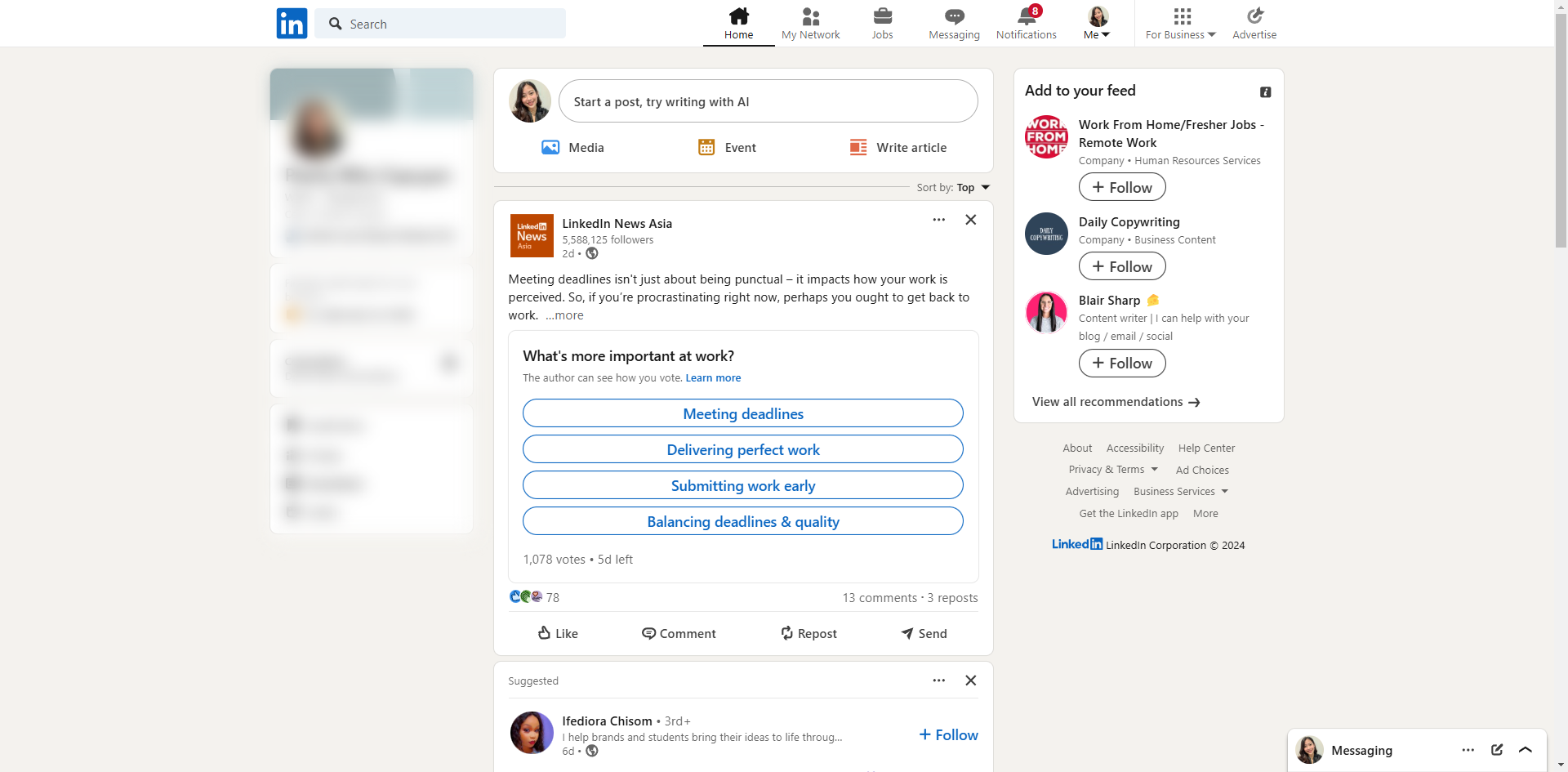
Create or edit a newsletter by navigating to the 'Edit article' section on your LinkedIn homepage.
Click on the embedded icon.
Paste the podcast link directly into the article body. LinkedIn will automatically convert it into an embedded player if the platform is supported.
Add context around the podcast, such as a brief description or key takeaways.
Once satisfied, publish your newsletter by clicking the 'Update' button.
LinkedIn supports embedding rich media, such as podcasts, by linking them through supported platforms or sharing their URLs.
Quick answer: To embed a podcast in your newsletter on LinkedIn, navigate to the Edit article section, click the embedded icon, and paste the podcast link into the article body. Next, add context with a brief description or key takeaways, and then publish your newsletter by clicking the Update button.
About this LinkedIn tutorial
Easily embed podcasts in your LinkedIn newsletter by pasting links into the article body and adding context before publishing updates. This guide shows how to embed a Podcast into a LinkedIn Newsletter in 6 steps, starting with "Create or edit a newsletter by navigating to the 'Edit article' section on your LinkedI..." and finishing with "LinkedIn supports embedding rich media, such as podcasts, by linking them through suppo...". The interactive demo above is a click-through copy of the real LinkedIn interface, so you can rehearse each step before doing it in your own account.
Frequently asked questions
How many steps does it take to embed a Podcast into a LinkedIn Newsletter?
6 steps. Each one is listed in order above, and the demo highlights exactly where to click.
Can I try it without changing my own account?
Yes. Clicking through the demo doesn't touch your LinkedIn data or settings. Once you know the flow, repeat it in your own workspace.
This tutorial is filed under LinkedIn. Related guides: How to Embed LinkedIn Company Feed, How to Embed LinkedIn Profile on Website and How to Enable LinkedIn Two Factor Authentication. Last reviewed 05 Oct 2026.

Create your first interactive demo in minutes
No credit card required • Start building today