How to Find 404 errors on Google Search Console?
- George Apostolov
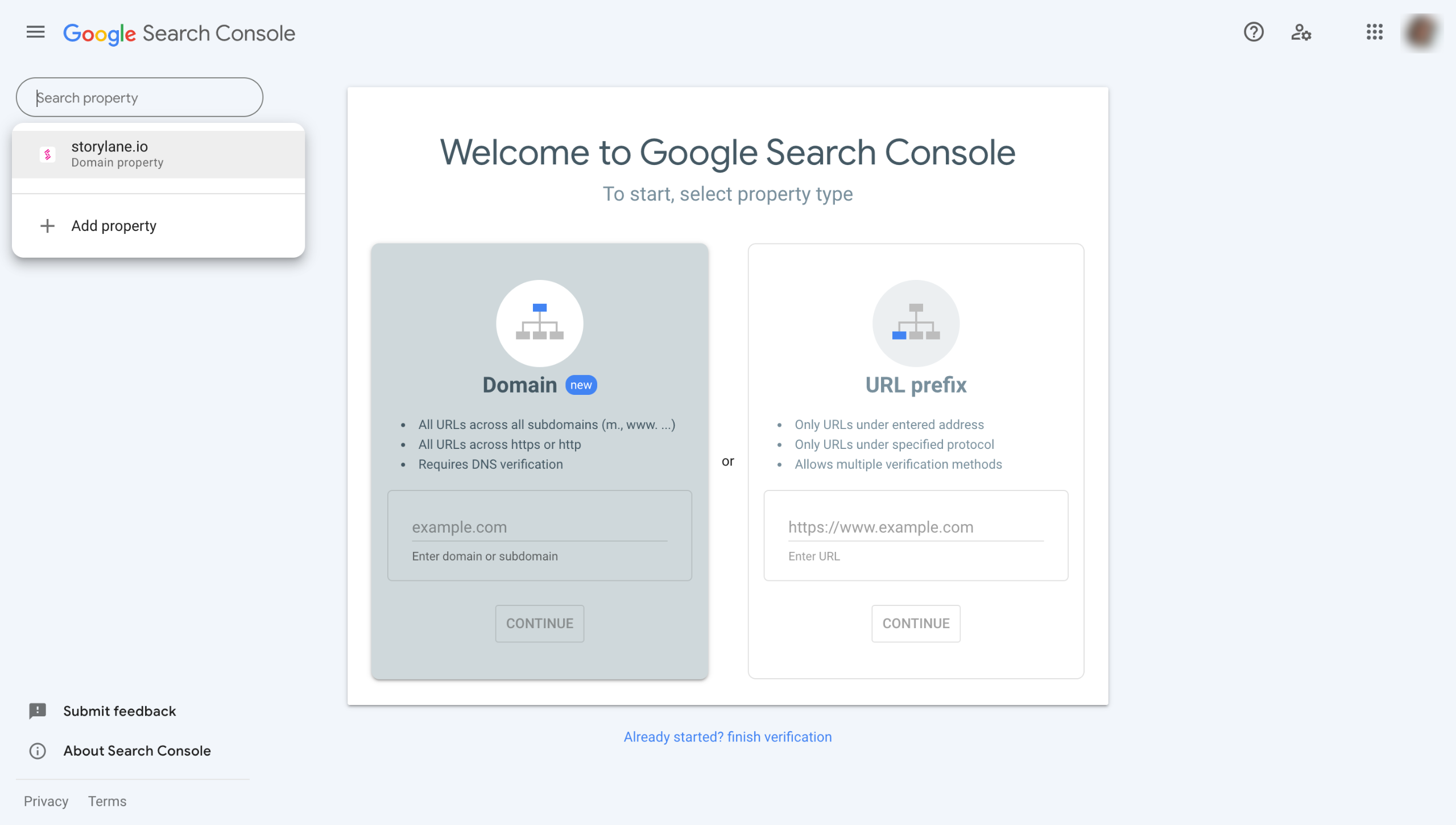
How to Find 404 errors on Google Search Console?: step-by-step guide
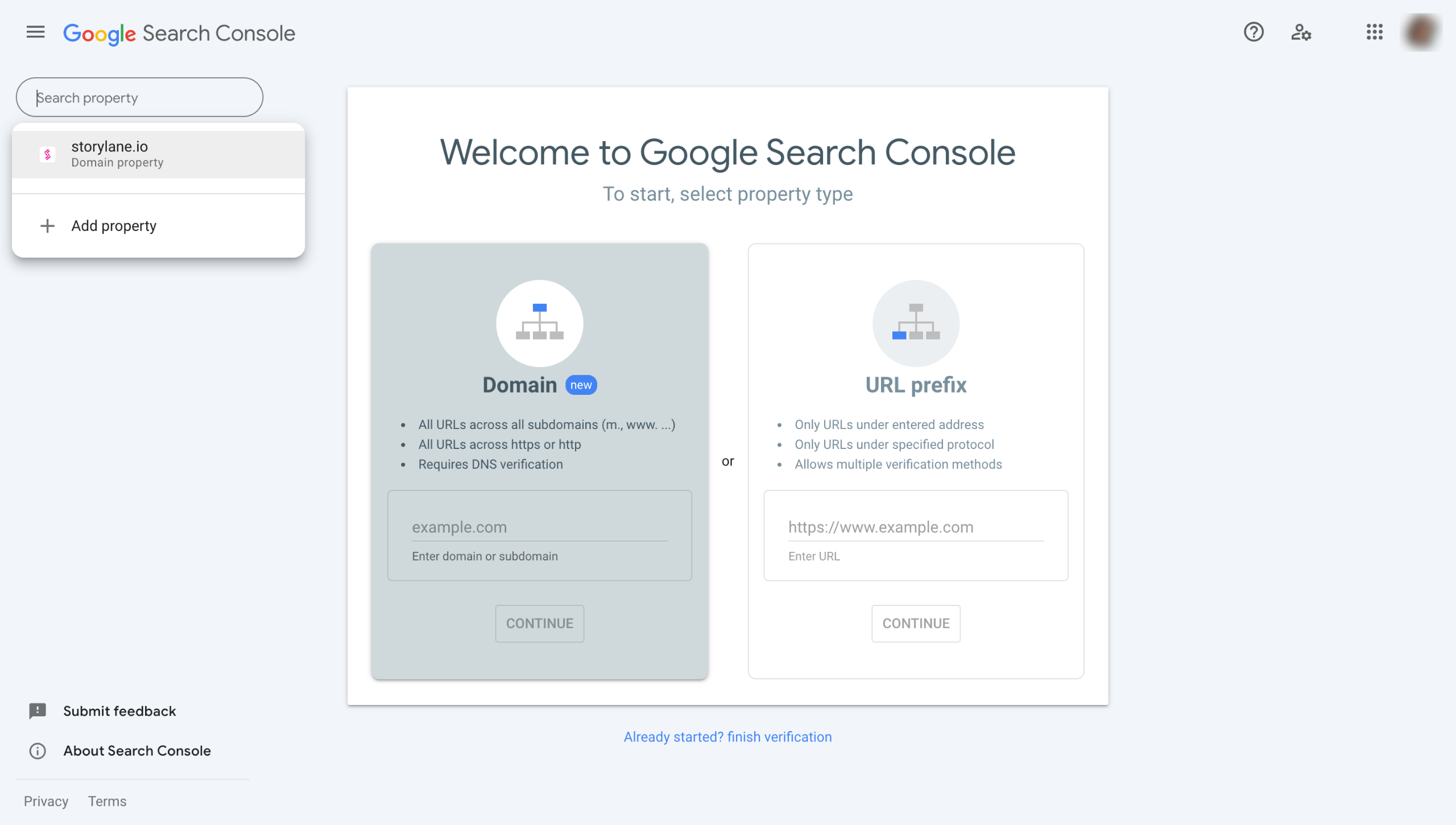
Select the property (website) for which you want to find 404 errors.
Choose the "Pages" option under "Indexing".
Click the "Not indexed" tab.
Scroll down to the "Why pages aren’t indexed" section and choose "Not found (404)" reason.
Here you will get a list of all the URLs that returned a 404 error.
You can export the list in your preferred format or get a shareable link.
Click "Page Indexing" to return to the main menu.
Choose "Soft 404" reason and repeat the process to export or share the error list.
Quick answer: To find 404 errors on Google Search Console, select your property, choose Pages under Indexing, and click the Not indexed tab. Scroll to Why pages aren’t indexed, choose Not found (404), and view or export the URL list. Repeat the process by choosing the Soft 404 reason to export that error list as well.
About this Google tutorial
Locate and export 404 and Soft 404 website errors using Google Search Console indexing reports to easily review missing URLs. This guide shows how to find 404 errors on Google Search Console? in 8 steps, starting with "Select the property (website) for which you want to find 404 errors" and finishing with "Choose ' Soft 404' reason and repeat the process to export or share the error list". The interactive demo above is a click-through copy of the real Google interface, so you can rehearse each step before doing it in your own account.
Frequently asked questions
How many steps does it take to find 404 errors on Google Search Console??
8 steps. Each one is listed in order above, and the demo highlights exactly where to click.
Can I try it without changing my own account?
Yes. Clicking through the demo doesn't touch your Google data or settings. Once you know the flow, repeat it in your own workspace.
This tutorial is filed under Google. Related guides: Google Analytis - Bounce Rate in GA, Google Analytics - How to find my GA tracking id and Google Analytics - Unique visitors. Last reviewed 05 Oct 2026.

Create your first interactive demo in minutes
No credit card required • Start building today