How to install gitlab
- George Apostolov
How to install gitlab: step-by-step guide
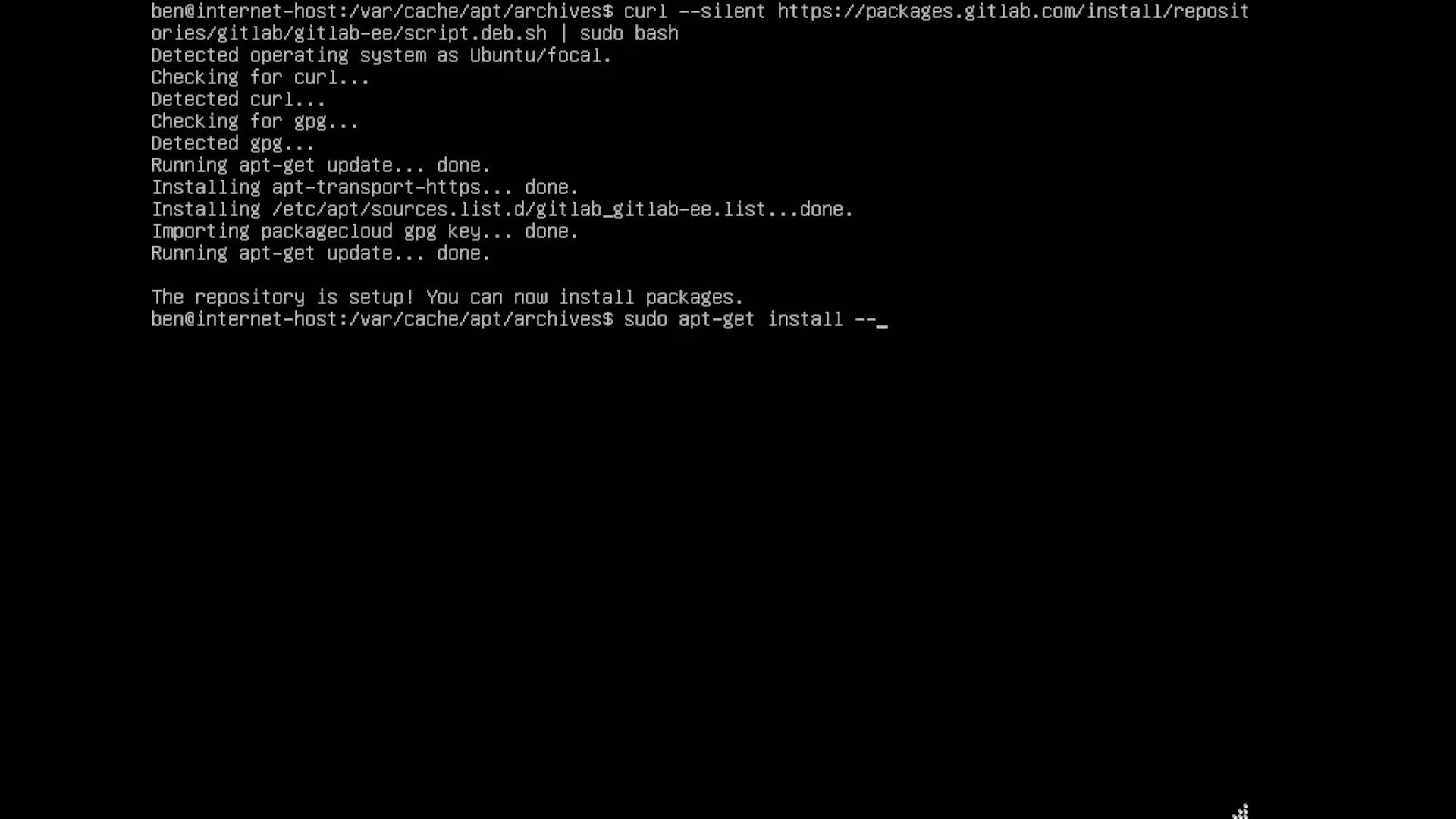
On a host with internet access, download the necessary repository files by running the following command: curl --silent https://packages.gitlab.com/install/repositories/gitlab/gitlab-ee/script.deb.sh | sudo bash.
Run the following command to download the GitLab Enterprise Edition package without installing it "
sudo apt-get install --download-only gitlab-ee."After downloading, check the files in the directory by running the
lscommand. This will display a list of files saved in the directory, including any temporary or unused files."Now copy the downloaded GitLab package onto a USB drive or other removable media, then transfer it to the offline environment for installation. Run the command "sudo cp *.deb /mnt/usb"
Open your offline environment host and transfer the files you copied earlier.
Before installing GitLab, run the command
sudo dpkg -ito install any required dependencies.To complete the installation, run the following command: "sudo EXTERNAL_URL="http://<your-gitlab-url>" dpkg -i gitlab-ee_14.7.2-33.0_amd64.deb."
Quick answer: To install GitLab, download the repository files and the Enterprise Edition package on an internet-connected host. Check the directory files, copy the package to removable media, and transfer it to the offline environment. Finally, install required dependencies and complete the installation using the dpkg command.
About this GitLab tutorial
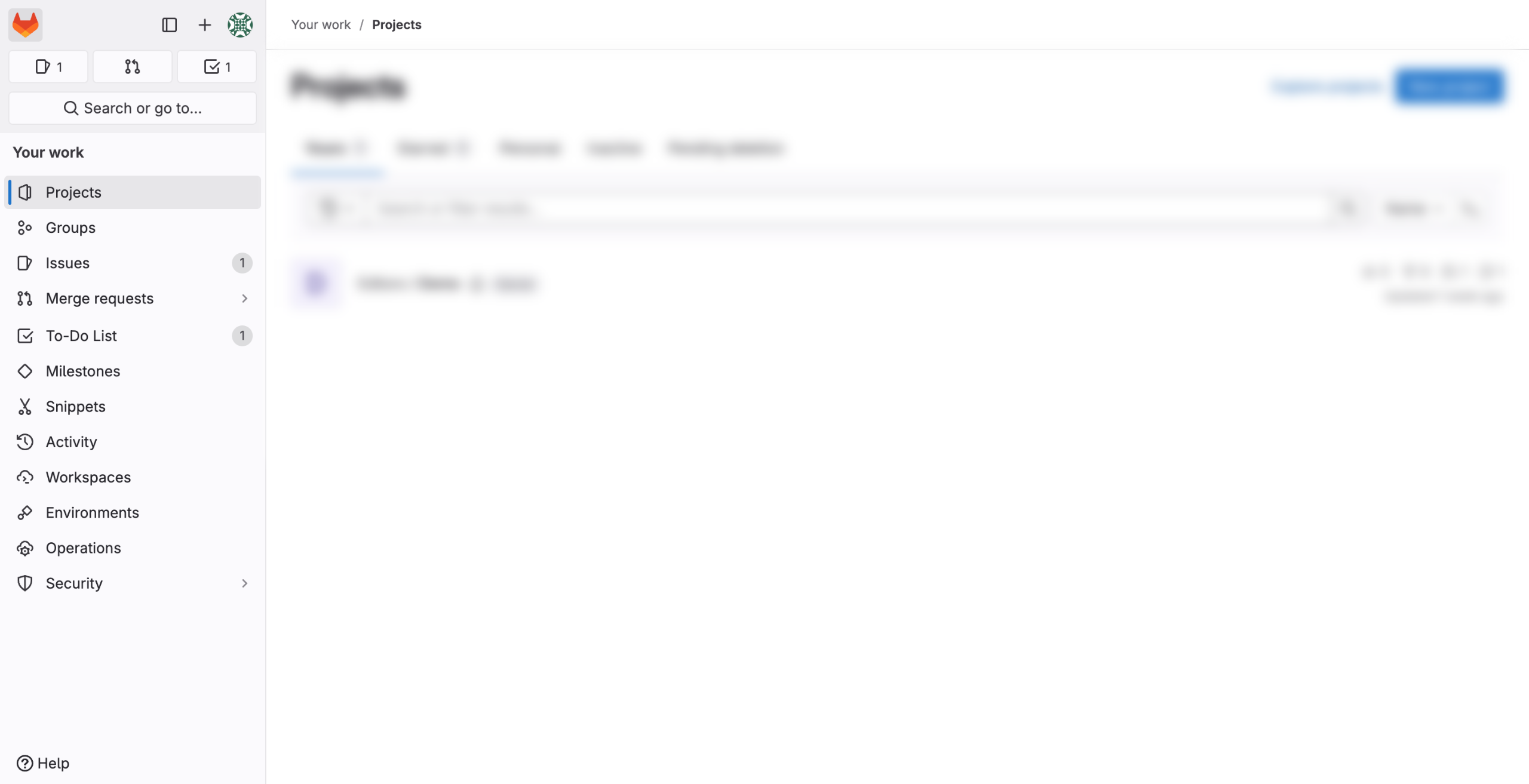
Download repository files and packages to set up GitLab in an offline environment, transfer via USB, and complete the installation. This guide shows how to install gitlab in 7 steps, starting with "On a host with internet access, download the necessary repository files by running the..." and finishing with "To complete the installation, run the following command: 'sudo EXTERNAL_URL='http://<yo...". The interactive demo above is a click-through copy of the real GitLab interface, so you can rehearse each step before doing it in your own account.
Frequently asked questions
How many steps does it take to install gitlab?
7 steps. Each one is listed in order above, and the demo highlights exactly where to click.
Can I try it without changing my own account?
Yes. Clicking through the demo doesn't touch your GitLab data or settings. Once you know the flow, repeat it in your own workspace.
This tutorial is filed under GitLab. Related guides: How to Integrate Asana with Gitlab, How to Integrate ClickUp with Gitlab and How to Integrate Confluence with Gitlab. Last reviewed 05 Oct 2026.

Create your first interactive demo in minutes
No credit card required • Start building today