How to Integrate Slack with Webflow
How to Integrate Slack with Webflow: step-by-step guide
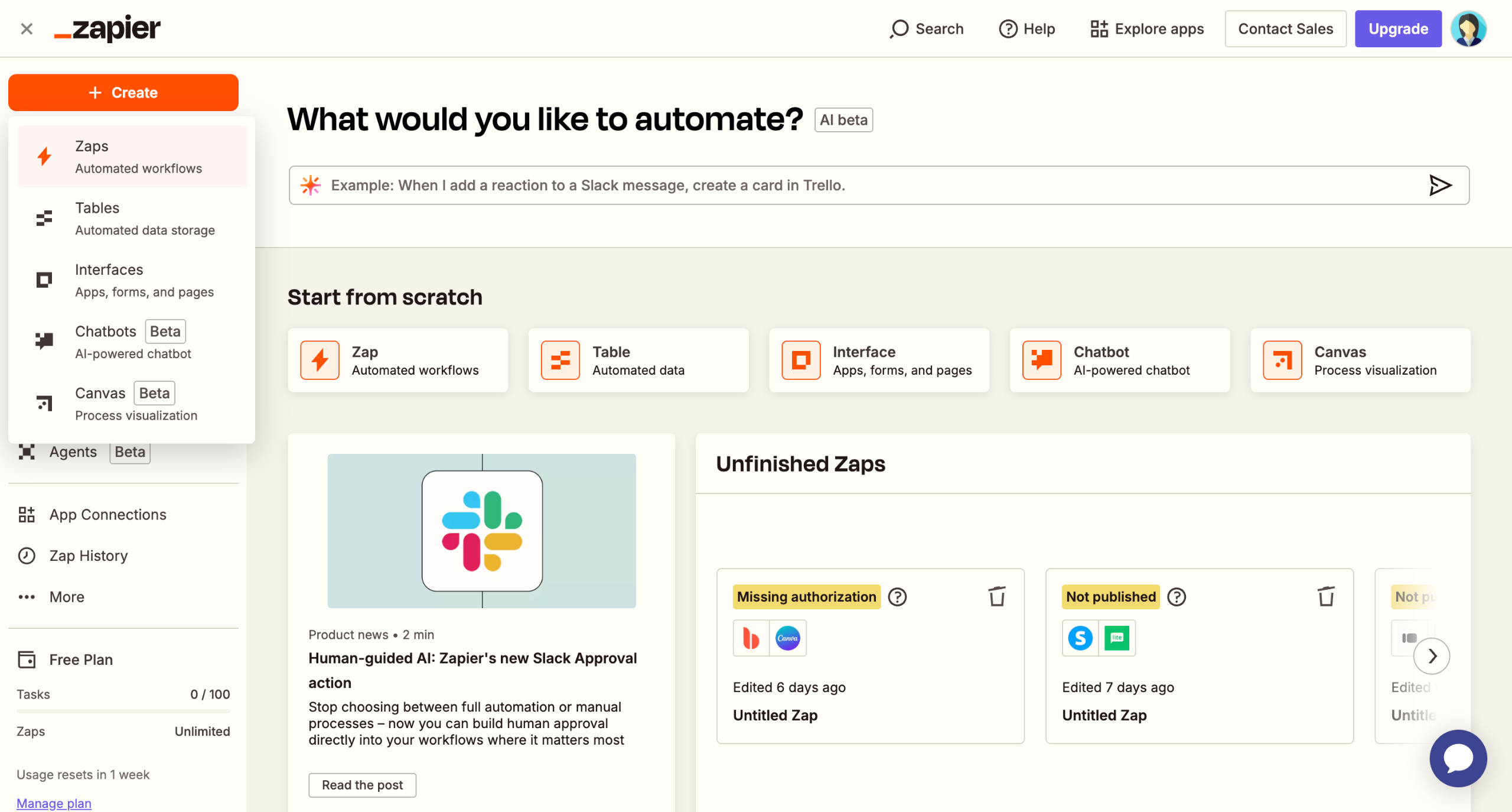
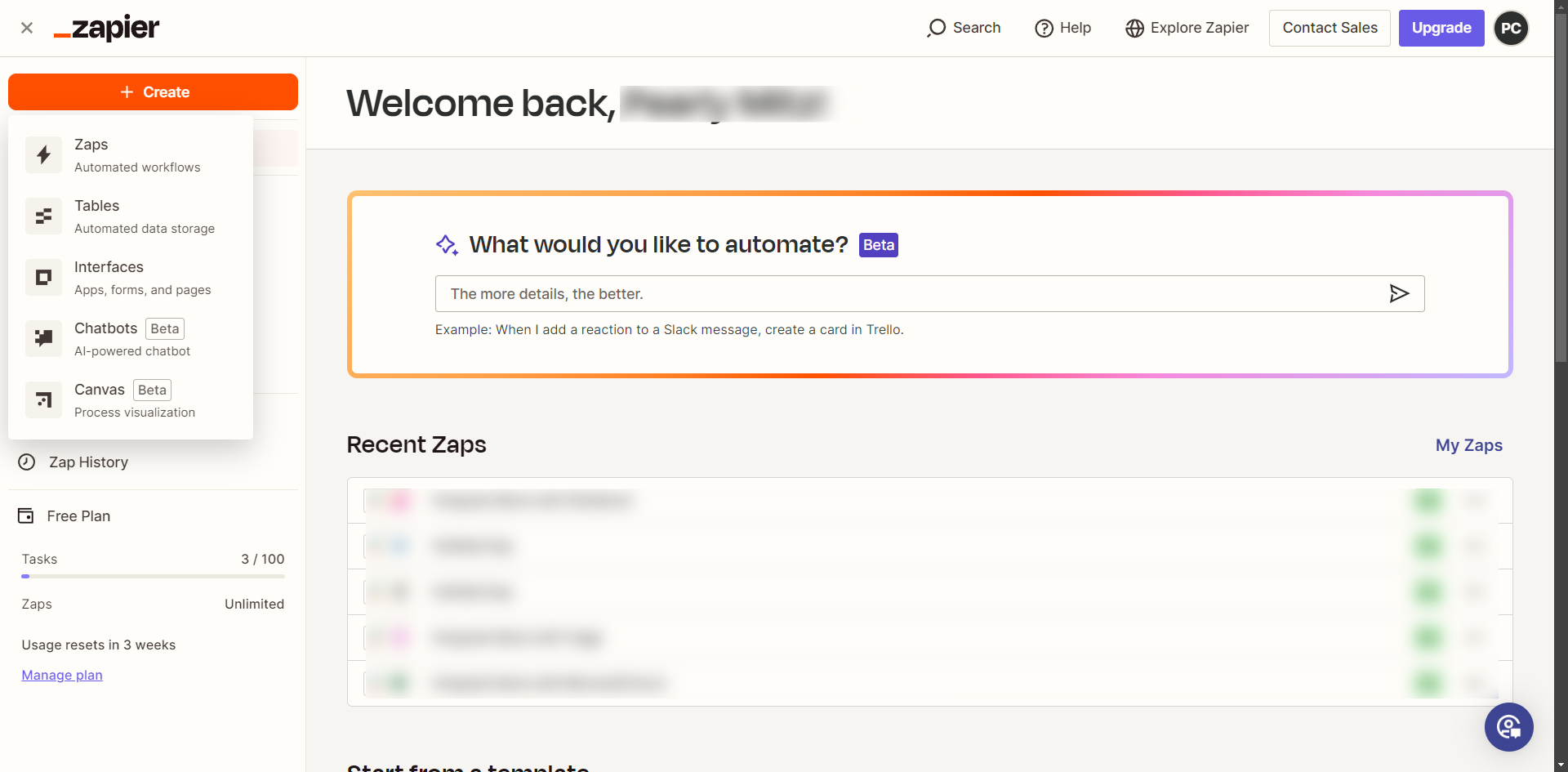
Click 'Create' and select 'Zap' to start automation.
Click 'Trigger'.
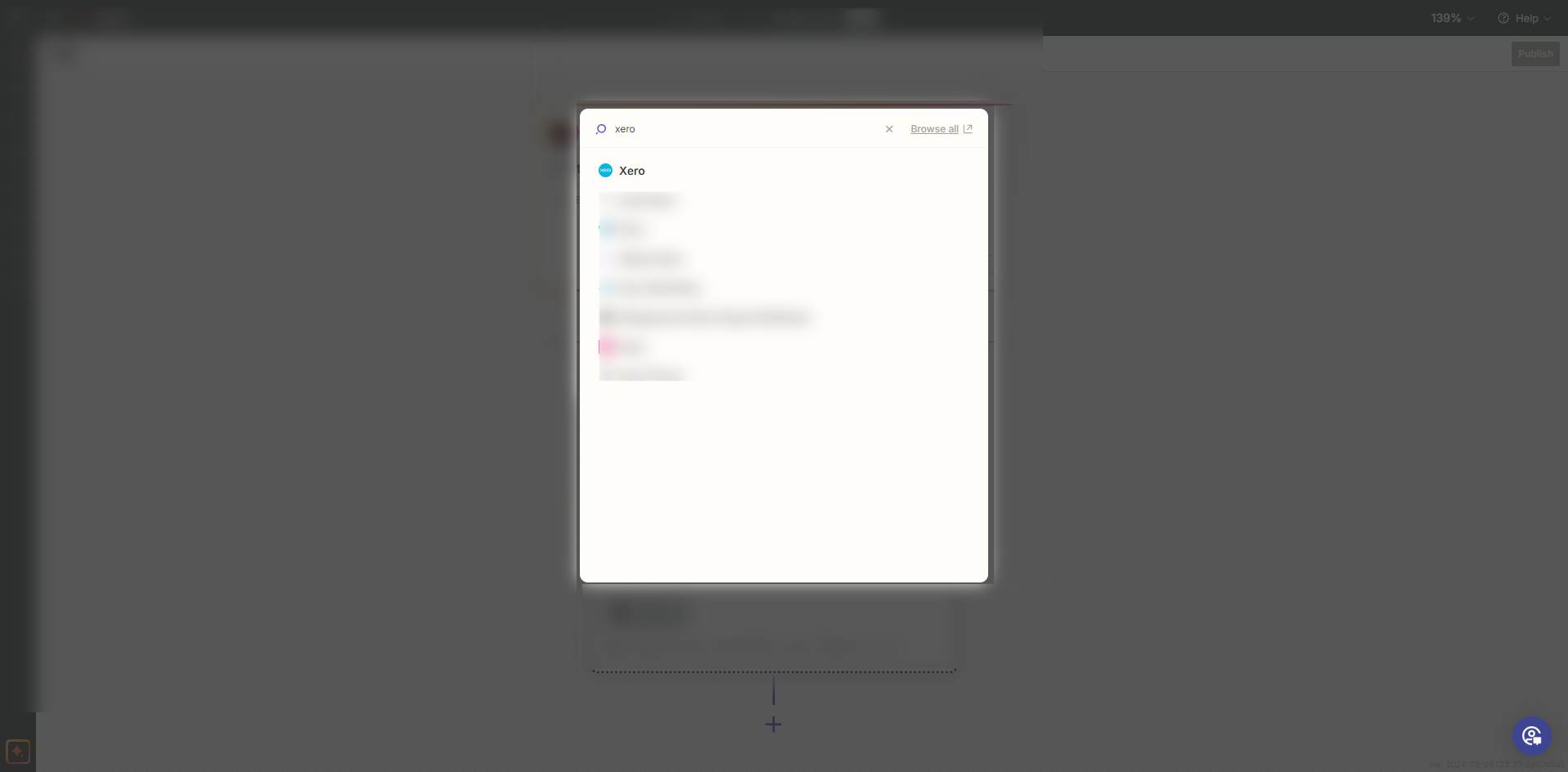
Search and select 'Slack' as the trigger app.
Choose a trigger event based on your requirements.
Log in and authorize Zapier to access your Slack account.
Click 'Test trigger' and Zapier will pull sample data from Slack to ensure everything is set up correctly.
Search and select 'Webflow' as the action app.
Choose an action event such as 'Create Item' or 'Create Live Item'.
Choose your Webflow site and specific forms or collections to monitor.
Click on Sign in to Webflow and authorize Zapier to access your Webflow account.
You can filter by form name, collection ID, etc., depending on the action event you selected. Click 'Continue' once satisfied.
Click 'Test step' to verify the setup.
Once satisfied with the configuration, turn on your Zap to enable the integration by clicking 'Publish'.
Quick answer: To integrate Slack with Webflow, create a Zap, select Slack as the trigger app, and authorize your account. Test the trigger, select Webflow as the action app, choose an action event, sign in, configure your settings, test the step, and publish your Zap to enable the integration.
About this Slack tutorial
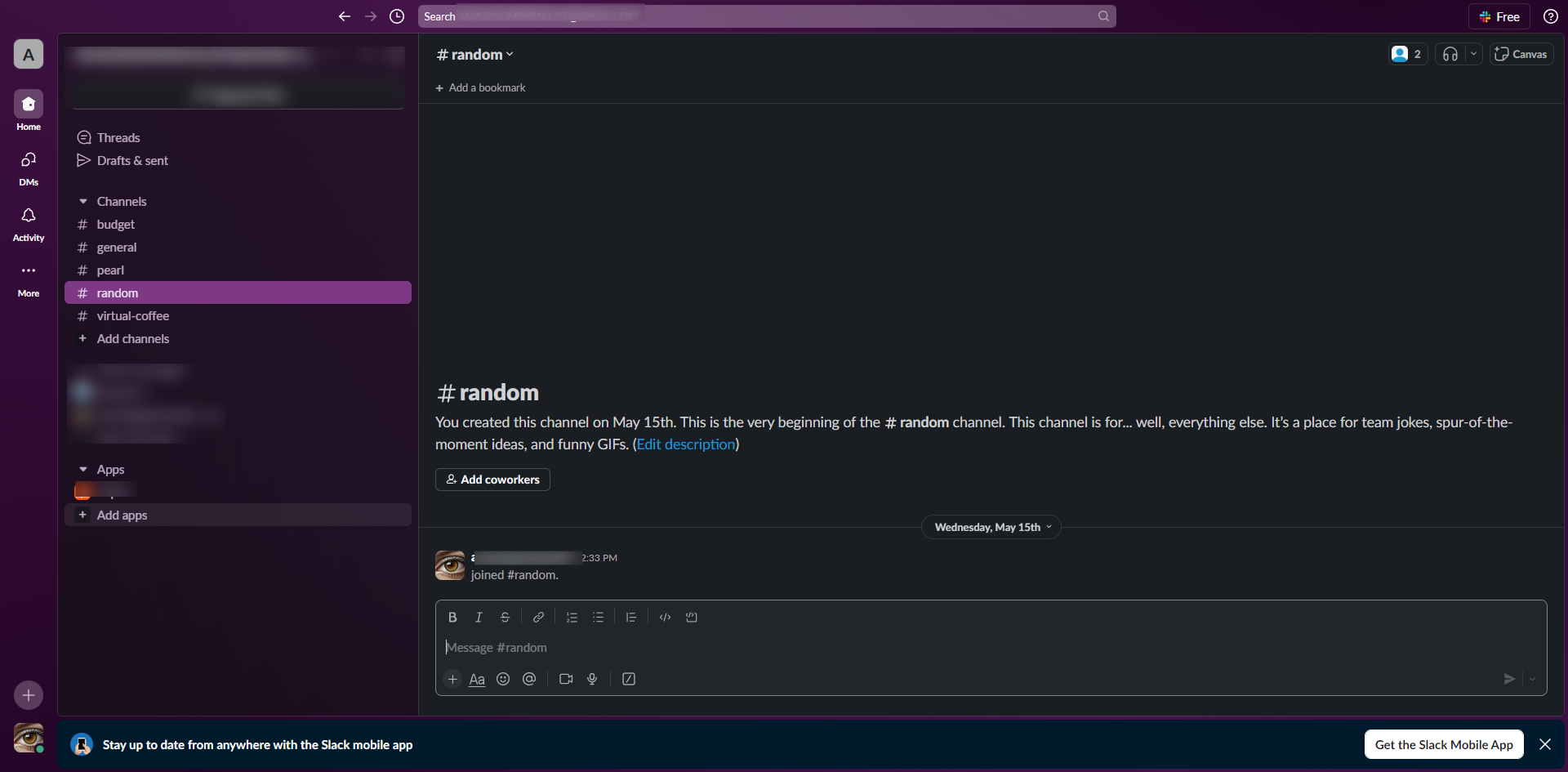
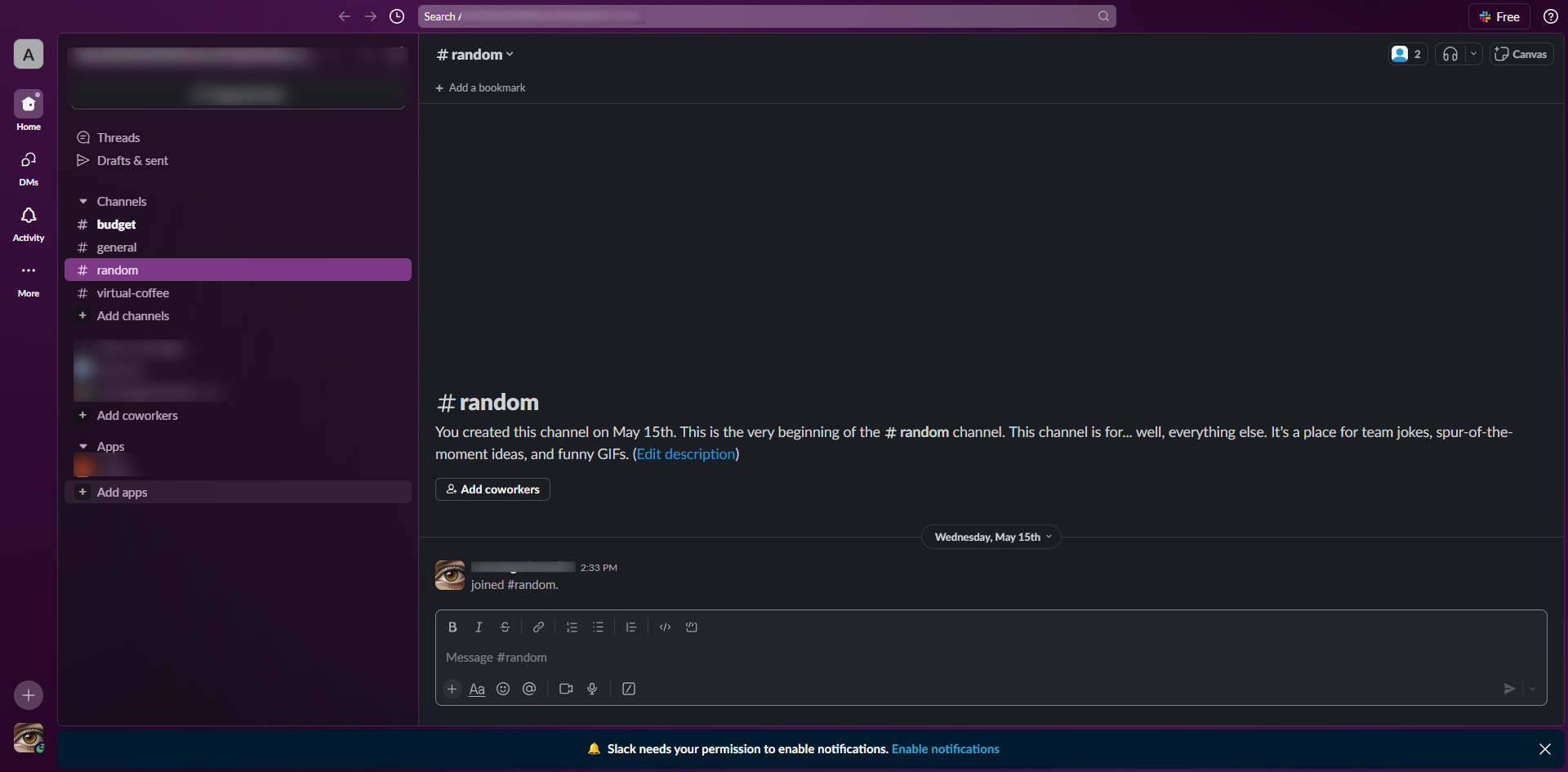
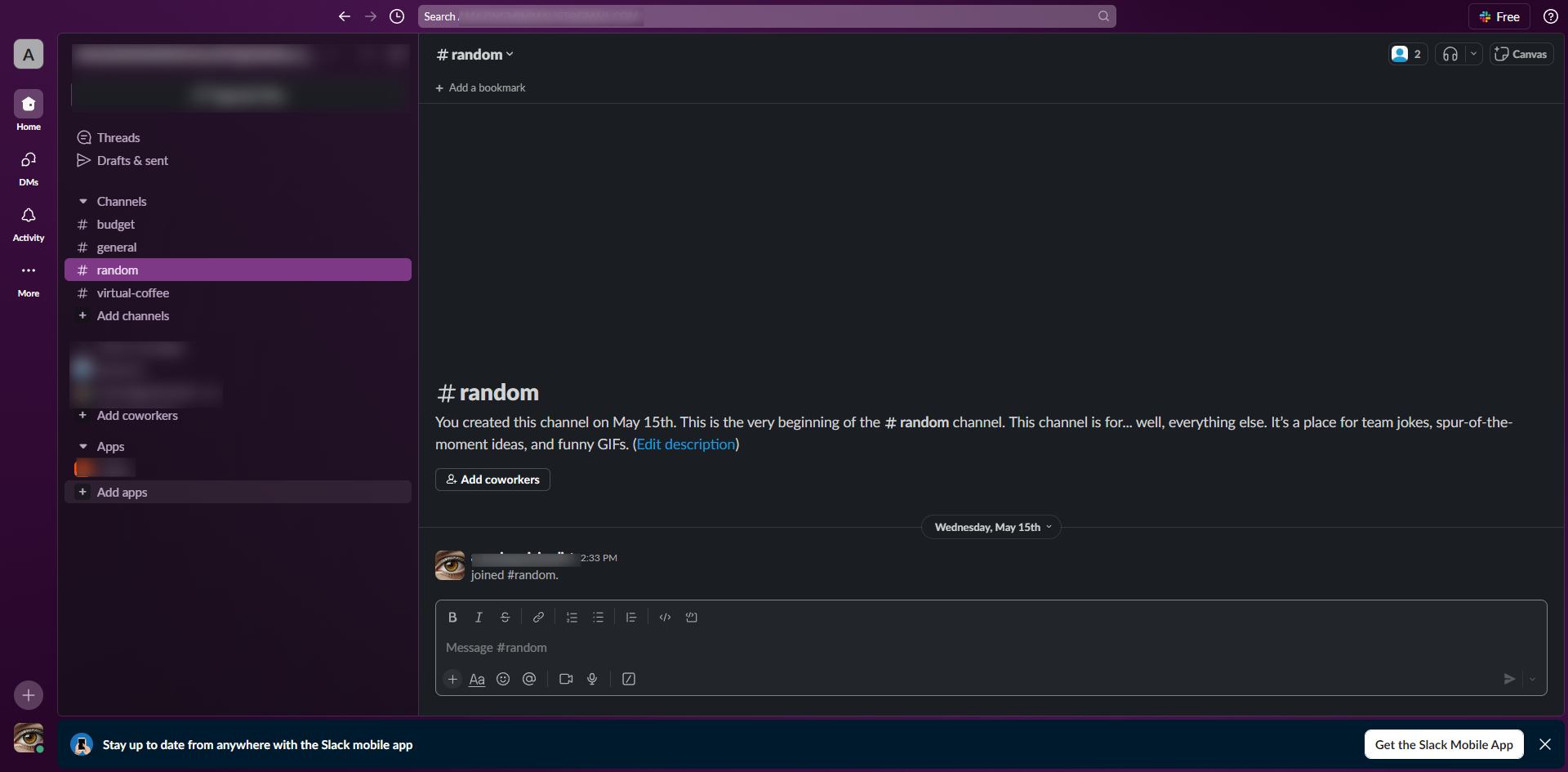
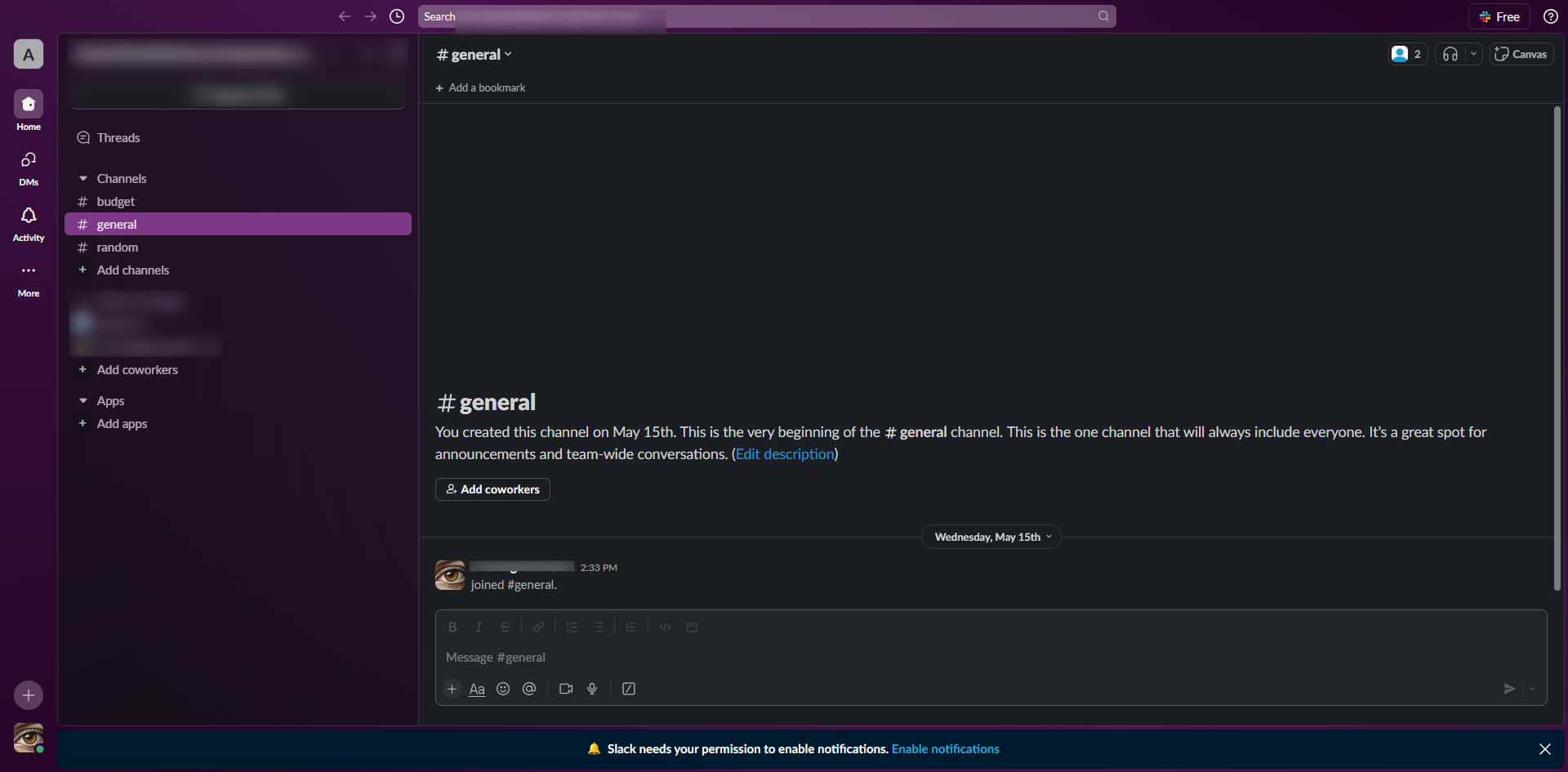
Connect Slack to Webflow using Zapier by setting up your trigger, action, and authorizing accounts to automate your workflow easily. This guide shows how to integrate Slack with Webflow in 13 steps, starting with "Click 'Create' and select 'Zap' to start automation" and finishing with "Once satisfied with the configuration, turn on your Zap to enable the integration by cl...". The interactive demo above is a click-through copy of the real Slack interface, so you can rehearse each step before doing it in your own account.
Frequently asked questions
How many steps does it take to integrate Slack with Webflow?
13 steps. Each one is listed in order above, and the demo highlights exactly where to click.
Can I try it without changing my own account?
Yes. Clicking through the demo doesn't touch your Slack data or settings. Once you know the flow, repeat it in your own workspace.
This tutorial is filed under Slack and Webflow. Related guides: How to Integrate Slack with Webhooks, How to Integrate Slack with Wistia and How to Integrate Slack with Workable. Last reviewed 05 Oct 2026.

Create your first interactive demo in minutes
No credit card required • Start building today