How to Set up User Authentication in Bubble.io
- George Apostolov
How to Set up User Authentication in Bubble.io: step-by-step guide
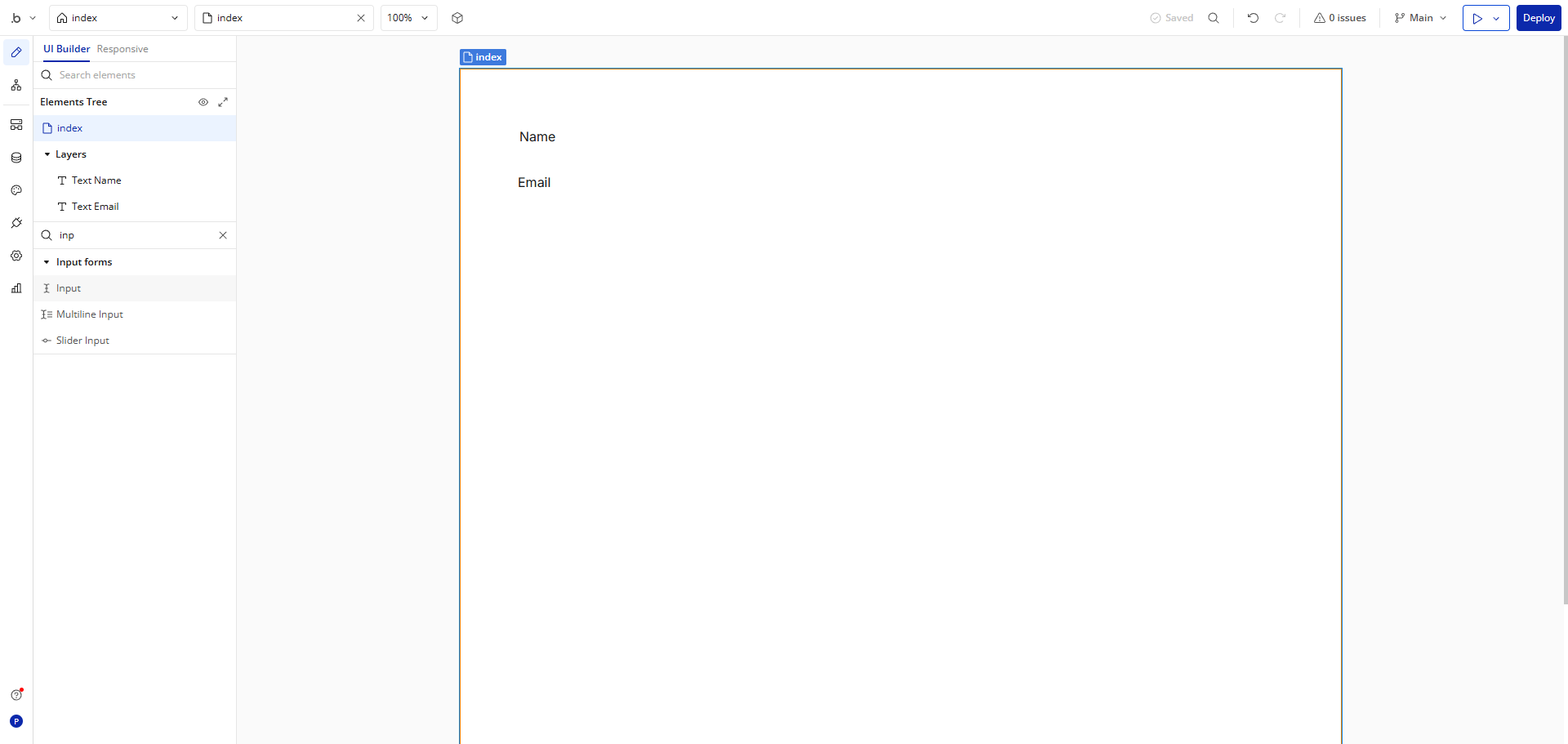
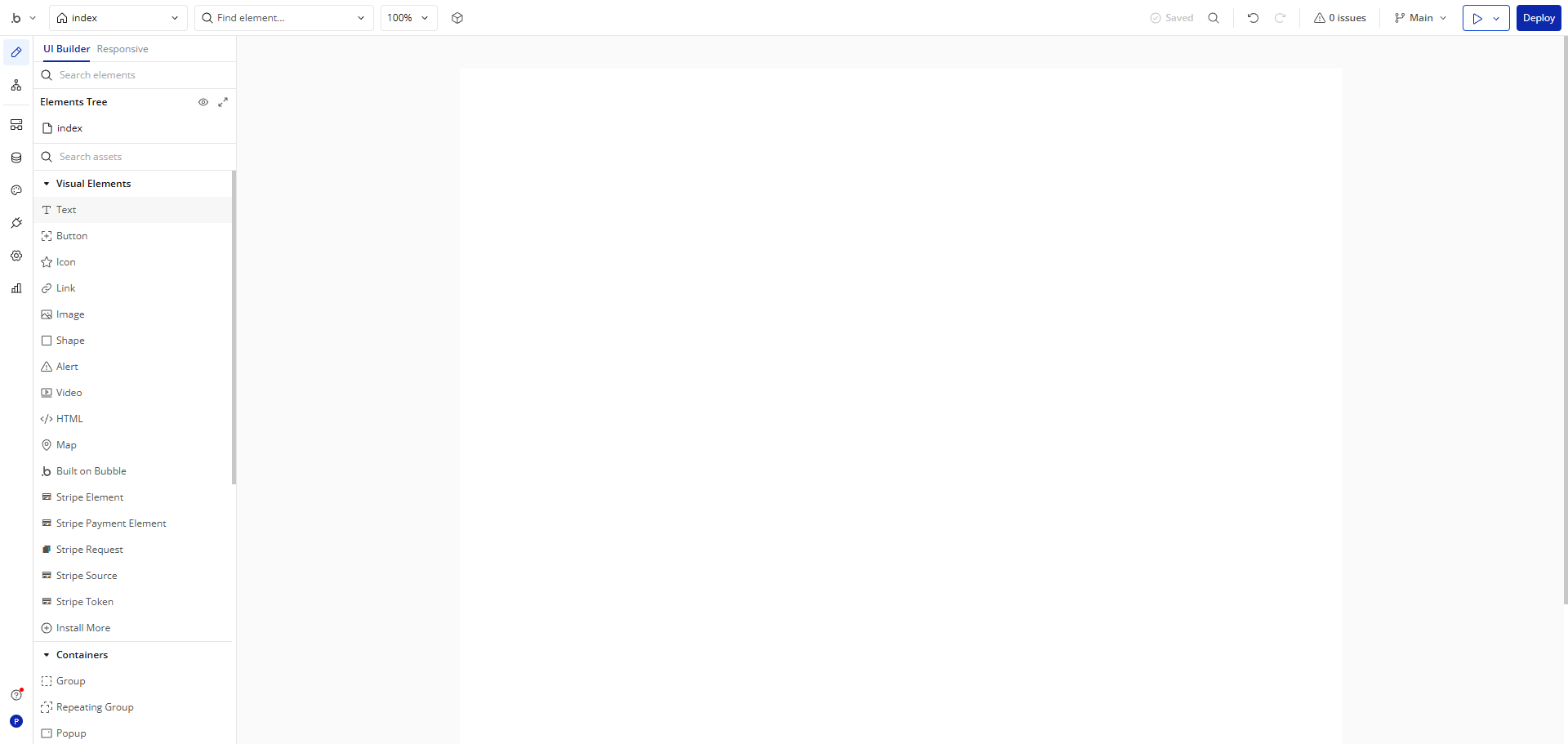
Start building your interface by adding a 'Text' element for your sign-up form.
Customize this field for the Username input on your registration form.
Set up the 'Password' field to securely collect user credentials.
Design an interactive 'Button' element for form submission.
Customize your 'Sign Up' button with dynamic data capabilities.
Now, let's make your 'Sign Up' button functional with workflows.
Click 'Add workflow' to create a new workflow to process user registration.
Click the add icon to build your authentication flow.
Navigate to the 'Account' options for user management features.
Choose the user registration action to enable account creation.
Define what happens when a user interacts with your form.
Access 'Current User' data to personalize the experience after signup.
Connect the 'Password' field to your authentication system.
Test your workflow logic to ensure smooth registration.
Implement post-registration navigation to enhance user flow.
Review your complete Sign Up workflow before launching your app and click 'Deploy'.
Quick answer: To set up user authentication in Bubble, add a Text element for the sign-up form, customize the Username and Password fields, design a submit button, and add a workflow. Click Add workflow, select the user registration action, define the interaction, connect the password, test the logic, navigate post-registration, and deploy.
About this Bubble tutorial
Configure user registration and workflows in Bubble. Add form fields, connect passwords, define actions, and deploy your app. This guide shows how to set up User Authentication in Bubble.io in 16 steps, starting with "Start building your interface by adding a 'Text' element for your sign-up form" and finishing with "Review your complete Sign Up workflow before launching your app and click 'Deploy'". The interactive demo above is a click-through copy of the real Bubble interface, so you can rehearse each step before doing it in your own account.
Frequently asked questions
How many steps does it take to set up User Authentication in Bubble.io?
16 steps. Each one is listed in order above, and the demo highlights exactly where to click.
Can I try it without changing my own account?
Yes. Clicking through the demo doesn't touch your Bubble data or settings. Once you know the flow, repeat it in your own workspace.
This tutorial is filed under Bubble. Related guides: How to Use API Connector in Bubble.io, How to Use Repeating Groups in Bubble.io and Bubble.io Stripe Integration. Last reviewed 05 Oct 2026.

Create your first interactive demo in minutes
No credit card required • Start building today