How to Sign Up For Hootsuite
- George Apostolov
How to Sign Up For Hootsuite: step-by-step guide
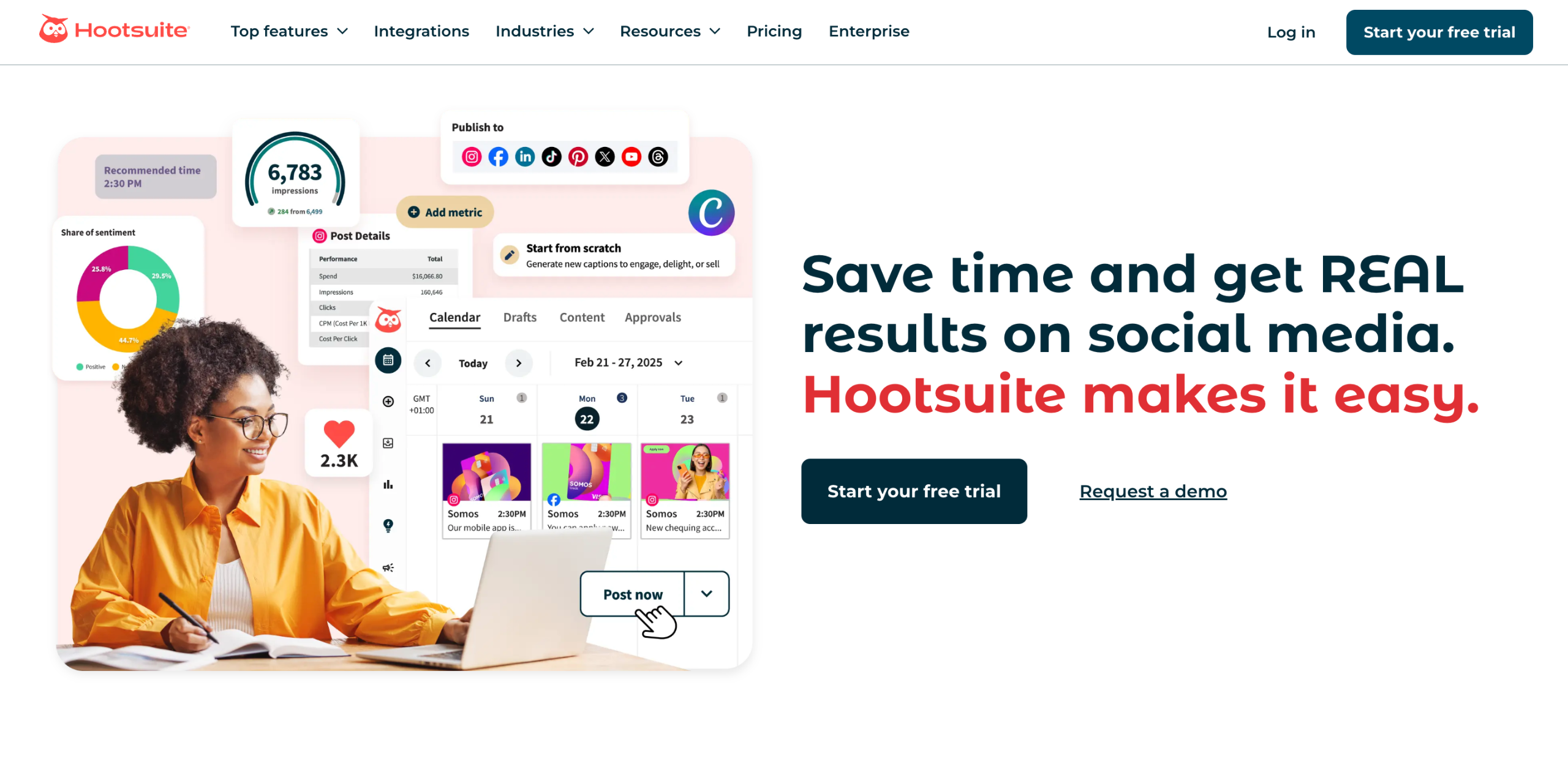
On Hootsuite's website, tap 'Start Your Free Trial' to get started.
After that, decide whether you want to create an individual or a team Hootsuite account. Tap the corresponding 'Start Your Free 30-Day Trial' button right below your choice.
Provide your 'Full Name', 'Business Email Address', and 'Password'. Enter them into their respective input fields and then tap 'Create My Account'. Alternatively, sign up using your existing Facebook, LinkedIn, X, or Google Account. Simply click your preferred platform and log into your active account.
Select your preferred billing cycle based on your preference. Simply click 'Annual Billing' or 'Monthly Billing'.
Select your preferred payment method and then provide the necessary billing details. Type them one by one into their respective input fields.
Once done, review the terms of the selected Hootsuite subscription, then tap 'Start My Free Trial' to proceed.
Tap 'Open Gmail' afterwards and look for the email sent by Hootsuite. To confirm it, click the 'Verify My Email' button inside.
Specify your Goal and Role. Simply select one from the given choices. Once done, click 'Next'.
Following that, add at least two social accounts. To do that, select your preferred platform and log into your active account.
Once done, tap 'Add More Later' to continue.
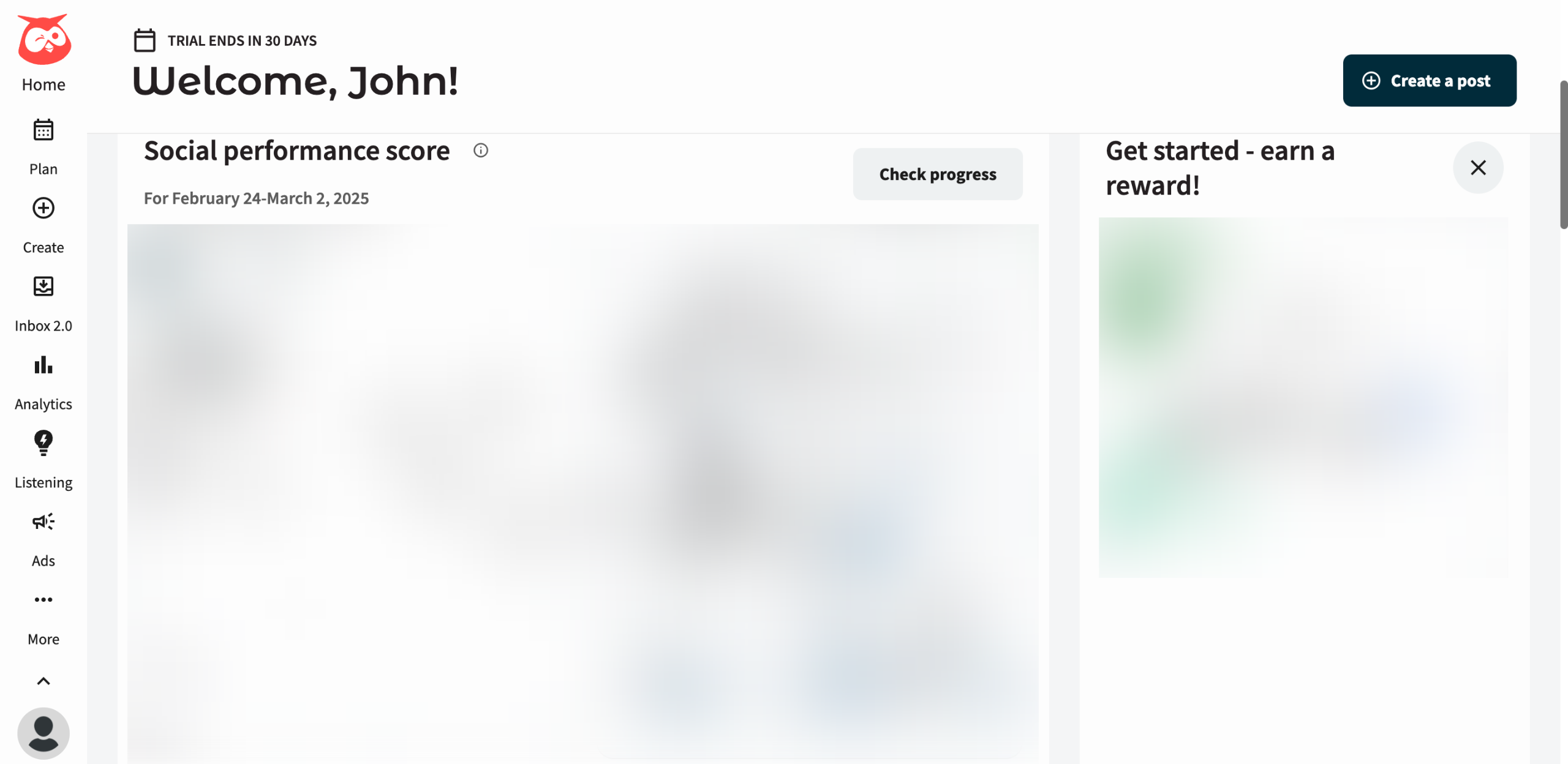
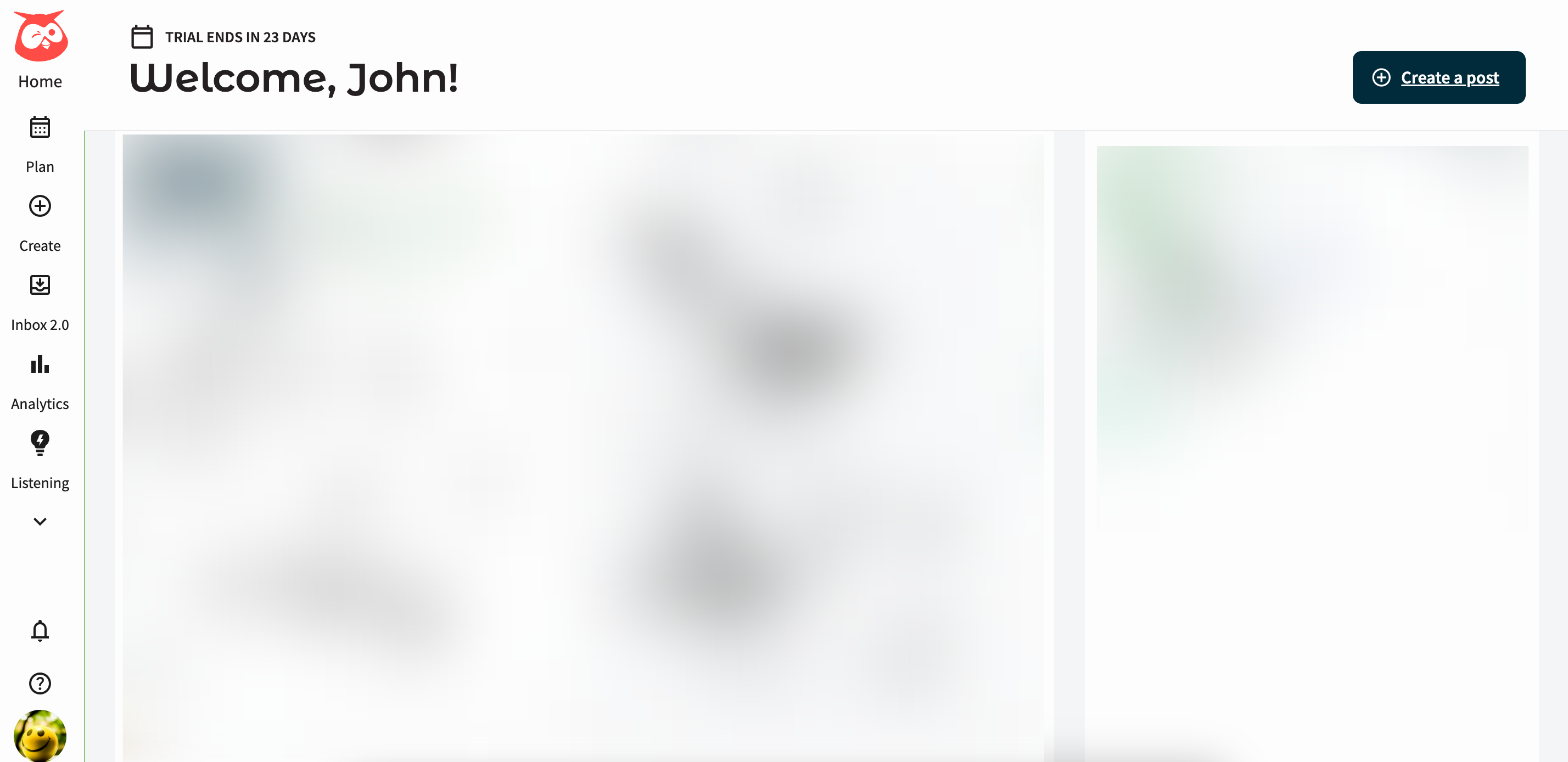
Finally, tap 'Let's Go' to activate and access your newly created Hootsuite account.
Quick answer: To sign up for Hootsuite, tap 'Start Your Free Trial', choose an account type, and provide your credentials or social account. Select a billing cycle and payment method, then review terms and start your trial. Verify your email, specify your goal and role, add social accounts, and tap 'Let's Go'.
About this Hootsuite tutorial
Create your Hootsuite account by choosing a plan, entering payment details, verifying your email, and setting up your initial profile. This guide shows how to sign Up For Hootsuite in 11 steps, starting with "On Hootsuite's website, tap 'Start Your Free Trial' to get started" and finishing with "Finally, tap 'Let's Go' to activate and access your newly created Hootsuite account". The interactive demo above is a click-through copy of the real Hootsuite interface, so you can rehearse each step before doing it in your own account.
Frequently asked questions
How many steps does it take to sign Up For Hootsuite?
11 steps. Each one is listed in order above, and the demo highlights exactly where to click.
Can I try it without changing my own account?
Yes. Clicking through the demo doesn't touch your Hootsuite data or settings. Once you know the flow, repeat it in your own workspace.
This tutorial is filed under Hootsuite. Related guides: How to Switch Between Calendar Views in Hootsuite, How to Switch Between Social Networks in Hootsuite's Plan Tab and How to Track the Clicks on Hootsuite Posts with Bitly Links. Last reviewed 05 Oct 2026.

Create your first interactive demo in minutes
No credit card required • Start building today