How to Tell If Code is Written by Chatgpt
- George Apostolov
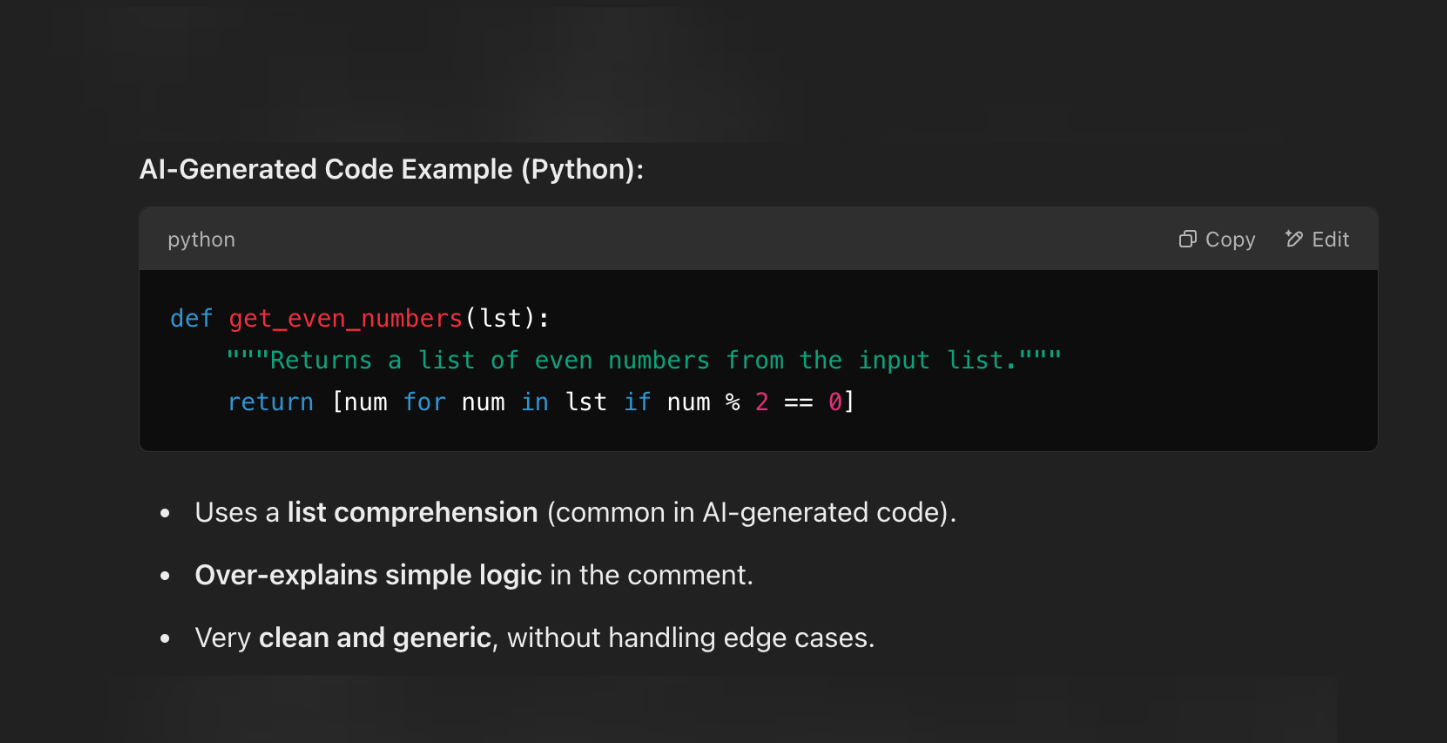
How to Tell If Code is Written by Chatgpt: step-by-step guide
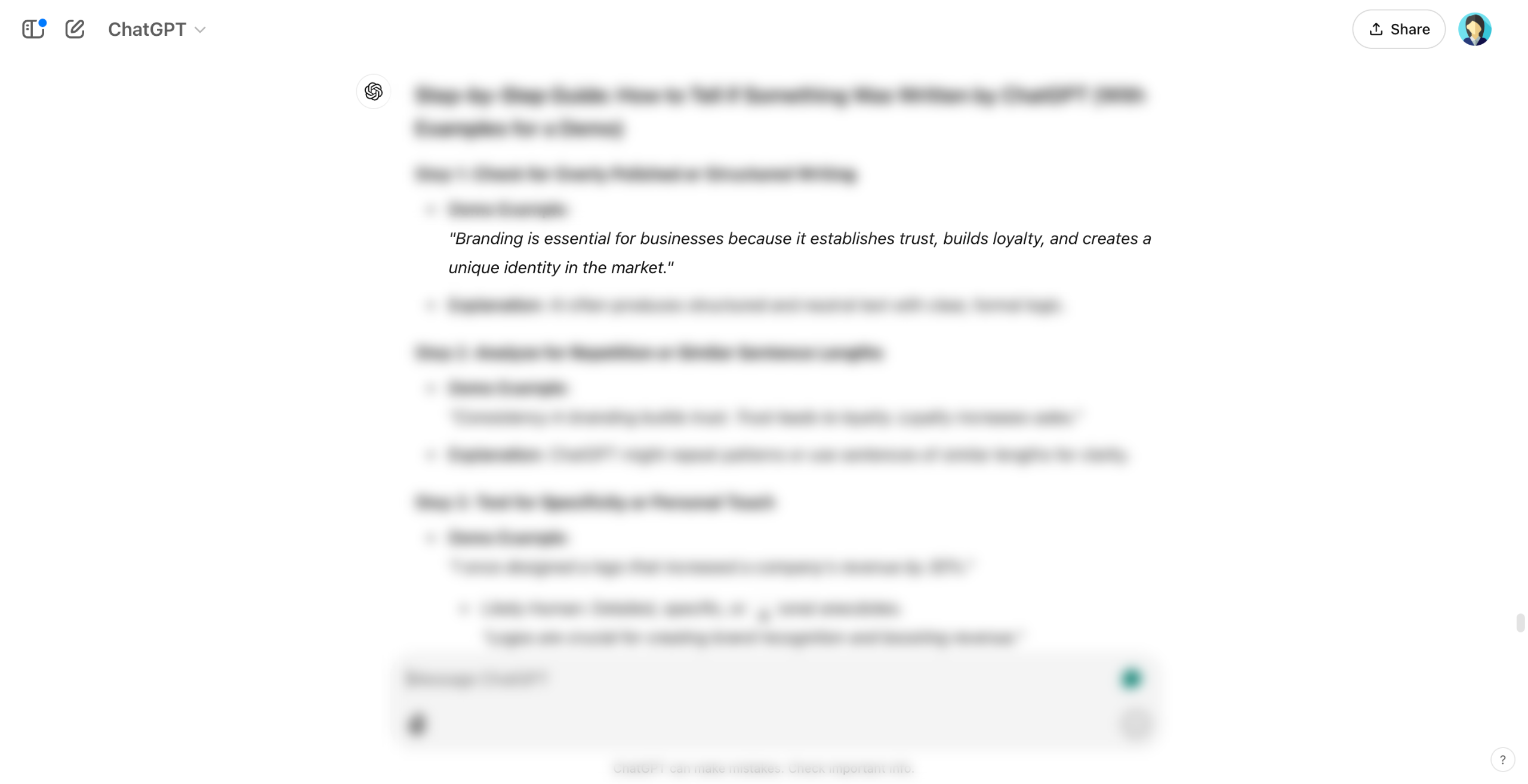
Check formatting & style.
Check for human-written code by looking for inconsistencies, personal comments, and less optimized but practical solutions.
Analyze the code structure for patterns, repetition, and overly optimized logic typical of AI-generated code.
Identify patterns in the code that are overly optimized, repetitive, or lack human-like variability.
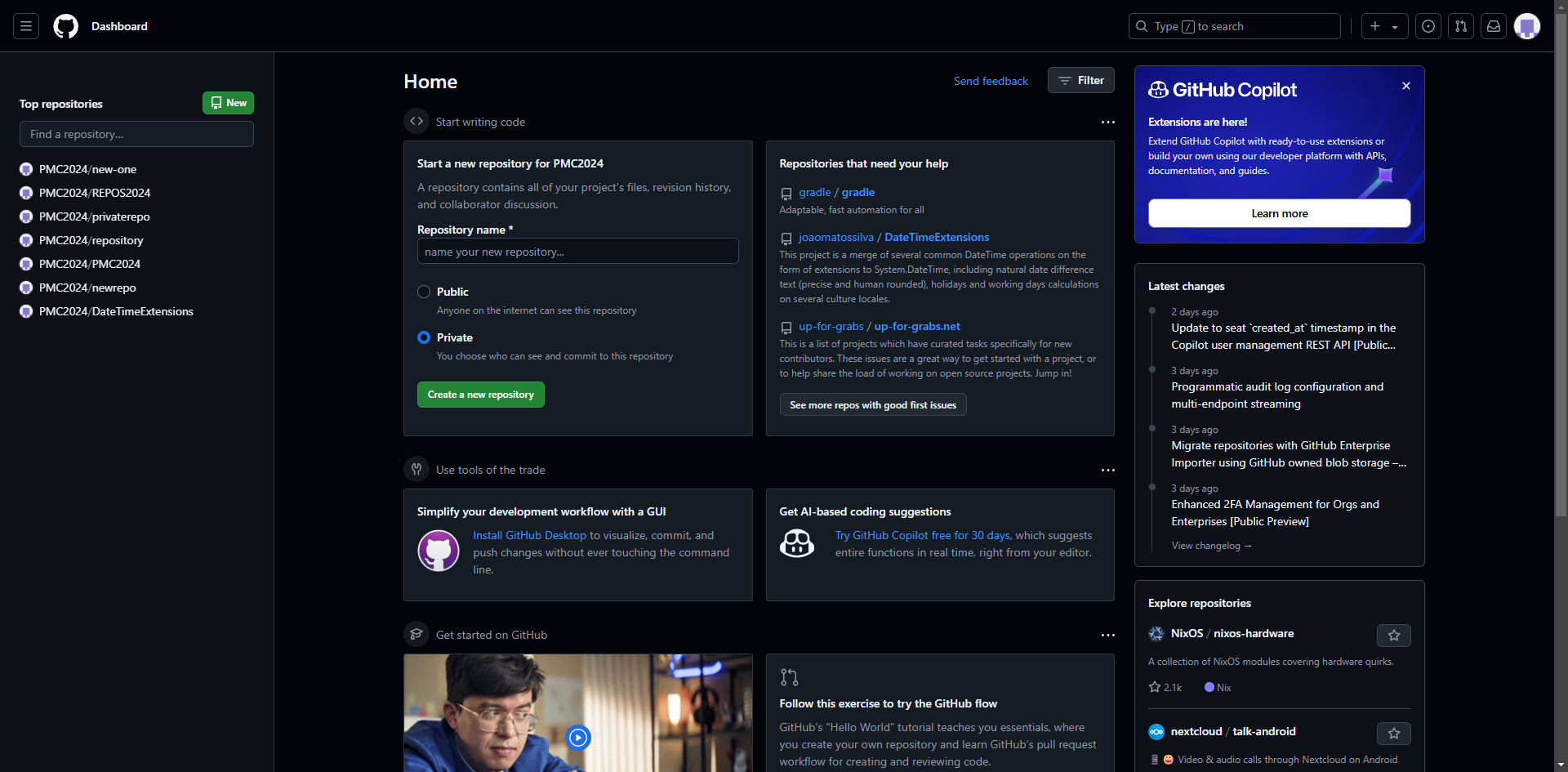
Google the code snippet—if it matches Stack Overflow, it may be AI-generated.
Check if the code works in real scenarios.
Use an AI code detector like GPTZero (https://gptzero.me/)
Quick answer: To determine if code was written by ChatGPT, first check formatting and style, look for human-written inconsistencies or AI patterns, and Google the snippet. Next, test if the code works in real scenarios, and finally, use an AI code detector like GPTZero.
About this tutorial
Analyze code to spot AI generation by checking styles, structural patterns, searching snippets, and using detection tools. This guide shows how to tell If Code is Written by Chatgpt in 7 steps, starting with "Check formatting & style" and finishing with "Use an AI code detector like GPTZero ( https://gptzero.me/ )". The interactive demo above is a click-through copy of the real product interface, so you can rehearse each step before doing it in your own account.
Frequently asked questions
How many steps does it take to tell If Code is Written by Chatgpt?
7 steps. Each one is listed in order above, and the demo highlights exactly where to click.
Can I try it without changing my own account?
Yes. Clicking through the demo doesn't touch your data or settings. Once you know the flow, repeat it in your own workspace.

Create your first interactive demo in minutes
No credit card required • Start building today