How to upgrade gitlab
- George Apostolov
How to upgrade gitlab: step-by-step guide
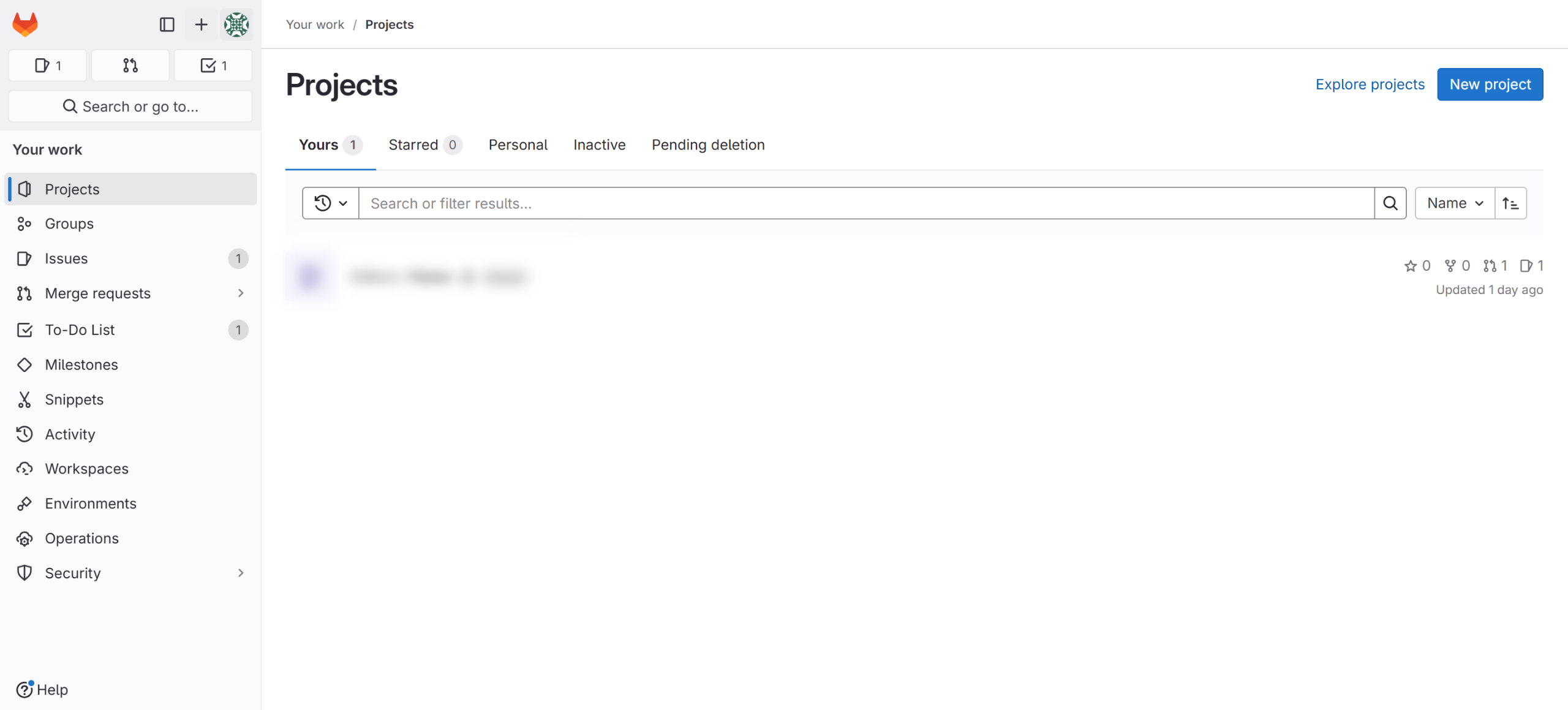
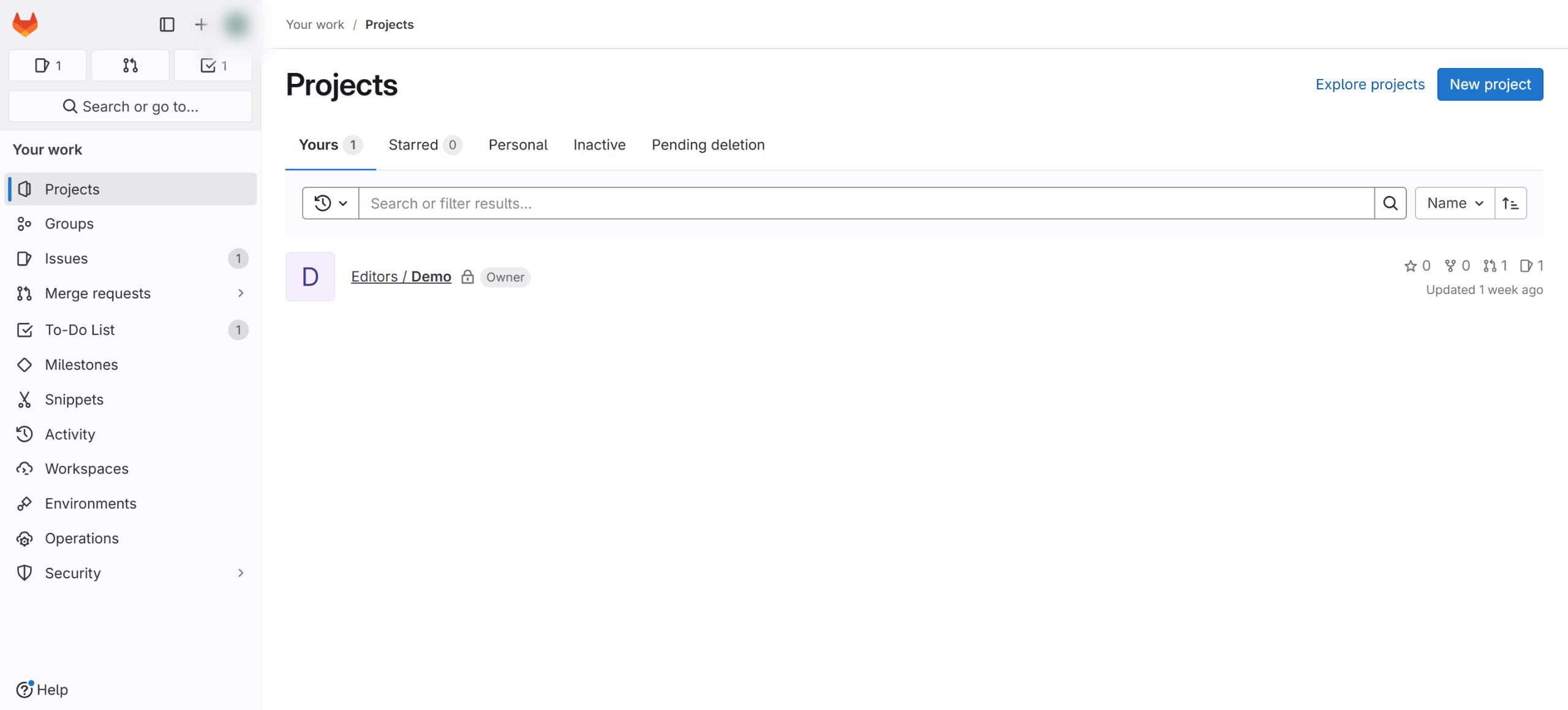
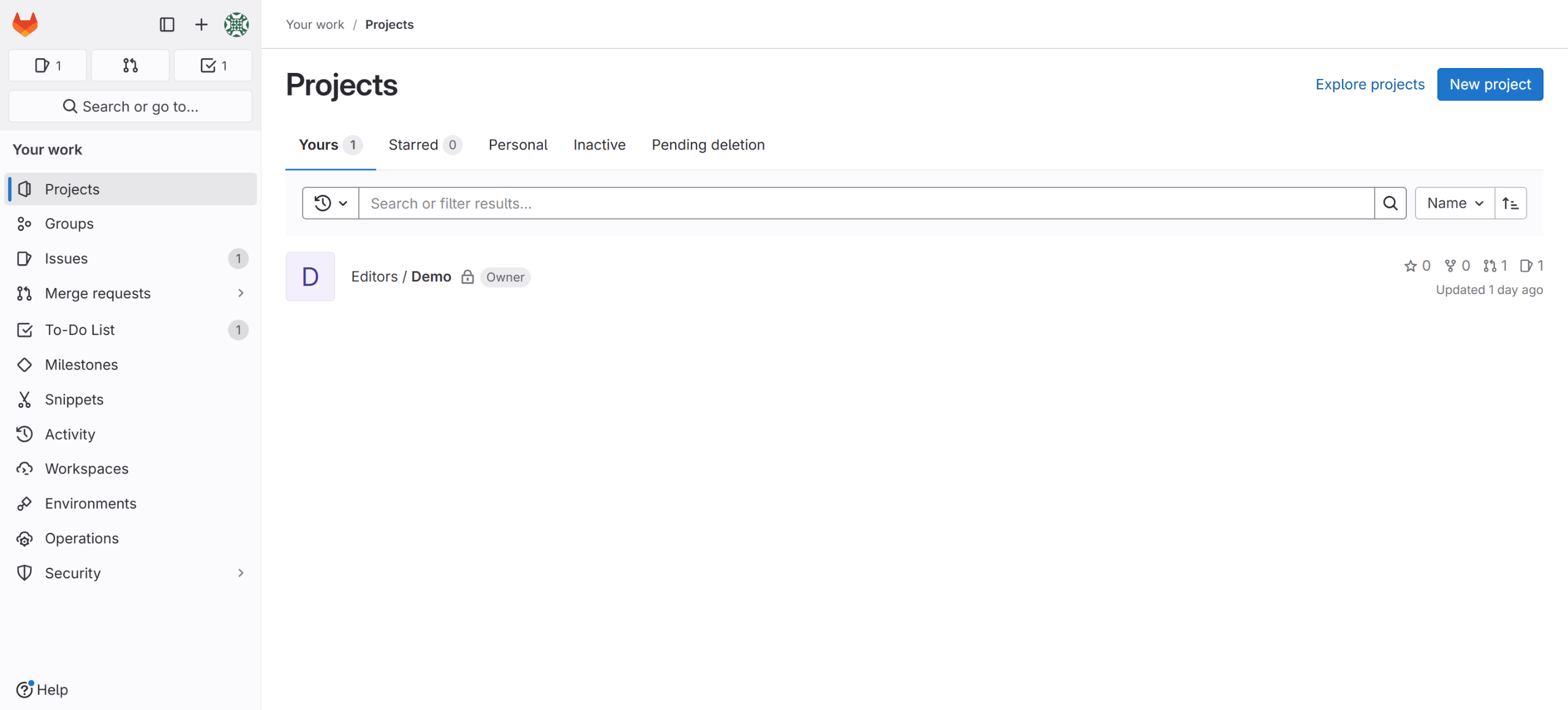
Open your Gitlab on your computer.
Identify the version you wish to upgrade to.
Determine the upgrade path using this website gitlab-com.gitlab.io
Here, you can identify your upgrade path; please note that versions must be upgraded sequentially without skipping.
Review the changes and requirements on the GitLab site to upgrade to your desired version.
Make sure there are no active runners or jobs at this time.
Check for application updates in your terminal.
Proceed by updating the package list from the repository to view available GitLab versions.
Now you can start the upgrade.
You have successfully completed the installation of the new version of GitLab.
Quick answer: To upgrade GitLab, open the application, determine the target version, and find the sequential upgrade path using the provided website. Review version requirements, ensure no active runners or jobs exist, check for application updates in your terminal, update the package list from the repository, and start the upgrade to complete the installation.
About this GitLab tutorial
Upgrade your GitLab instance safely by following the correct sequential path, checking for active jobs, and updating packages via the terminal. This guide shows how to upgrade gitlab in 10 steps, starting with "Open your Gitlab on your computer" and finishing with "You have successfully completed the installation of the new version of GitLab". The interactive demo above is a click-through copy of the real GitLab interface, so you can rehearse each step before doing it in your own account.
Frequently asked questions
How many steps does it take to upgrade gitlab?
10 steps. Each one is listed in order above, and the demo highlights exactly where to click.
Can I try it without changing my own account?
Yes. Clicking through the demo doesn't touch your GitLab data or settings. Once you know the flow, repeat it in your own workspace.
This tutorial is filed under GitLab. Related guides: How to use gitlab personal access token, Automate Jira releases from GitLab with Zapier and Gitlab jenkins integration. Last reviewed 05 Oct 2026.

Create your first interactive demo in minutes
No credit card required • Start building today