How to Upload Shorts on YouTube Studio
- George Apostolov
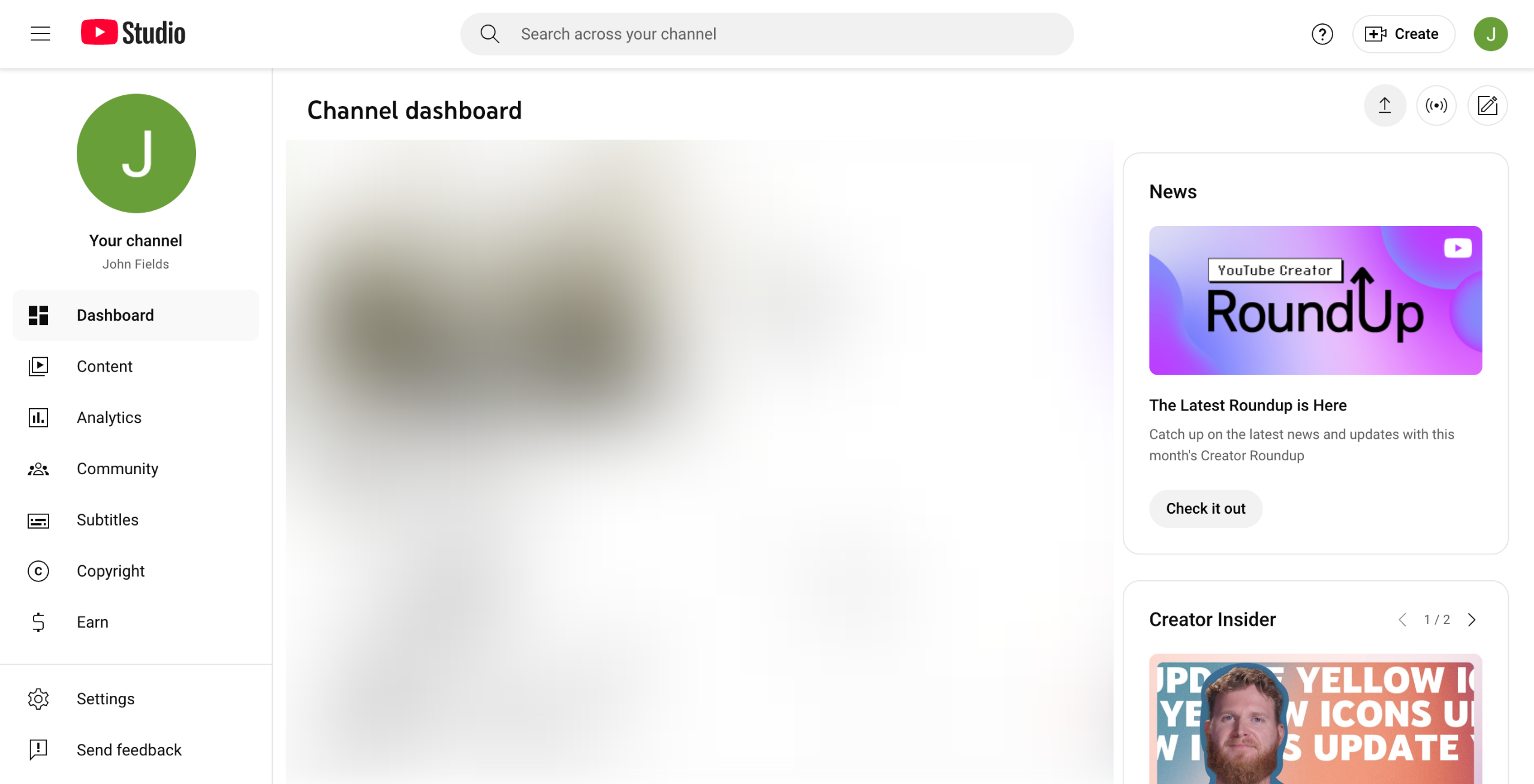
How to Upload Shorts on YouTube Studio: step-by-step guide
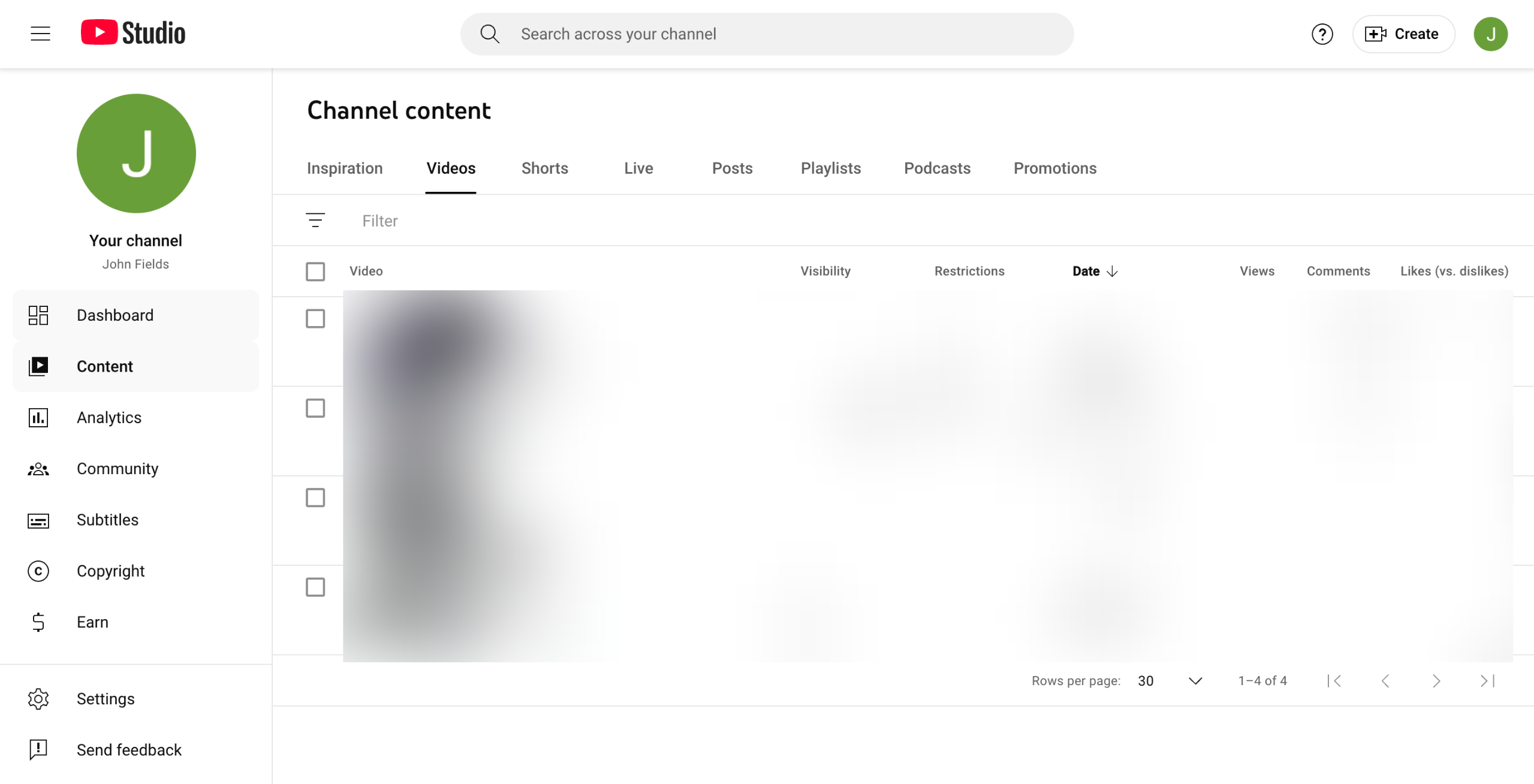
Go to the top-right corner, then click 'Upload Videos'.
After that, click 'Select Files' and choose the specific video you want to upload. YouTube Studio automatically identifies a video as Shorts based on its default configurations.
Under the Details tab, provide the required information, particularly the Title, Description, Thumbnail, Playlist, and Audience Restrictions. At the same time, you may also configure the advanced settings based on your preference.
Once done, click 'Next'.
Add the other video elements if necessary, such as related videos and subtitles.
Subsequently, click 'Next'.
Review any detected issues, then fix them accordingly. Once done, click 'Next'.
Configure the Visibility settings of your Shorts.
Once done, click 'Save' to apply the changes.
After completing these steps, your Shorts video will be uploaded immediately.
Quick answer: To upload Shorts on YouTube Studio, click 'Upload Videos', select your video file, and fill in the required details and advanced settings. Next, add optional video elements, review any detected issues, and configure visibility settings. Finally, click 'Save' to immediately publish your video.
About this YouTube tutorial
Publish YouTube Shorts by selecting video files, adding details and elements, checking for issues, and setting visibility. This guide shows how to upload Shorts on YouTube Studio in 10 steps, starting with "Go to the top-right corner, then click 'Upload Videos'" and finishing with "After completing these steps, your Shorts video will be uploaded immediately". The interactive demo above is a click-through copy of the real YouTube interface, so you can rehearse each step before doing it in your own account.
Frequently asked questions
How many steps does it take to upload Shorts on YouTube Studio?
10 steps. Each one is listed in order above, and the demo highlights exactly where to click.
Can I try it without changing my own account?
Yes. Clicking through the demo doesn't touch your YouTube data or settings. Once you know the flow, repeat it in your own workspace.
This tutorial is filed under YouTube. Related guides: How to use semrush for youtube, How to Use SurveyMonkey Youtube and How to use youtube summary with chatgpt & claude. Last reviewed 05 Oct 2026.

Create your first interactive demo in minutes
No credit card required • Start building today