Ahrefs - How to get Backlinks
- George Apostolov
Ahrefs - How to get Backlinks: step-by-step guide
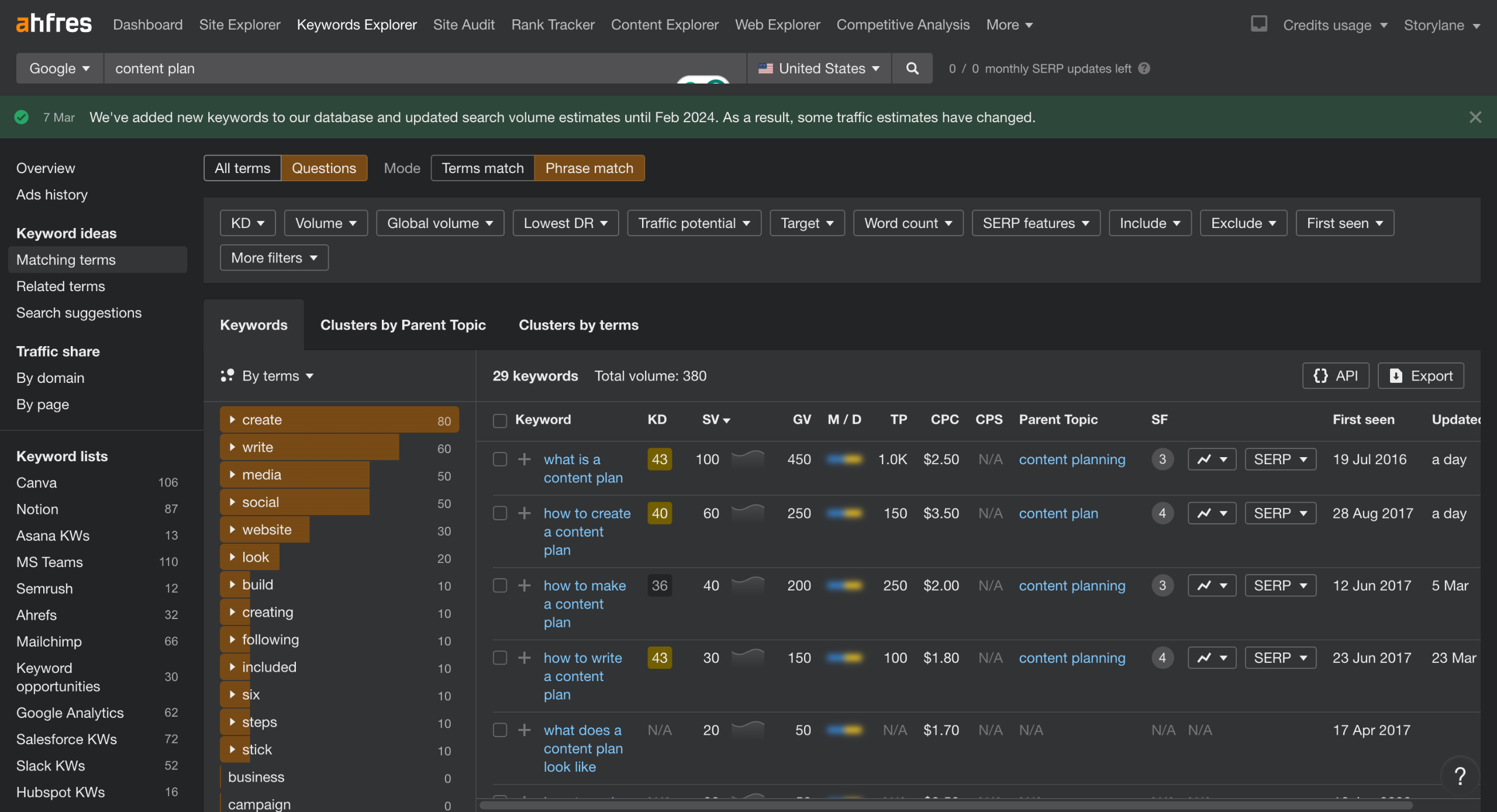
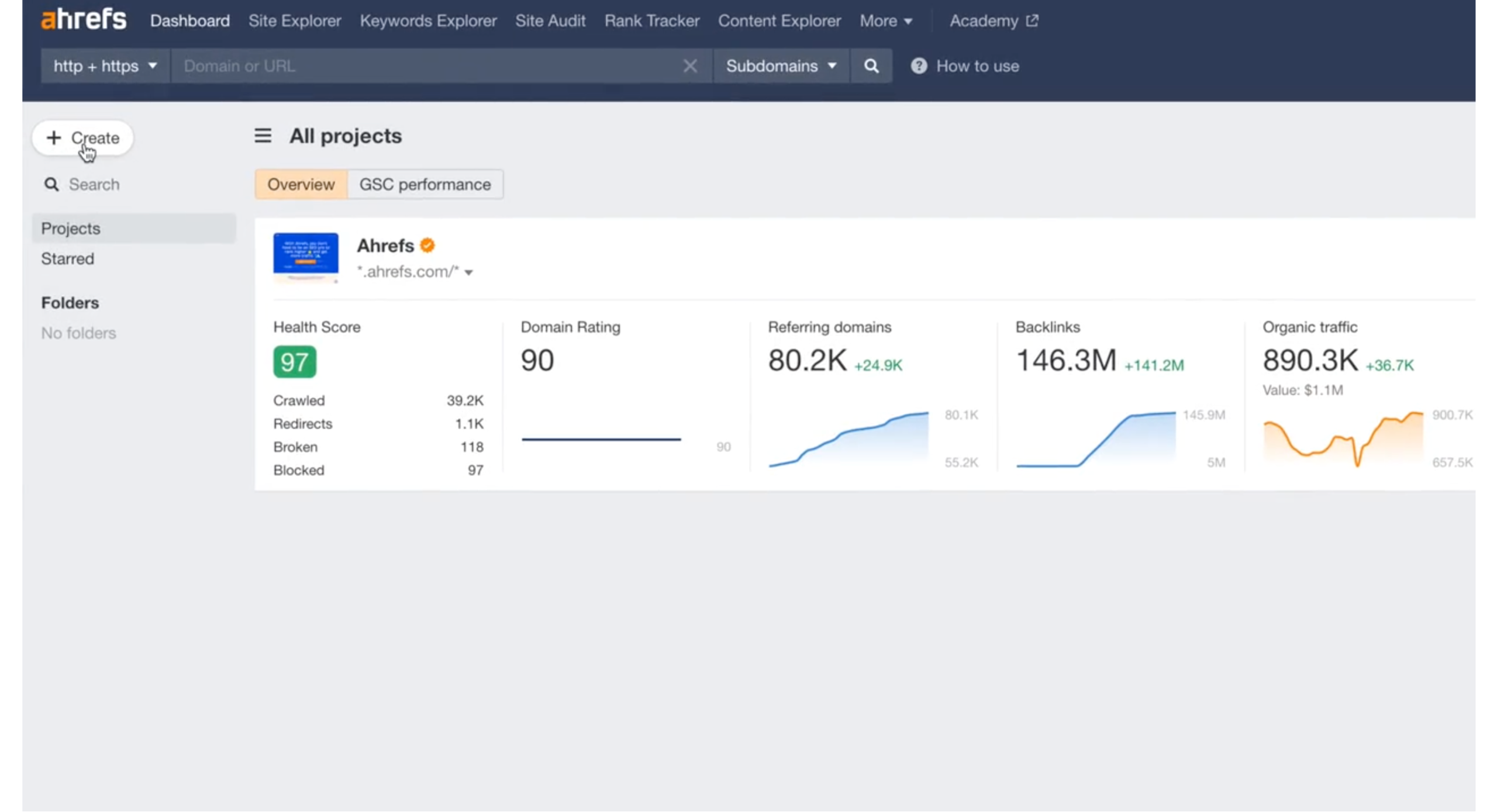
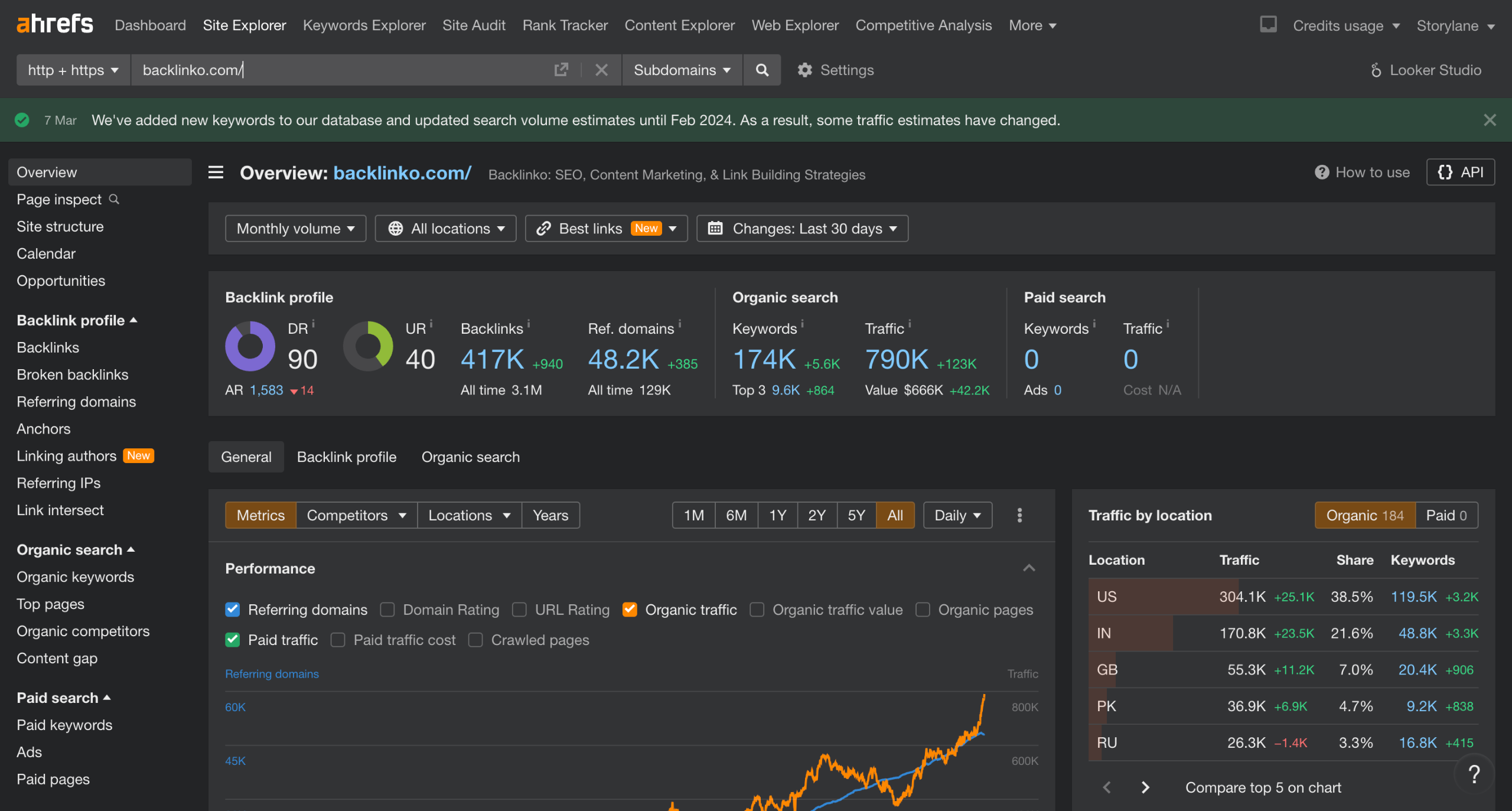
Go to Ahrefs>Site Explorer and enter your competitor domain name.
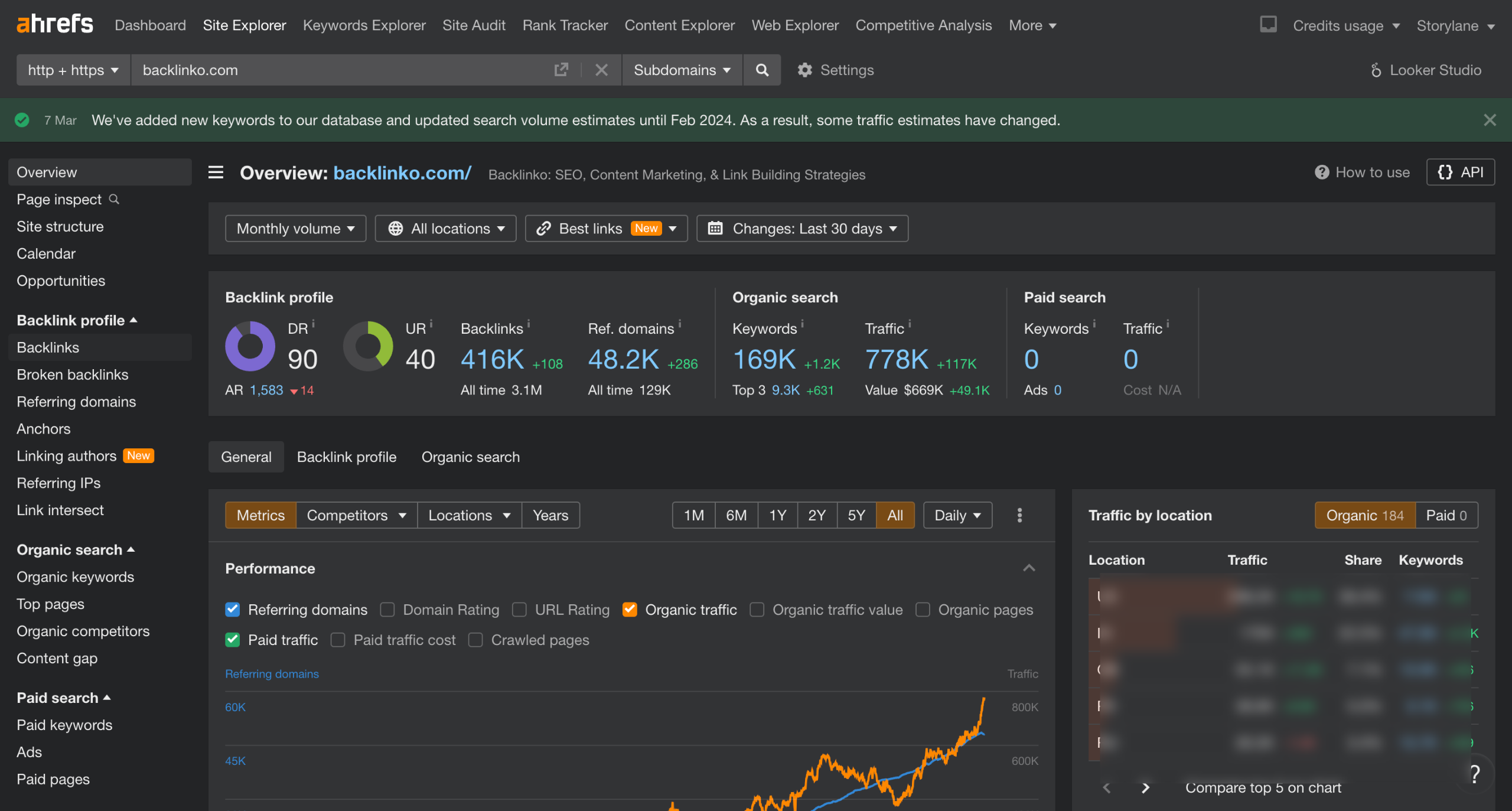
Click on Backlink Profile to note the link building trend of your competitor.
Head over to Backlinks under Backlink profile.
You can select to show all links or narrow down to Show best links only.
Hit Show results
These are all the domains that are referring to your competitor's domain.
Export the backlink report as CSV.
Quick answer: To get backlinks using Ahrefs, enter a competitor domain in Site Explorer, check the Backlink Profile trend, and navigate to Backlinks. Choose to show all or best links, hit show results to view referring domains, and export the backlink report as a CSV.
About this Ahrefs tutorial
Export competitor backlink reports in Ahrefs by analyzing their backlink profile, filtering for the best links, and downloading the CSV data. This guide covers ahrefs - How to get Backlinks in 7 steps, starting with "Go to Ahrefs>Site Explorer and enter your competitor domain name" and finishing with "Export the backlink report as CSV". The interactive demo above is a click-through copy of the real Ahrefs interface, so you can rehearse each step before doing it in your own account.
Frequently asked questions
How many steps does ahrefs - How to get Backlinks take?
7 steps. Each one is listed in order above, and the demo highlights exactly where to click.
Can I try it without changing my own account?
Yes. Clicking through the demo doesn't touch your Ahrefs data or settings. Once you know the flow, repeat it in your own workspace.
This tutorial is filed under Ahrefs. Related guides: Ahrefs - Keyword research, Ahrefs - Meta Description and Ahrefs - Keyword Explorer. Last reviewed 05 Oct 2026.

Create your first interactive demo in minutes
No credit card required • Start building today