How to Use Claude AI in Europe
- George Apostolov
How to Use Claude AI in Europe: step-by-step guide
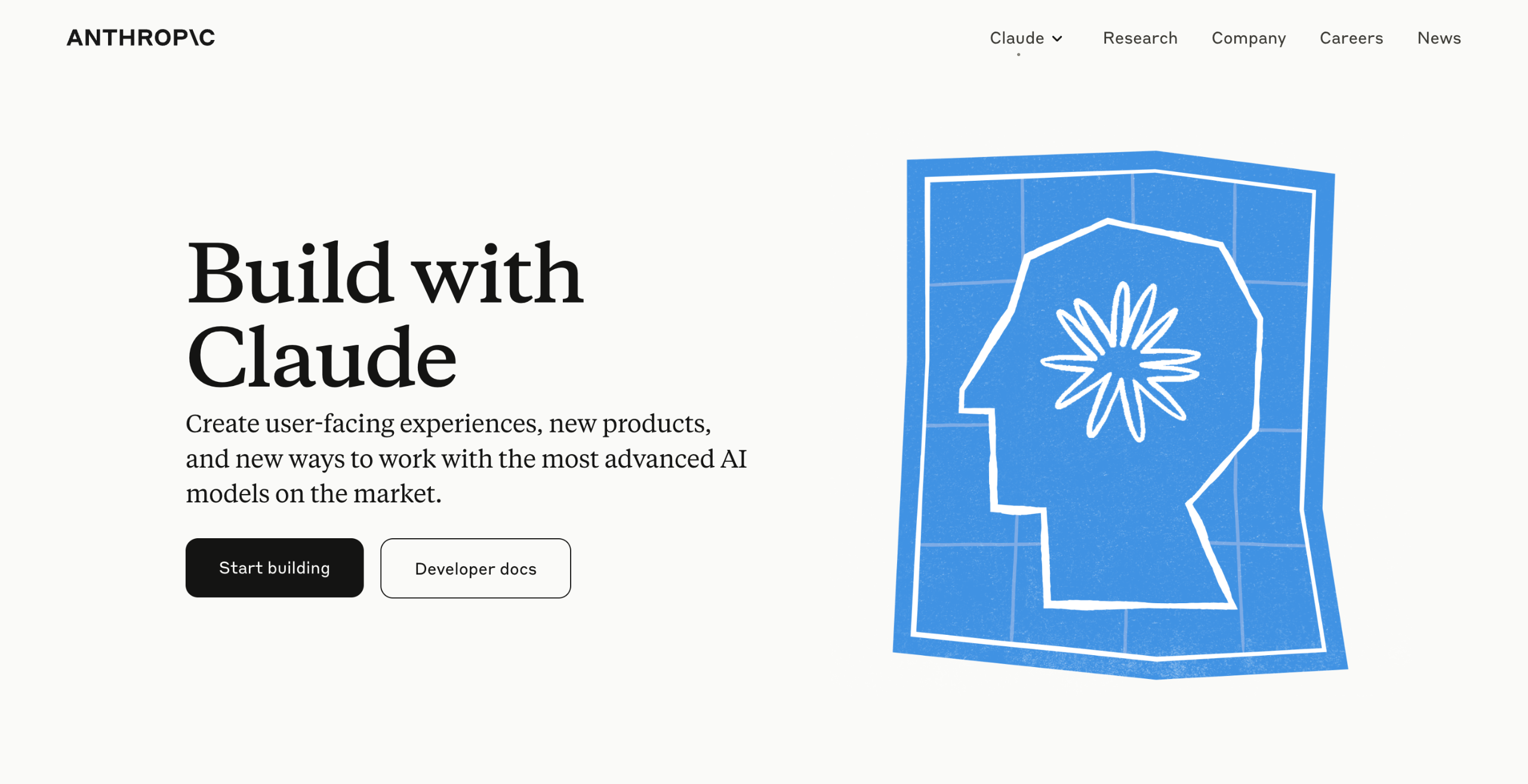
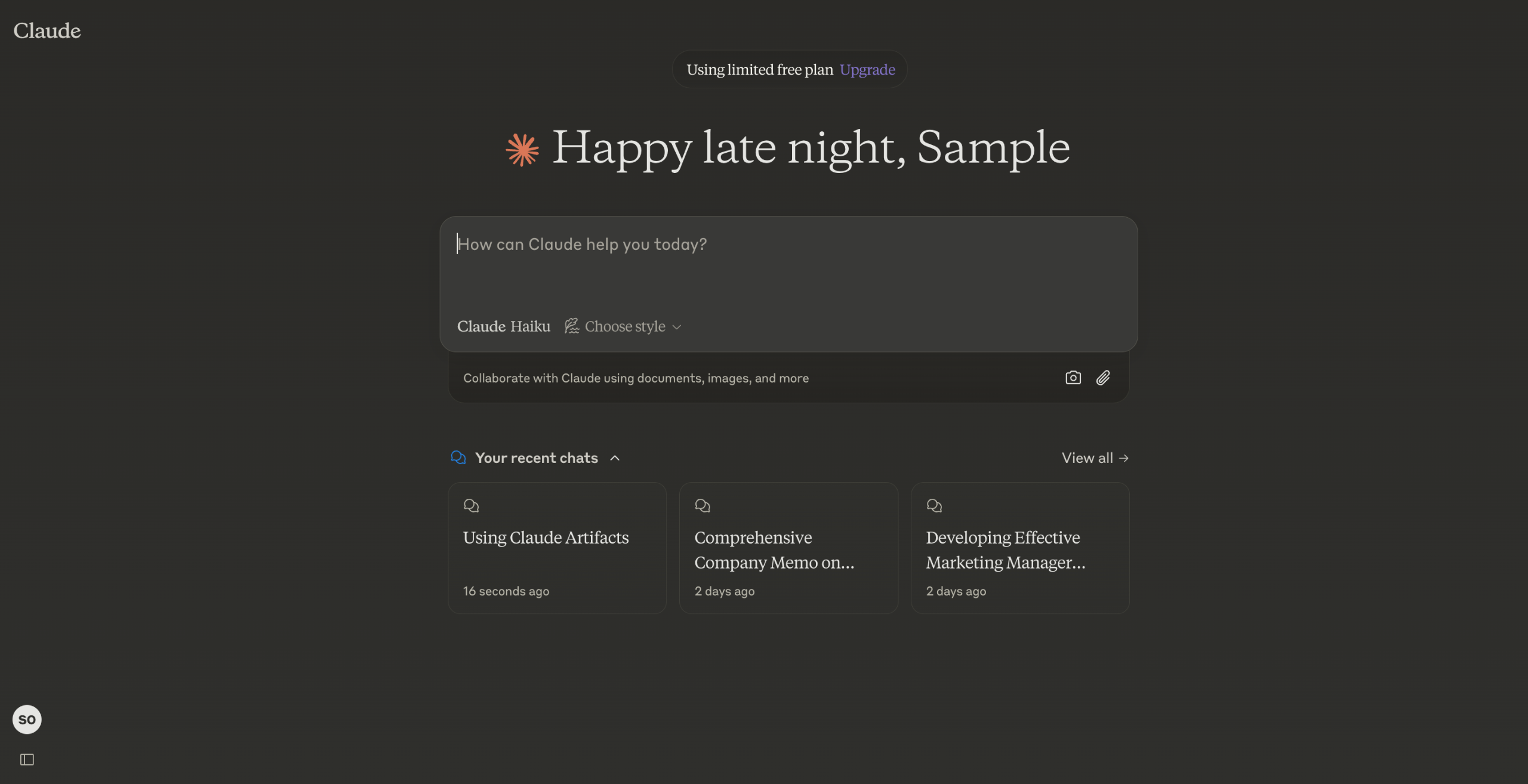
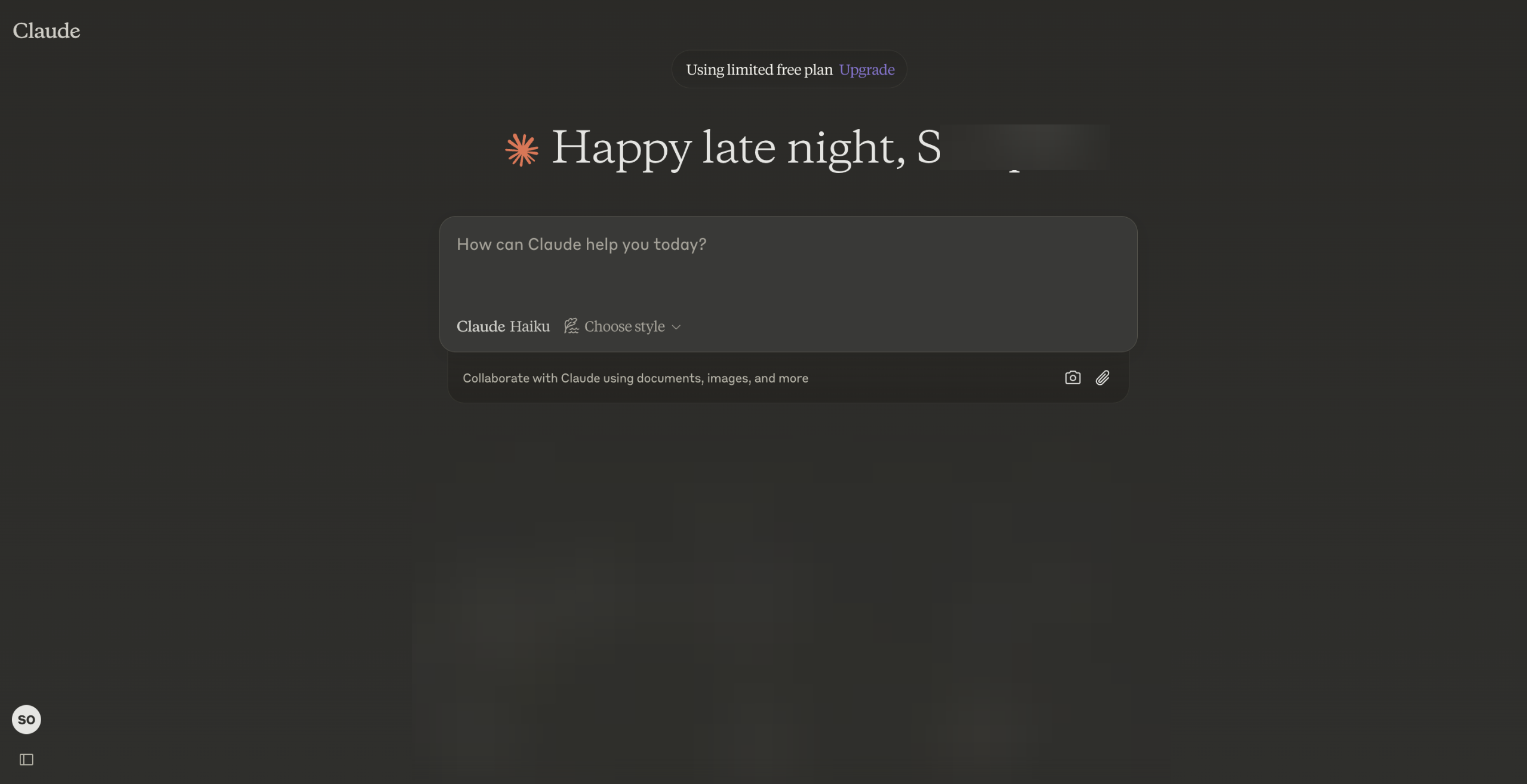
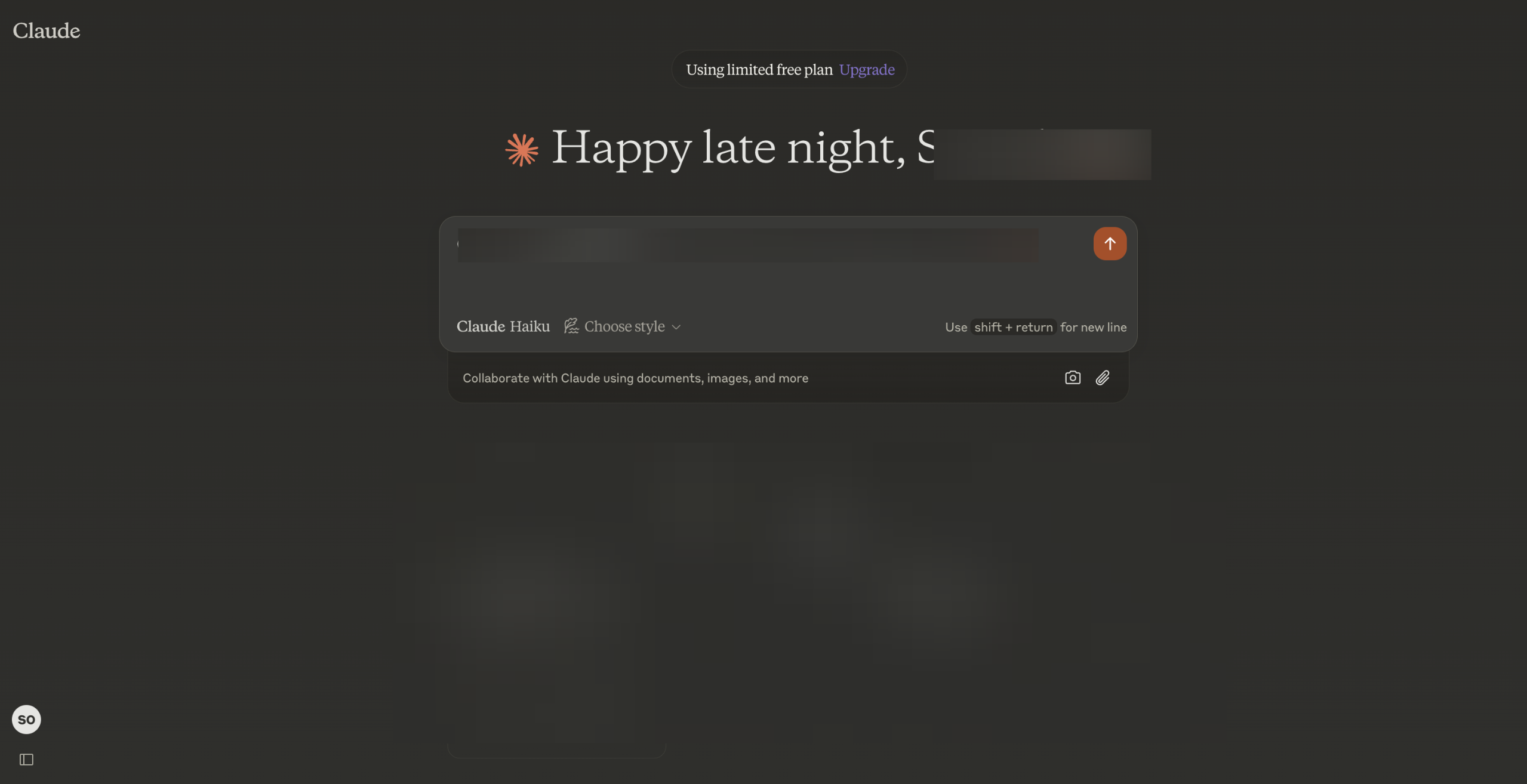
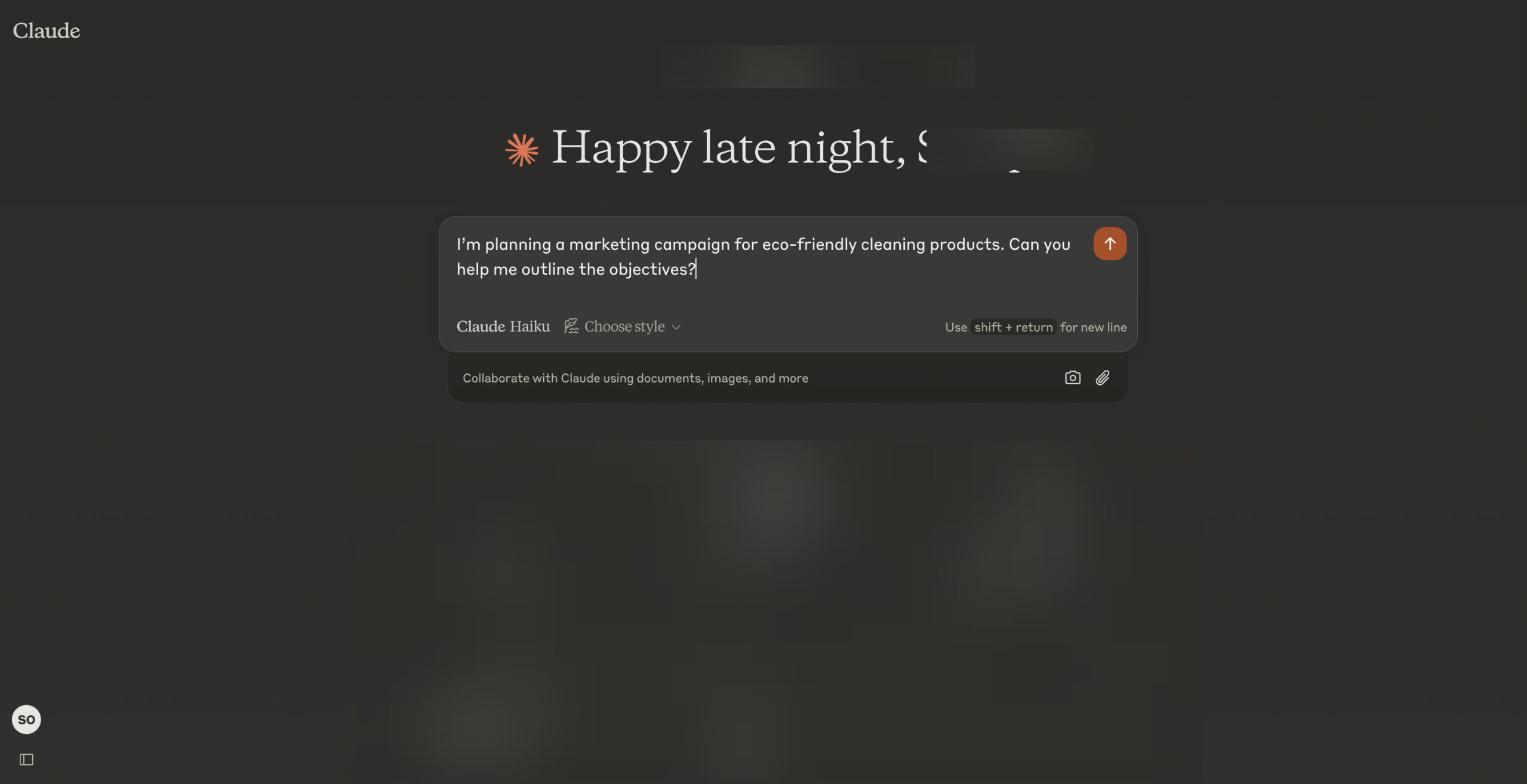
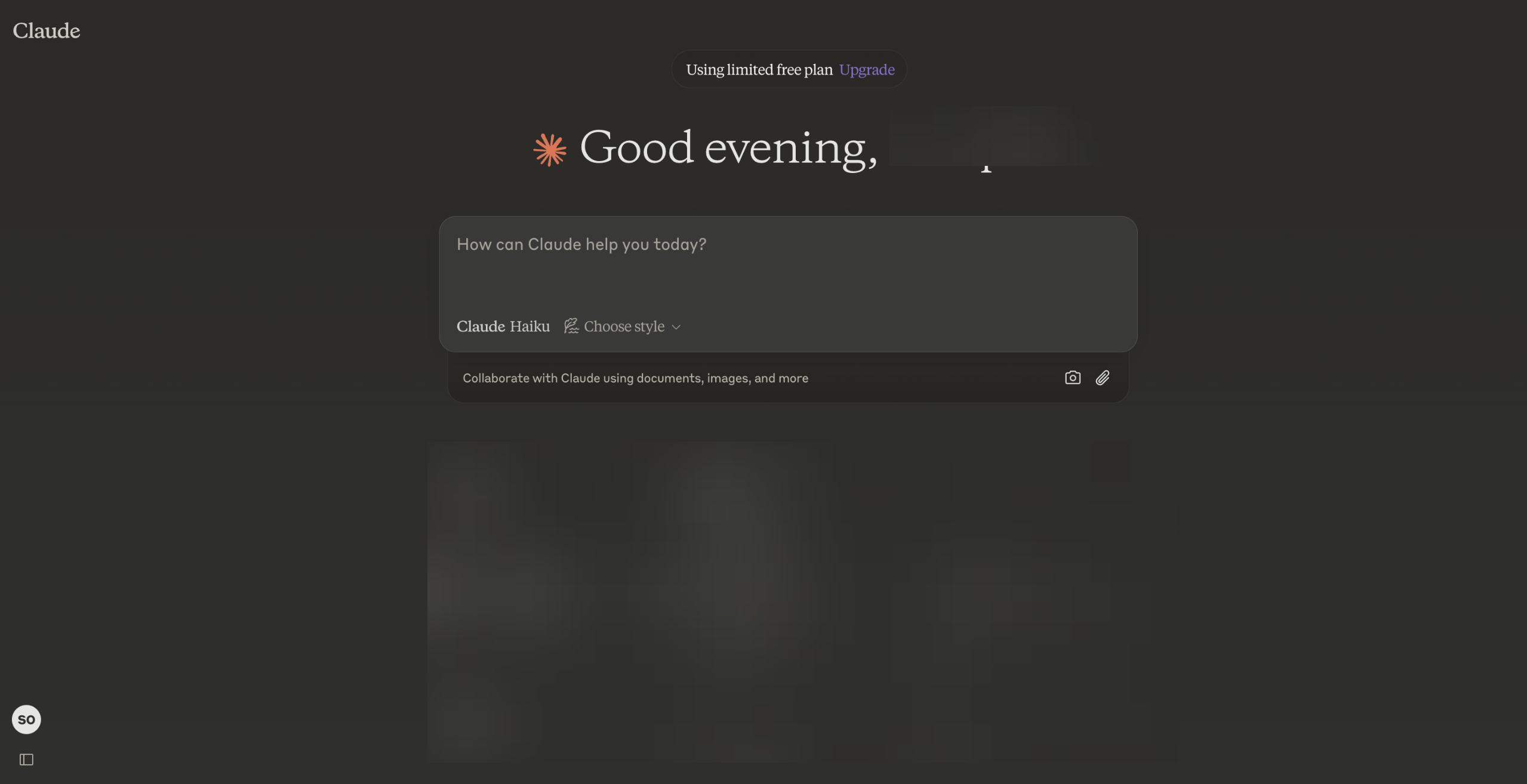
Use Claude AI for free via its web platform at claude.ai or by downloading the Claude iOS app from the Apple App Store
Click "Upgrade" to subscribe to the Pro plan to unlock advanced features and enhanced AI capabilities.
Subscribe to the Pro plan for €18/month with VAT for access to advanced features.
Select your country to proceed.
You can go to Anthropic and get an API key to integrate Claude into apps or workflows using its developer API.
Click "+ Create Key" to generate a new API Key.
Name your key and click "Add" to proceed.
"Click 'Copy Key' to copy it to your clipboard, ensuring it's ready for seamless integration."
Quick answer: To use Claude AI in Europe, access the web platform or iOS app, subscribe to the Pro plan for advanced features by selecting your country, and generate an API key via Anthropic to integrate Claude into workflows by creating, naming, and copying your key.
About this tutorial
Access the web platform or iOS app, subscribe to the Pro plan, and generate a developer API key to integrate the app into your workflows. This guide shows how to use Claude AI in Europe in 8 steps, starting with "Use Claude AI for free via its web platform at claude.ai or by downloading the Claude i..." and finishing with "'Click 'Copy Key' to copy it to your clipboard, ensuring it's ready for seamless integr...". The interactive demo above is a click-through copy of the real product interface, so you can rehearse each step before doing it in your own account.
Frequently asked questions
How many steps does it take to use Claude AI in Europe?
8 steps. Each one is listed in order above, and the demo highlights exactly where to click.
Can I try it without changing my own account?
Yes. Clicking through the demo doesn't touch your data or settings. Once you know the flow, repeat it in your own workspace.

Create your first interactive demo in minutes
No credit card required • Start building today