Employee Checklists Feature Tour V1
- George Apostolov
Employee Checklists Feature Tour V1: step-by-step guide
Employee Checklists have arrived in PASS! 🎉 Let's see how you can use checklists to streamline admin and tackle compliance.
Please note! Some functionality in this feature tour has been limited to streamline your experience.
From HR to compliance, you can create a tailored checklist for any role. Let's create a new employee onboarding checklist right now.
Let's give your new checklist a memorable name and description. Click on the 'Title' field.
Nicely done! 👍 To simplify admin, we can automatically assign this checklist to specific team members. Check 'Employees with role'.
We want this Checklist to be automatically assigned to all Care Workers. Click on 'Careworker'.
🔒 You can also set read and write permissions for complete control. These are set to 'Manager' by default, so there's nothing more to do now.
🥳 Your new Checklist is ready to go! It's that easy. Click 'Save' to continue.
From training sessions to essential paperwork, you can add any number of items to a checklist. Let's add an item to your new checklist now...
Let's start by naming and describing your new item. Click on the 'Title' field.
🌟 Nailed it! We can also set helpful deadlines, reminders and alerts. Let's do that now.
For each item we can set... 📆 A deadline: when the item needs to be completed...
⏰ An alert: reminders that a deadline is fast approaching...
🔎 And reviews: if and when this item should be completed again. ...PASS keeps track of all of this, so you don't have to!
To save even more time, items can be reused across multiple checklists. Click 'Edit items'.
Let's reuse all of these items.
👏 Congratulations! Your new checklist is now active and ready to be used! Let's head over to the 'Employees' tab to see how.
Click on David's profile
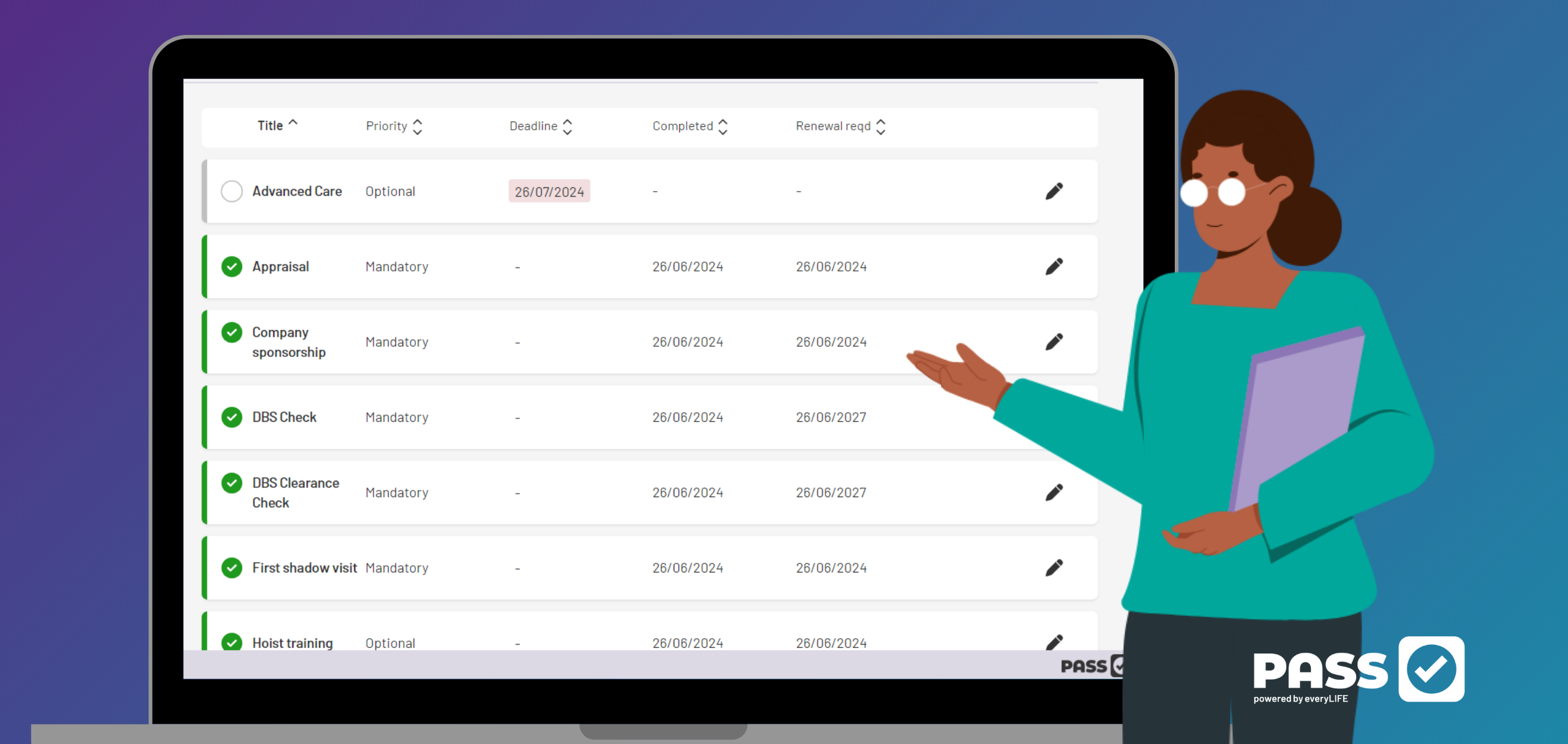
Nice! Our new checklist has been automatically assigned to David. Let's open up an item. Click on the 'Appraisal' item.
📎 For each item, we can add a completion date, notes, and upload any supporting evidence, such as a passport or right to work document. We can also link tasks to existing PASS documents. Let's go ahead and mark this item as complete.
🎉 Task complete! You've now seen how Employee Checklists can streamline onboarding, admin and compliance. Want to learn more? Book your free, no-obligation tour of PASS today!
Quick answer: To streamline admin and tackle compliance in PASS, create a tailored employee checklist, assign it to specific roles with permissions, save the checklist, add and configure checklist items with deadlines, alerts, and reviews, and manage assigned items on employee profiles by adding evidence and marking them complete.
About this tutorial
Streamline employee onboarding, admin, and compliance by creating tailored checklists, assigning roles, and managing tasks in the app. This guide covers employee Checklists Feature Tour V1 in 21 steps, starting with "Employee Checklists have arrived in PASS! 🎉 Let's see how you can use checklists to st..." and finishing with "🎉 Task complete! You've now seen how Employee Checklists can streamline onboarding, ad...". The interactive demo above is a click-through copy of the real product interface, so you can rehearse each step before doing it in your own account.
Frequently asked questions
How many steps does employee Checklists Feature Tour V1 take?
21 steps. Each one is listed in order above, and the demo highlights exactly where to click.
Can I try it without changing my own account?
Yes. Clicking through the demo doesn't touch your data or settings. Once you know the flow, repeat it in your own workspace.

Create your first interactive demo in minutes
No credit card required • Start building today