
"Demo" means different things to different people. To a SaaS marketer, it's an interactive product tour. To a sales engineer, it's a live walkthrough. To a retail buyer, it's seeing a printer run in a showroom. To a teacher, it's a demonstration that helps students learn. And to a music fan, "demo" might just mean an early recording - think Drake's Dark Lane Demo Tapes, which is why "dark lane demo types" turns up in searches about demo types.
This guide focuses on product demos - the types of demo businesses use to show buyers what they're getting. We'll cover software demos, physical product demos, how to match demo creation to different buyer types, and how to design a demo for different types of learning.
💻 Types of software demos
Software teams have the widest range of demo options:
- Interactive demos: self-guided, clickable walkthroughs that run in the browser - no signup needed.
- Demo videos: recorded walkthroughs, from short social clips to full explainers.
- Live demos: a presenter walks a prospect through the product in real time.
- Sandbox demos: pre-populated environments buyers can explore freely.
- Free trials and freemium: full product access with time or feature limits.
- Webinar demos: one-to-many presentations with live Q&A.
- Agentic demos: an AI agent guides the buyer through the product and answers questions.
For how these fit into marketing channels specifically, see our guide to the most effective types of product demos for marketing.
🖨️ Types of physical product demos
Physical products have their own demo types - and many of the same principles apply:
- In-store and showroom demos: customers see and try the product in person. Office equipment retailers, for example, often let buyers compare all types of printer with a live demo - inkjet, laser, and multifunction - before choosing.
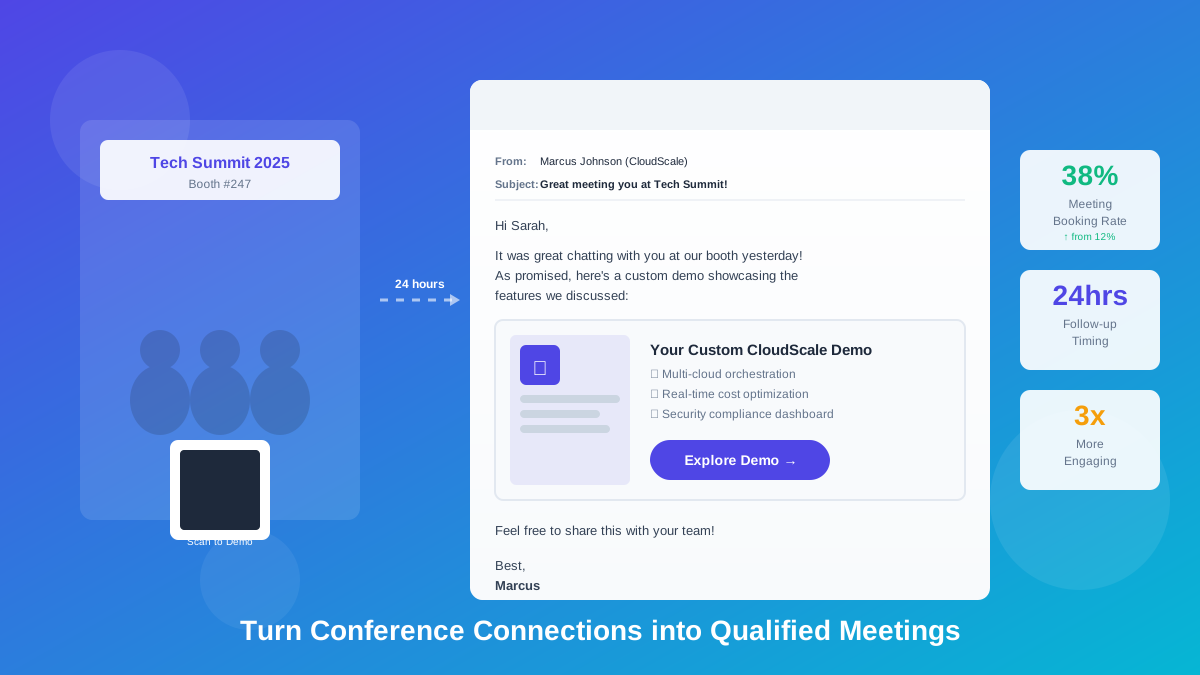
- Trade show and event demos: hands-on stations that let prospects try hardware at a booth.
- Field demos: a sales rep brings the product to the customer's site.
- Video demos: unboxing, setup, and feature videos for online shoppers.
- Virtual and 3D demos: interactive 3D models or AR previews for products that are too big or expensive to ship for a trial.
Modern hardware usually comes with software too - printer dashboards, device management portals, companion apps. Interactive software demos let hardware companies show that side of the product without shipping a device.
📊 Demo types compared
👥 Matching demo creation to buyer types
The same product needs different demos for different buyers. Effective demo creation starts by identifying who's watching:
- The executive: wants outcomes, not clicks. Give a short demo that ends on a dashboard or ROI result.
- The end user: wants to know if their daily work gets easier. Show the core workflow step by step.
- The technical evaluator: wants depth - integrations, security, admin settings. Offer a sandbox or detailed live demo.
- The champion: needs to sell internally. Give them a shareable interactive demo they can forward to colleagues.
- The self-serve researcher: doesn't want to talk to sales yet. An embedded interactive demo on your website is ideal.
Build one focused demo per buyer type rather than one demo for everyone. It takes a little longer up front but converts far better.
🧠 Designing a demo for types of learning
People absorb information differently. While researchers debate how much fixed "learning styles" matter, it's clear that people have preferences - and good demos offer more than one way in:
- Visual learners prefer to see it: zoomed-in screens, highlighted elements, and clear diagrams.
- Auditory learners prefer to hear it: narrated demo videos and AI voiceover on interactive demos.
- Reading/writing learners prefer text: concise step-by-step tooltips and written summaries.
- Hands-on (kinesthetic) learners prefer to do it: interactive demos, sandboxes, and trials where they click through themselves.
The most effective demo types combine these. An interactive demo with short tooltips, AI voiceover, and pan & zoom covers visual, auditory, reading, and hands-on preferences in a single asset - which is why interactive demos work so well for onboarding and training as well as sales.
🔍 Demo examples: which type to use when
- A SaaS homepage: embed an interactive demo so visitors can explore without signing up.
- A LinkedIn post: a 30-second demo video or GIF showing one result.
- An enterprise deal: a tailored live demo, followed by an interactive leave-behind for the buying committee.
- An office equipment store: live in-store demos of each printer, plus interactive demos of the printer management software online.
- Customer onboarding: a series of short interactive demos, one per key task.
- A training program: interactive demos with voiceover so learners can practice at their own pace.
✅ How to choose between demo options
- Who's the audience? Match the demo type to the buyer type and their technical depth.
- Where will they see it? Social needs video; websites and emails suit interactive demos.
- How much effort will they invest? Cold audiences need low-friction formats; late-stage buyers can handle trials and live sessions.
- How do they learn best? Offer visual, audio, text, and hands-on elements where you can.
- Can you reuse it? Choose tools that let you capture once and publish in several formats.
🚀 Create multiple demo types with LiveDemo.ai
LiveDemo.ai lets you capture your product once and publish it as several demo types:
- Interactive demos from HTML, screenshots, or video - captured with a Chrome extension, Figma plugin, or macOS/Windows apps.
- Demo videos and GIFs with GIF & MP4 exports on Pro, plus pan & zoom and auto play.
- AI voiceover and AI text personalization for different learners and buyer types - included even on the free plan.
- Agentic Demos on Growth, where an AI agent guides buyers and answers questions.
- Transparent pricing: free to start, Pro at $34 per creator/month ($27 billed annually), Growth at $49 per creator/month.
💭 Final thoughts
There are many demo types - interactive, video, live, sandbox, in-store, webinar - and no single one is best. The right choice depends on who's watching, where they'll see it, and how they prefer to learn. Build focused demos for each buyer type, combine visual, audio, and hands-on elements, and reuse the same capture across formats so every audience gets the demo that works for them.
Ready to create your first interactive demo? Start free! 🚀
Try LiveDemo.ai Free →
No credit card required. Set up your first demo in under 10 minutes.