How to Add Google Reviews to Wordpress Website
- George Apostolov
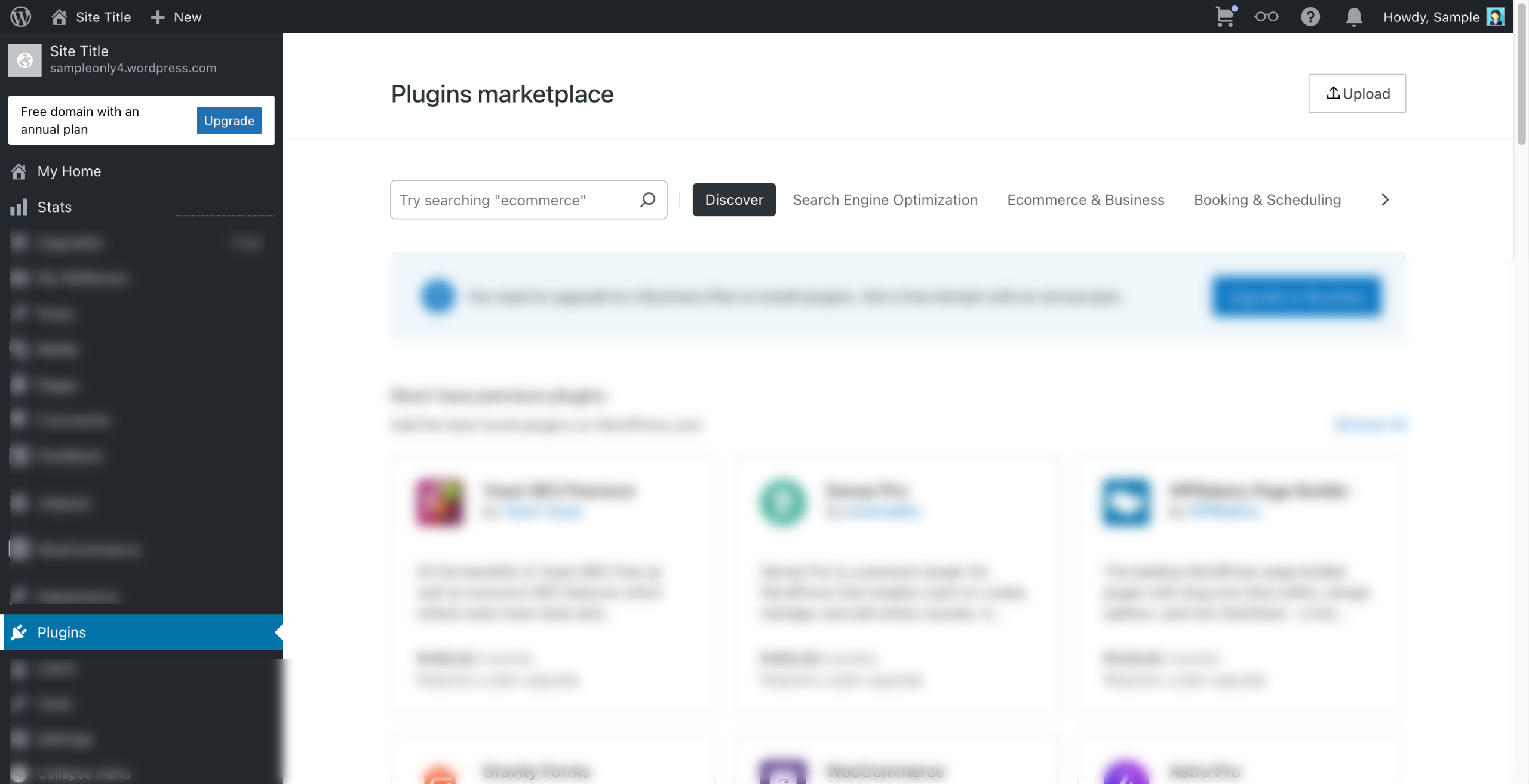
How to Add Google Reviews to Wordpress Website: step-by-step guide
Navigate to your Wordpress dashboard and go to Plugins to add new.
Search for Google Reviews and install then activate Plugin for Google Reviews.
Go to Google Review tab on your dashboard.
You will need to enter the Place ID and the language needed. Go to Google to search for the data to enter.
Once you're in Google, search for any business you'd like to add Google reviews for on your WordPress site.
Scroll down and right click on Write a review.
Click Inspect.
Press control (or Cmnd) + F to serach for data-pid.
Go ahead and copy the code next to "data PID =."
Go back to Wordpress and paste it and select the preferred language, then click Connect Google.
Now you can see that the recognized business name will appear here, then click Save & Refresh.
Copy the Shortcode.
Go to Post/ Pages then click on Edit on where you want to add the Google Reviews.
Paste the shortcode on your board.
Select Publish once done.
Quick answer: To add Google reviews to your WordPress website using the Plugin for Google Reviews, navigate to your WordPress dashboard to install and activate the plugin. Enter your business Place ID and language to connect, save the settings, copy the shortcode, and paste it into your desired post or page before publishing.
About this Google tutorial
Embed Google business feedback on your WordPress site by generating a Place ID, connecting the reviews plugin, and publishing the shortcode. This guide shows how to add Google Reviews to Wordpress Website in 15 steps, starting with "Navigate to your Wordpress dashboard and go to Plugins to add new" and finishing with "Select Publish once done". The interactive demo above is a click-through copy of the real Google interface, so you can rehearse each step before doing it in your own account.
Frequently asked questions
How many steps does it take to add Google Reviews to Wordpress Website?
15 steps. Each one is listed in order above, and the demo highlights exactly where to click.
Can I try it without changing my own account?
Yes. Clicking through the demo doesn't touch your Google data or settings. Once you know the flow, repeat it in your own workspace.
This tutorial is filed under Google and WordPress. Related guides: Google Analytics - Search console to wordpress, Google Search Console - Adding Sitemaps and How to Add the Google Analytics Tracking Code to ClickFunnels Classic. Last reviewed 05 Oct 2026.

Create your first interactive demo in minutes
No credit card required • Start building today