How to Add Response Deadline on SurveyMonkey
- George Apostolov
How to Add Response Deadline on SurveyMonkey: step-by-step guide
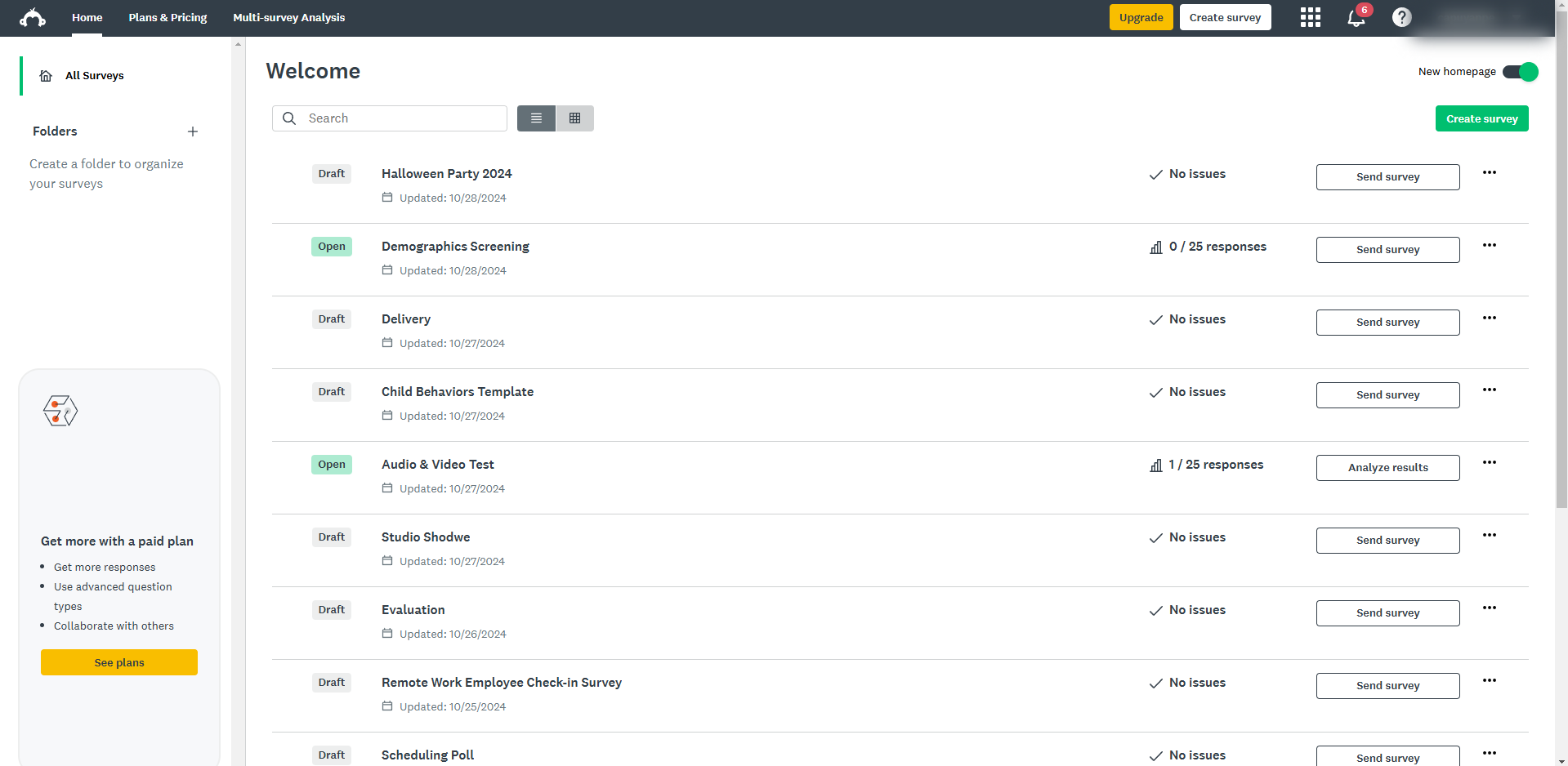
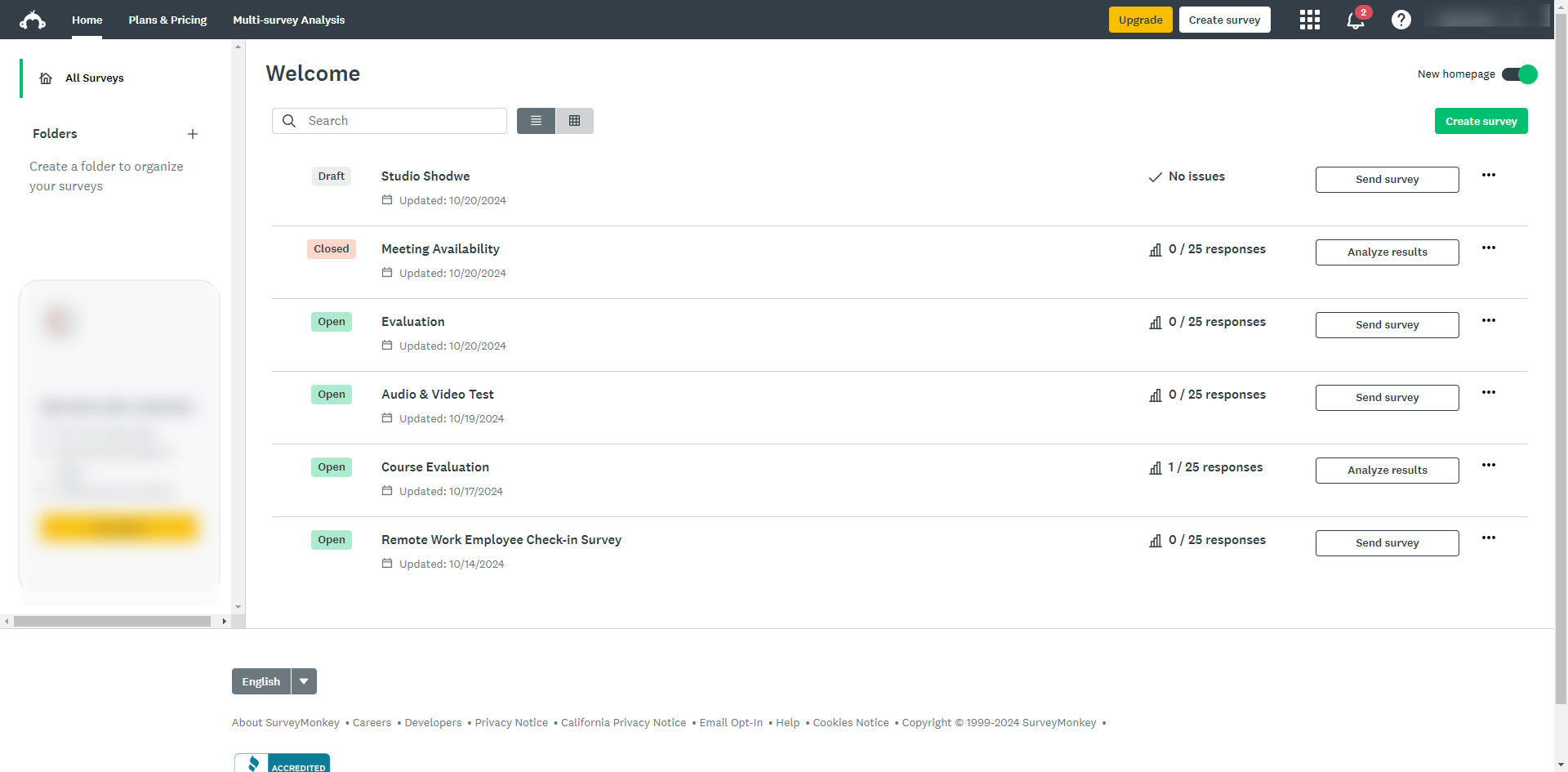
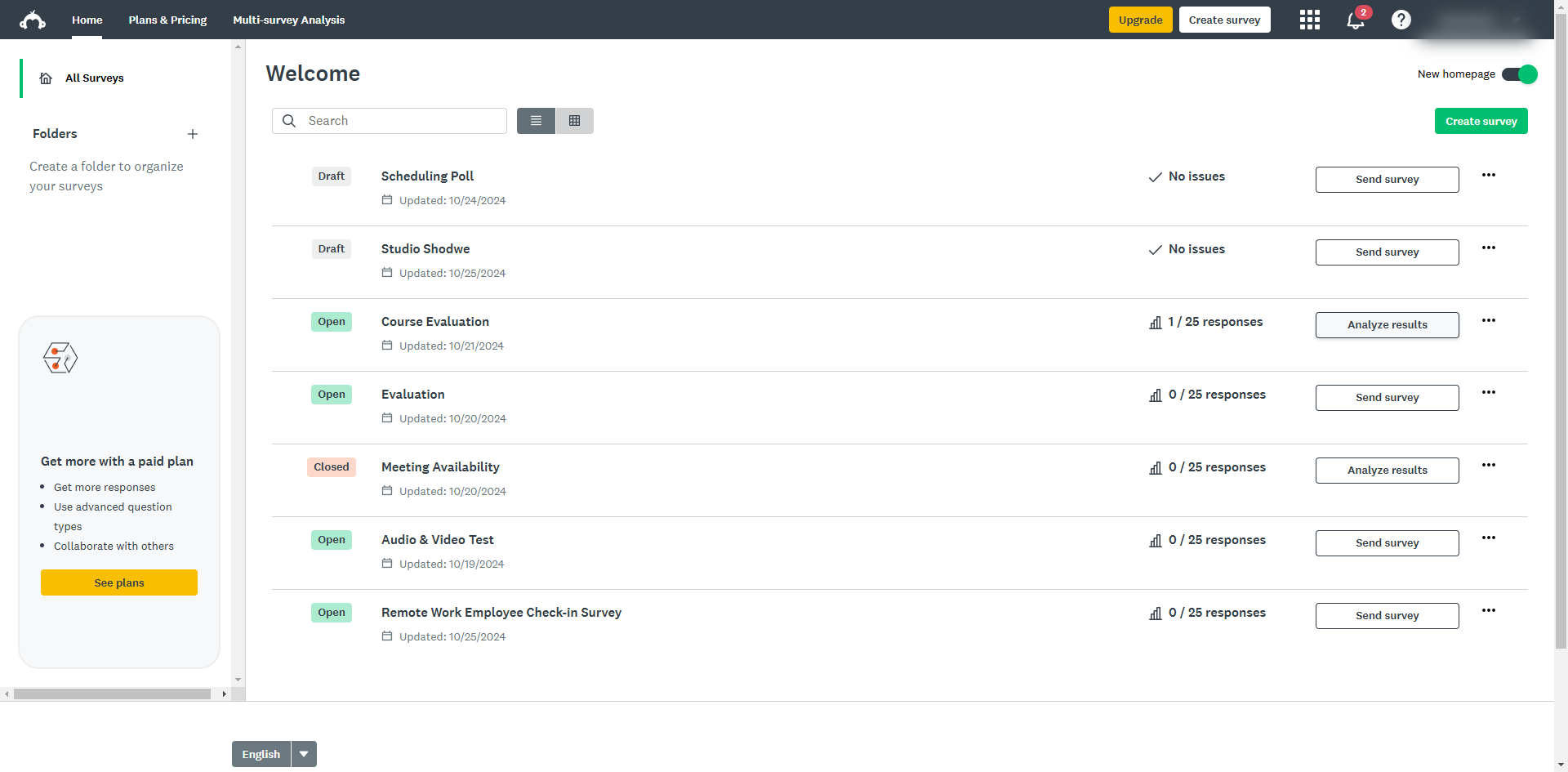
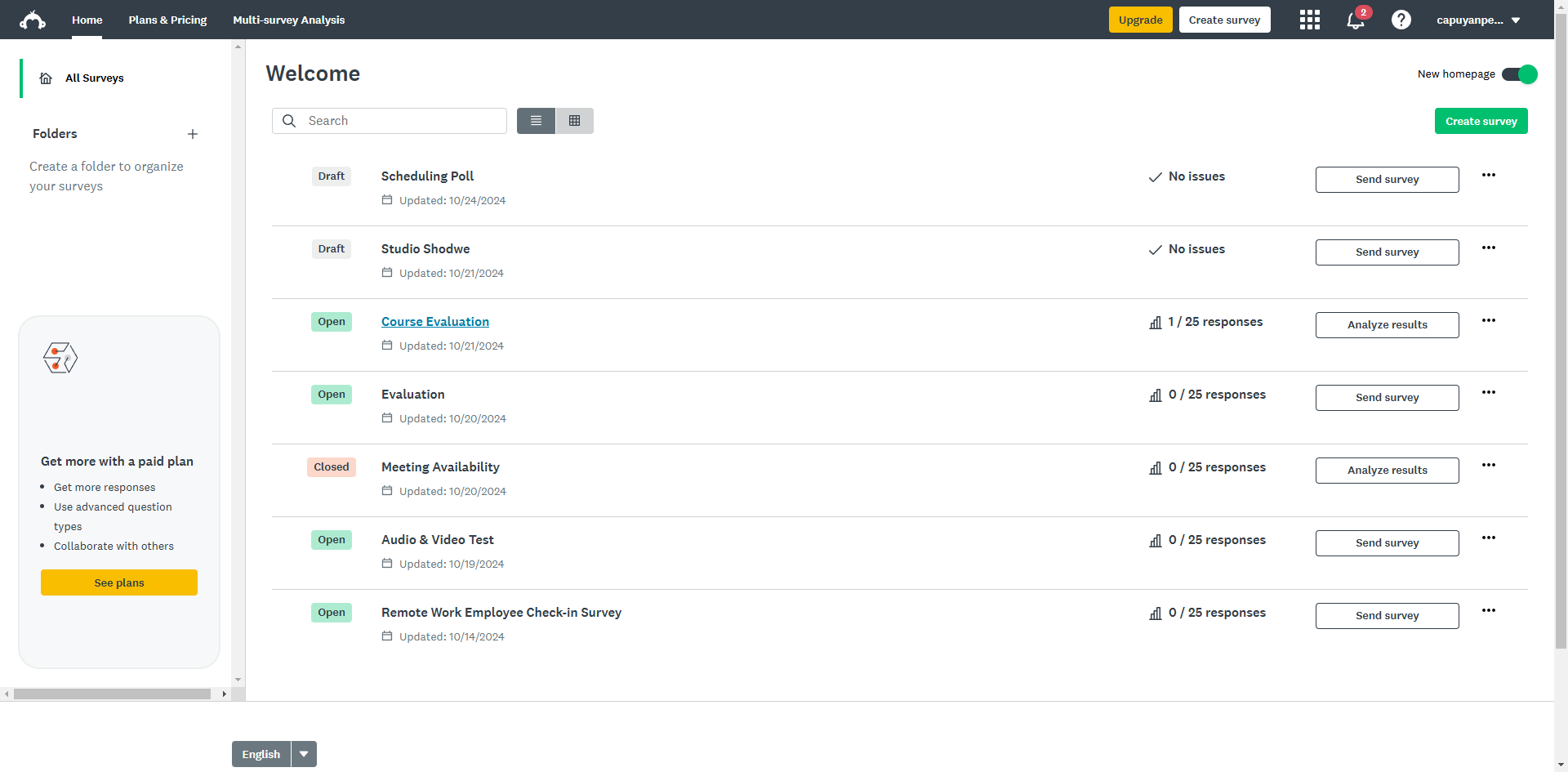
From your dashboard, select the survey you want to add a deadline to.
Click on the 'Collect Responses' tab at the top of the survey editor.
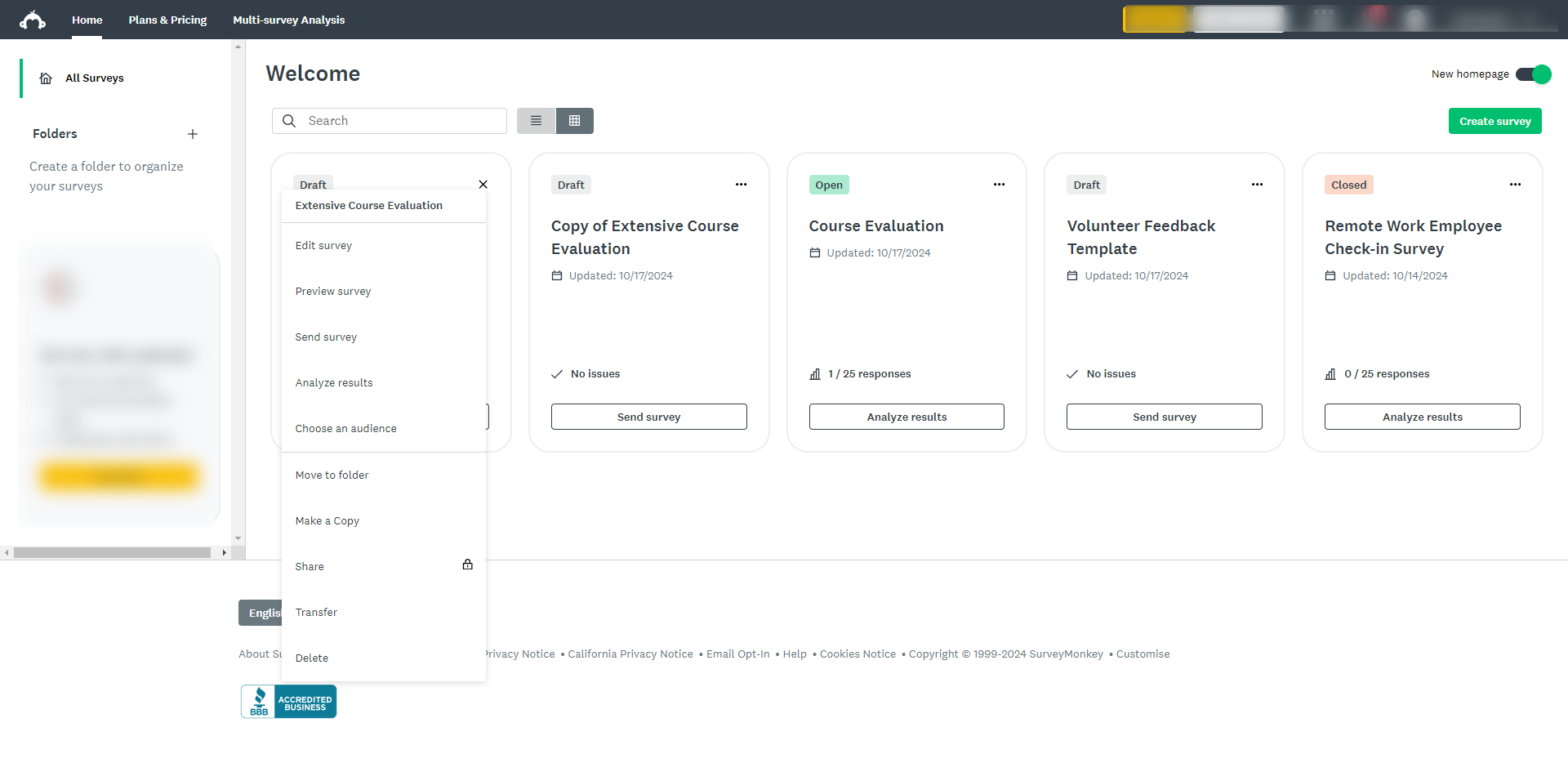
Choose an existing collector by clicking the ellipsis icon next to the collector.
Select 'Edit collector'.
Once inside the collector, scroll down and click 'Show advanced options'.
Find and select the 'Cutoff Date and time' by clicking the drop-down arrow.
Click on the 'On, close this collector at a specific date and time' option.
Set the desired date and time when you want the survey to automatically stop accepting responses.
Once done, the dead line will now be enforced, and your survey will automatically close at the specified date and time.
By following these steps, you can efficiently set a response deadline, helping you manage survey timelines and gather responses in a controlled manner.
Quick answer: To add a response deadline on SurveyMonkey, select your survey from the dashboard, open the Collect Responses tab, and edit an existing collector. Scroll to show advanced options, select the Cutoff Date and time drop-down, choose to close the collector at a specific date and time, and set your desired schedule.
About this SurveyMonkey tutorial
Enforce a response deadline on SurveyMonkey by configuring collector cutoff dates and times to automatically close your survey. This guide shows how to add Response Deadline on SurveyMonkey in 10 steps, starting with "From your dashboard, select the survey you want to add a deadline to" and finishing with "By following these steps, you can efficiently set a response deadline, helping you mana...". The interactive demo above is a click-through copy of the real SurveyMonkey interface, so you can rehearse each step before doing it in your own account.
Frequently asked questions
How many steps does it take to add Response Deadline on SurveyMonkey?
10 steps. Each one is listed in order above, and the demo highlights exactly where to click.
Can I try it without changing my own account?
Yes. Clicking through the demo doesn't touch your SurveyMonkey data or settings. Once you know the flow, repeat it in your own workspace.
This tutorial is filed under SurveyMonkey. Related guides: How to Add Reward SurveyMonkey, How to Add Section Titles in SurveyMonkey and How to Add Sub Questions in SurveyMonkey. Last reviewed 05 Oct 2026.

Create your first interactive demo in minutes
No credit card required • Start building today