How to Change Favicon in Joomla
- George Apostolov
How to Change Favicon in Joomla: step-by-step guide
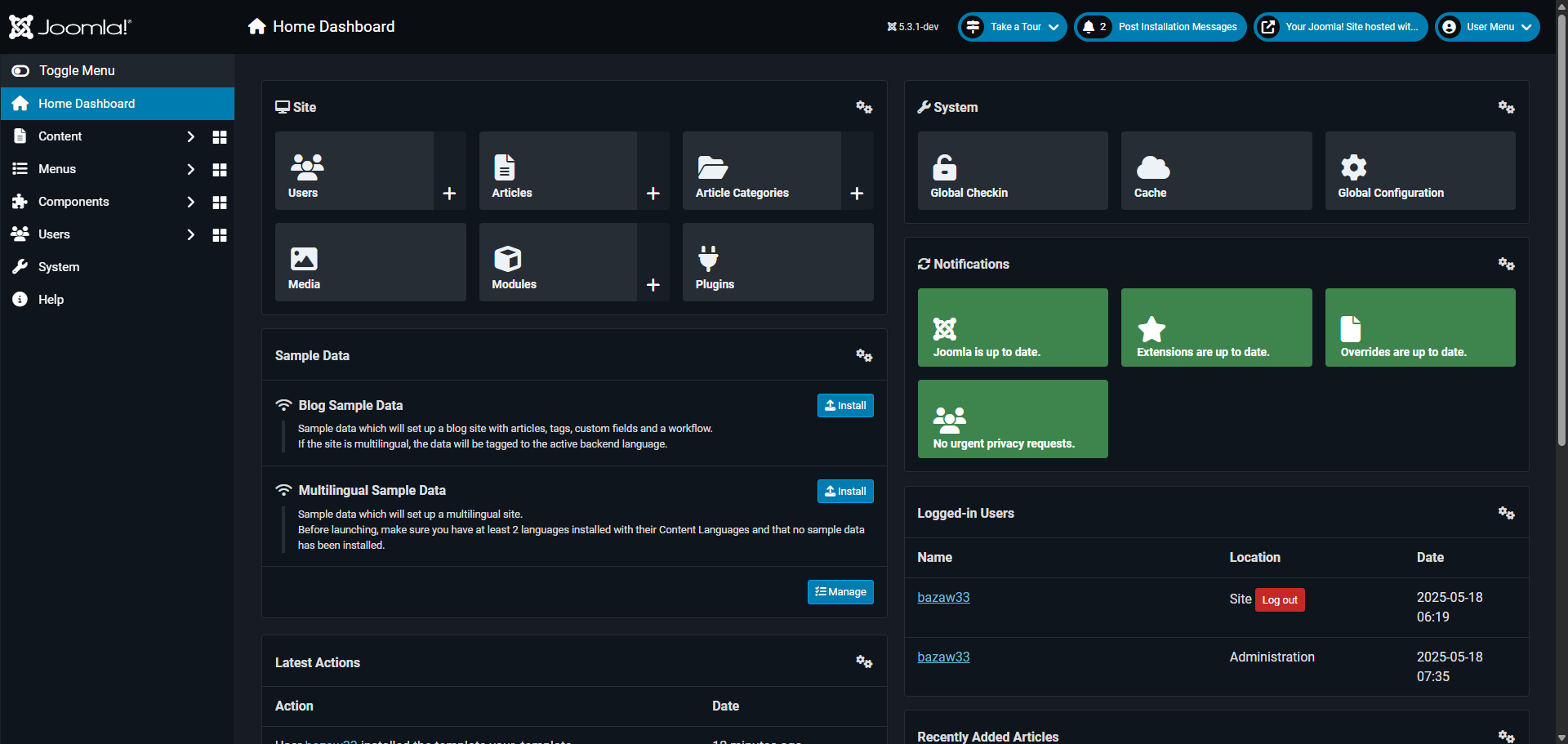
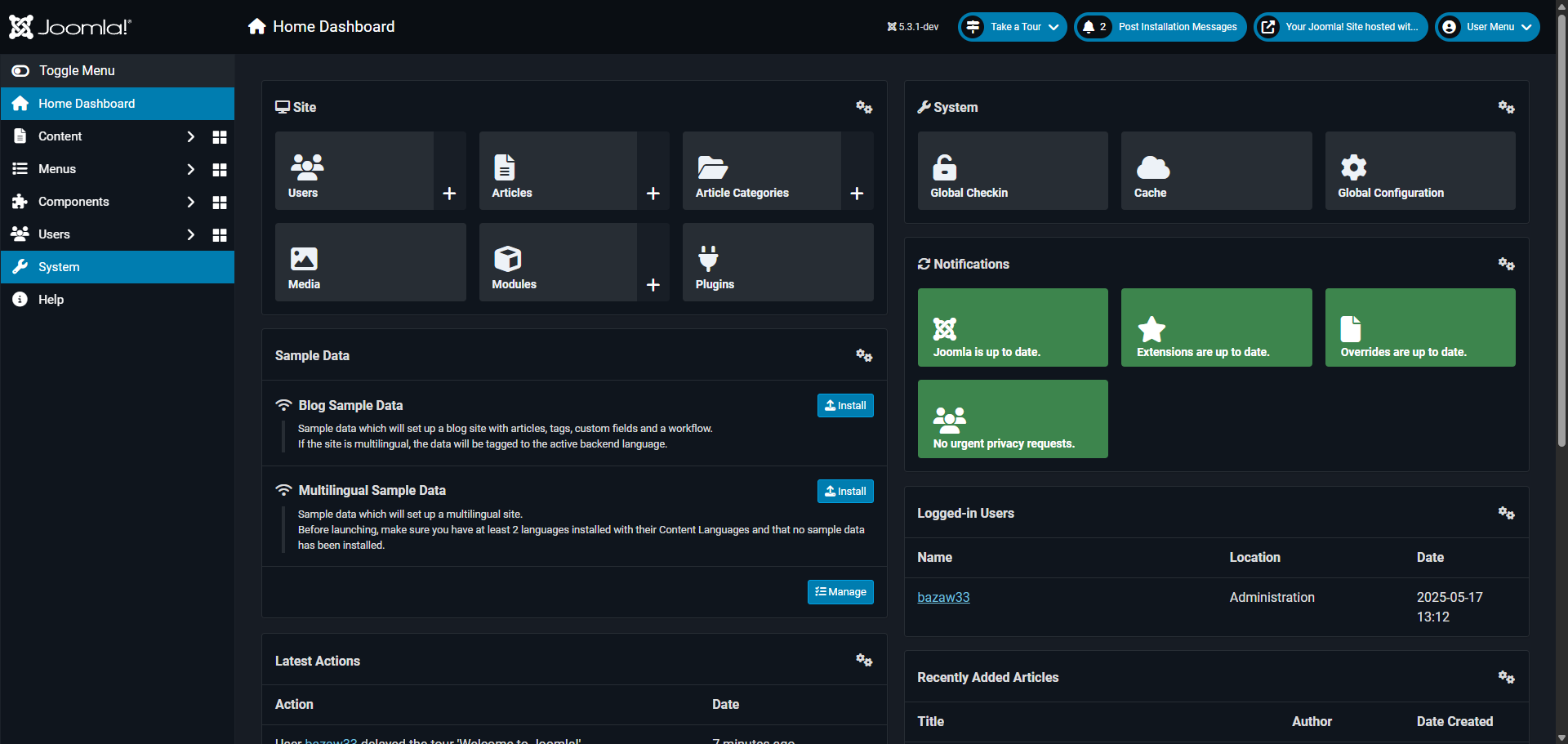
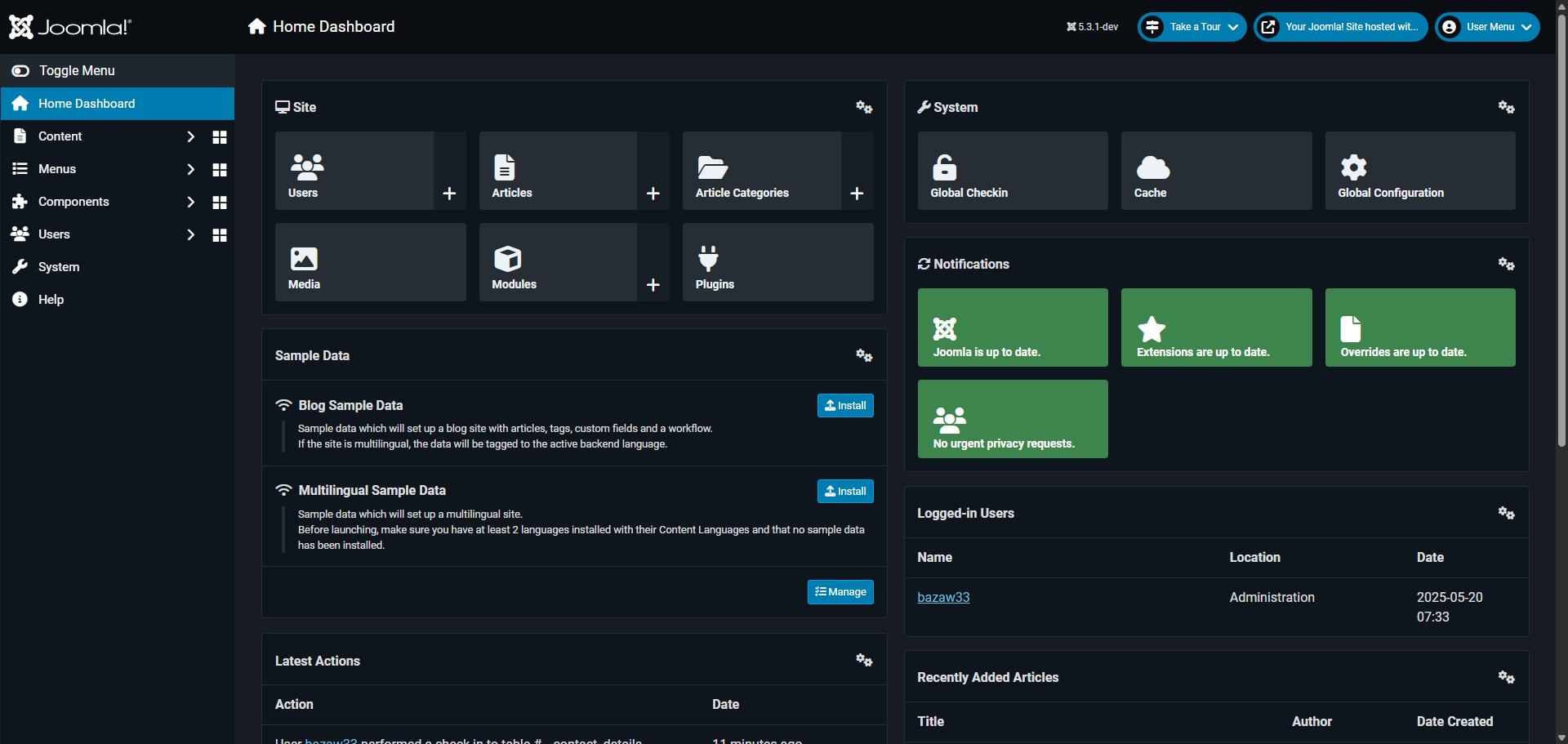
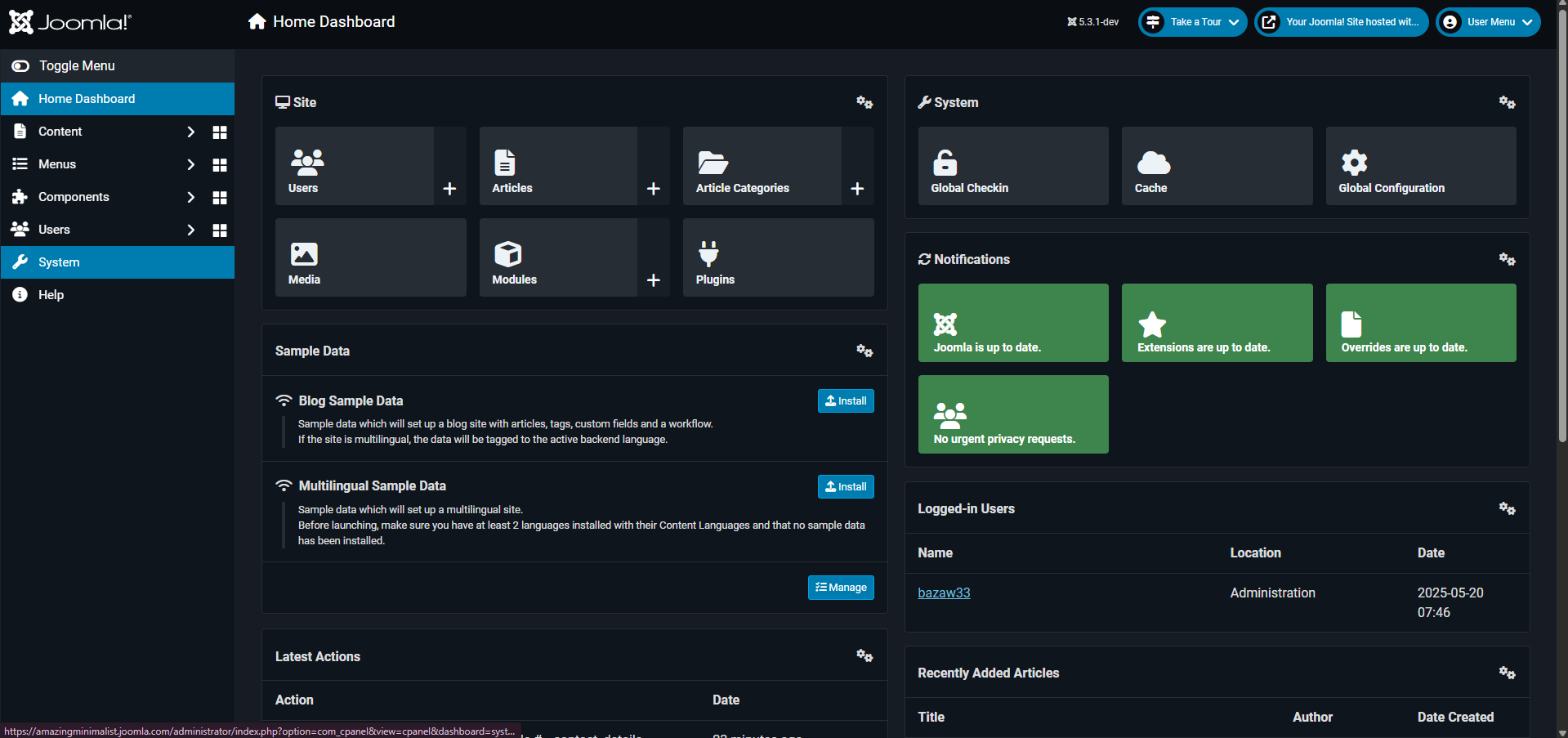
Navigate to the 'System' menu to access core website configuration options.
Access 'Site Template Styles' to manage your website's visual appearance and layout options.
Open the template to customize your site's primary design.
Explore 'Template Options' to access powerful customization features for your site design.
Open the 'Basic' settings panel to modify fundamental site appearance options.
Now, let's customize your site's 'Favicon', the small icon that appears in browser tabs. Scroll down and look for the 'Favicon' section.
Select this area to upload or choose your custom favicon image.
Choose your preferred image.
Click 'Select' confirm this selection to further enhance your website's appearance.
Review your customization options before finalizing your template changes.
Click 'Save' to save your template changes to apply the new favicon to your website.
Quick answer: To change favicon in Joomla, navigate to the System menu, open Site Template Styles, and select your template. Access Template Options and the Basic settings panel, then find the Favicon section. Choose your custom image, click Select, review the changes, and click Save to apply the new favicon.
About this Joomla tutorial
Update your website browser icon in Joomla by selecting a new image in template styles and basic settings, then saving your changes. This guide shows how to change Favicon in Joomla in 11 steps, starting with "Navigate to the 'System' menu to access core website configuration options" and finishing with "Click 'Save' to save your template changes to apply the new favicon to your website". The interactive demo above is a click-through copy of the real Joomla interface, so you can rehearse each step before doing it in your own account.
Frequently asked questions
How many steps does it take to change Favicon in Joomla?
11 steps. Each one is listed in order above, and the demo highlights exactly where to click.
Can I try it without changing my own account?
Yes. Clicking through the demo doesn't touch your Joomla data or settings. Once you know the flow, repeat it in your own workspace.
This tutorial is filed under Joomla. Related guides: How to Change Joomla Admin Password, How to Change Joomla Template and How to Change Logo in Joomla. Last reviewed 05 Oct 2026.

Create your first interactive demo in minutes
No credit card required • Start building today