How to Check Backlinks in Semrush
- George Apostolov
How to Check Backlinks in Semrush: step-by-step guide
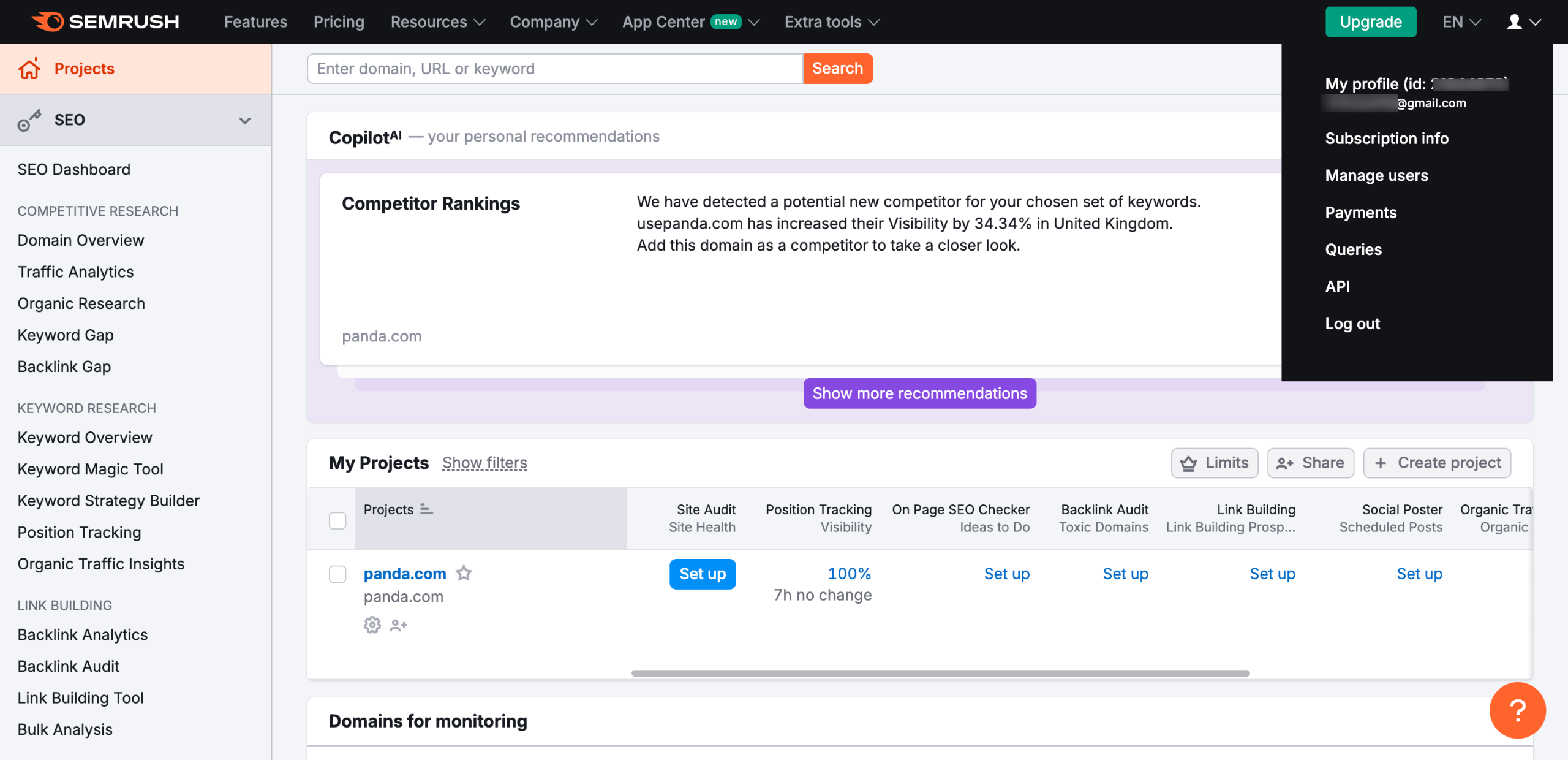
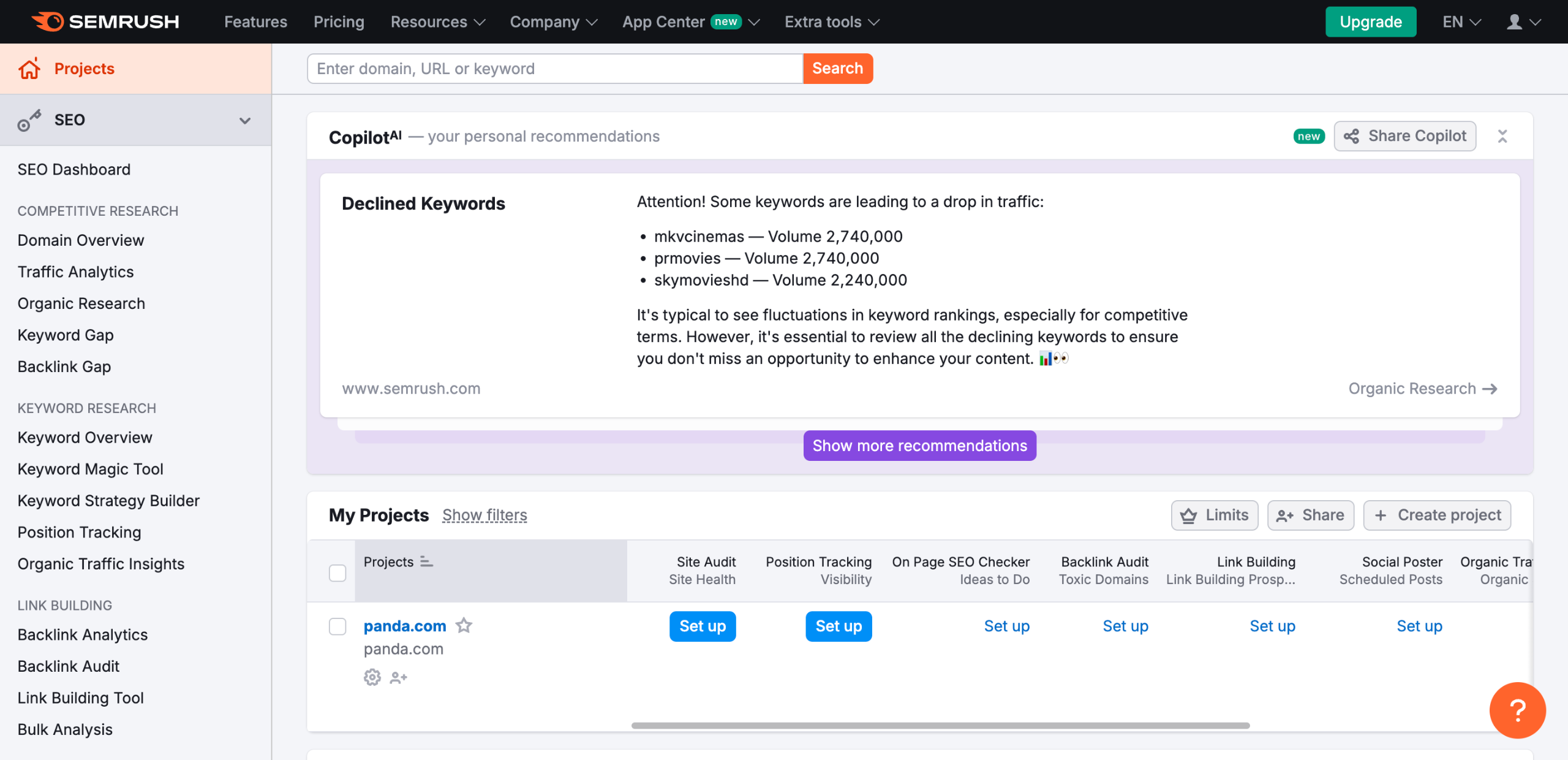
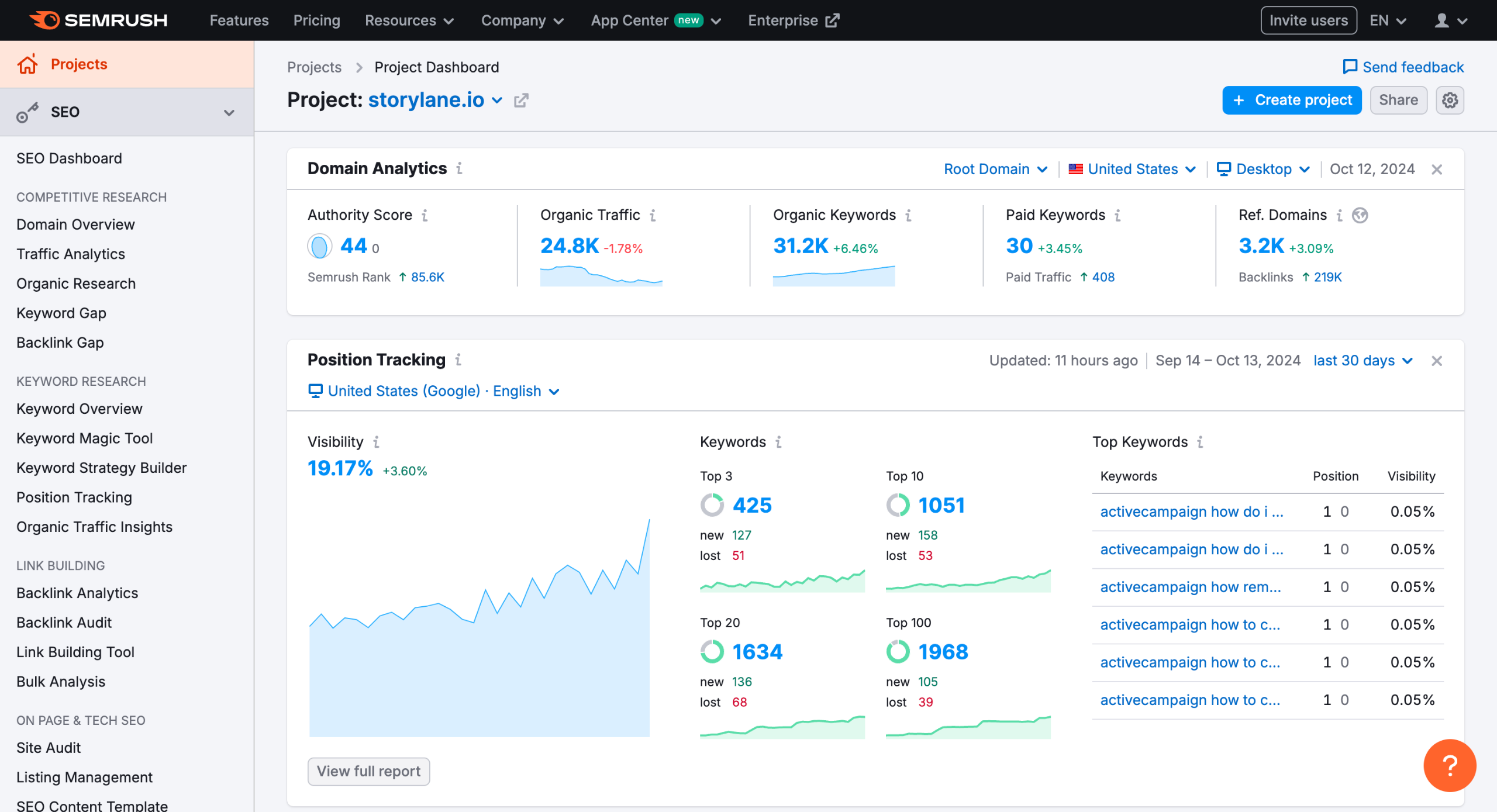
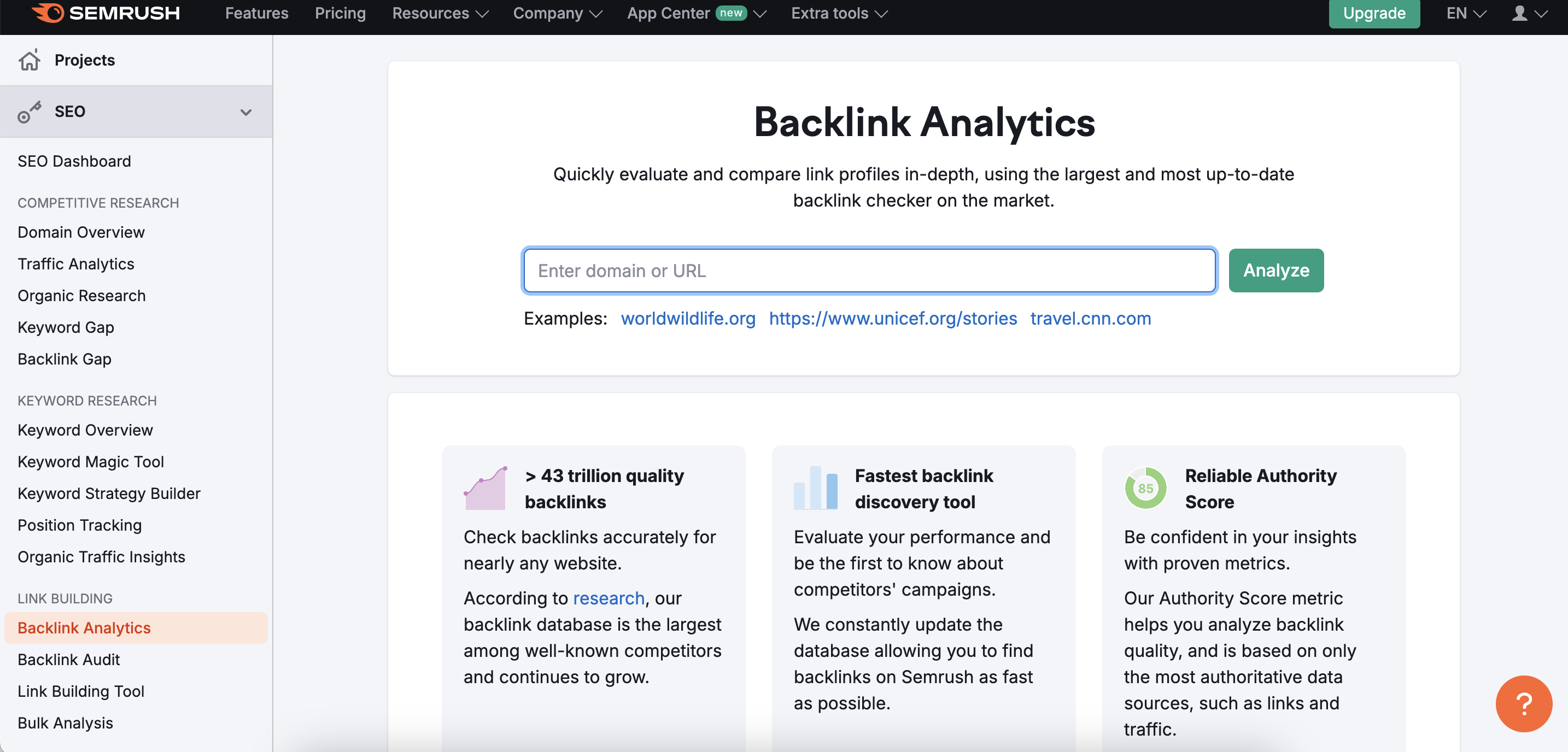
From the dashboard, go to the “Backlink Analytics” tool.
Enter the domain you want to analyze (either your own or a competitor’s) and click “Analyze.”
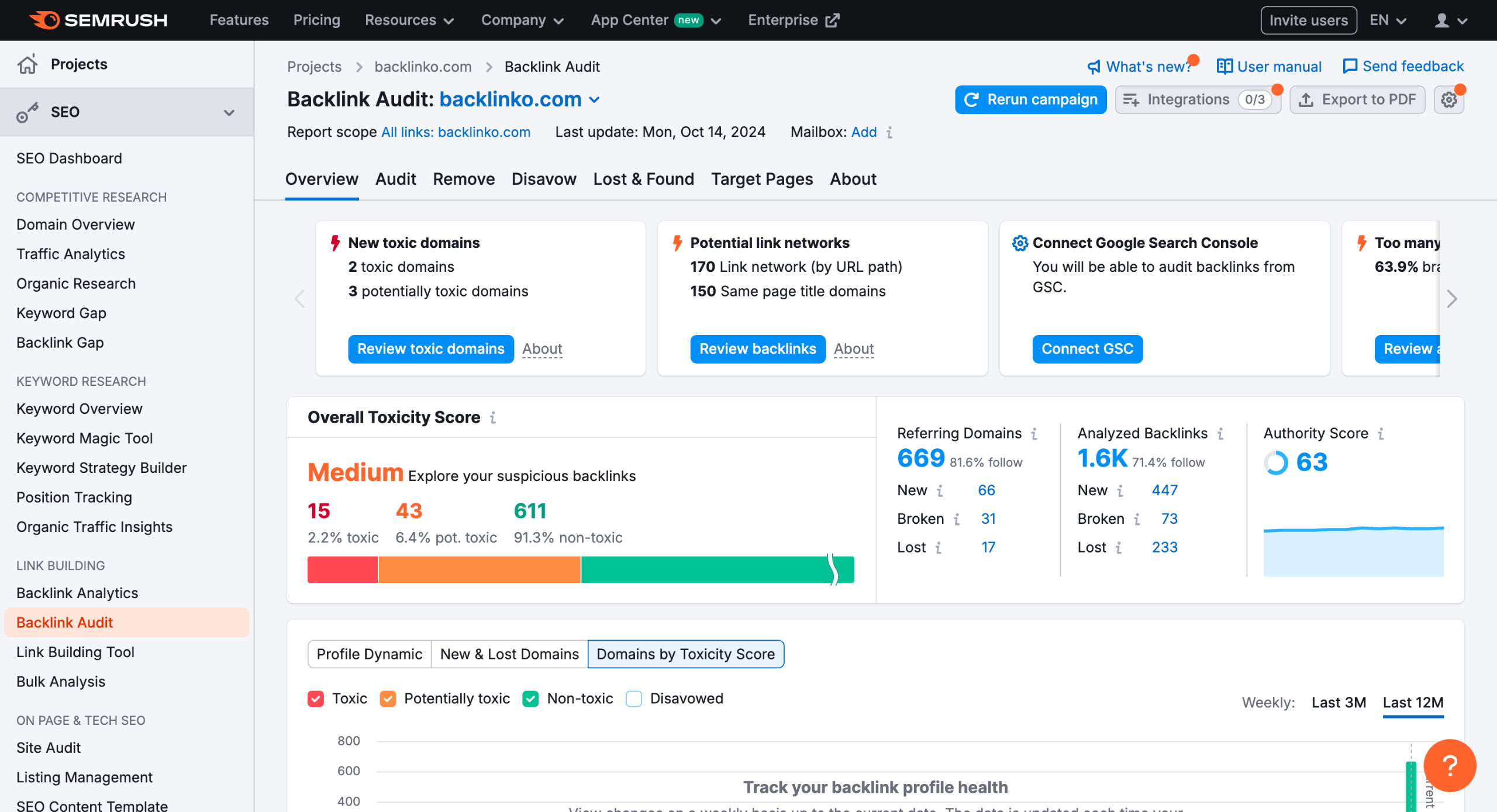
You will see an overview of the domain’s backlinks, including key metrics like the number of backlinks, referring domains, and authority score.
Click on the “Backlinks” tab to see a detailed list of all backlinks pointing to the domain.
Click on individual backlinks to view more details, such as the source URL, target URL, and link type.
Quick answer: To check backlinks in Semrush, go to the Backlink Analytics tool, enter a domain, and click Analyze. Review the metrics overview, click the Backlinks tab for a detailed list, and click individual links to view the source URL, target URL, and link type.
About this Semrush tutorial
Analyze domain authority and referring domains by checking backlinks in Semrush. View detailed link lists, source URLs, and target URLs instantly. This guide shows how to check Backlinks in Semrush in 5 steps, starting with "From the dashboard, go to the 'Backlink Analytics' tool" and finishing with "Click on individual backlinks to view more details, such as the source URL, target URL,...". The interactive demo above is a click-through copy of the real Semrush interface, so you can rehearse each step before doing it in your own account.
Frequently asked questions
How many steps does it take to check Backlinks in Semrush?
5 steps. Each one is listed in order above, and the demo highlights exactly where to click.
Can I try it without changing my own account?
Yes. Clicking through the demo doesn't touch your Semrush data or settings. Once you know the flow, repeat it in your own workspace.
This tutorial is filed under Semrush. Related guides: How to check spam score in semrush, How to Compare Domain Metrics in Semrush and How to Connect Google Analytics to Semrush. Last reviewed 05 Oct 2026.

Create your first interactive demo in minutes
No credit card required • Start building today