How to Contact Fiverr Support
- George Apostolov
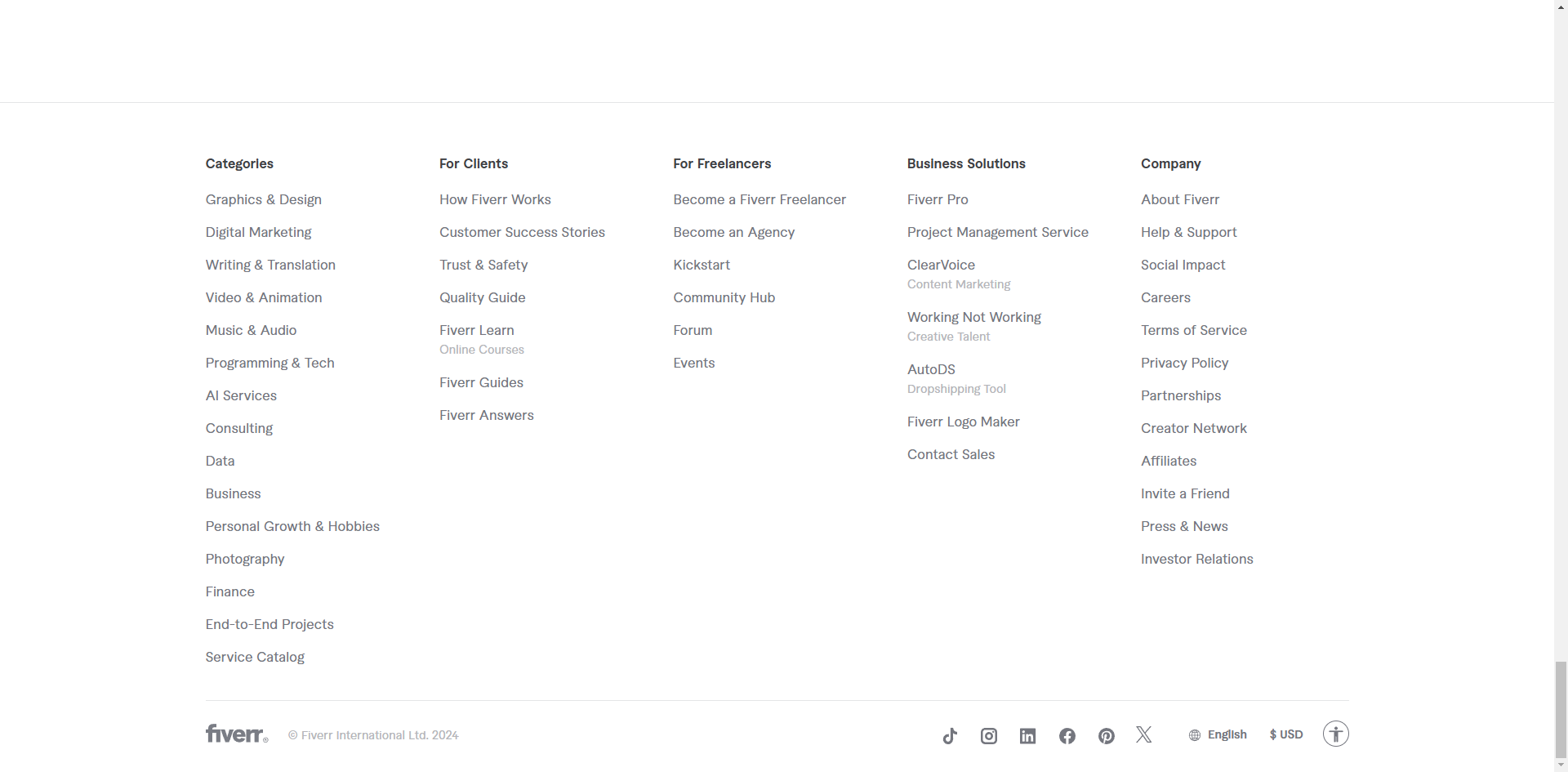
How to Contact Fiverr Support: step-by-step guide
Scroll down and click on the 'Help & Support' option under the 'Company' section.
Choose the category that matches your issue and click on it.
Click 'Contact us'.
Select your issue in the chat window.
Quick answer: To contact support, scroll down and click Help & Support under the Company section. Next, choose your issue category, click Contact us, and select your specific issue within the chat window.
About this tutorial
Reach customer service on the app by selecting Help and Support, choosing your issue category, and messaging via the chat window. This guide shows how to contact Fiverr Support in 4 steps, starting with "Scroll down and click on the 'Help & Support' option under the 'Company' section" and finishing with "Select your issue in the chat window". The interactive demo above is a click-through copy of the real product interface, so you can rehearse each step before doing it in your own account.
Frequently asked questions
How many steps does it take to contact Fiverr Support?
4 steps. Each one is listed in order above, and the demo highlights exactly where to click.
Can I try it without changing my own account?
Yes. Clicking through the demo doesn't touch your data or settings. Once you know the flow, repeat it in your own workspace.

Create your first interactive demo in minutes
No credit card required • Start building today