How to Contact the ClickFunnels Support
- George Apostolov
How to Contact the ClickFunnels Support: step-by-step guide
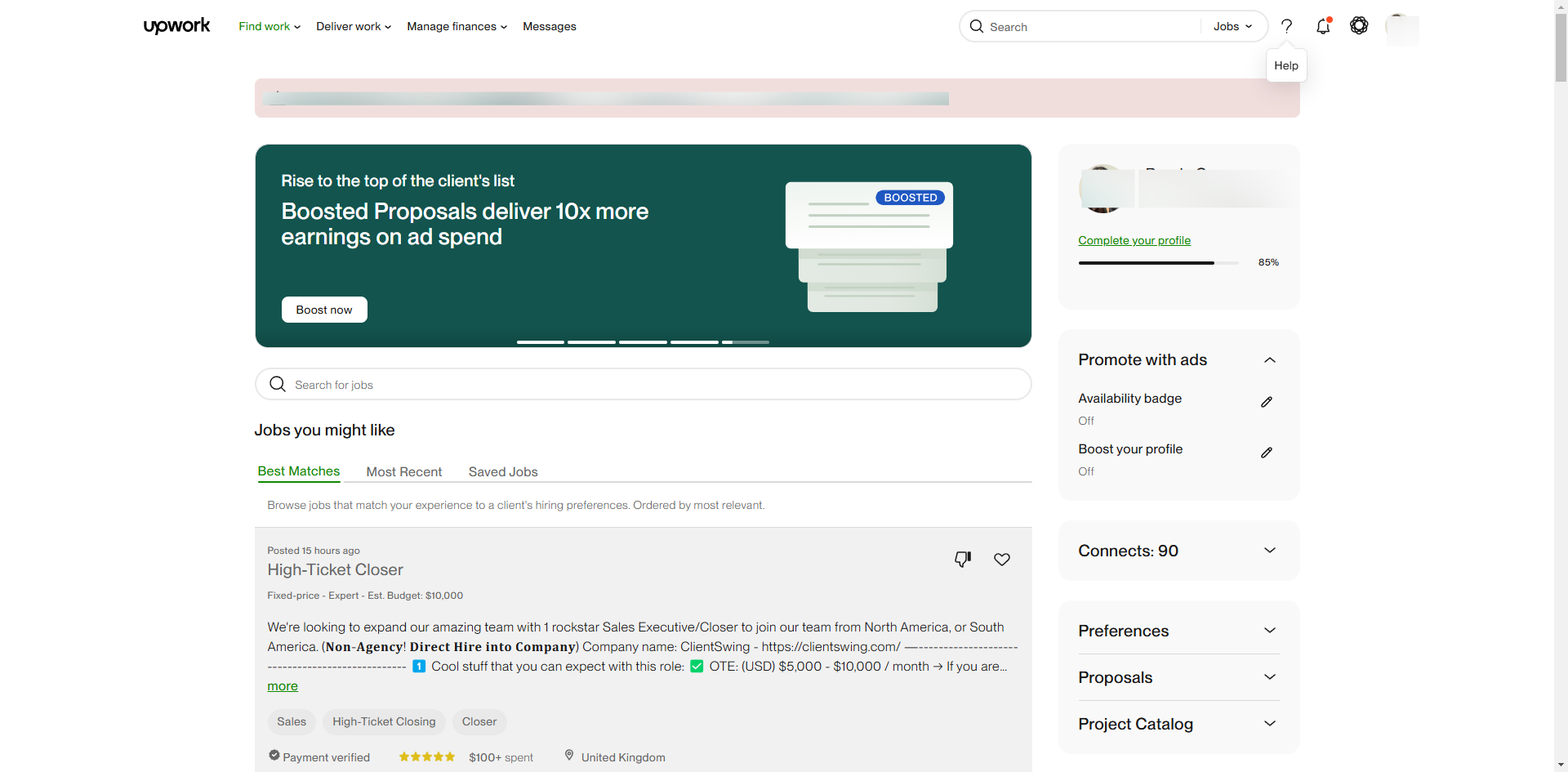
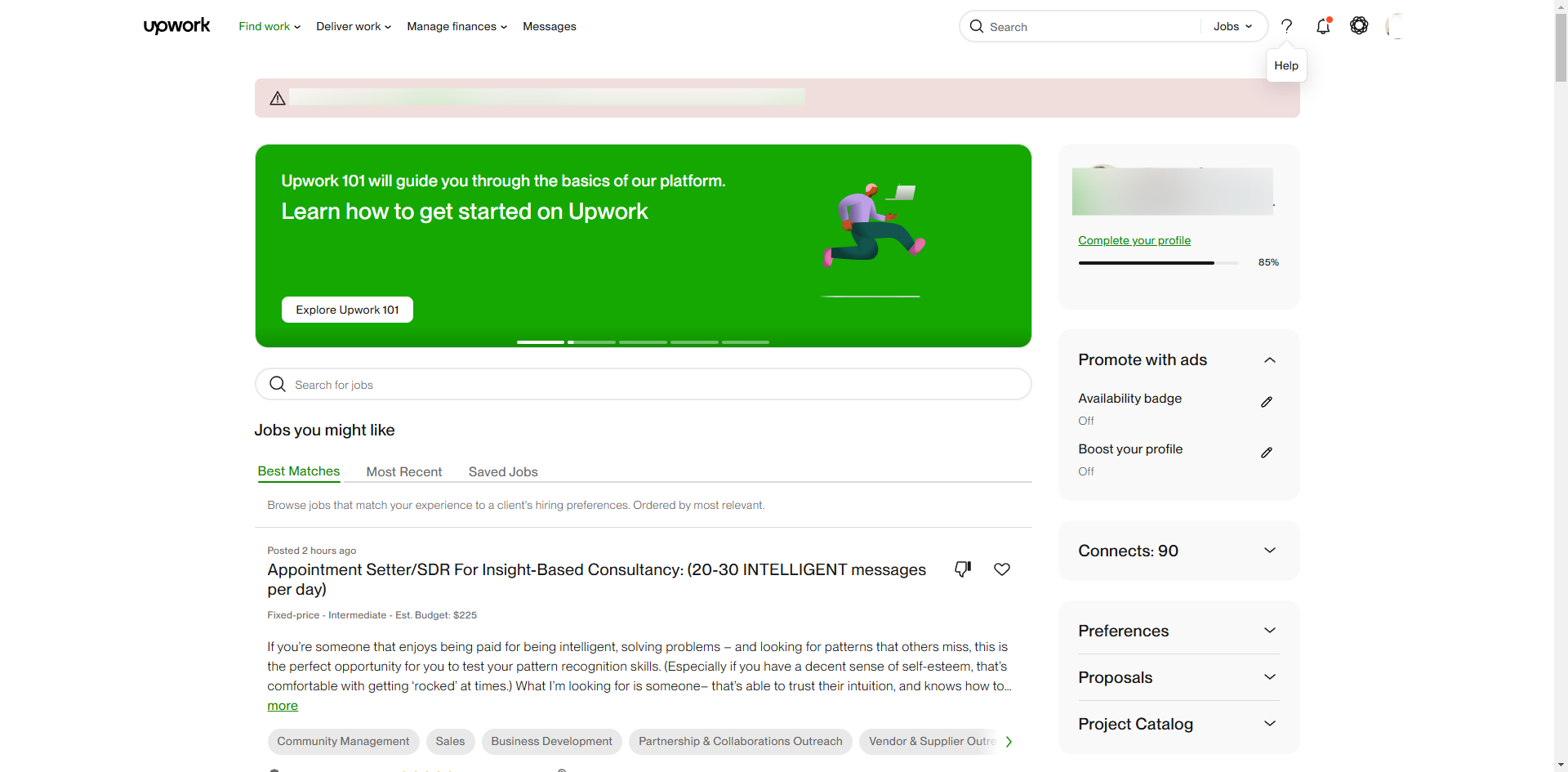
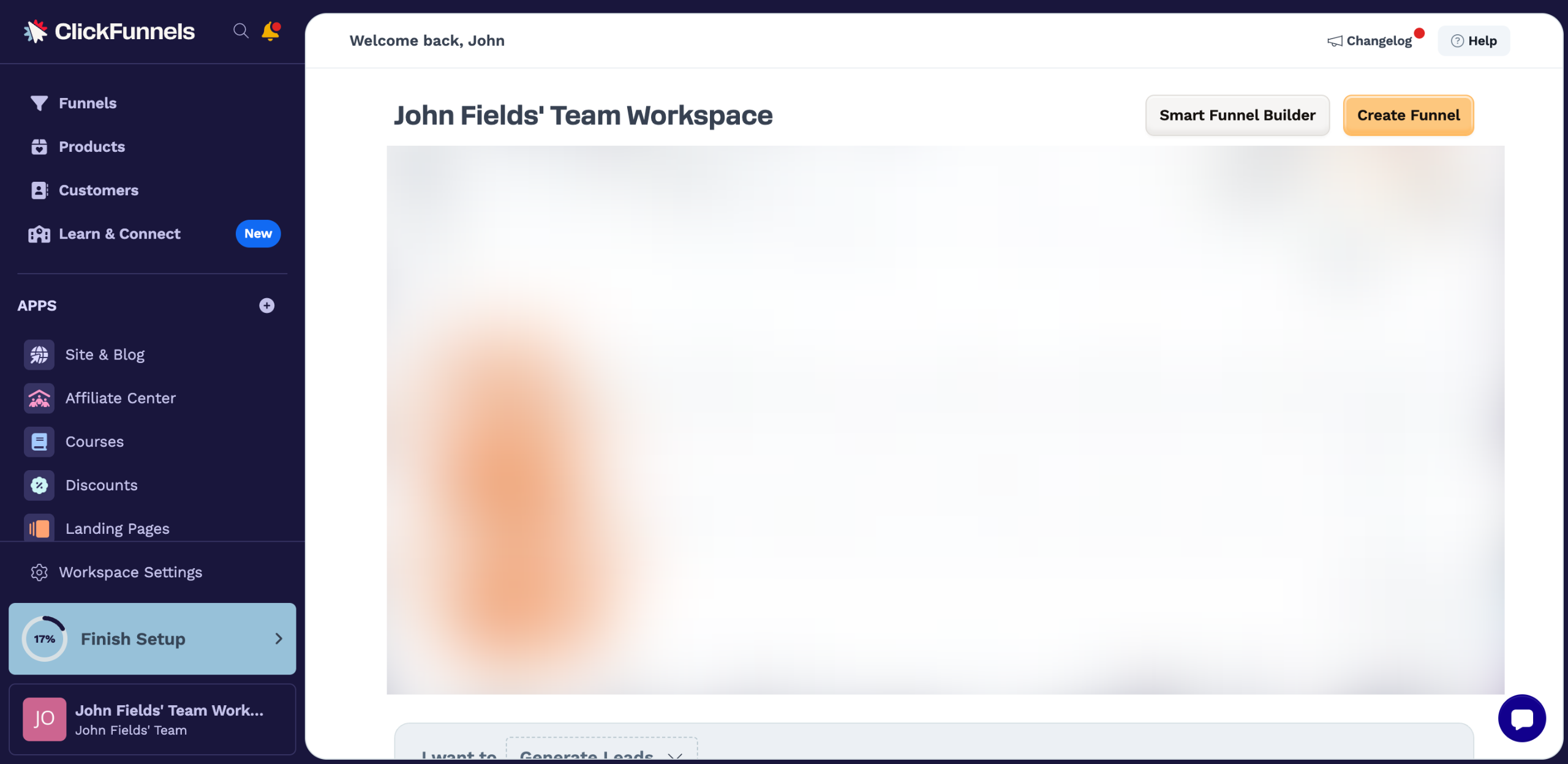
Go to the top-right corner, then click the 'Help' button.
Following that, tap 'Contact Support' at the bottom section of the panel.
Come up with a message describing your concern, then enter it into the message box.
Once done, click the 'Send' button next to your message.
After completing these steps, your message will be sent immediately to ClickFunnels support. In return, an AI assistant will get in touch with you and provide the best resolution to address your concern.
Quick answer: To contact ClickFunnels support, click the Help button in the top-right corner, select Contact Support at the bottom, type your concern into the message box, and click Send. An AI assistant will then respond to help resolve your issue.
About this tutorial
Send a message to support within the app by opening the help menu, typing your concern, and clicking send to get an AI-powered resolution. This guide shows how to contact the ClickFunnels Support in 5 steps, starting with "Go to the top-right corner, then click the 'Help' button" and finishing with "After completing these steps, your message will be sent immediately to ClickFunnels sup...". The interactive demo above is a click-through copy of the real product interface, so you can rehearse each step before doing it in your own account.
Frequently asked questions
How many steps does it take to contact the ClickFunnels Support?
5 steps. Each one is listed in order above, and the demo highlights exactly where to click.
Can I try it without changing my own account?
Yes. Clicking through the demo doesn't touch your data or settings. Once you know the flow, repeat it in your own workspace.

Create your first interactive demo in minutes
No credit card required • Start building today