How to Create a Product Update Announcer GPT
- George Apostolov
How to Create a Product Update Announcer GPT: step-by-step guide
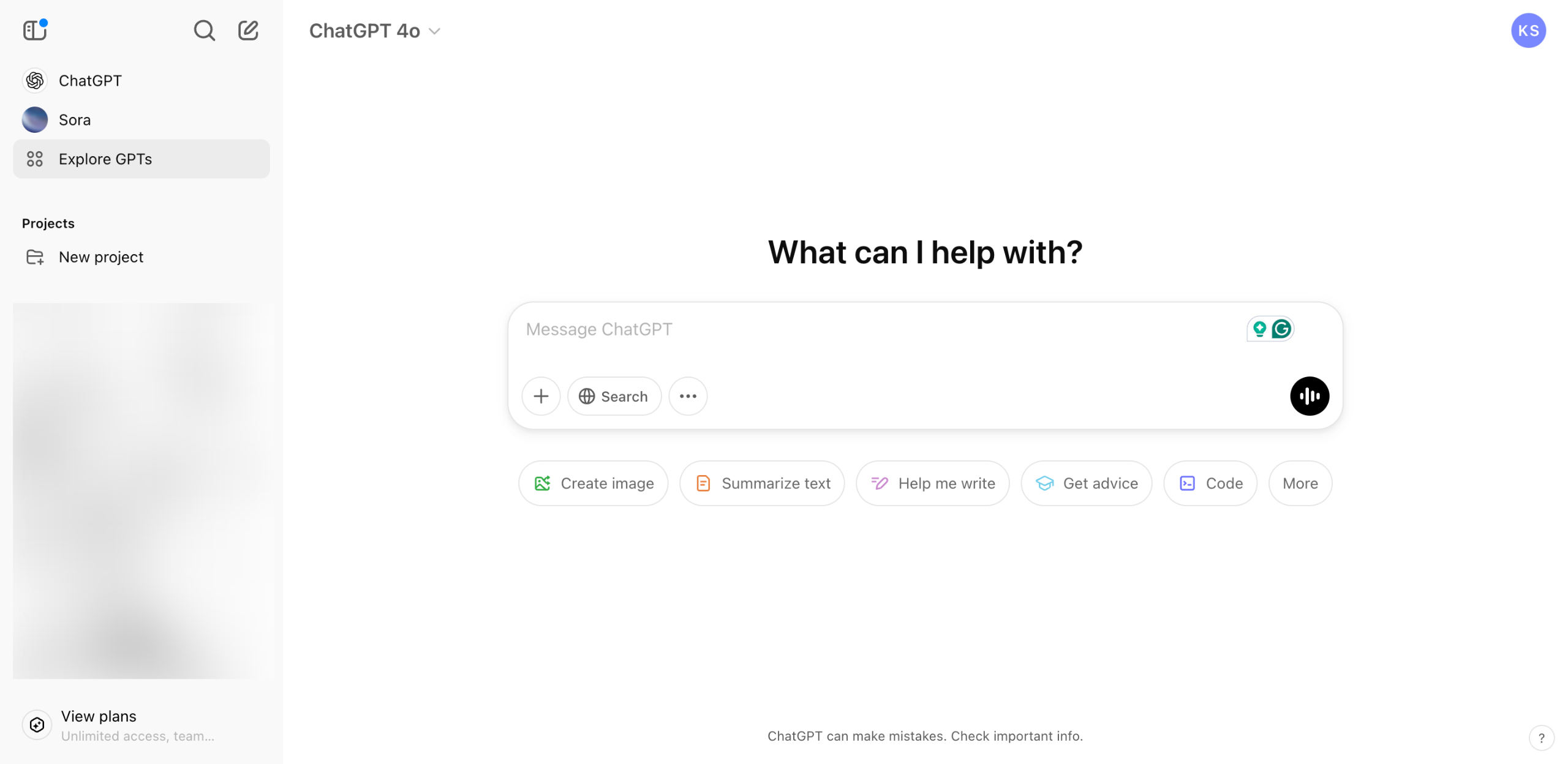
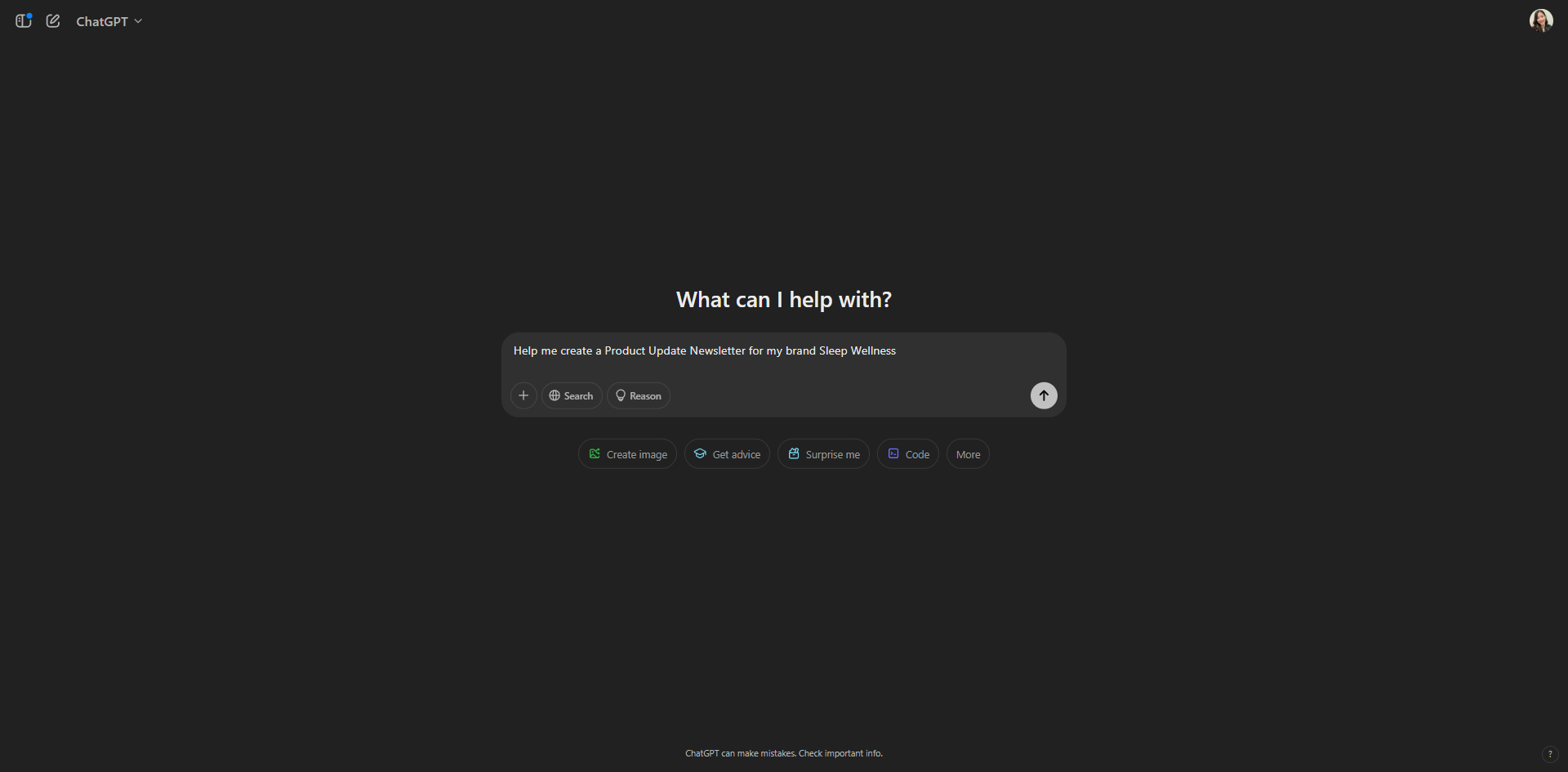
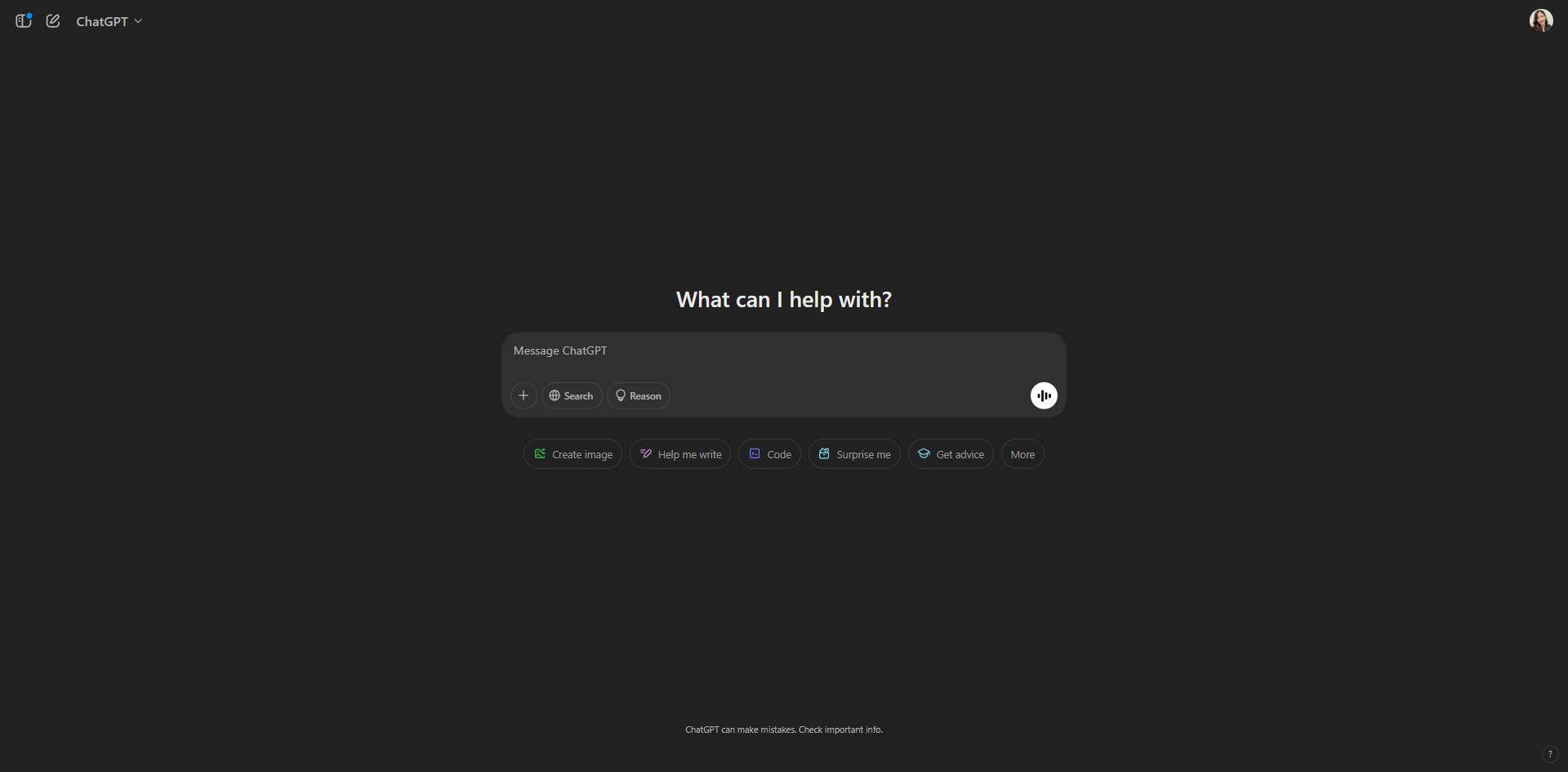
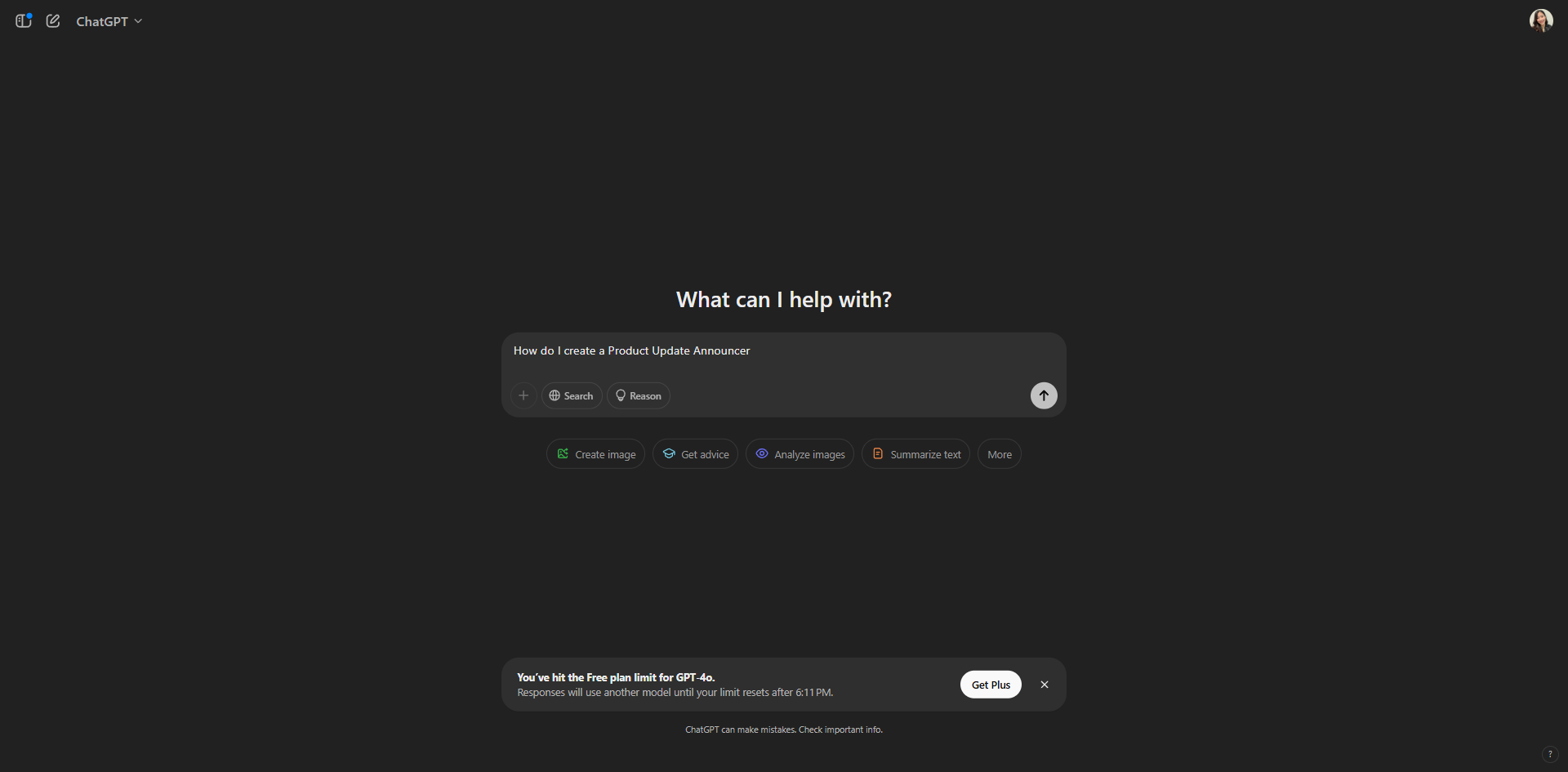
On ChatGPT's main interface, create your input prompt. You need to instruct the ChatGPT on what you want.
Click on the arrow to continue and generate results.
Now that you have the steps on how to create a Product Update Announcer. Review the output and make certain adjustments if necessary.
Ask ChatGPT to provide an example in order to craft an engaging and interactive update announcer.
Once satisfied, click on the copy button.
Quick answer: To create a Product Update Announcer GPT on ChatGPT, first input your prompt with instructions and click the arrow to generate results. Review the output, ask ChatGPT for an engaging example to make adjustments, and finally click the copy button once you are satisfied.
About this tutorial
Craft engaging product updates by building a custom announcer inside the app. Input prompts, review results, and copy your final prompt. This guide shows how to create a Product Update Announcer GPT in 5 steps, starting with "On ChatGPT's main interface, create your input prompt. You need to instruct the ChatGPT..." and finishing with "Once satisfied, click on the copy button". The interactive demo above is a click-through copy of the real product interface, so you can rehearse each step before doing it in your own account.
Frequently asked questions
How many steps does it take to create a Product Update Announcer GPT?
5 steps. Each one is listed in order above, and the demo highlights exactly where to click.
Can I try it without changing my own account?
Yes. Clicking through the demo doesn't touch your data or settings. Once you know the flow, repeat it in your own workspace.

Create your first interactive demo in minutes
No credit card required • Start building today