How to Develop a Competency Modelling in SurveyMonkey
- George Apostolov
How to Develop a Competency Modelling in SurveyMonkey: step-by-step guide
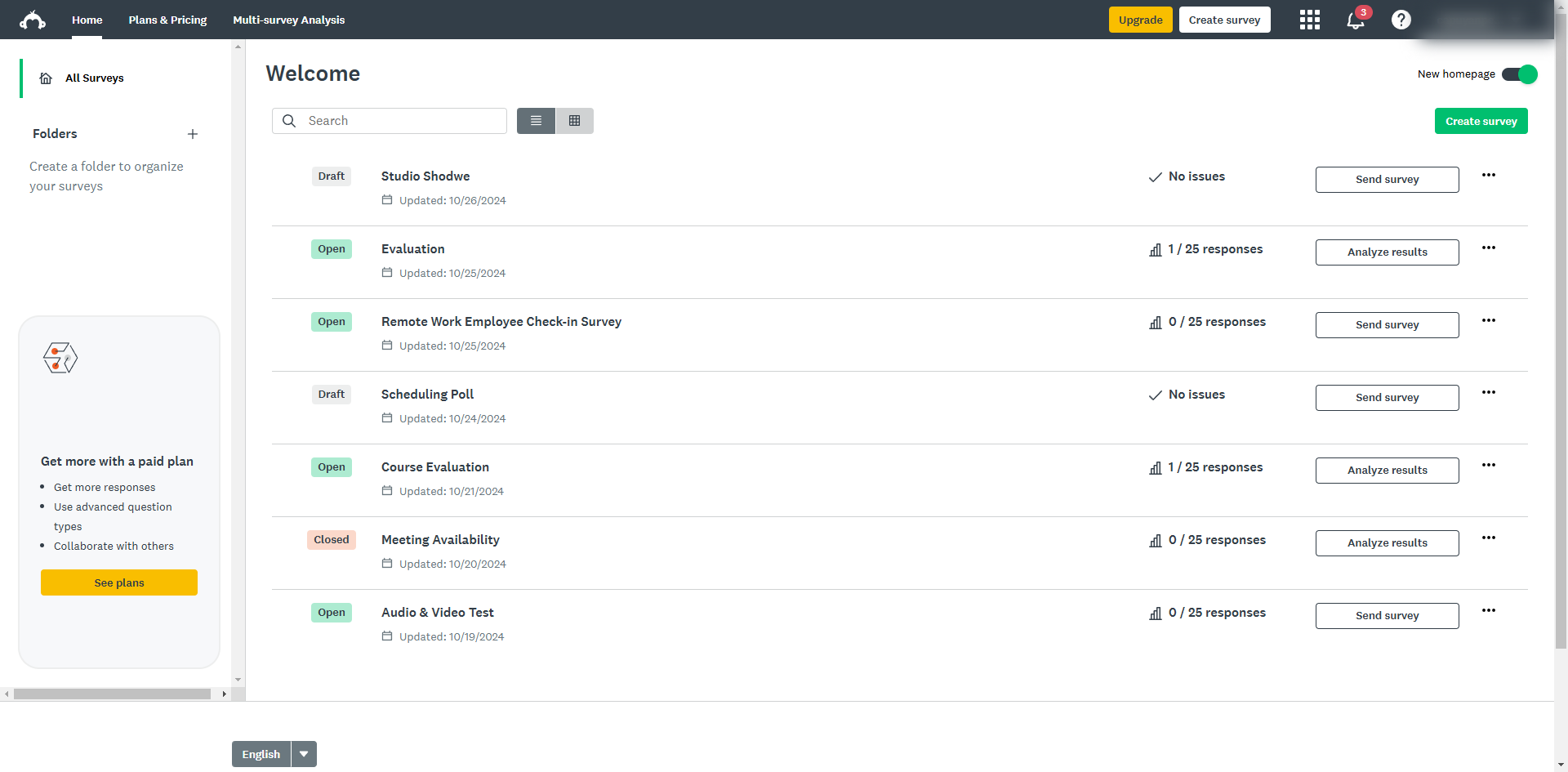
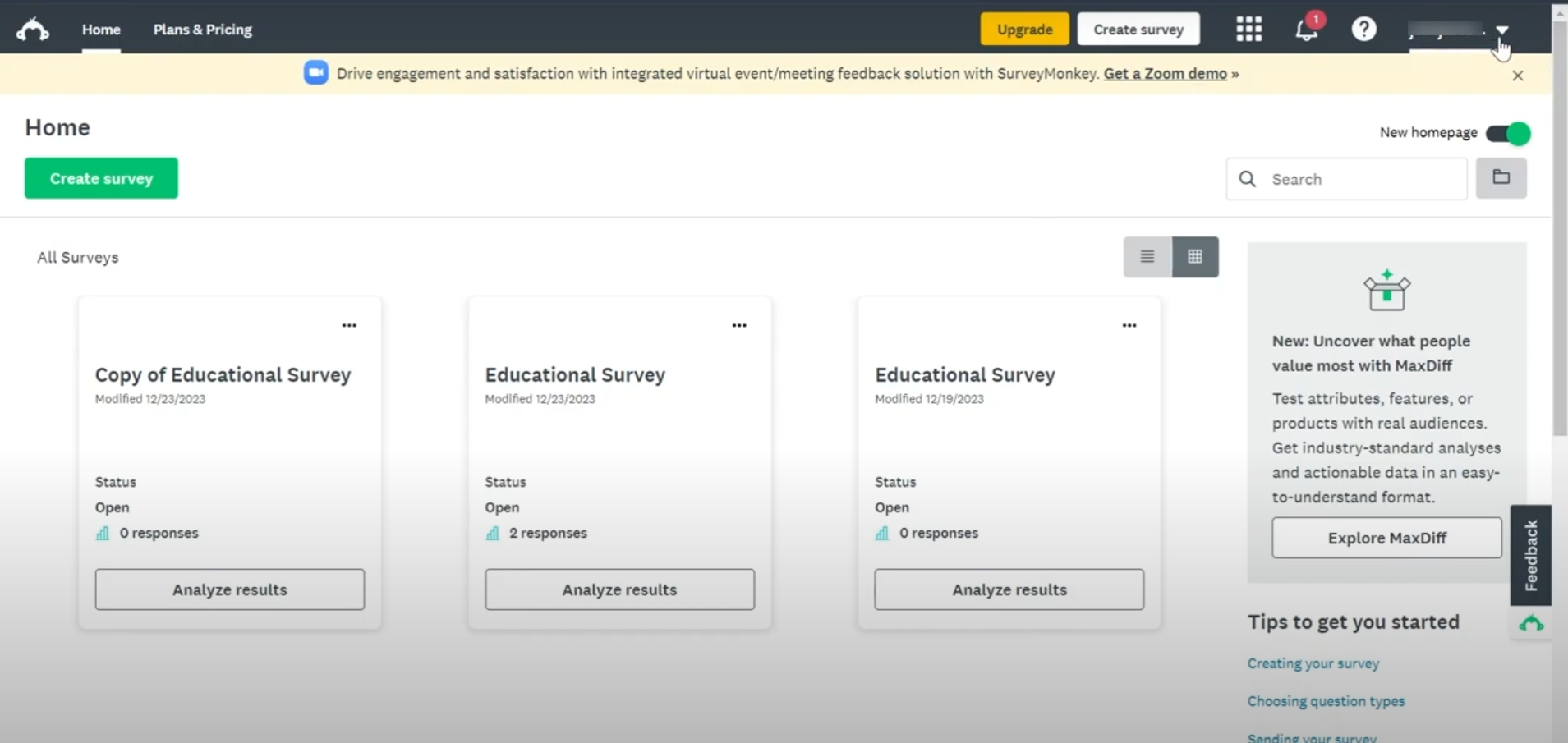
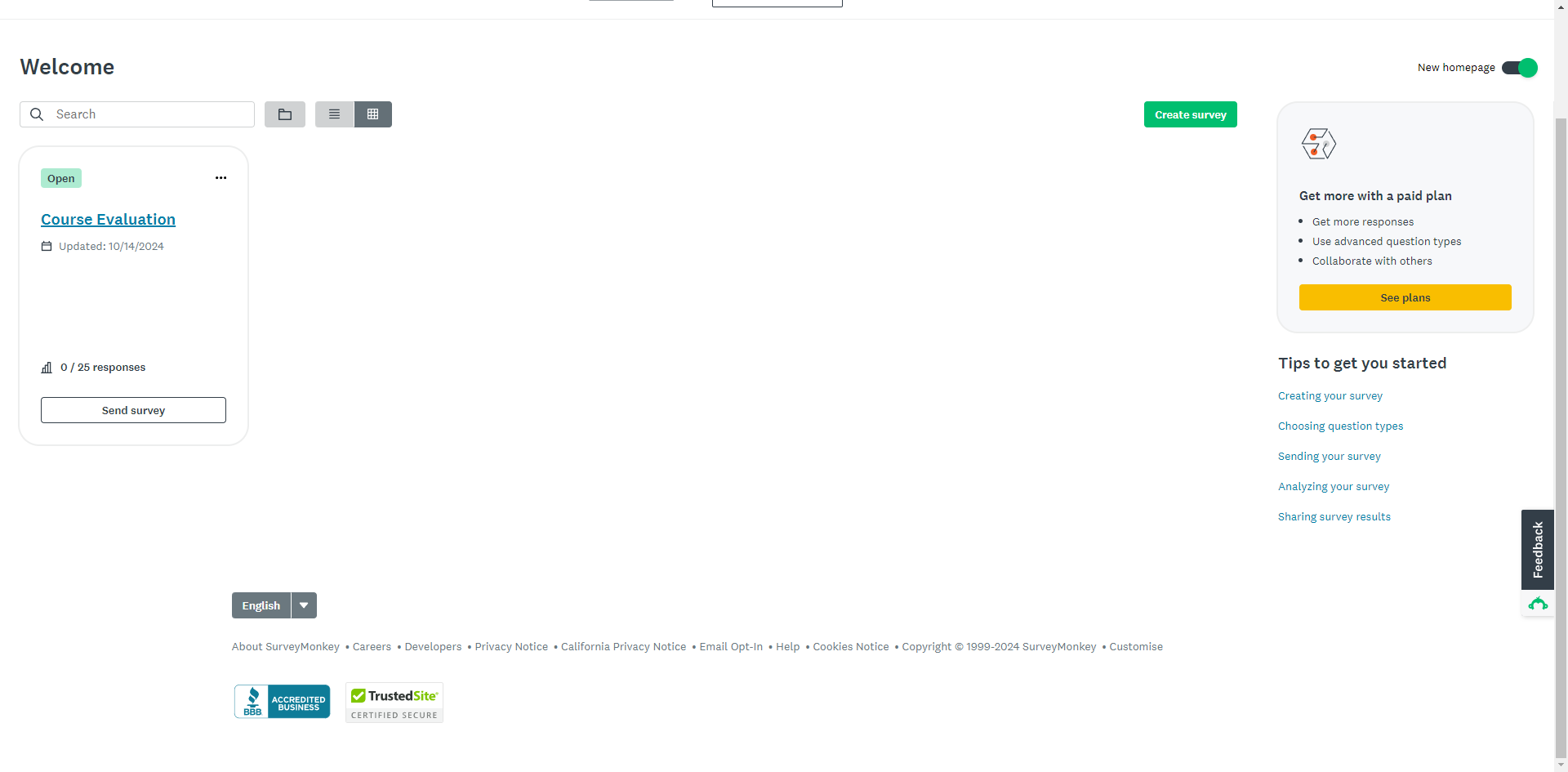
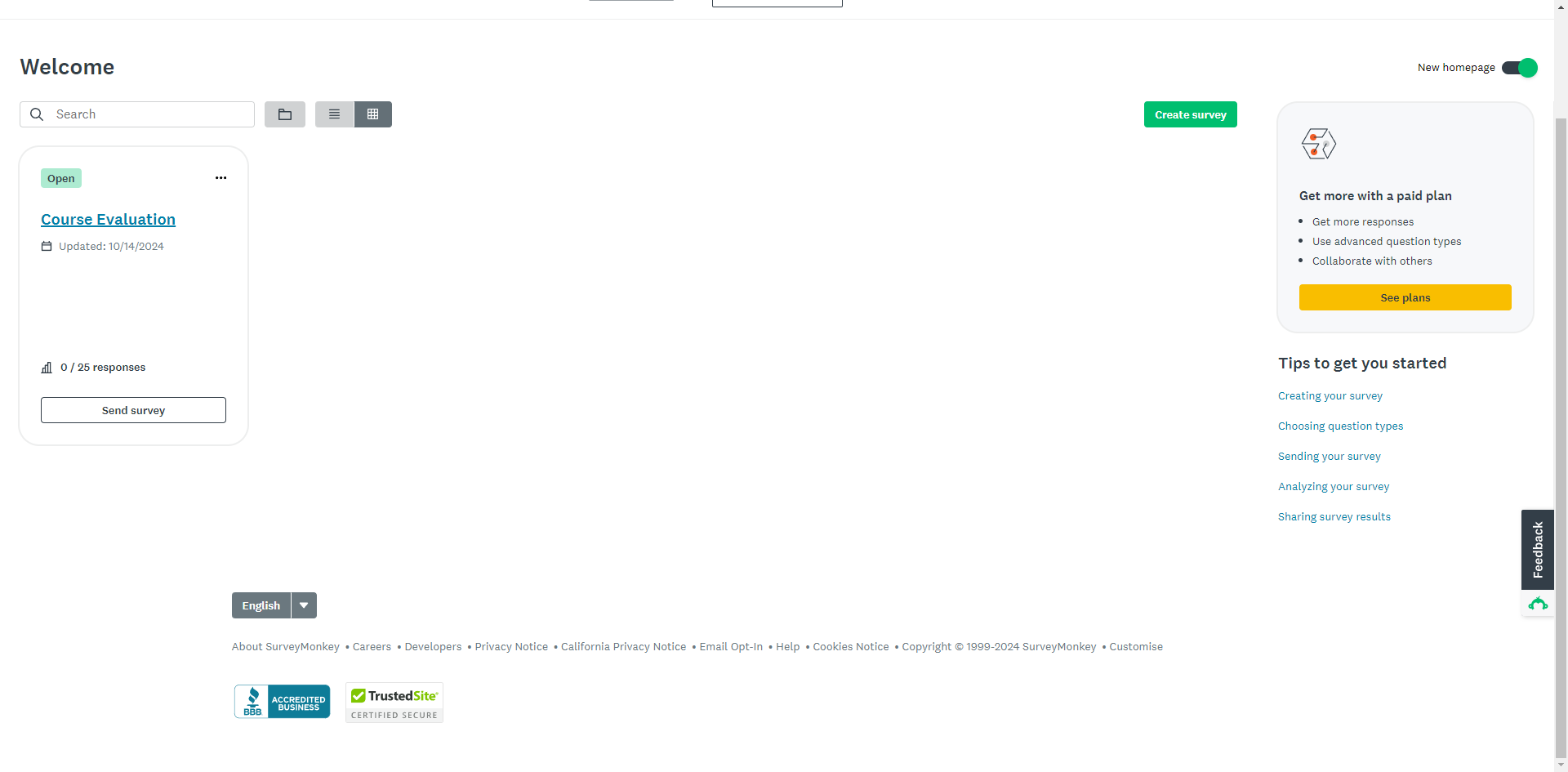
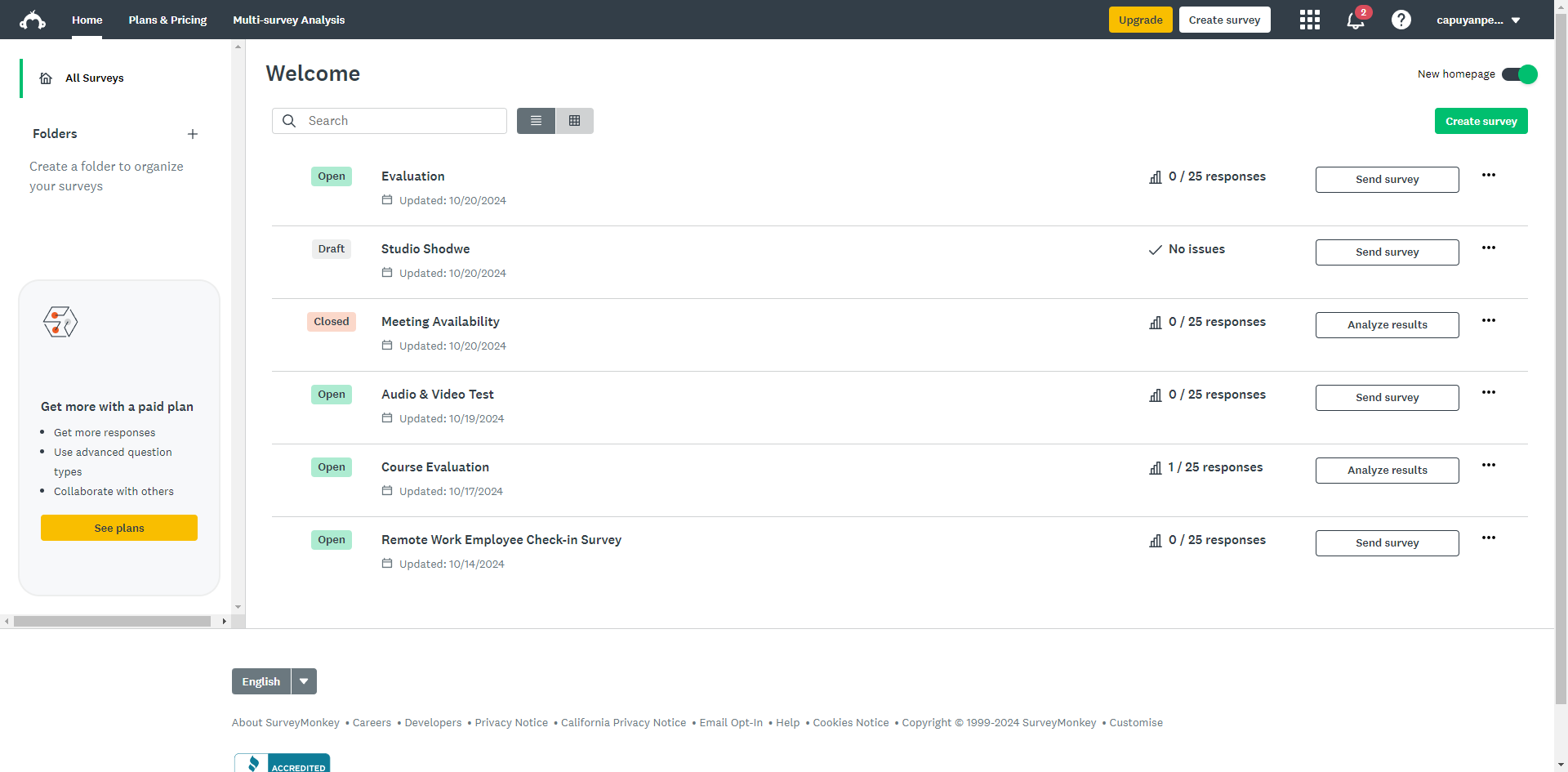
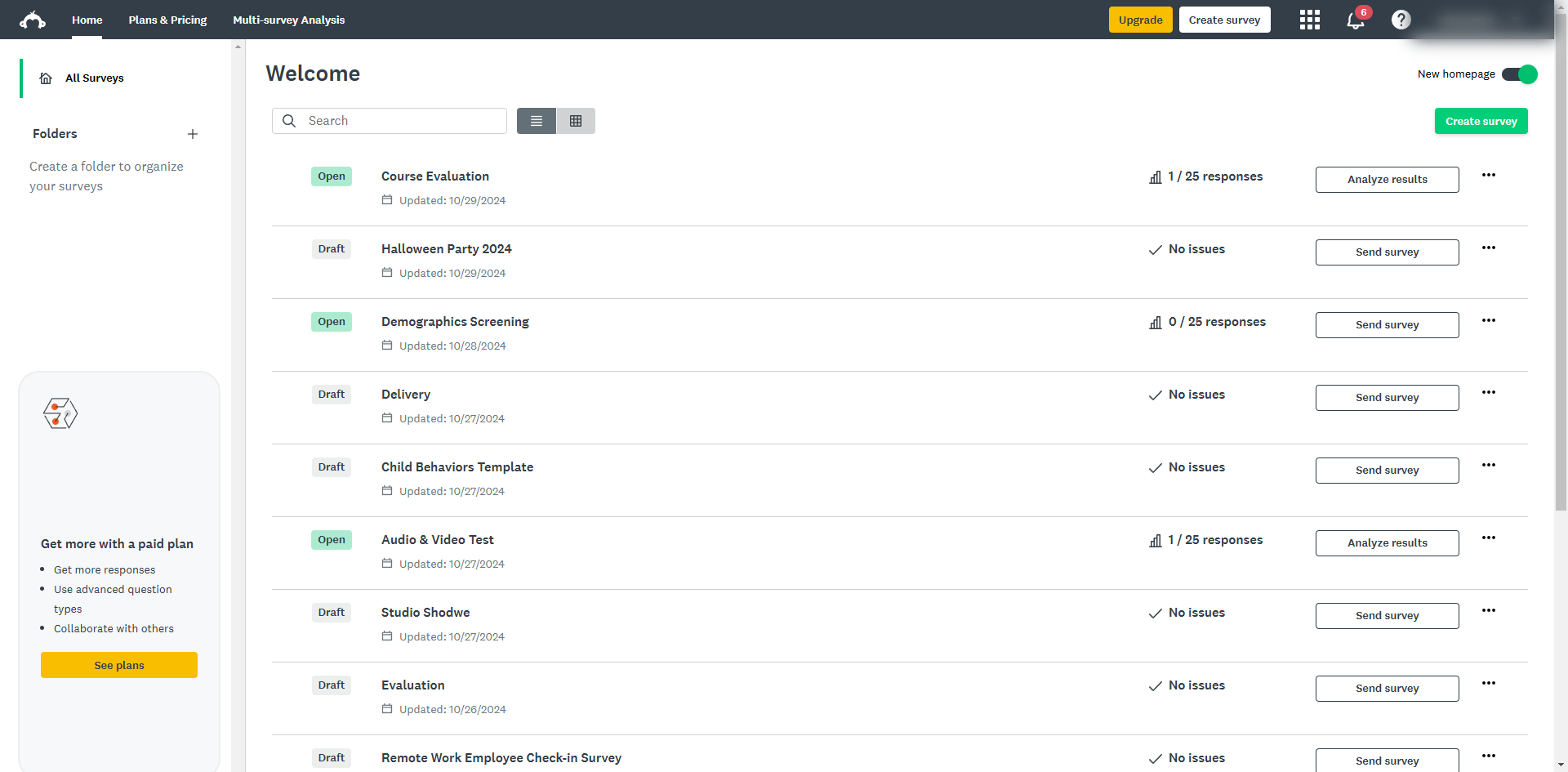
Click the 'Create survey' button.
Choose a starting point.
Create a survey title for your survey.
Decide who the subject or your survey is.
For specific skill-based competencies, use net promoter scales questions to assess proficiency levels.
Use 5- or 7-point scales to measure competencies.
Organize your survey into sections based on competency categories. Each section should have questions assessing the various indicators within that category.
You can create questions for self-assessment and feedback from peers, subordinates, and managers.
Use logic branching to direct respondents to the relevant questions based on their role.
Click 'Preview survey'.
Click 'Continue'.
Start distributing the survey and choose the individuals who will provide feedback.
Export survey results to a CSV or Excel file to conduct in-depth analysis by clicking 'Print'.
Click 'Save as PDF' and convert the data into excel.
Click 'Save'. Now, you can use the insights gained from your competency model to develop training plans, succession planning, and individual development plans
Quick answer: To develop a competency modelling in SurveyMonkey, create a survey, choose a starting point, add a title, and define the subject. Assess proficiency using Net Promoter, 5-point, or 7-point scales organized into categorized sections. Include self and peer assessment questions with logic branching. Preview, continue, distribute, export results via Print and Save as PDF, then save.
About this SurveyMonkey tutorial
Build and distribute competency models in SurveyMonkey by organizing sections, adding skill scales, and exporting results for analysis. This guide shows how to develop a Competency Modelling in SurveyMonkey in 15 steps, starting with "Click the 'Create survey' button" and finishing with "Click 'Save'. Now, you can use the insights gained from your competency model to develo...". The interactive demo above is a click-through copy of the real SurveyMonkey interface, so you can rehearse each step before doing it in your own account.
Frequently asked questions
How many steps does it take to develop a Competency Modelling in SurveyMonkey?
15 steps. Each one is listed in order above, and the demo highlights exactly where to click.
Can I try it without changing my own account?
Yes. Clicking through the demo doesn't touch your SurveyMonkey data or settings. Once you know the flow, repeat it in your own workspace.
This tutorial is filed under SurveyMonkey. Related guides: How to Do Skip Logic in SurveyMonkey, How to Downgrade SurveyMonkey Account and How to Download a Survey in SurveyMonkey. Last reviewed 05 Oct 2026.

Create your first interactive demo in minutes
No credit card required • Start building today