How To Import Data Into Pipedrive
- George Apostolov
How To Import Data Into Pipedrive: step-by-step guide
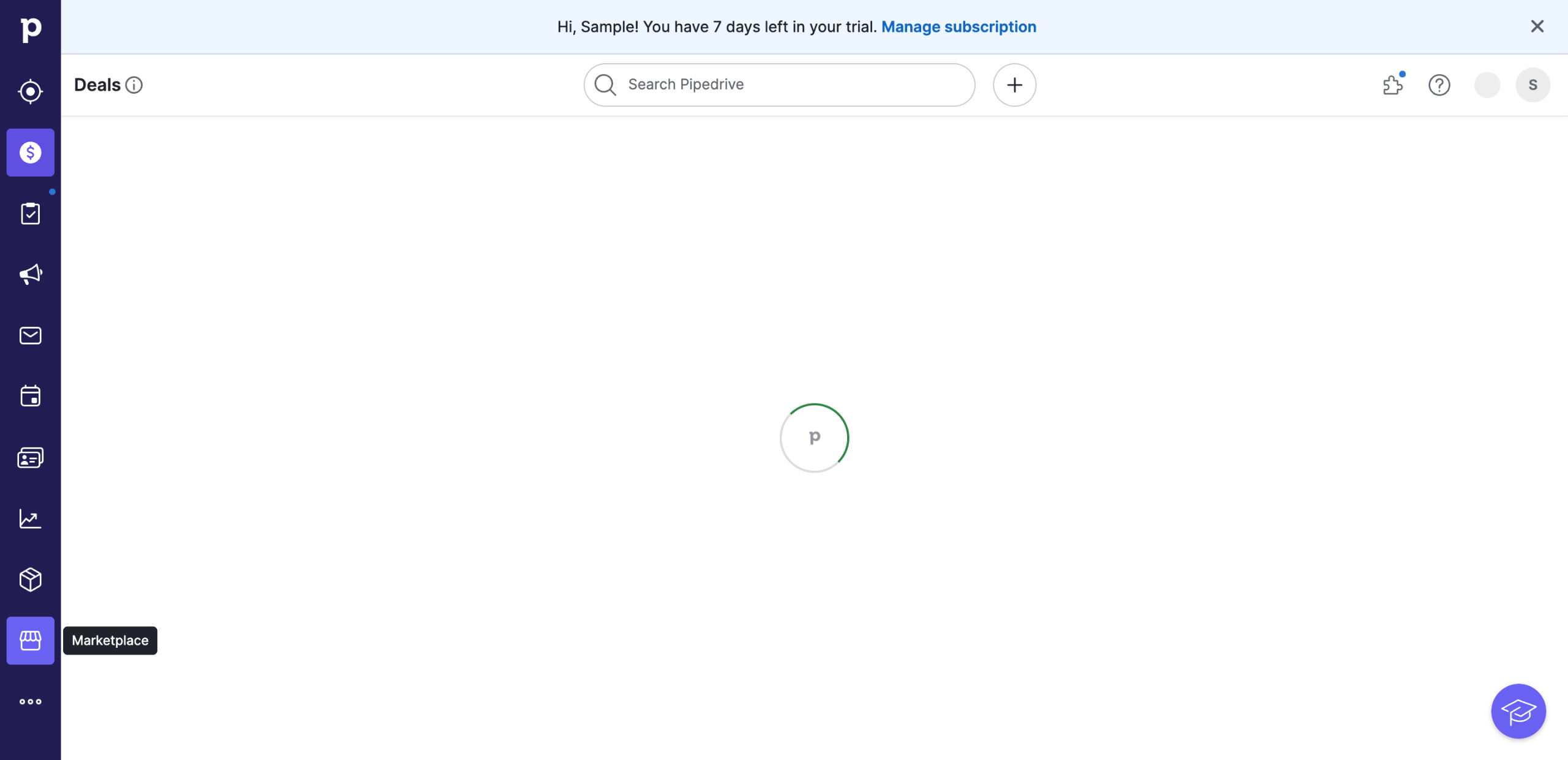
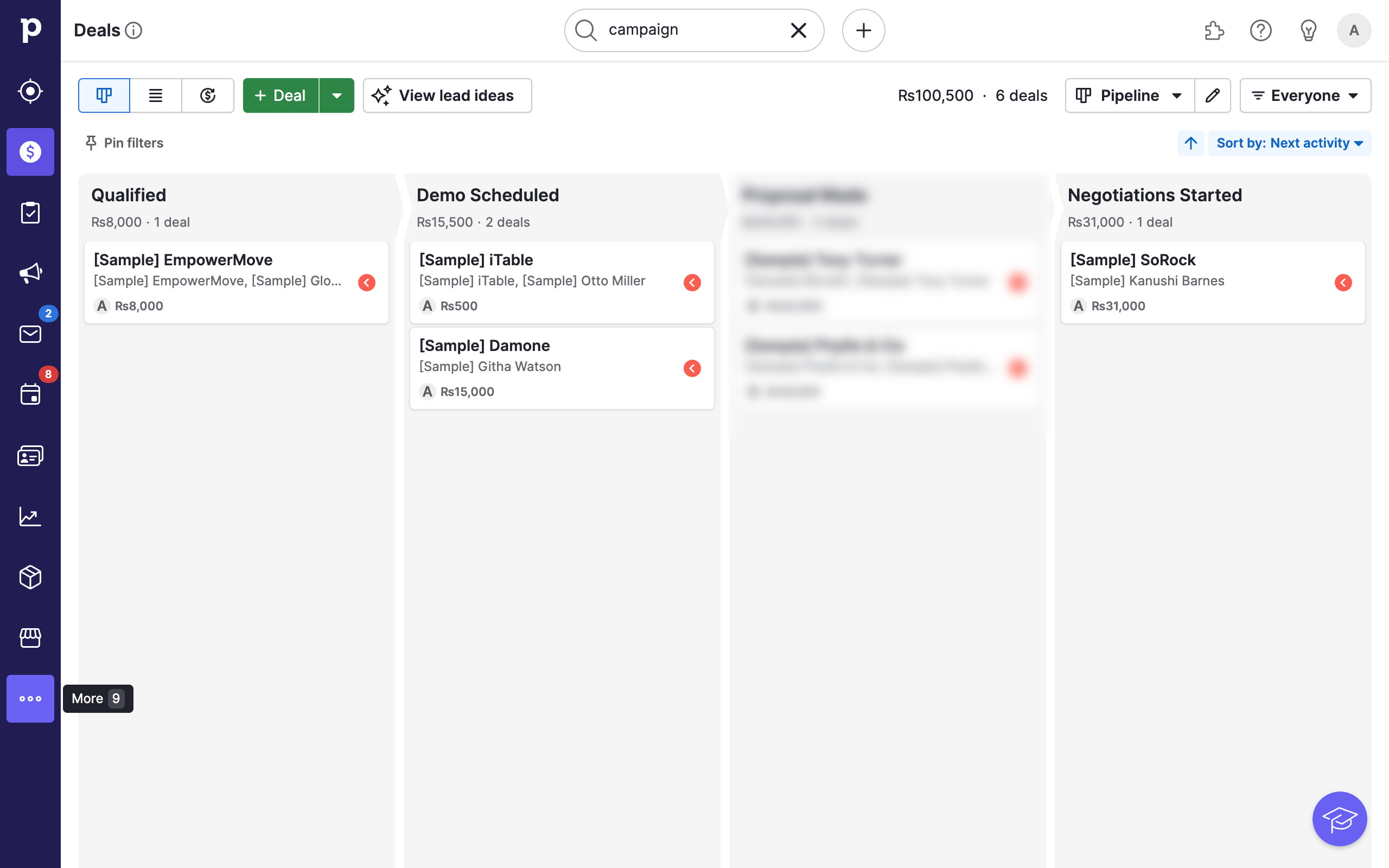
To get started on importing data into Pipedrive, go to the three dotted icon for More from the left sidebar menu.
Select the Import Data option.
This will open up the Import Data page with instructions, guides and many options. The simplest way is to use the Upload spreadsheet button in the middle.
Click on the button and select your file. If unsure, please refer to the Pipedrive documentation for the exact format and specifications of your files for your use case.
Your file will be uploaded into Pipedrive.
Once your file has finished uploading, Pipedrive will auto-detect and map file headers to data fields.
You can fix errors and manually select new headers or fields.
Or drag existing data fields from the right side to the correct spots.
Verify that all your data is properly mapped.
Click on Next to proceed.
Preview and validate the data using the sample and then click on Next.
Choose what you would like to do if duplicates are found.
Once ready, click on Start import from the bottom right to begin importing.
Your import will begin and may take a short while depending on the file size.
Once your import is complete you will receive a summary and additional options such as Revert or add more.
Quick answer: To import data into Pipedrive, go to More on the sidebar and select Import Data. Upload your spreadsheet, map the file headers, click Next, preview the data, choose duplicate handling options, and click Start import to complete the process.
About this Pipedrive tutorial
Bring your external data into Pipedrive by uploading spreadsheets, mapping fields, and resolving duplicates. This guide shows how to import Data Into Pipedrive in 15 steps, starting with "To get started on importing data into Pipedrive, go to the three dotted icon for More f..." and finishing with "Once your import is complete you will receive a summary and additional options such as...". The interactive demo above is a click-through copy of the real Pipedrive interface, so you can rehearse each step before doing it in your own account.
Frequently asked questions
How many steps does it take to import Data Into Pipedrive?
15 steps. Each one is listed in order above, and the demo highlights exactly where to click.
Can I try it without changing my own account?
Yes. Clicking through the demo doesn't touch your Pipedrive data or settings. Once you know the flow, repeat it in your own workspace.
This tutorial is filed under Pipedrive. Related guides: How to Integrate Pipedrive with Asana, How to Integrate Constant Contact with Pipedrive and Hubspot pipedrive integration. Last reviewed 05 Oct 2026.

Create your first interactive demo in minutes
No credit card required • Start building today