Ahrefs - Guest Post Opps
- George Apostolov
Ahrefs - Guest Post Opps: step-by-step guide
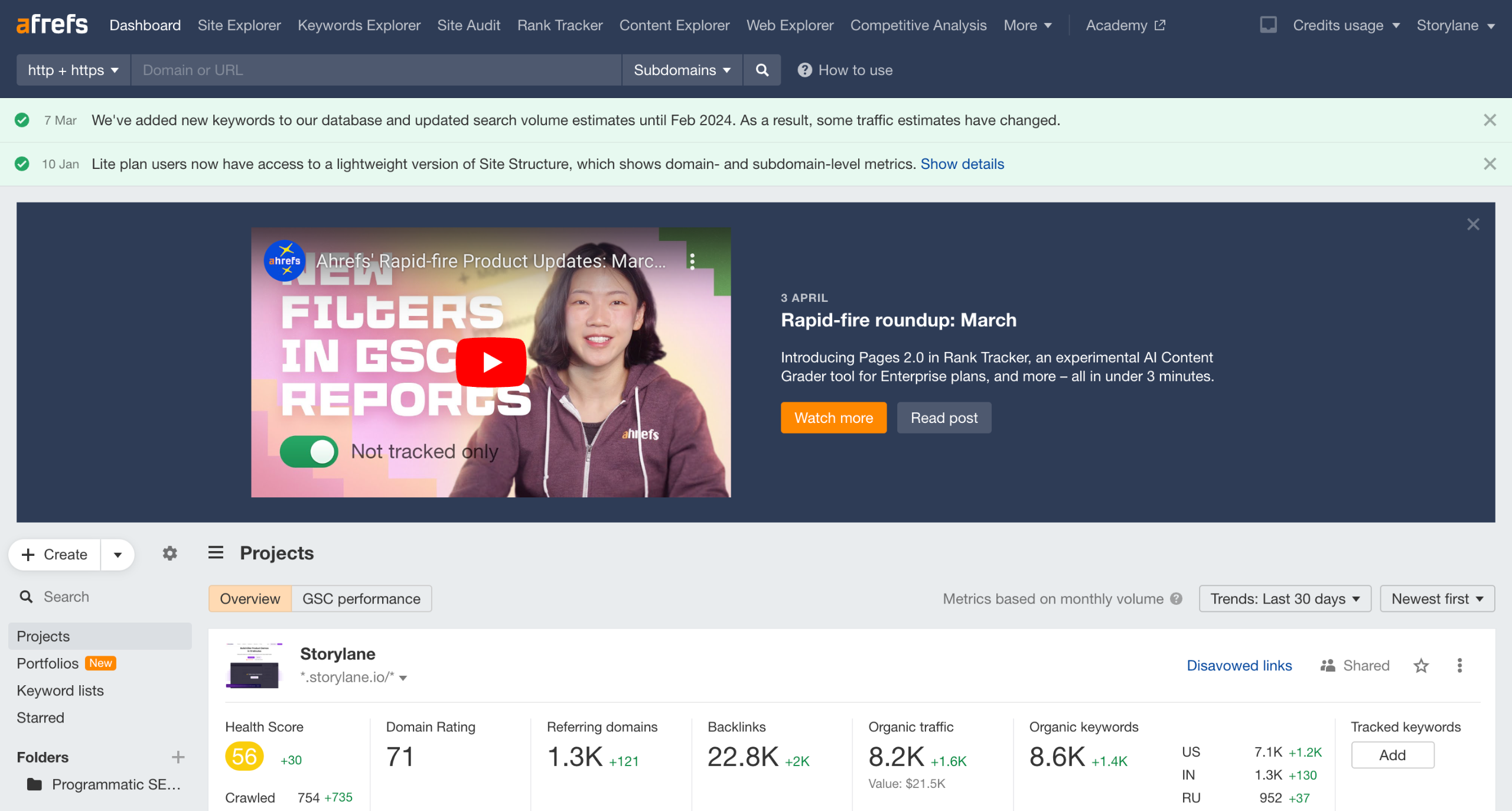
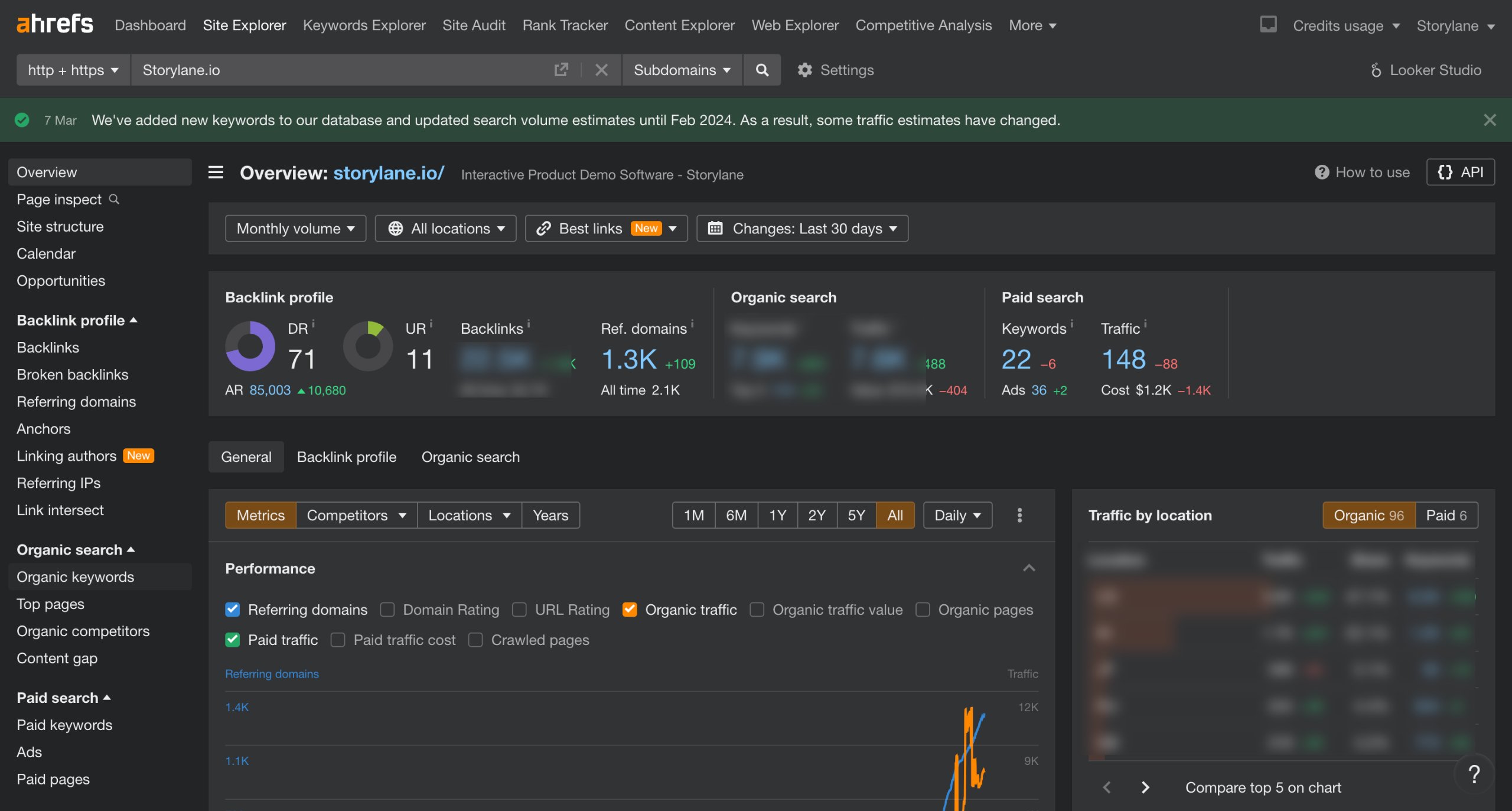
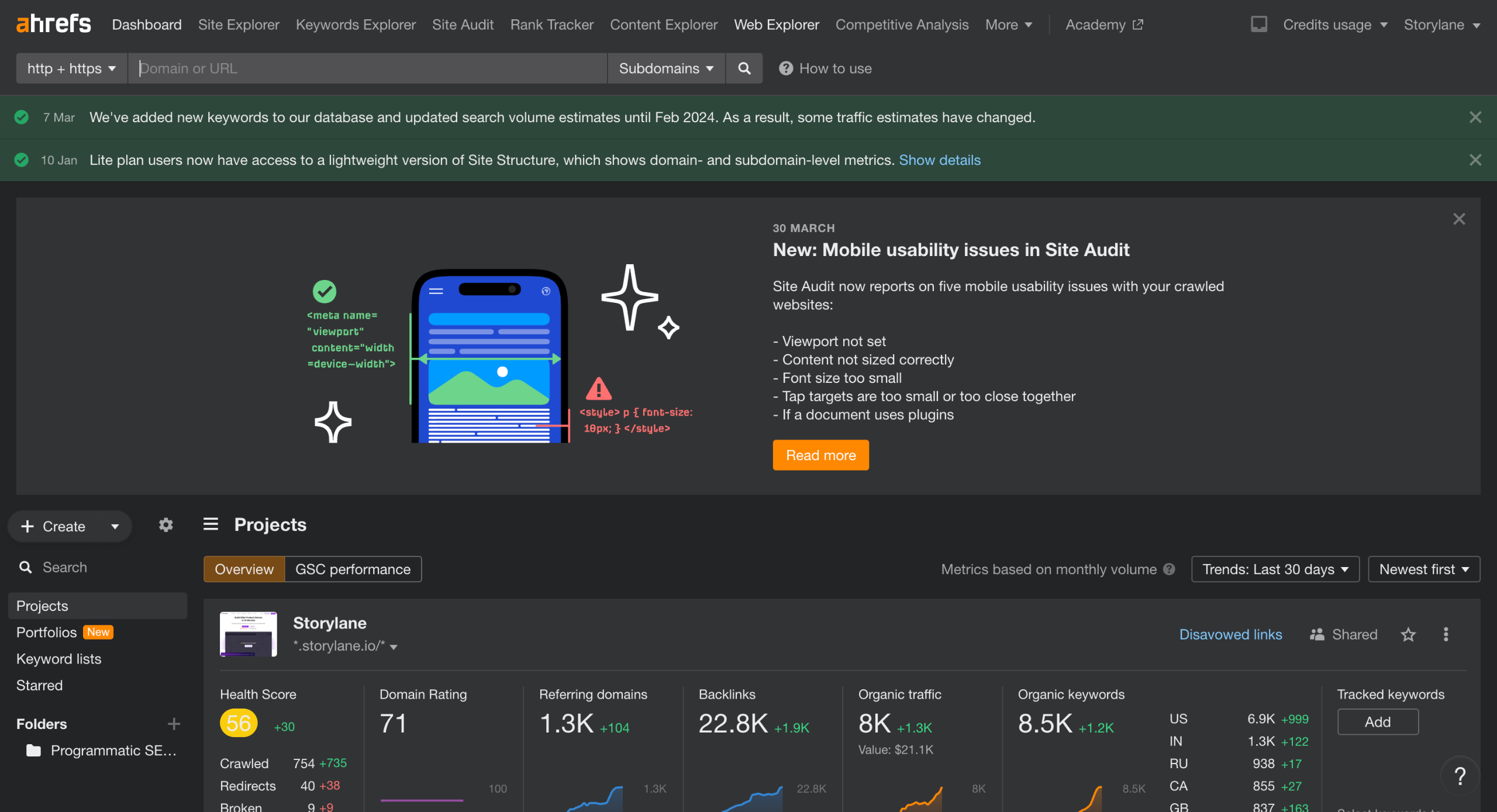
Navigate to Content Explorer.
Enter your focus keyword in the search bar and set the Published date filter to 90 days.
Add your first filter Domain Rating. (DR)
Give the desired DR range. 30-60 is generally a good number to start with.
Add your 2nd filter: Website traffic.
We will take minimum 5K Traffic. Adjust as per your keyword's search demand.
Click on Websites tab where you can get top 100 websites based on your search query.
Sort the column based on Authors. Higher the number. more likely they accept guest authors.
Quick answer: To find guest post opportunities in Ahrefs, navigate to Content Explorer and enter your focus keyword. Set the published date to 90 days, apply Domain Rating and website traffic filters, select the Websites tab, and sort the results by authors.
About this Ahrefs tutorial
Find guest blogging sites using Ahrefs Content Explorer by filtering keywords, domain ratings, and traffic to uncover publishing opportunities. This guide covers ahrefs - Guest Post Opps in 8 steps, starting with "Navigate to Content Explorer" and finishing with "Sort the column based on Authors. Higher the number. more likely they accept guest authors". The interactive demo above is a click-through copy of the real Ahrefs interface, so you can rehearse each step before doing it in your own account.
Frequently asked questions
How many steps does ahrefs - Guest Post Opps take?
8 steps. Each one is listed in order above, and the demo highlights exactly where to click.
Can I try it without changing my own account?
Yes. Clicking through the demo doesn't touch your Ahrefs data or settings. Once you know the flow, repeat it in your own workspace.
This tutorial is filed under Ahrefs. Related guides: Ahrefs - How to Check Ranks, Ahrefs - See backlinks for a given page and Ahrefs - See DR Comparison. Last reviewed 05 Oct 2026.

Create your first interactive demo in minutes
No credit card required • Start building today