How to Manage Multiple Social Media Accounts in Sprout Social
- George Apostolov
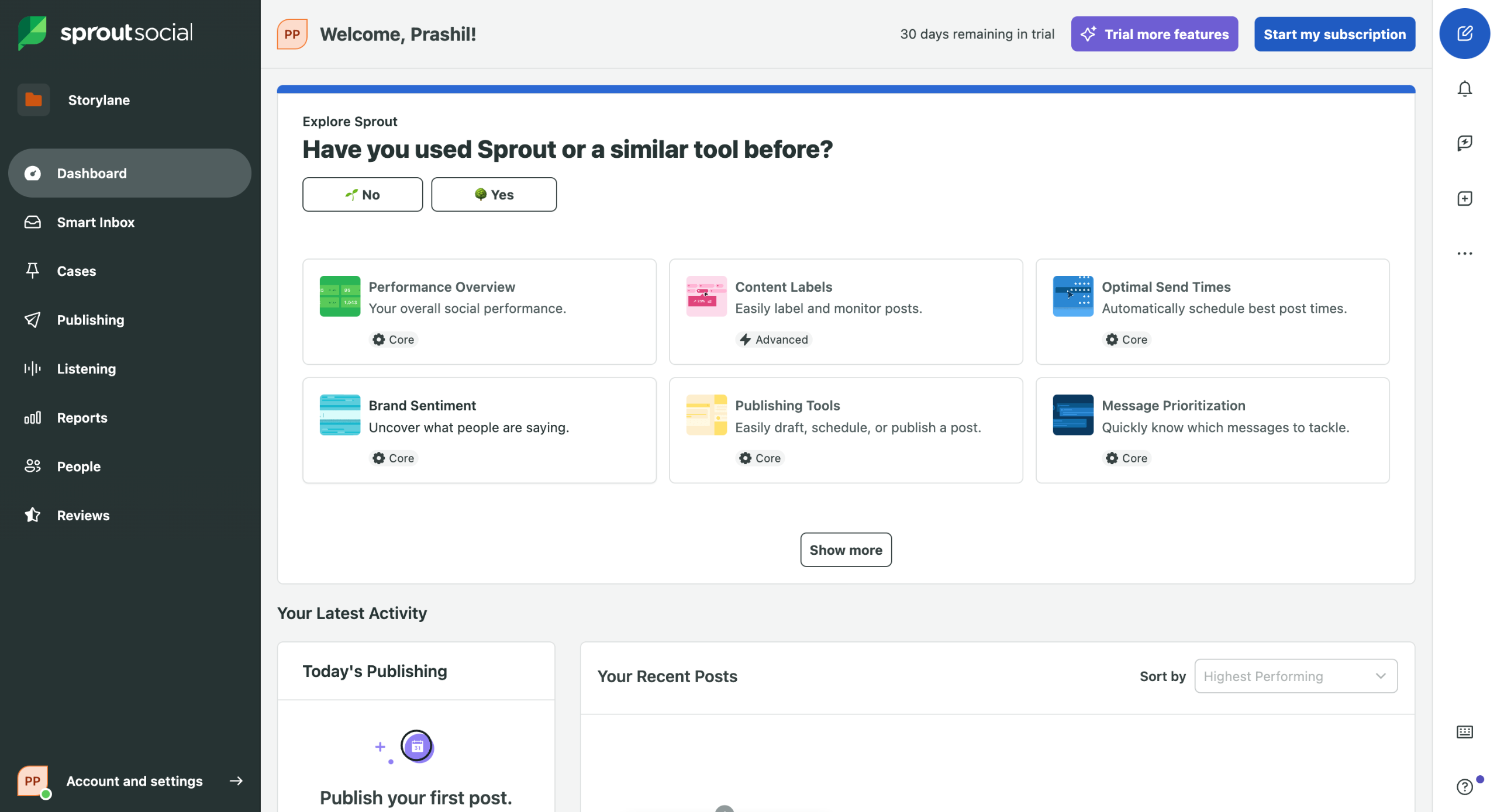
How to Manage Multiple Social Media Accounts in Sprout Social: step-by-step guide
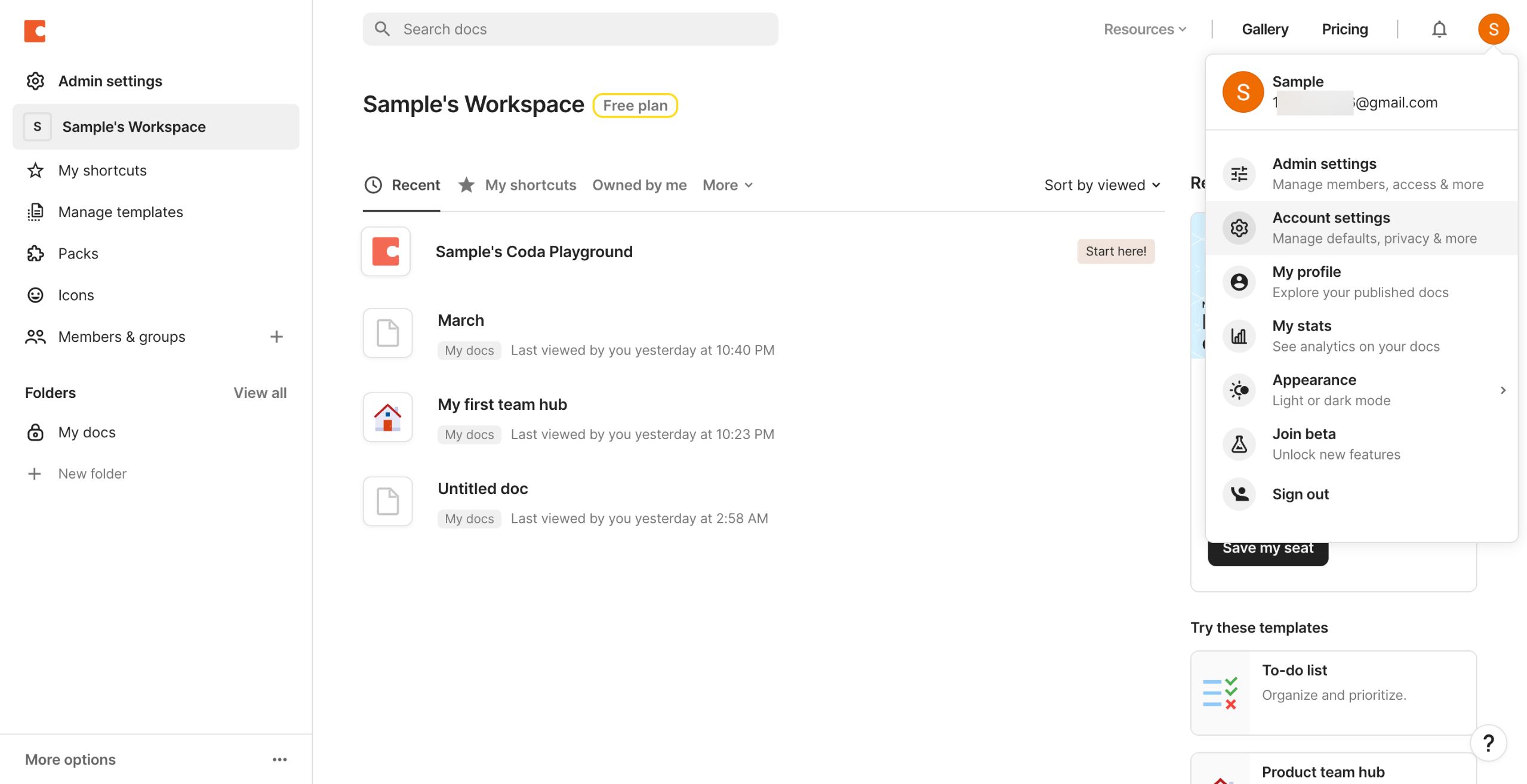
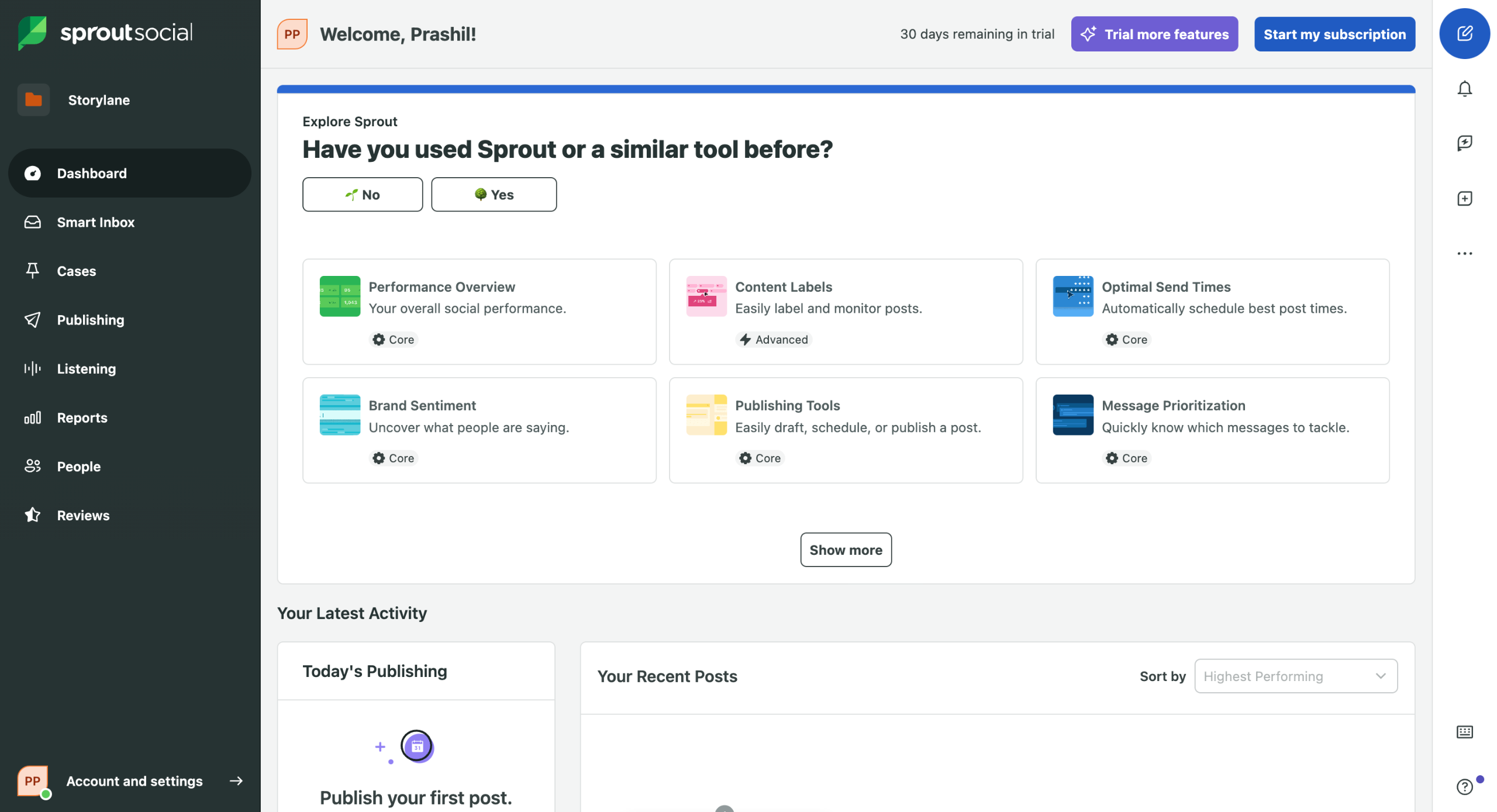
Start by clicking on Accounts & Settings in the bottom left.
Select Settings from the dropdown menu.
Click on Group & Social Profiles to view and manage all your connected social accounts.
Click the Add Profile button to begin connecting a new social media account to your Sprout Social account.
Choose which social network you want to add - Facebook, Twitter, Instagram, LinkedIn, or others.
Follow the authentication steps required by your selected social platform to establish the connection.
Once added, use the Profile Selector at the top of any publishing window to switch between accounts.
Use Smart Inbox to view and respond to messages.
Smart Inbox to helps you view and respond to messages from all connected accounts in one unified stream.
Click on "Groups & Social Profiles" again to manage your connected accounts and team permissions.
Click on "View Profile" to see details of your connected account.
Set up unique Publishing Permissions for team members under Settings > Users & Social Profiles.
Quick answer: To manage multiple social media accounts in Sprout Social, navigate to Accounts & Settings, select Settings, and open Group & Social Profiles. Click Add Profile, choose a network, and complete authentication. Use the Profile Selector to switch accounts, Smart Inbox for messages, and configure team permissions under Users & Social Profiles.
About this tutorial
Connect, manage, and switch between multiple social media profiles efficiently using the app with centralized settings and the unified Smart Inbox. This guide shows how to manage Multiple Social Media Accounts in Sprout Social in 12 steps, starting with "Start by clicking on Accounts & Settings in the bottom left" and finishing with "Set up unique Publishing Permissions for team members under Settings > Users & Social P...". The interactive demo above is a click-through copy of the real product interface, so you can rehearse each step before doing it in your own account.
Frequently asked questions
How many steps does it take to manage Multiple Social Media Accounts in Sprout Social?
12 steps. Each one is listed in order above, and the demo highlights exactly where to click.
Can I try it without changing my own account?
Yes. Clicking through the demo doesn't touch your data or settings. Once you know the flow, repeat it in your own workspace.

Create your first interactive demo in minutes
No credit card required • Start building today