How to Research Effective Hashtags for Buffer Posts
- George Apostolov
How to Research Effective Hashtags for Buffer Posts: step-by-step guide
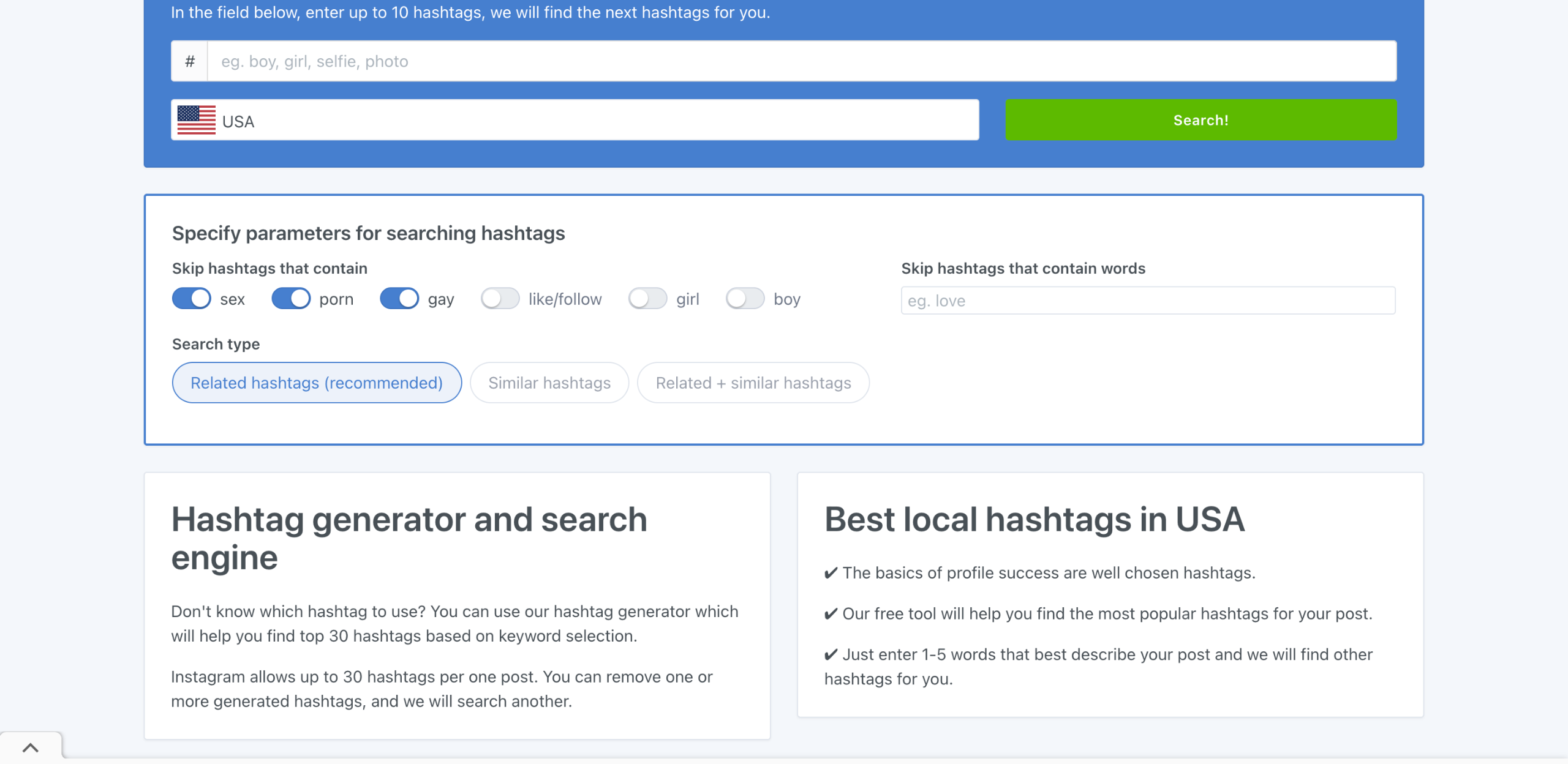
On TagsFinder's main dashboard, click the 'Hashtag' input field and type several hashtags related to your post. Be as specific as possible to get the best results.
After that, click the drop-down menu and select the country where your target audiences are likely located.
If you wish to narrow down the hashtag suggestions, configure the provided parameters based on your preference. Simply switch off the toggle button next to the words you want to skip and remove.
Once done, tap 'Search' to proceed.
Review all the recommended hashtags. If you want to remember a specific hashtag from the list, simply tap the 'X' button next to it.
Subsequently, click 'Copy to Clipboard'.
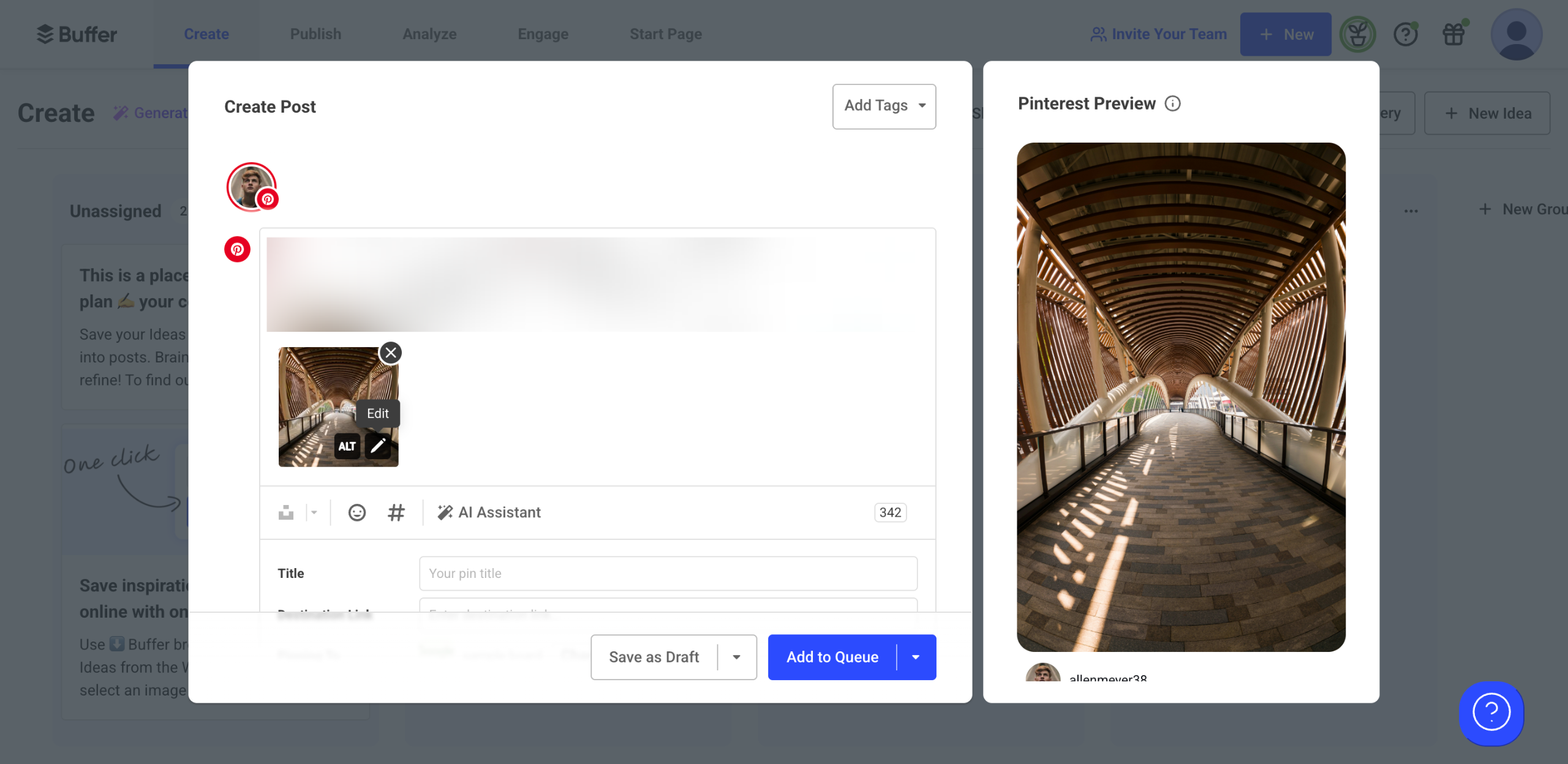
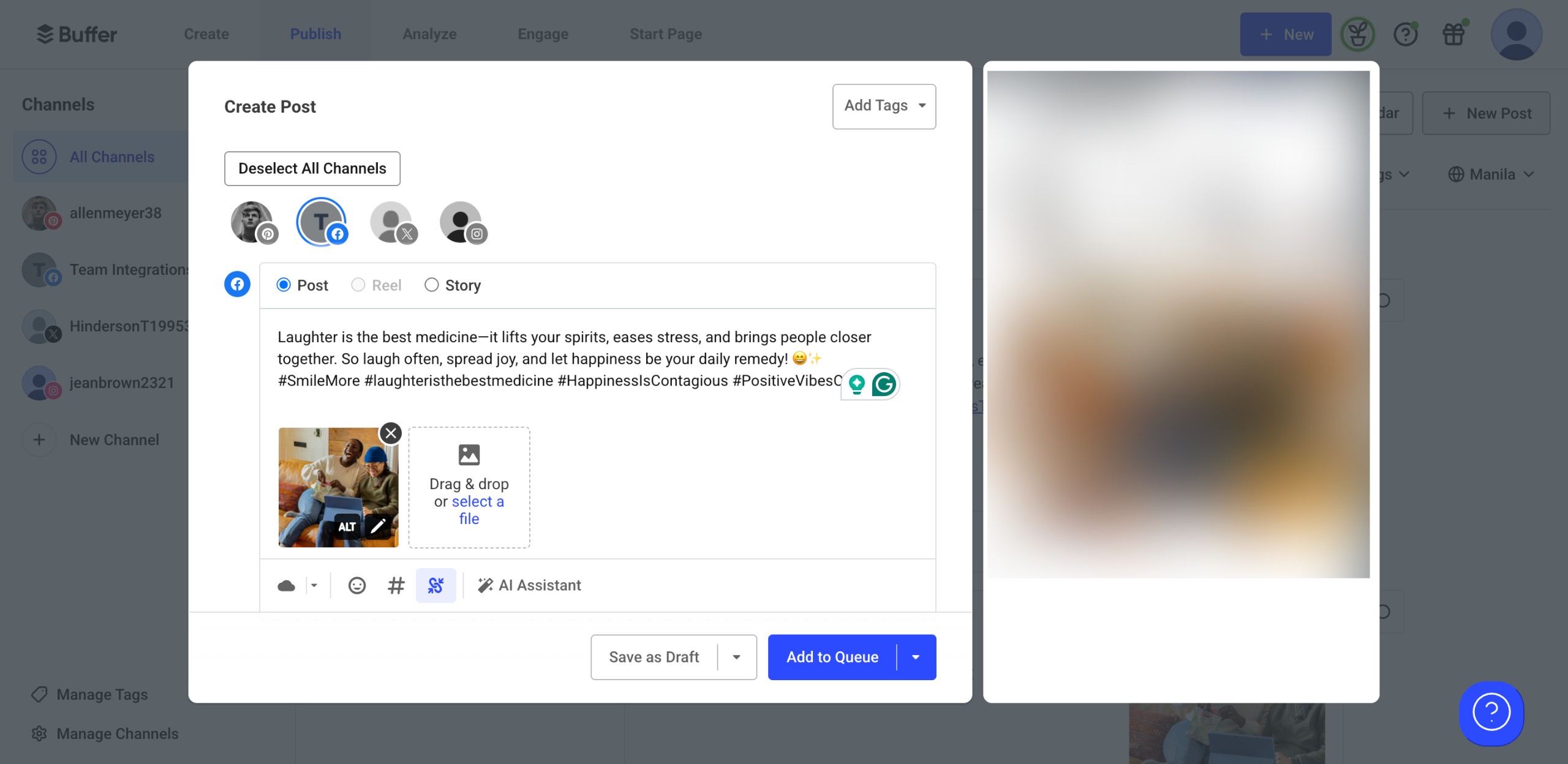
Head back to Buffer's Create Post panel afterward, then paste the hashtags into the text field right below the caption.
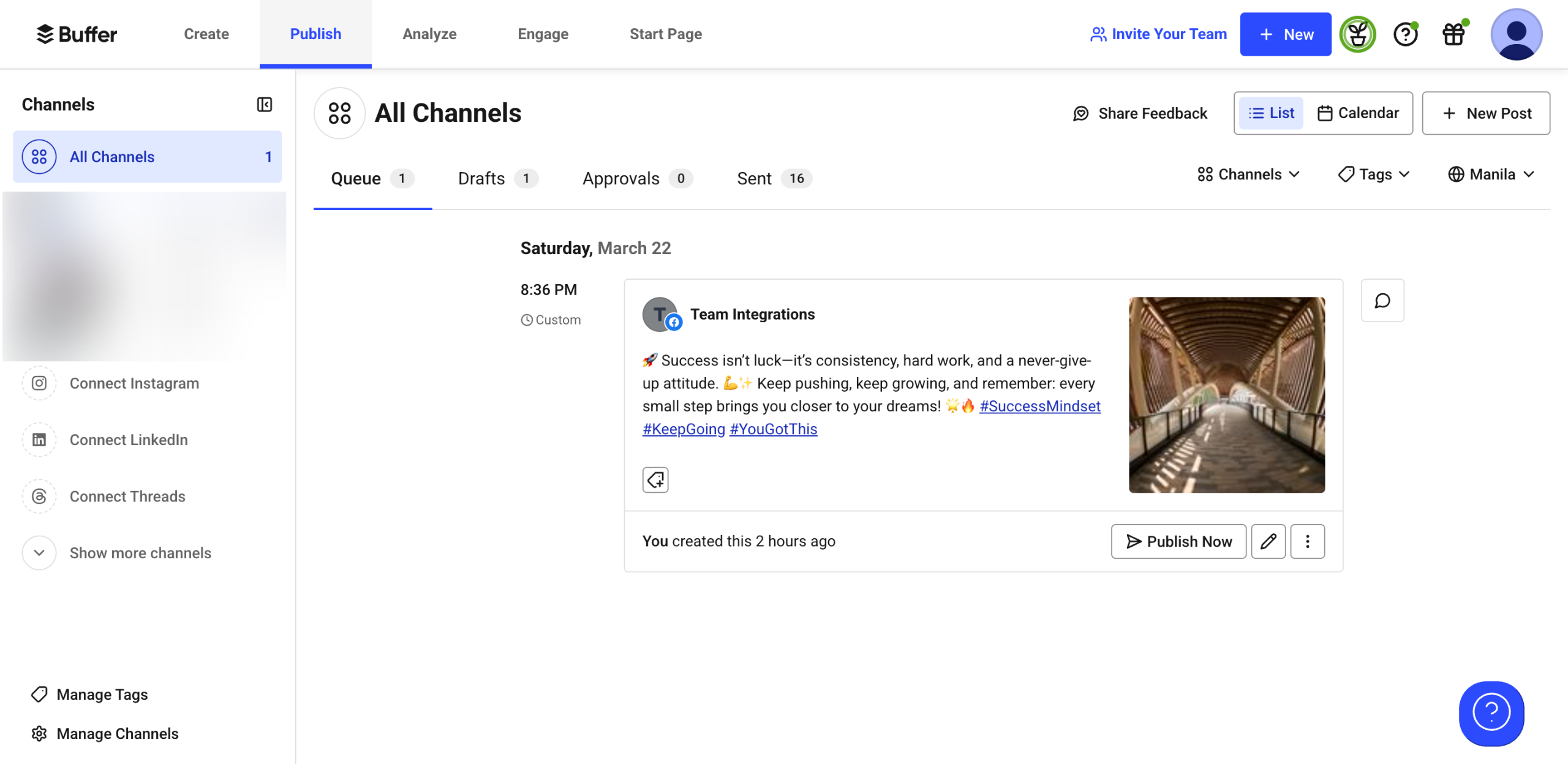
After completing these steps, the highly recommended hashtags from TagsFinder will be revealed and added to your Buffer post.
Quick answer: To research effective hashtags for Buffer posts, enter relevant terms on TagsFinder, select your target country, configure parameters, and tap Search. Next, select specific hashtags, copy them to your clipboard, and paste them into the text field in the Buffer Create Post panel to add them to your post.
About this Buffer tutorial
Find and add targeted hashtags to your Buffer posts by researching keywords on TagsFinder and pasting the copied tags into your create post panel. This guide shows how to research Effective Hashtags for Buffer Posts in 8 steps, starting with "On TagsFinder's main dashboard, click the 'Hashtag' input field and type several hashta..." and finishing with "After completing these steps, the highly recommended hashtags from TagsFinder will be r...". The interactive demo above is a click-through copy of the real Buffer interface, so you can rehearse each step before doing it in your own account.
Frequently asked questions
How many steps does it take to research Effective Hashtags for Buffer Posts?
8 steps. Each one is listed in order above, and the demo highlights exactly where to click.
Can I try it without changing my own account?
Yes. Clicking through the demo doesn't touch your Buffer data or settings. Once you know the flow, repeat it in your own workspace.
This tutorial is filed under Buffer. Related guides: How to Resize Images for Different Platforms in Buffer, How to Resume Scheduled Posts in Buffer and How to Reuse Images in Multiple Buffer Posts. Last reviewed 05 Oct 2026.

Create your first interactive demo in minutes
No credit card required • Start building today