How to Set Up DocuSign
- George Apostolov
How to Set Up DocuSign: step-by-step guide
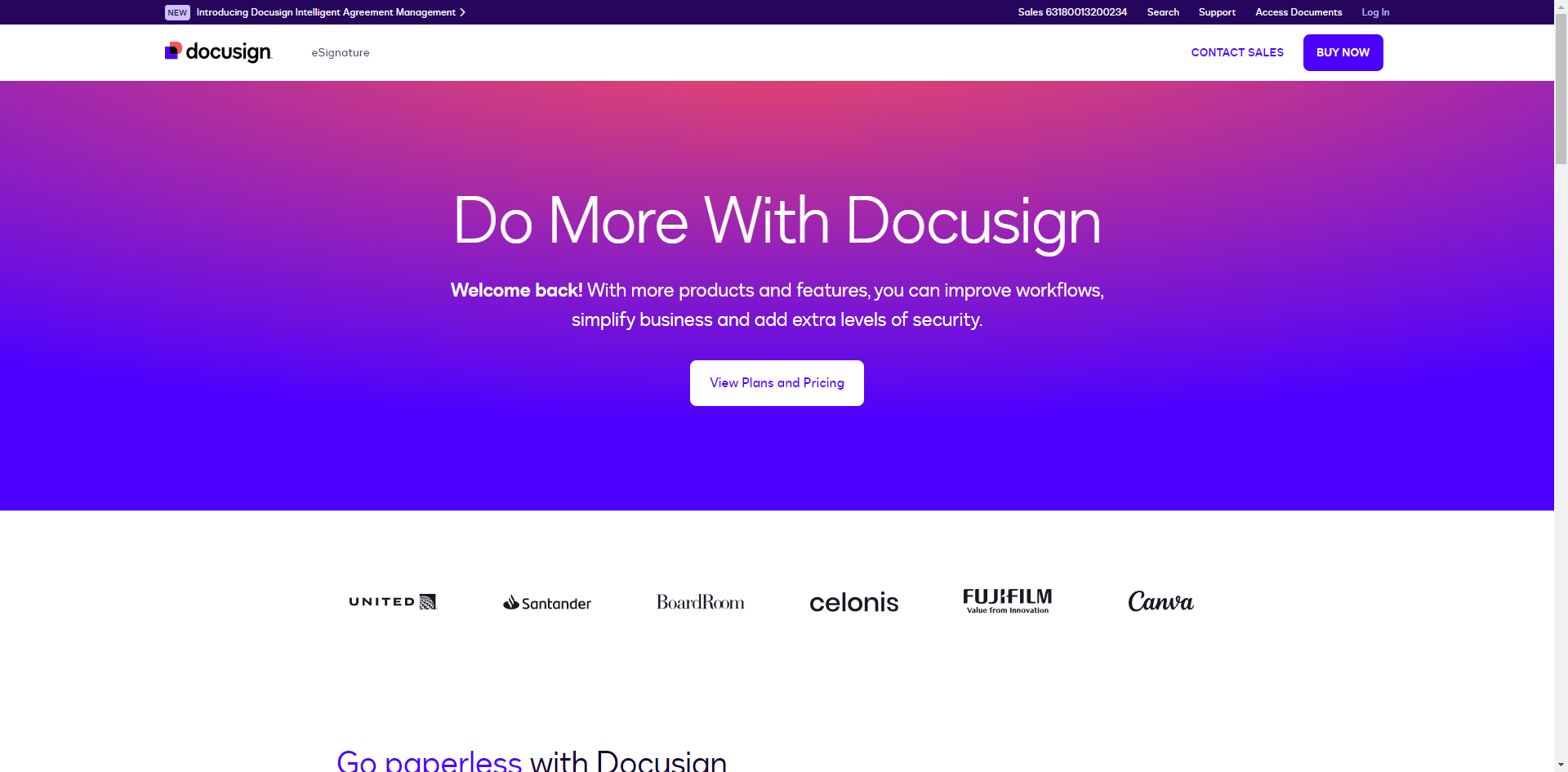
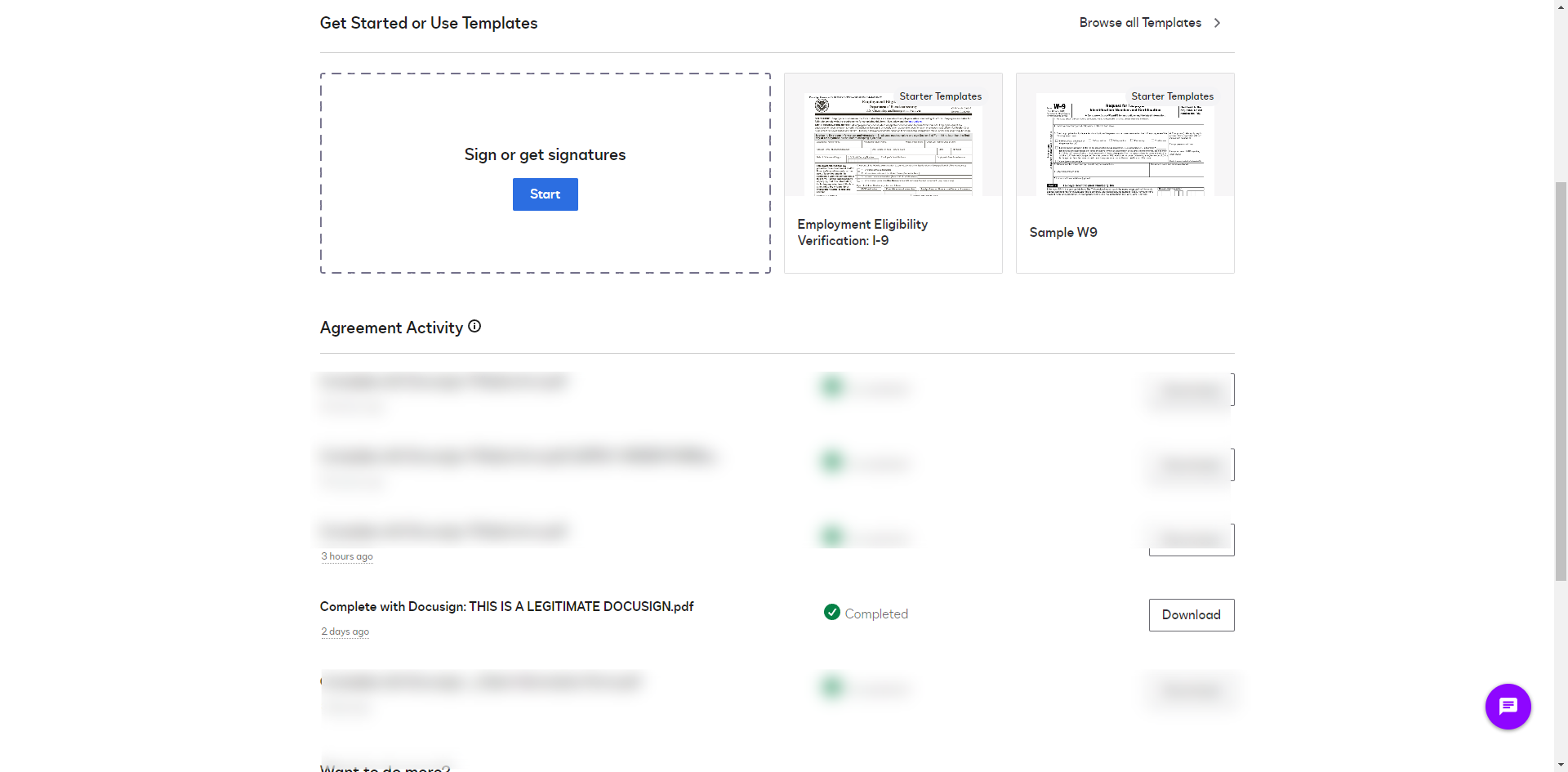
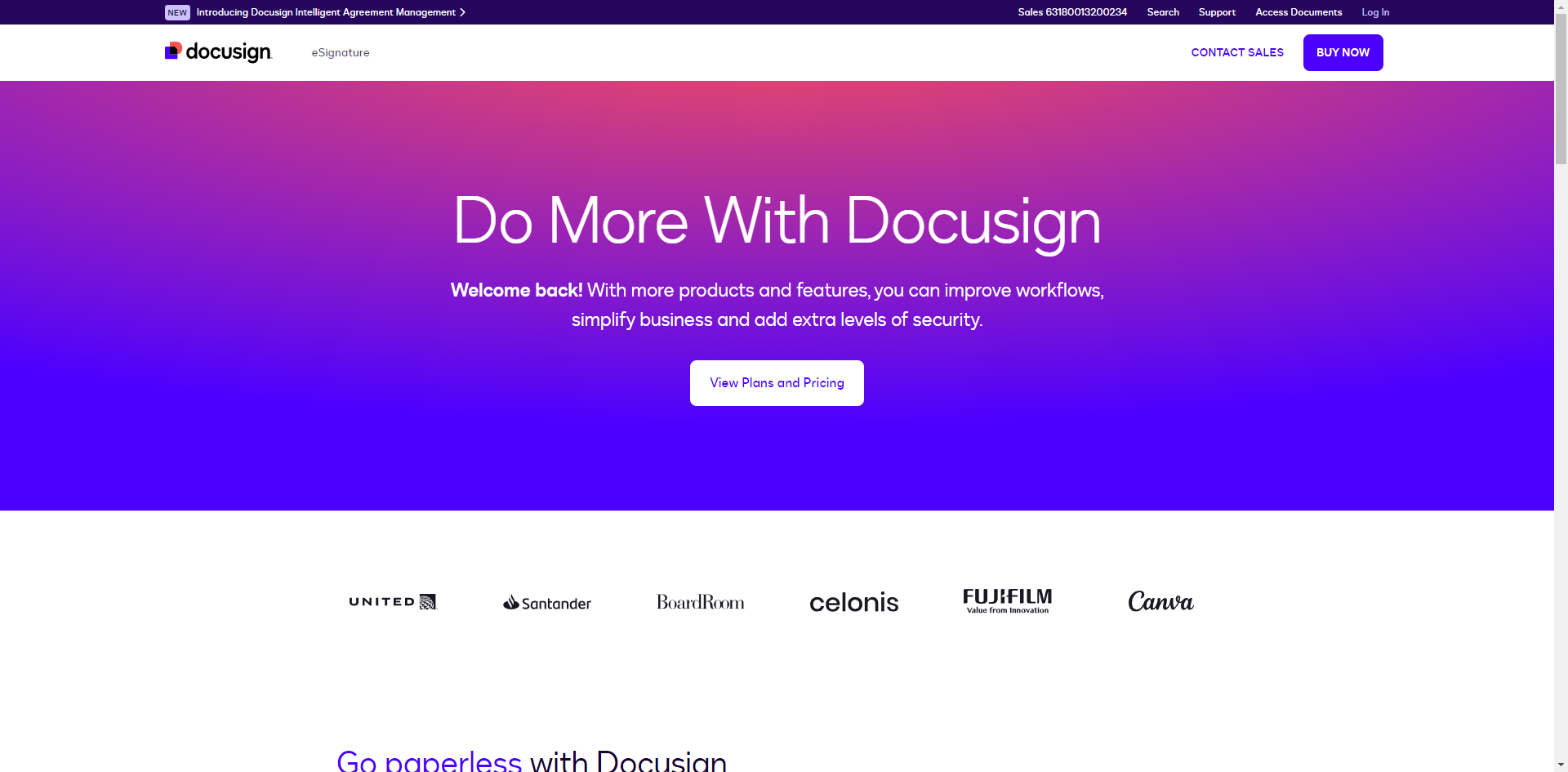
Visit the DocuSign website and click 'Log in'.
Click on 'Sign Up for Free' to create a new account.
Provide your email address and check the box to agree to receive marketing. Click 'Get Started'.
Fill in the required information and click 'Next'.
Enter the confirmation code that was sent to your email and click 'Next'.
Set your password and click 'Next'.
Personalize your account by adding your industry and reason why you signed up for DocuSign. Click 'Save'.
Once you have created your account, click on your profile icon and select 'Manage Profile'.
Complete your profile with your name, email, and other necessary information.
Go to the 'Signatures' section within your profile settings.
Click 'Add Signature'.
You can create your digital signature by drawing it with your mouse, typing it and selecting a font, or uploading an image of your signature.
Create your initials in a similar manner if required and click 'Create'.
You can add or update your name and signature styles however you like it.
By following these steps, you can set up your DocuSign account and start using it to send, sign, and manage your documents electronically.
Quick answer: To set up DocuSign, visit the website to sign up for free, provide your email, fill in your details, enter the confirmation code, and set your password. Next, personalize your account, complete your profile, go to the Signatures section to add your signature and initials, and update your styles as needed.
About this DocuSign tutorial
Create and configure your DocuSign account by entering your details, confirming your email, setting a password, and adding your digital signature. This guide shows how to set Up DocuSign in 15 steps, starting with "Visit the DocuSign website and click 'Log in'" and finishing with "By following these steps, you can set up your DocuSign account and start using it to se...". The interactive demo above is a click-through copy of the real DocuSign interface, so you can rehearse each step before doing it in your own account.
Frequently asked questions
How many steps does it take to set Up DocuSign?
15 steps. Each one is listed in order above, and the demo highlights exactly where to click.
Can I try it without changing my own account?
Yes. Clicking through the demo doesn't touch your DocuSign data or settings. Once you know the flow, repeat it in your own workspace.
This tutorial is filed under DocuSign. Related guides: How to Tell if a DocuSign Email is Legitimate, How to Upload a Document to DocuSign and How to Upload Documents to DocuSign. Last reviewed 05 Oct 2026.

Create your first interactive demo in minutes
No credit card required • Start building today