How to Tell if a DocuSign Email is Legitimate
- George Apostolov
How to Tell if a DocuSign Email is Legitimate: step-by-step guide
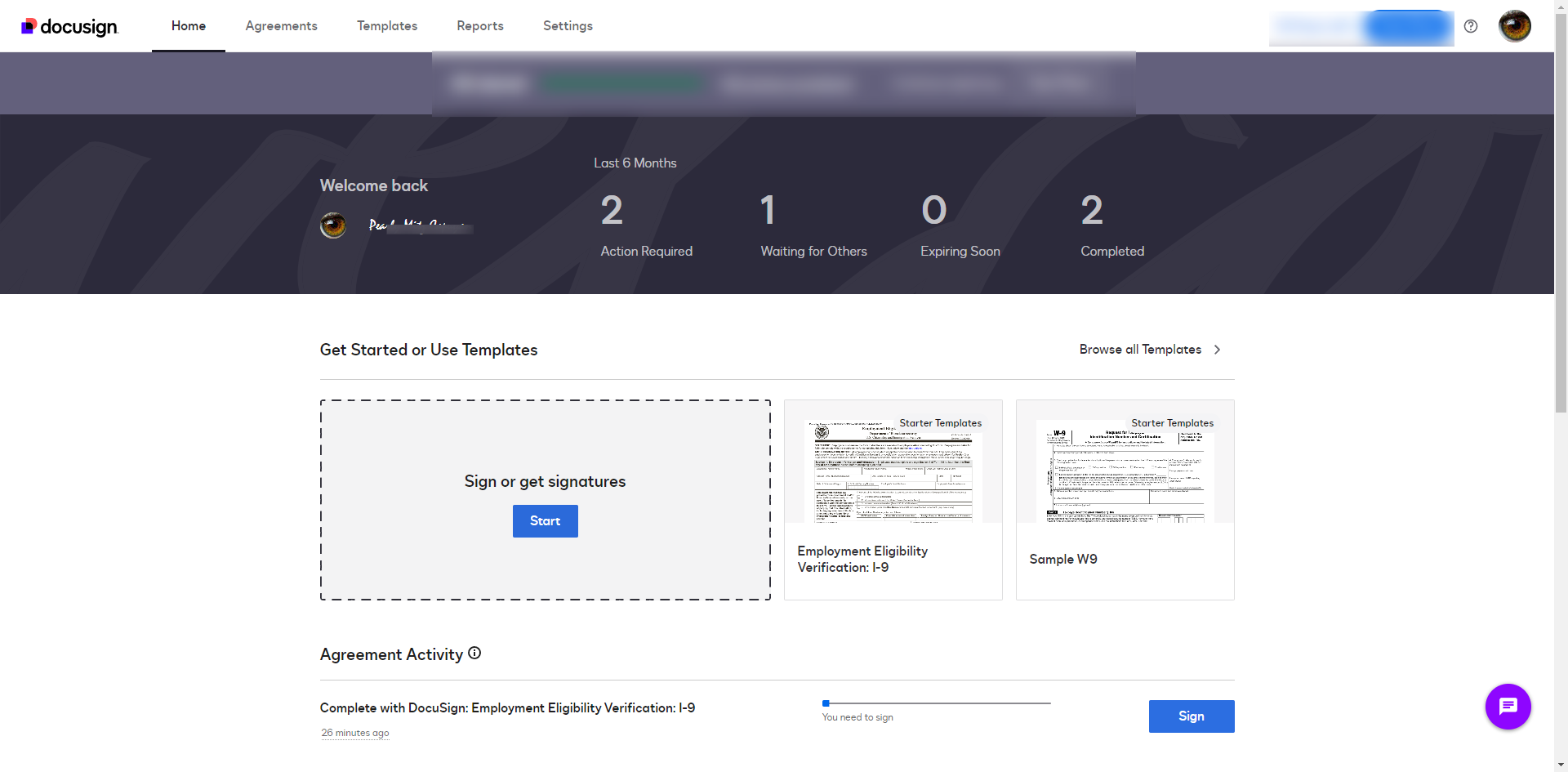
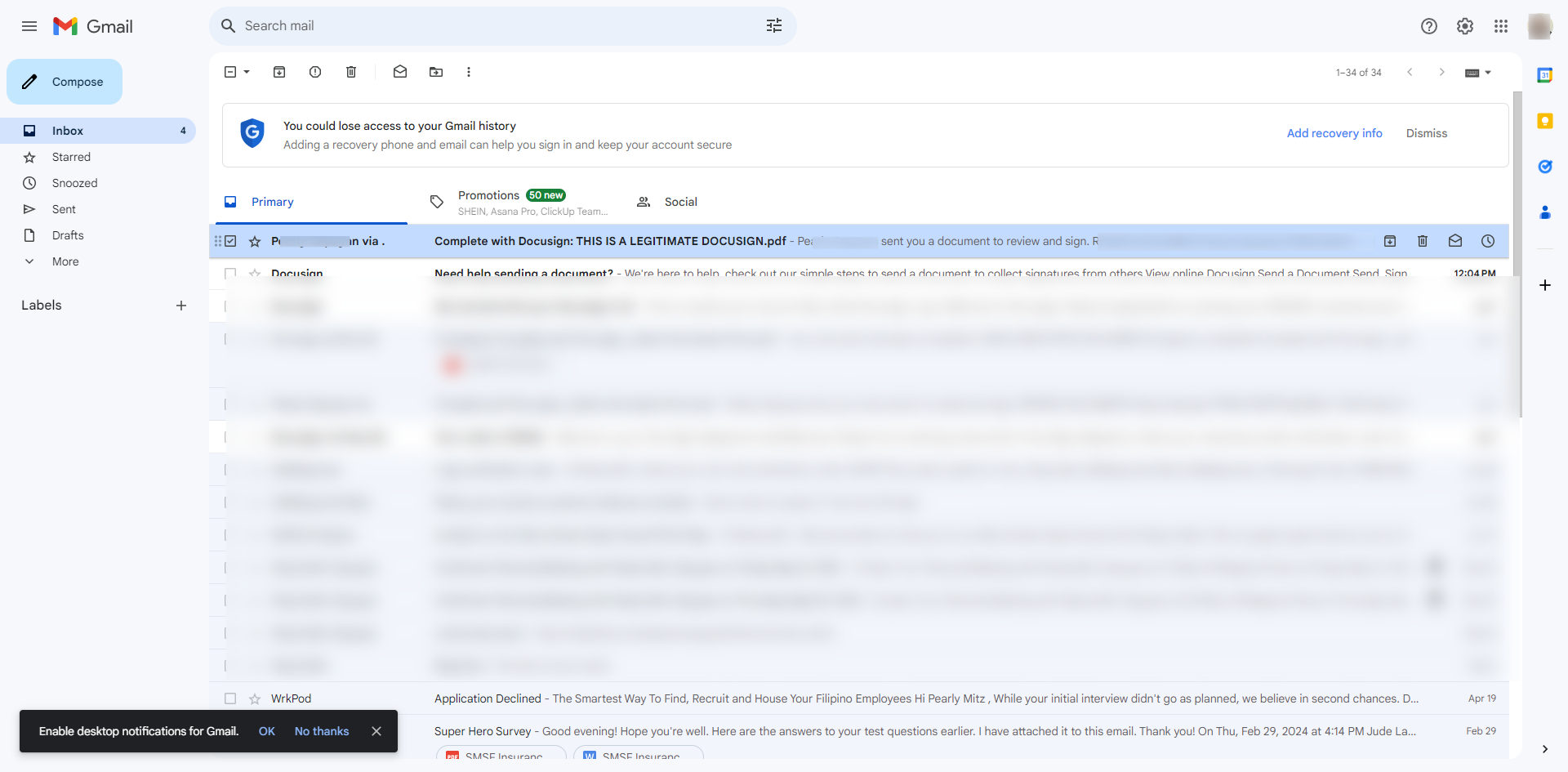
Open the email to check the sender's email address and the URL used.
Ensure the email is from a DocuSign domain, typically ending in '
@docusign.com.' Be cautious of slight variations or misspellings.Verify the email content. Genuine emails will usually address you by name and use professional language. Look for specific details about the document, such as the sender's name, email, and document title.
Genuine DocuSign emails include a link to view or sign the document. This link should direct you to a secure DocuSign site.
Legitimate DocuSign emails often include a security footer with a unique security code. You can go to DocuSign.com and click 'Access documents then enter the security code.
Click 'Go'.
By accessing the document through security code, you can tell that the email is legit.
DocuSign emails typically do not include attachments but rather a link to the document. Be suspicious of attachments in such emails.
If still in doubt, visit the DocuSign Trust Center for more information on identifying fraudulent emails.
Quick answer: To verify a DocuSign email, check the sender's address for a docusign.com domain, review the content for your name and document details, ensure links direct to a secure site, look for a security code in the footer to enter on DocuSign.com, and watch out for unexpected attachments.
About this DocuSign tutorial
Confirm if your DocuSign email is authentic by checking sender domains, security codes, and document links. This guide shows how to tell if a DocuSign Email is Legitimate in 9 steps, starting with "Open the email to check the sender's email address and the URL used" and finishing with "If still in doubt, visit the DocuSign Trust Center for more information on identifying...". The interactive demo above is a click-through copy of the real DocuSign interface, so you can rehearse each step before doing it in your own account.
Frequently asked questions
How many steps does it take to tell if a DocuSign Email is Legitimate?
9 steps. Each one is listed in order above, and the demo highlights exactly where to click.
Can I try it without changing my own account?
Yes. Clicking through the demo doesn't touch your DocuSign data or settings. Once you know the flow, repeat it in your own workspace.
This tutorial is filed under DocuSign. Related guides: How to Upload a Document to DocuSign, How to Upload Documents to DocuSign and How to Use DocuSign. Last reviewed 05 Oct 2026.

Create your first interactive demo in minutes
No credit card required • Start building today