How to setup gitlab
- George Apostolov
How to setup gitlab: step-by-step guide
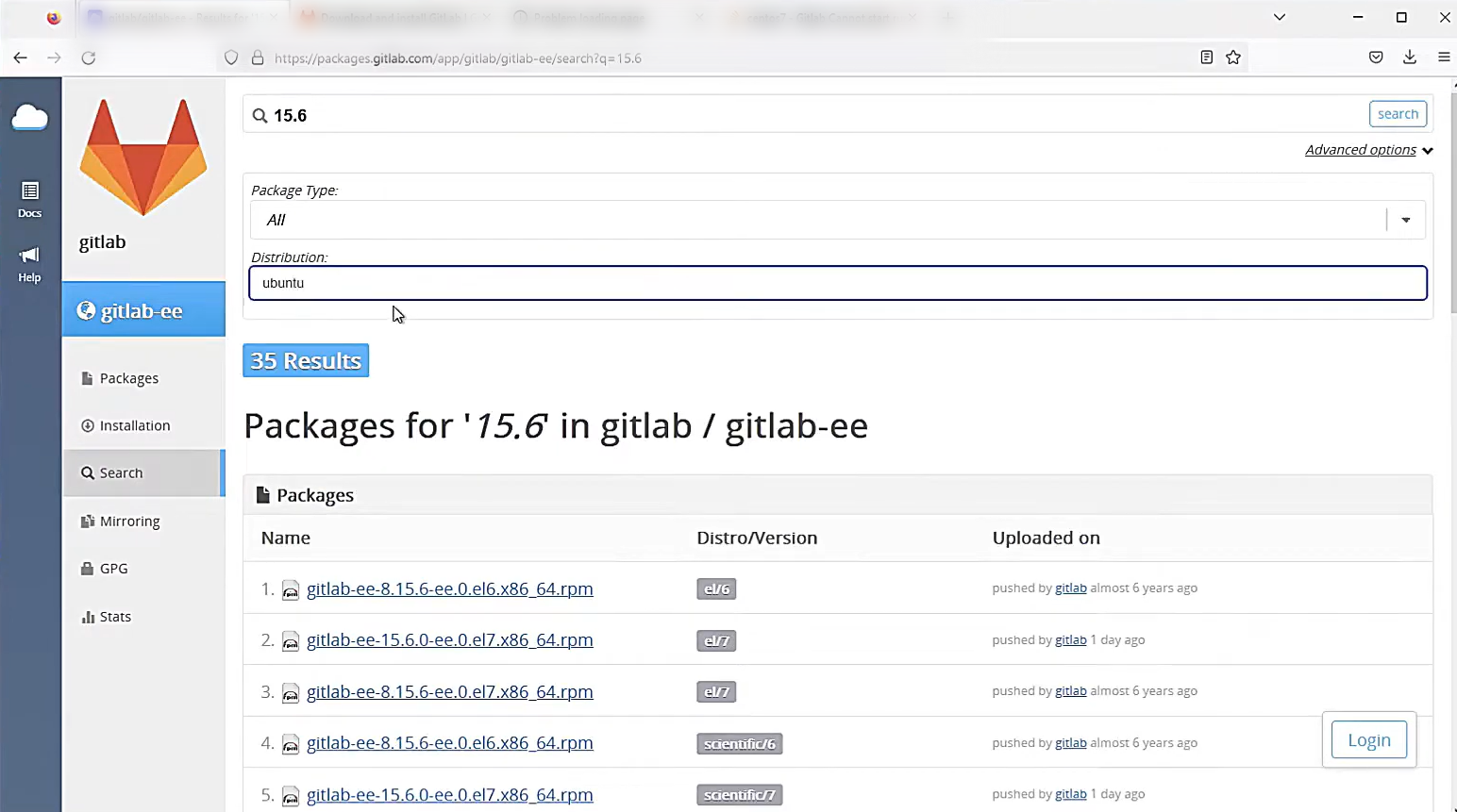
Go to GitLab package repo to find the version you want to install.
Choose the package that is compatible with your machine.
Scroll to the upper right corner and select "Download."
Run
sudo dpkg -i gitlab-ce_<version>_amd64.debto install GitLab, replacing<version>with the downloaded package version.Wait for it to install.
Use
sudo vim /etc/gitlab/gitlab.rbto edit the GitLab configuration file.Set the external URL in
/etc/gitlab/gitlab.rband runsudo gitlab-ctl reconfigureto apply the changes.Run
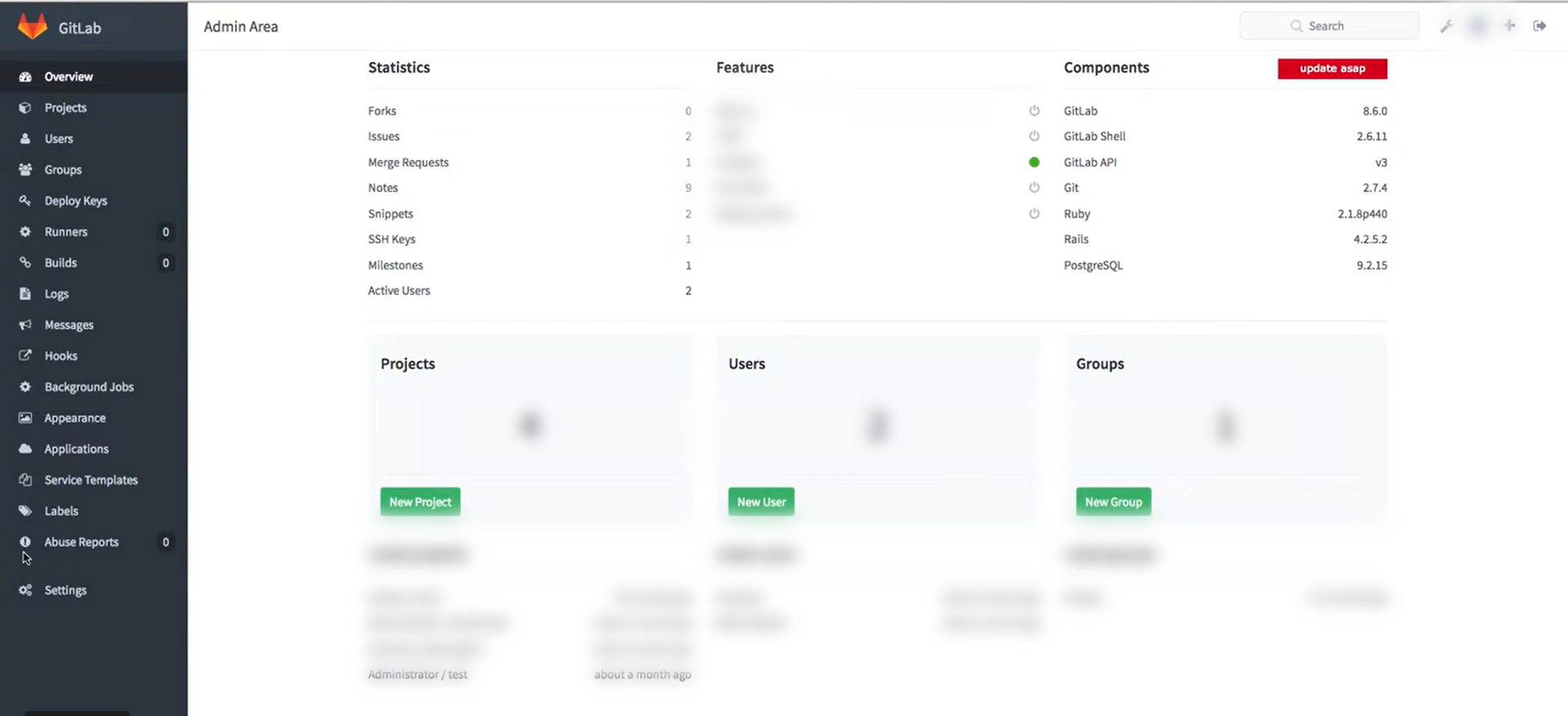
sudo gitlab-ctl reconfigureto apply configuration changes and restart GitLab services.Once reconfiguration is complete, copy the generated password from the output, as you'll need it to log in to your GitLab instance in the offline environment.
You can log in to your offline environment using 'root' as the username and the password you copied earlier.
Quick answer: To set up GitLab, download the compatible package from the GitLab package repo, install it using the dpkg command, edit the configuration file with your external URL, reconfigure the services to apply changes, and log in to your offline environment using the generated password.
About this GitLab tutorial
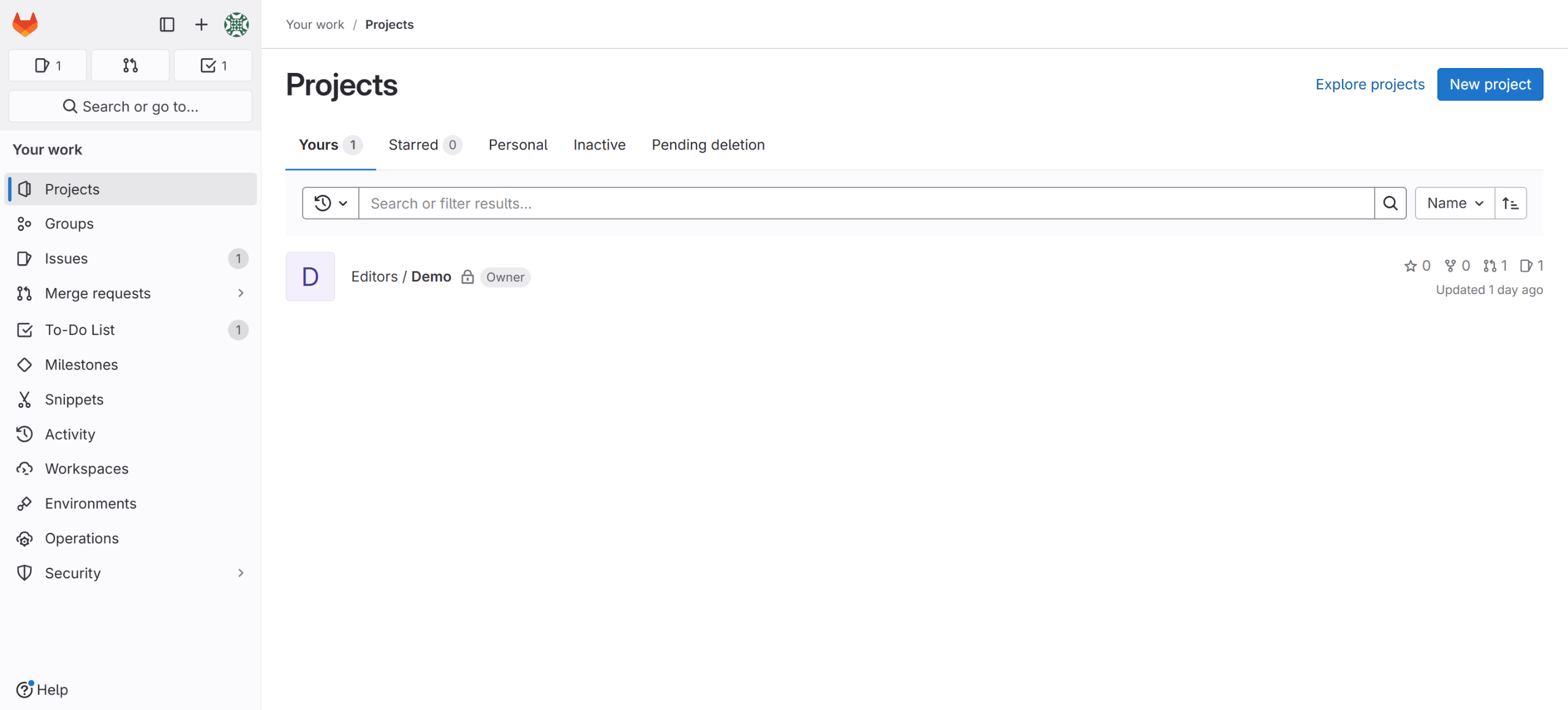
Install and configure GitLab locally by downloading the package, updating settings, reconfiguring services, and logging in. This guide shows how to setup gitlab in 10 steps, starting with "Go to GitLab package repo to find the version you want to install" and finishing with "You can log in to your offline environment using 'root' as the username and the passwor...". The interactive demo above is a click-through copy of the real GitLab interface, so you can rehearse each step before doing it in your own account.
Frequently asked questions
How many steps does it take to setup gitlab?
10 steps. Each one is listed in order above, and the demo highlights exactly where to click.
Can I try it without changing my own account?
Yes. Clicking through the demo doesn't touch your GitLab data or settings. Once you know the flow, repeat it in your own workspace.
This tutorial is filed under GitLab. Related guides: How to Sync GitLab Snippet Comments to Slack Using Zapier, How to update gitlab and How to upgrade gitlab. Last reviewed 05 Oct 2026.

Create your first interactive demo in minutes
No credit card required • Start building today