How to Share Asana Project with Client
- George Apostolov
How to Share Asana Project with Client: step-by-step guide
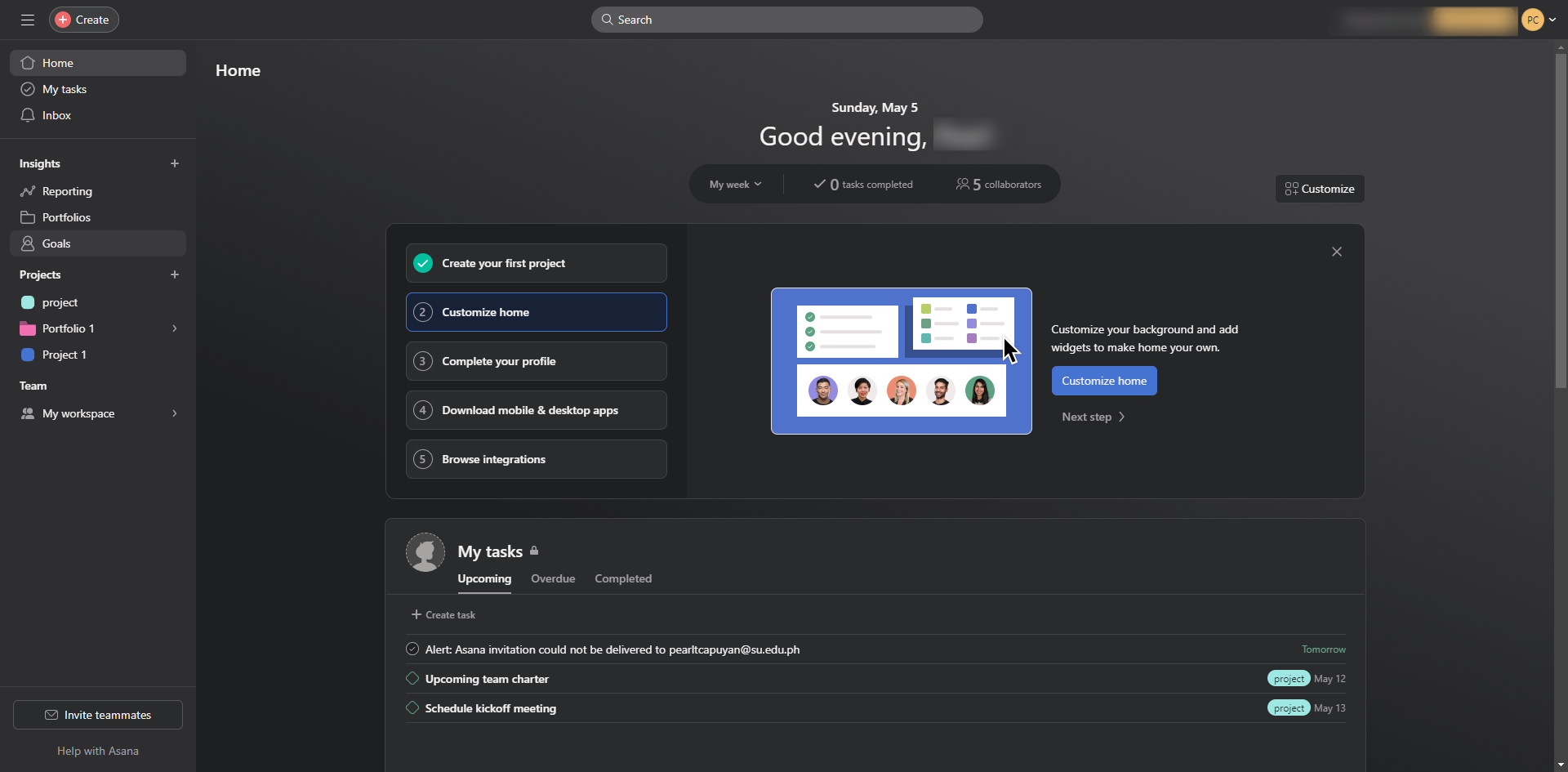
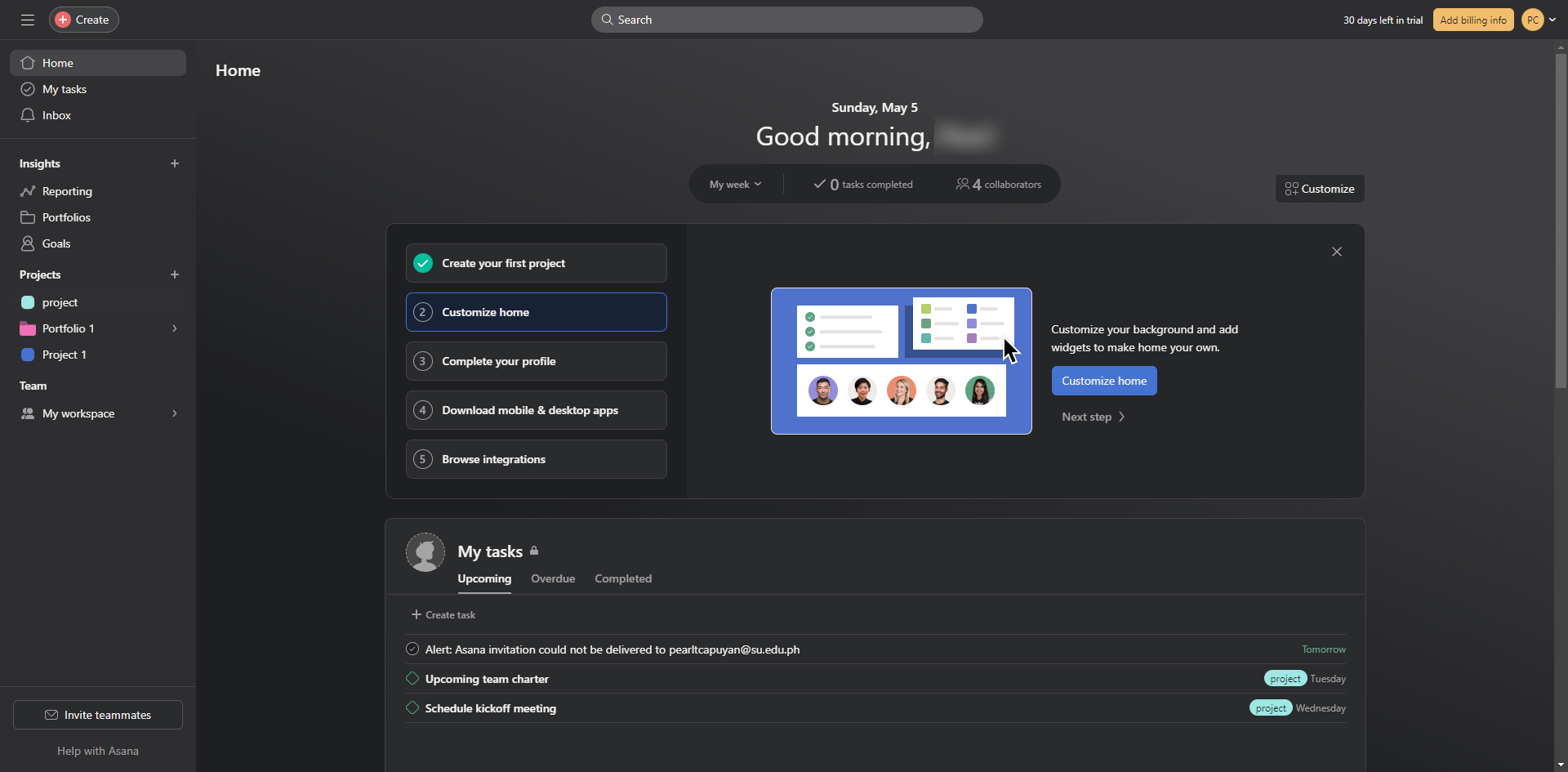
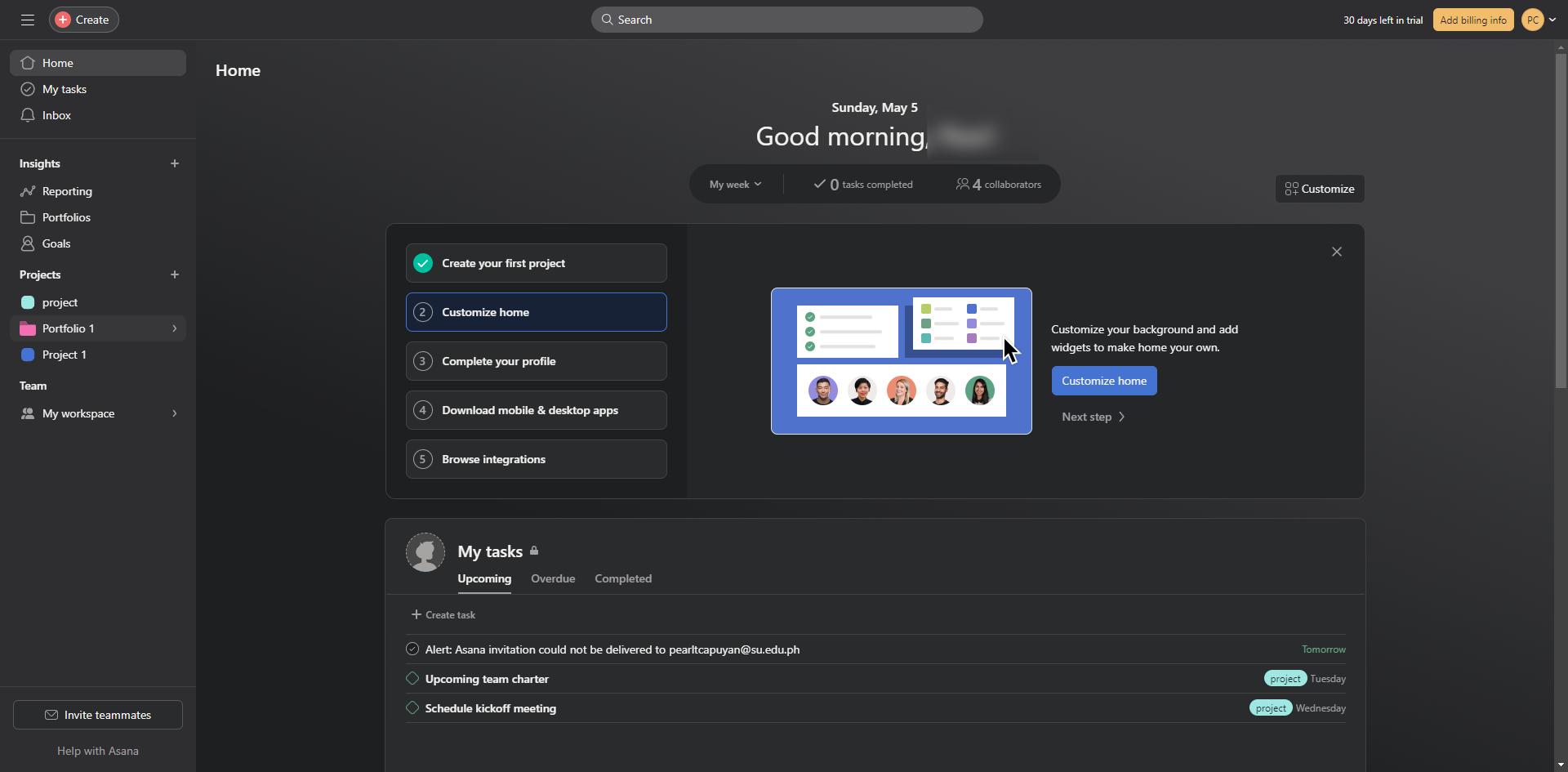
Go to 'Projects'.
To add your client, click 'Share'.
Invite the client through email.
Enter the client's email and switch their access into 'Viewers'.
Check this check box to notify them.
Click 'Send'.
A notification will pop up when the invitation has been sent.
Quick answer: To share an Asana project with a client, go to Projects, click Share, and invite them via email. Enter their email, set their access to Viewers, check the notification box, click Send, and wait for the confirmation notification.
About this Asana tutorial
Collaborate easily by sharing your Asana projects with clients, setting custom viewer access, and sending direct email invitations. This guide shows how to share Asana Project with Client in 7 steps, starting with "Go to 'Projects'" and finishing with "A notification will pop up when the invitation has been sent". The interactive demo above is a click-through copy of the real Asana interface, so you can rehearse each step before doing it in your own account.
Frequently asked questions
How many steps does it take to share Asana Project with Client?
7 steps. Each one is listed in order above, and the demo highlights exactly where to click.
Can I try it without changing my own account?
Yes. Clicking through the demo doesn't touch your Asana data or settings. Once you know the flow, repeat it in your own workspace.
This tutorial is filed under Asana. Related guides: How to Stop Asana Email Notifications, How to Sync Basecamp Tasks with Asana Projects using Zapier and How to Undo in Asana. Last reviewed 05 Oct 2026.

Create your first interactive demo in minutes
No credit card required • Start building today