How to Share Clickup Space
- George Apostolov
How to Share Clickup Space: step-by-step guide
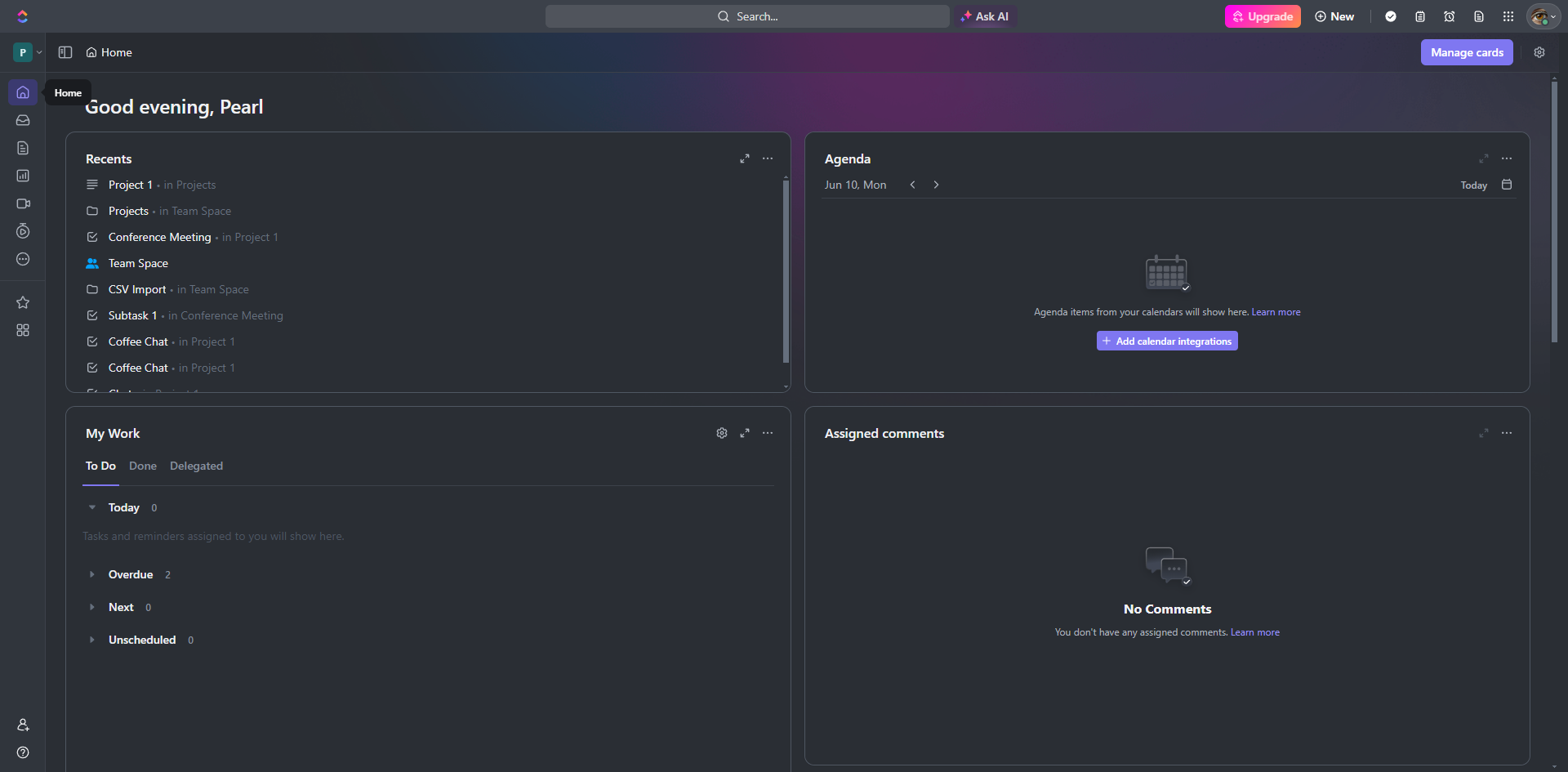
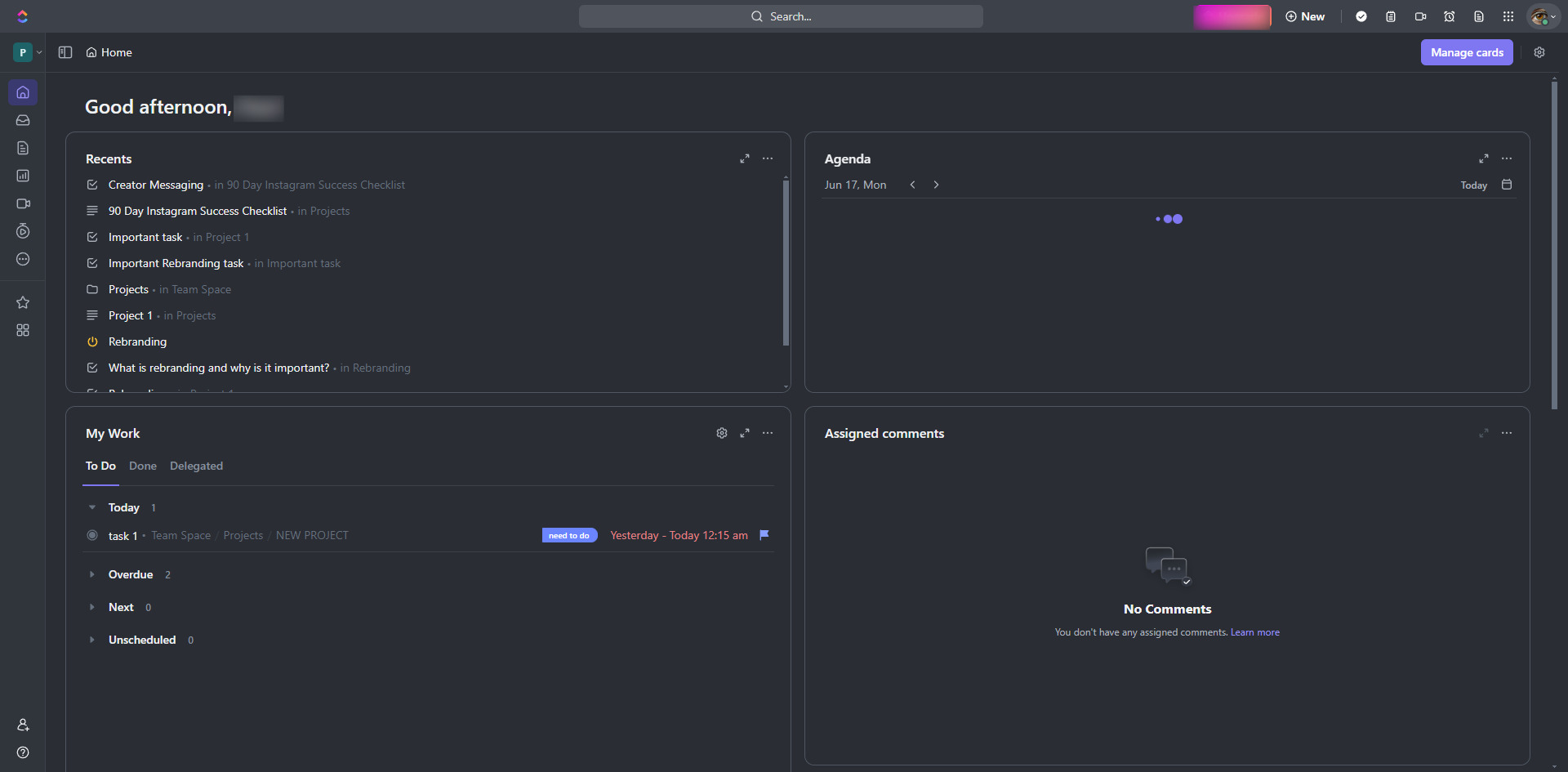
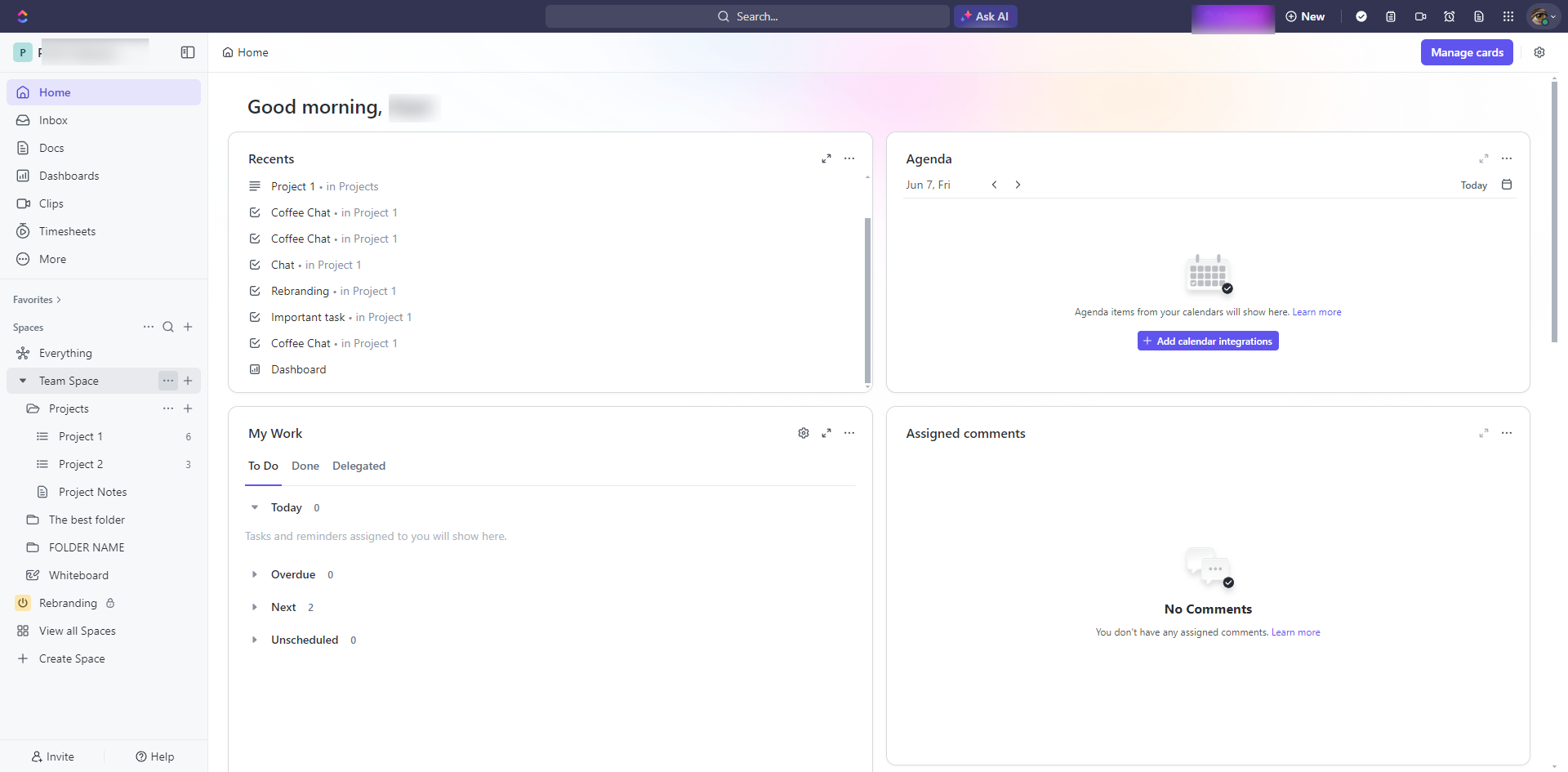
In the sidebar, find the Space you want to share. Spaces are listed under the workspace and may be grouped by categories or functions.
Select 'Sharing & Permissions'.
In the 'Share this Space modal', enter the name or email of the person you wanted to share the space with.
Click 'Invite'.
You may also share the space via link by clicking the ‘Copy link’ option.
The invitee will receive an email with a link to join the Space. They need to click the link and follow the instructions to accept the invitation and join the Space.
Quick answer: To share a space in ClickUp, locate the space in the sidebar, select 'Sharing & Permissions', and enter a name or email in the modal before clicking 'Invite'. Alternatively, copy the share link. The invitee will receive an email containing a link to join the space.
About this ClickUp tutorial
Collaborate easily by sharing your ClickUp spaces with team members via email invitations or direct links. This guide shows how to share Clickup Space in 6 steps, starting with "In the sidebar, find the Space you want to share. Spaces are listed under the workspace..." and finishing with "The invitee will receive an email with a link to join the Space. They need to click the...". The interactive demo above is a click-through copy of the real ClickUp interface, so you can rehearse each step before doing it in your own account.
Frequently asked questions
How many steps does it take to share Clickup Space?
6 steps. Each one is listed in order above, and the demo highlights exactly where to click.
Can I try it without changing my own account?
Yes. Clicking through the demo doesn't touch your ClickUp data or settings. Once you know the flow, repeat it in your own workspace.
This tutorial is filed under ClickUp. Related guides: How to Trigger ClickUp Notifications from Jira Issue Updates via Zapier, How to Trigger ClickUp Task Updates from Gmail Emails via Zapier and How to Turn Off Clickup Email Notifications. Last reviewed 05 Oct 2026.

Create your first interactive demo in minutes
No credit card required • Start building today