How to Sync Coda with Version Control Systems
- George Apostolov
This guide is an interactive LiveDemo. Create interactive demos of your own product: Interactive demo software · Interactive customer onboarding guides · Start free
How to Sync Coda with Version Control Systems: step-by-step guide
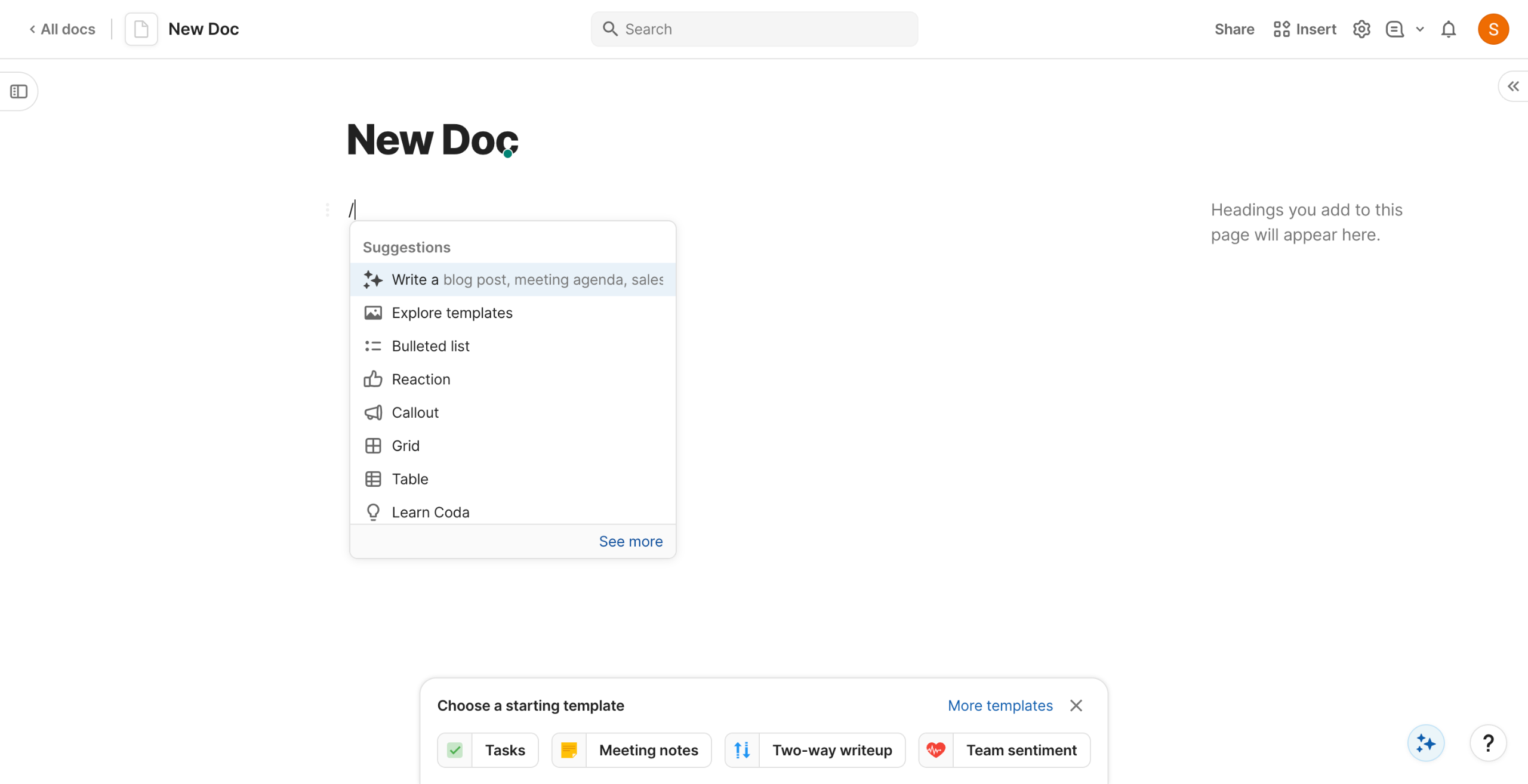
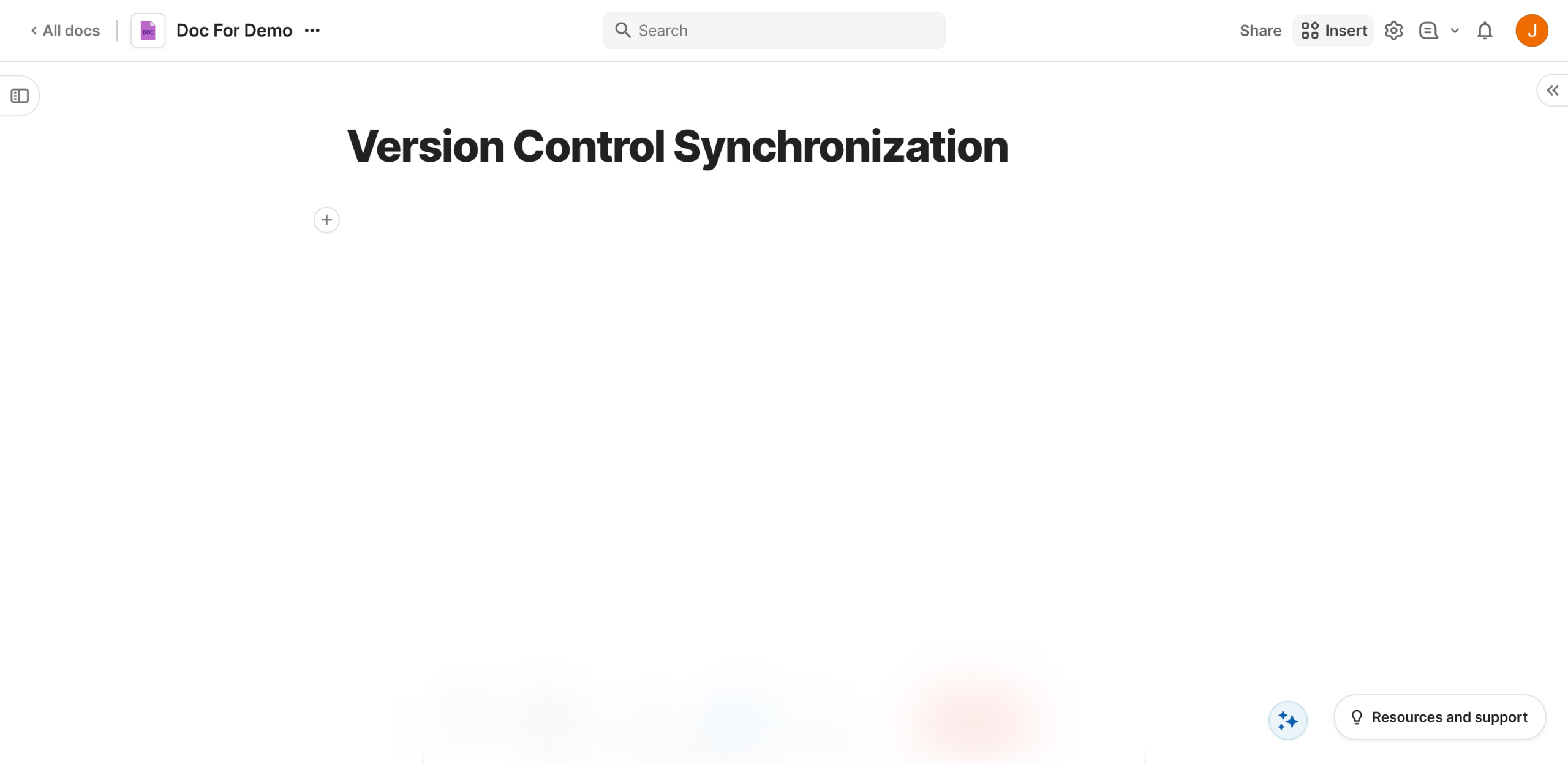
Inside your Coda doc, navigate to the top-right corner and click 'Insert'.
Click the provided search bar and type the name of the version control system you wish to use.
After that, scroll down to the Pack Tables section and select the version control data you wish to sync. Grab and drag it to the main workspace for further customization.
Click 'Connect Read Account' to establish the connection between Coda and your version control system.
Subsequently, tap 'Sign In' and then log into your account. Make sure that all required permissions are granted to avoid inconveniences later on.
Tap 'Complete Setup' afterwards to proceed further.
Following that, navigate to the right-side panel and configure the settings under Sync. Provide all the information needed to set up the integration properly.
Once done, tap 'Sync Now' to fetch all the necessary data from your version control system.
Tap 'Table Options' afterwards.
Select your preferred format, then configure its corresponding settings based on your preference.
After completing these steps, the selected dataset from your version control system will be synced with Coda.
Quick answer: To sync your version control system with Coda, click Insert, search for the version control system, drag the Pack Table to the workspace, connect and sign into your account, complete setup, configure Sync settings, click Sync Now, and adjust Table Options to finish syncing your data.
About this Coda tutorial
Integrate your version control system with Coda by inserting packs, connecting accounts, configuring sync settings, and fetching data. This guide shows how to sync Coda with Version Control Systems in 11 steps, starting with "Inside your Coda doc, navigate to the top-right corner and click 'Insert'" and finishing with "After completing these steps, the selected dataset from your version control system wil...". The interactive demo above is a click-through copy of the real Coda interface, so you can rehearse each step before doing it in your own account.
Frequently asked questions
How many steps does it take to sync Coda with Version Control Systems?
11 steps. Each one is listed in order above, and the demo highlights exactly where to click.
Can I try it without changing my own account?
Yes. Clicking through the demo doesn't touch your Coda data or settings. Once you know the flow, repeat it in your own workspace.
This tutorial is filed under Coda. Related guides: How to Sync Files Between OneDrive and Coda, How to Sync Google Calendar Events with Coda Tables and How to Sync Monday.com Tasks with Coda. Last reviewed 05 Oct 2026.

Create your first interactive demo in minutes
No credit card required • Start building today