How to Use Chatgpt to Write an Essay Without Plagiarizing
- George Apostolov
How to Use Chatgpt to Write an Essay Without Plagiarizing: step-by-step guide
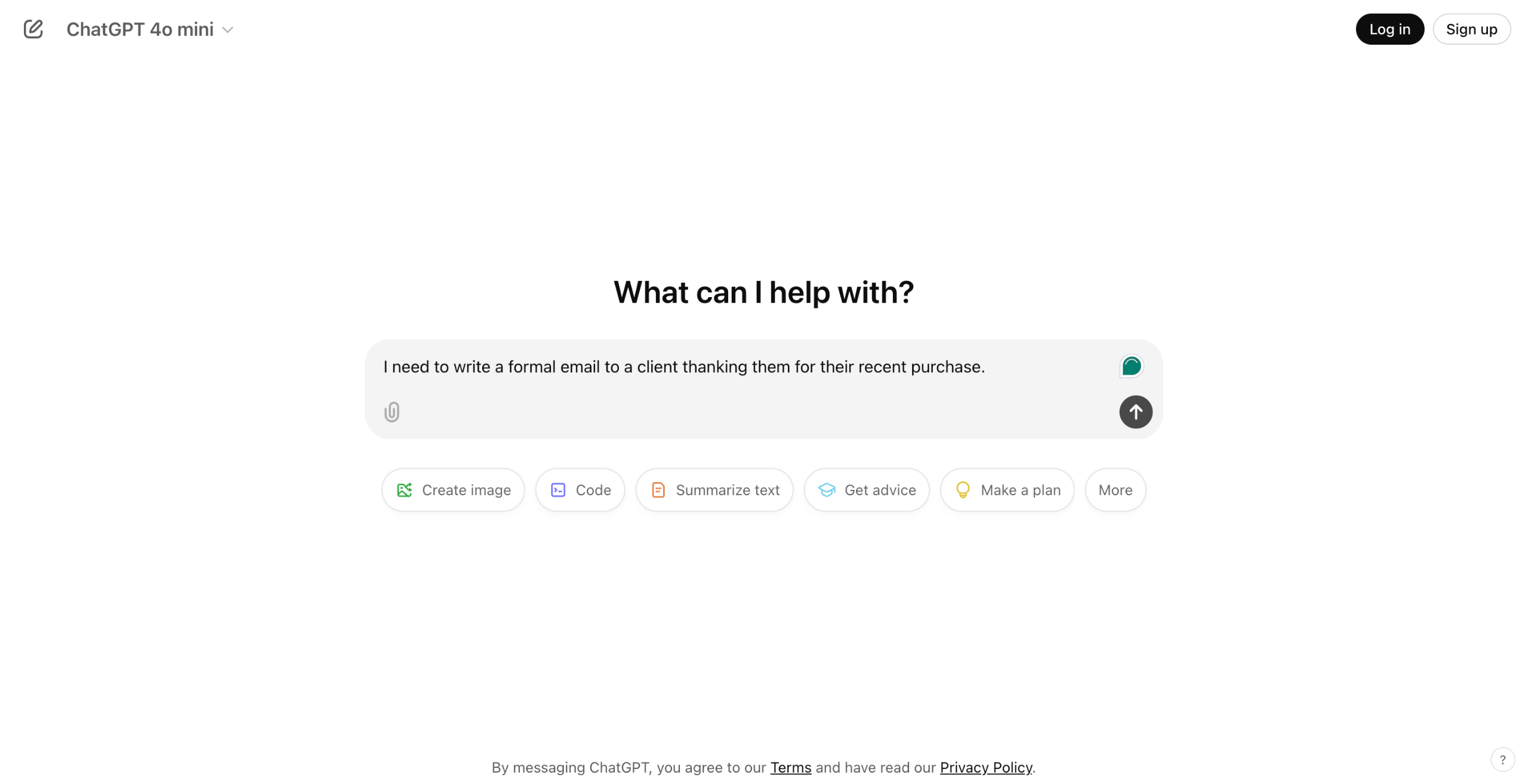
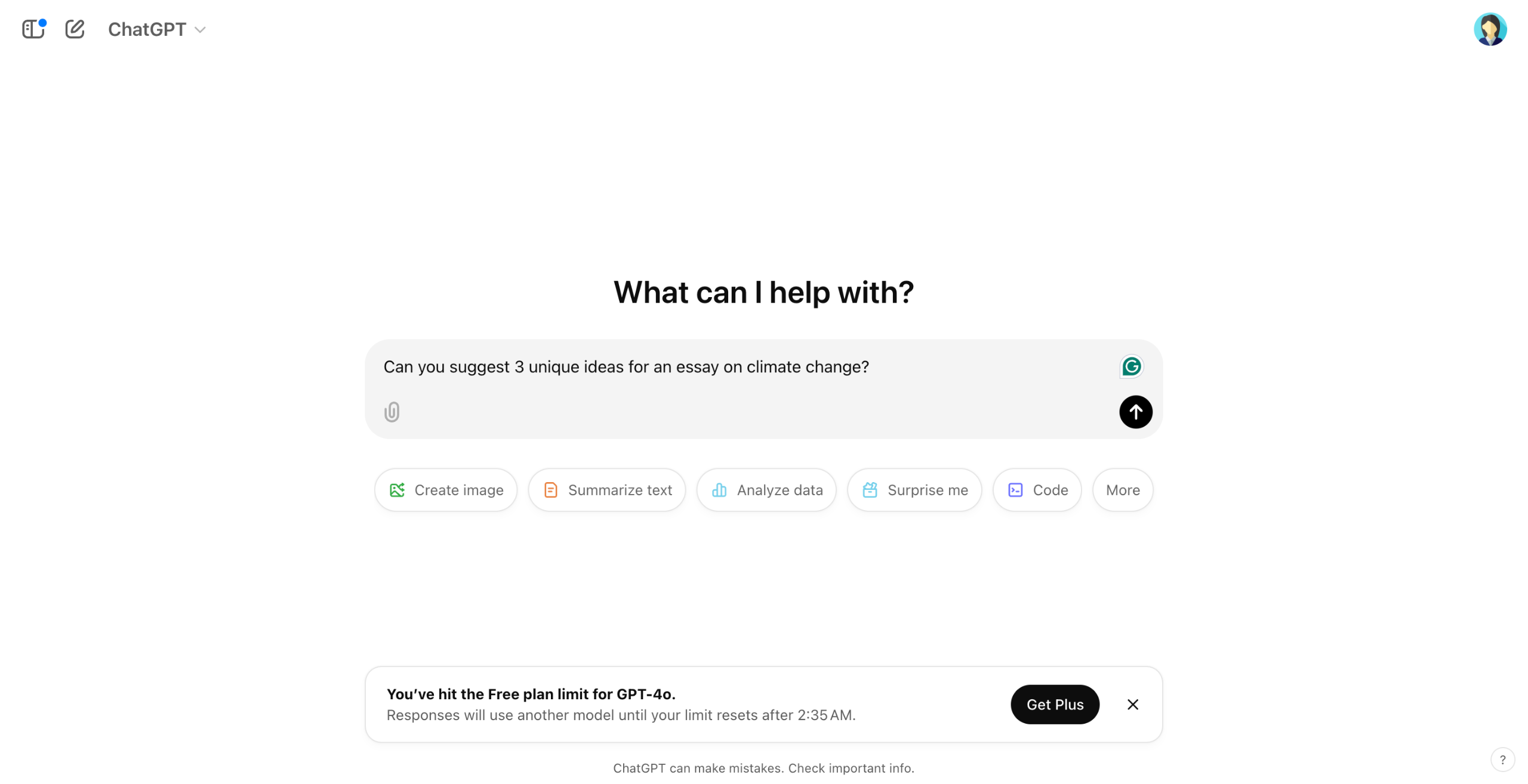
Ask ChatGPT to help you brainstorm ideas or outline your essay, but avoid copying large chunks of text.
Ask ChatGPT to create an outline for your essay based on the idea you've chosen.
If ChatGPT generates text for you, paraphrase it into your own words to maintain originality.
If ChatGPT references or generates facts that need to be cited, ensure you provide proper citations.
After you finish writing your essay, use plagiarism detection tools like Turnitin or Grammarly to ensure your essay is free from copied content.
After writing, ask ChatGPT to improve your essay’s clarity and structure, but ensure the final version is your own.
Quick answer: To draft original essays using AI, brainstorm and outline with ChatGPT, paraphrase any generated text, add proper citations, check for plagiarism with tools like Turnitin or Grammarly, and refine the clarity and structure.
About this tutorial
Prevent plagiarism when using the app by brainstorming, paraphrasing text, adding citations, running checks, and improving structure. This guide shows how to use Chatgpt to Write an Essay Without Plagiarizing in 6 steps, starting with "Ask ChatGPT to help you brainstorm ideas or outline your essay, but avoid copying large..." and finishing with "After writing, ask ChatGPT to improve your essay’s clarity and structure, but ensure th...". The interactive demo above is a click-through copy of the real product interface, so you can rehearse each step before doing it in your own account.
Frequently asked questions
How many steps does it take to use Chatgpt to Write an Essay Without Plagiarizing?
6 steps. Each one is listed in order above, and the demo highlights exactly where to click.
Can I try it without changing my own account?
Yes. Clicking through the demo doesn't touch your data or settings. Once you know the flow, repeat it in your own workspace.

Create your first interactive demo in minutes
No credit card required • Start building today