DragApp
- George Apostolov
DragApp: step-by-step guide
Build the most cost-effective WhatsApp shared inbox in minutes, not hours— the DragApp way!
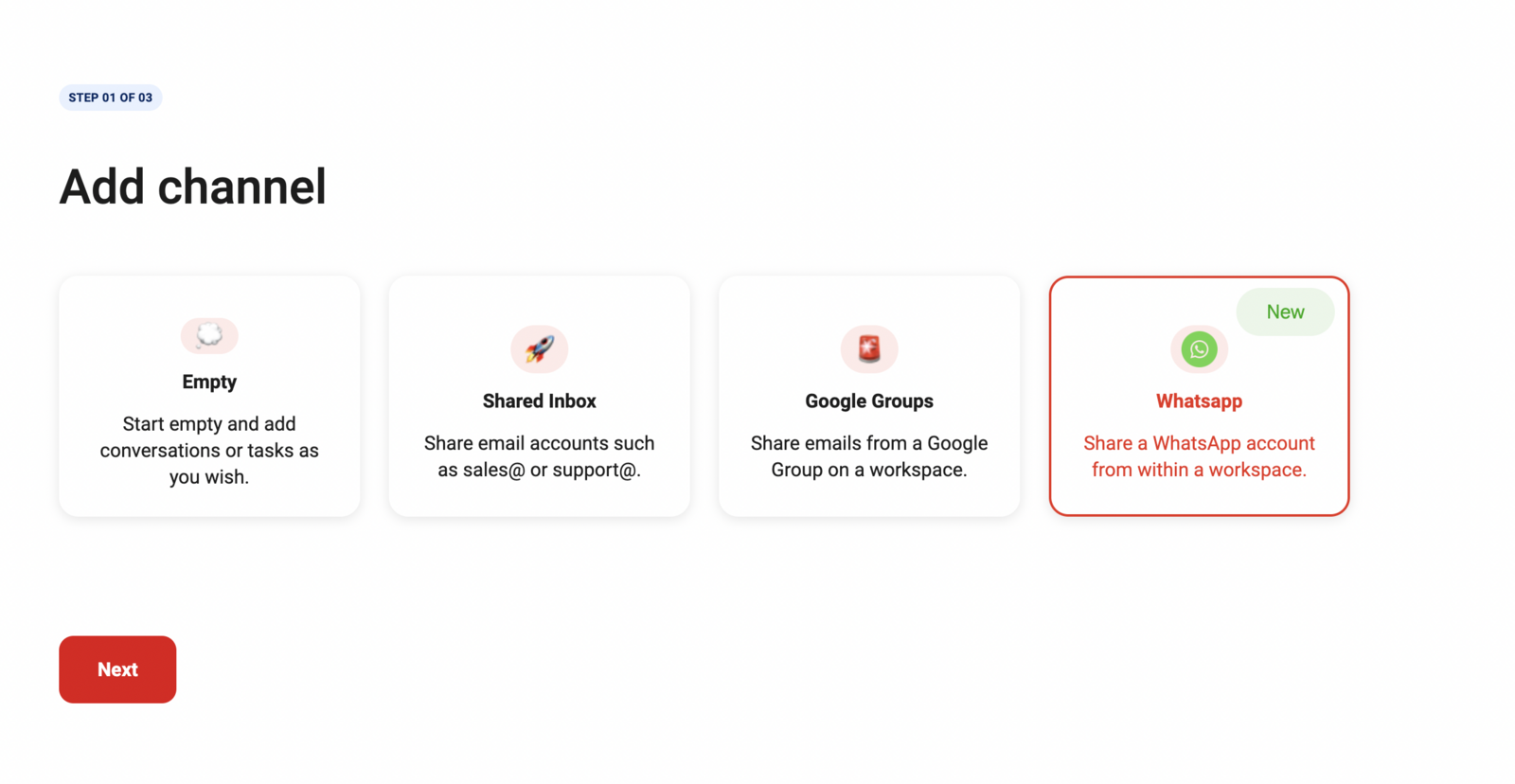
Click "Drag Board" on the left sidebar and select the WhatsApp channel.
Review prerequisites and click "Let's get started."
Log in to Meta Business Account or continue with existing session.
Review and accept permissions for WhatsApp-Drag integration.
Enter your business information.
Choose existing WhatsApp Business account or create new one.
If creating new account, fill in business details.
Enter and verify phone number for WhatsApp board.
And, click Finish to complete setup.
To configure further, click on Board options.
Quick answer: To build a cost-effective WhatsApp shared inbox in DragApp, click Drag Board and select the WhatsApp channel. Review prerequisites, log in to your Meta Business Account, and accept permissions. Enter your business information, choose or create a WhatsApp Business account, verify your phone number, and click Finish. Configure further using Board options.
About this tutorial
Set up a shared WhatsApp inbox efficiently using the app with our step-by-step integration and configuration guide. This guide covers dragApp in 11 steps, starting with "Build the most cost-effective WhatsApp shared inbox in minutes, not hours— the DragApp..." and finishing with "To configure further, click on Board options". The interactive demo above is a click-through copy of the real product interface, so you can rehearse each step before doing it in your own account.
Frequently asked questions
How many steps does dragApp take?
11 steps. Each one is listed in order above, and the demo highlights exactly where to click.
Can I try it without changing my own account?
Yes. Clicking through the demo doesn't touch your data or settings. Once you know the flow, repeat it in your own workspace.

Create your first interactive demo in minutes
No credit card required • Start building today