How to use IF Statements in Coda
- George Apostolov
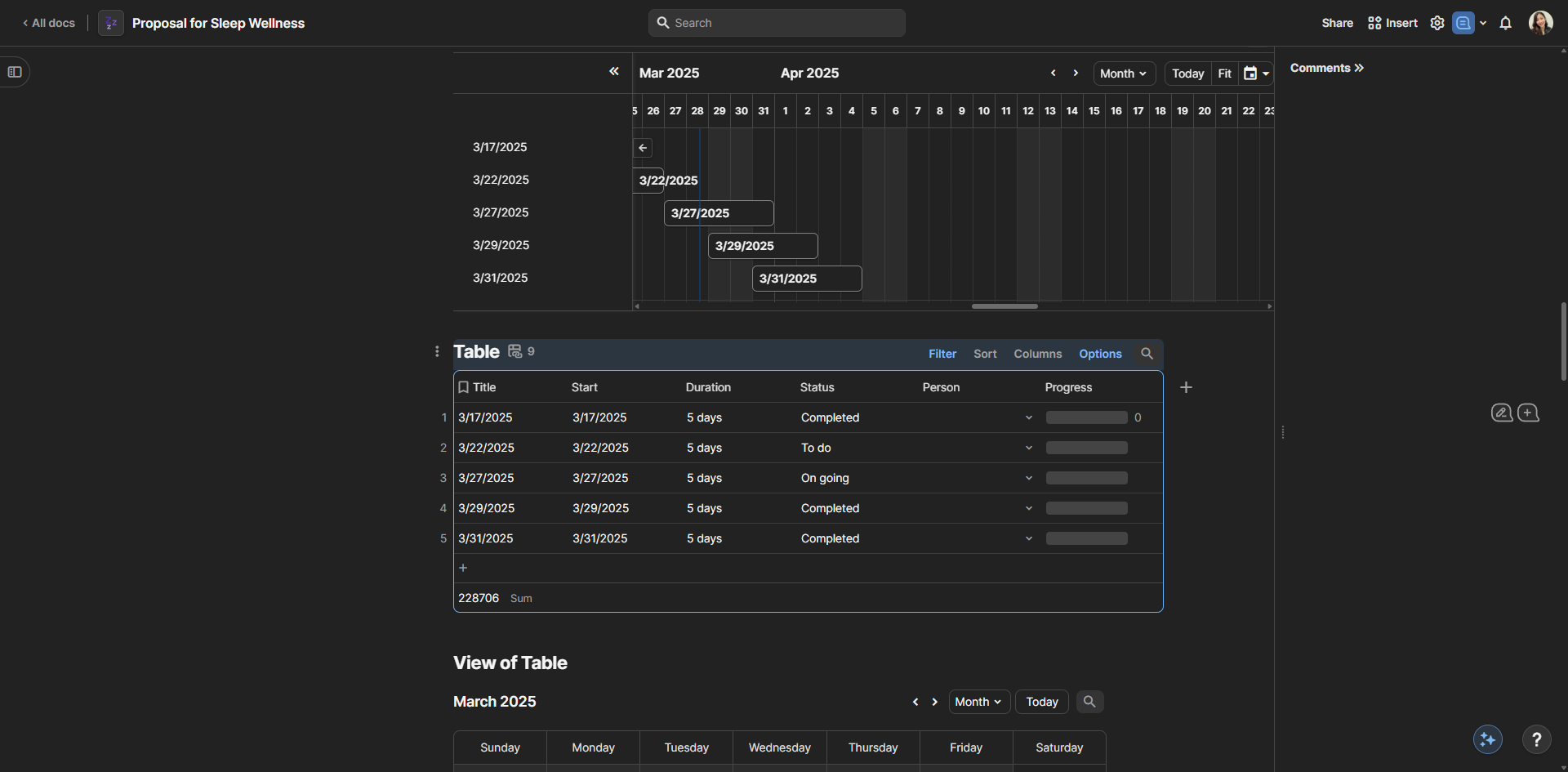
How to use IF Statements in Coda: step-by-step guide
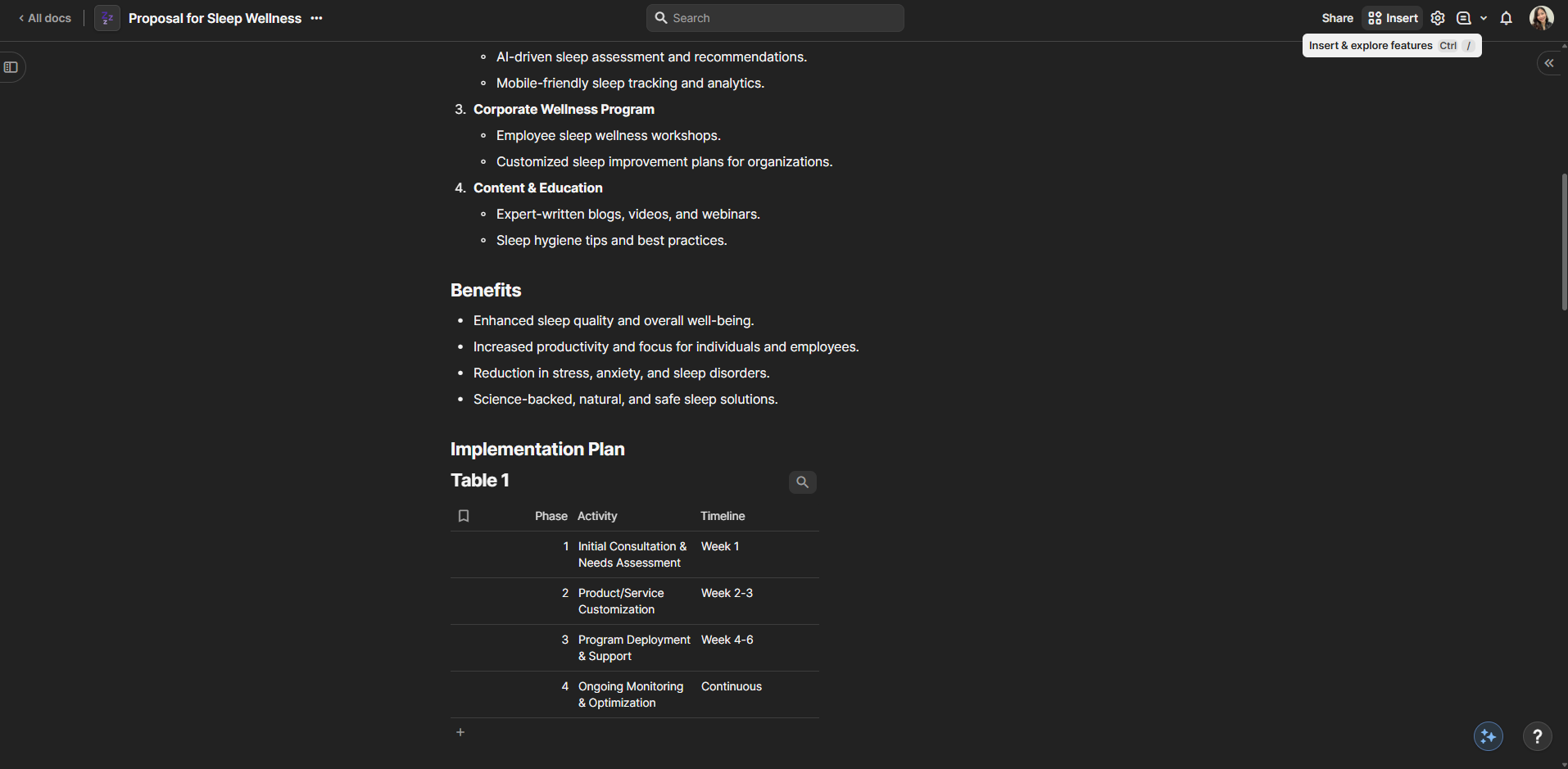
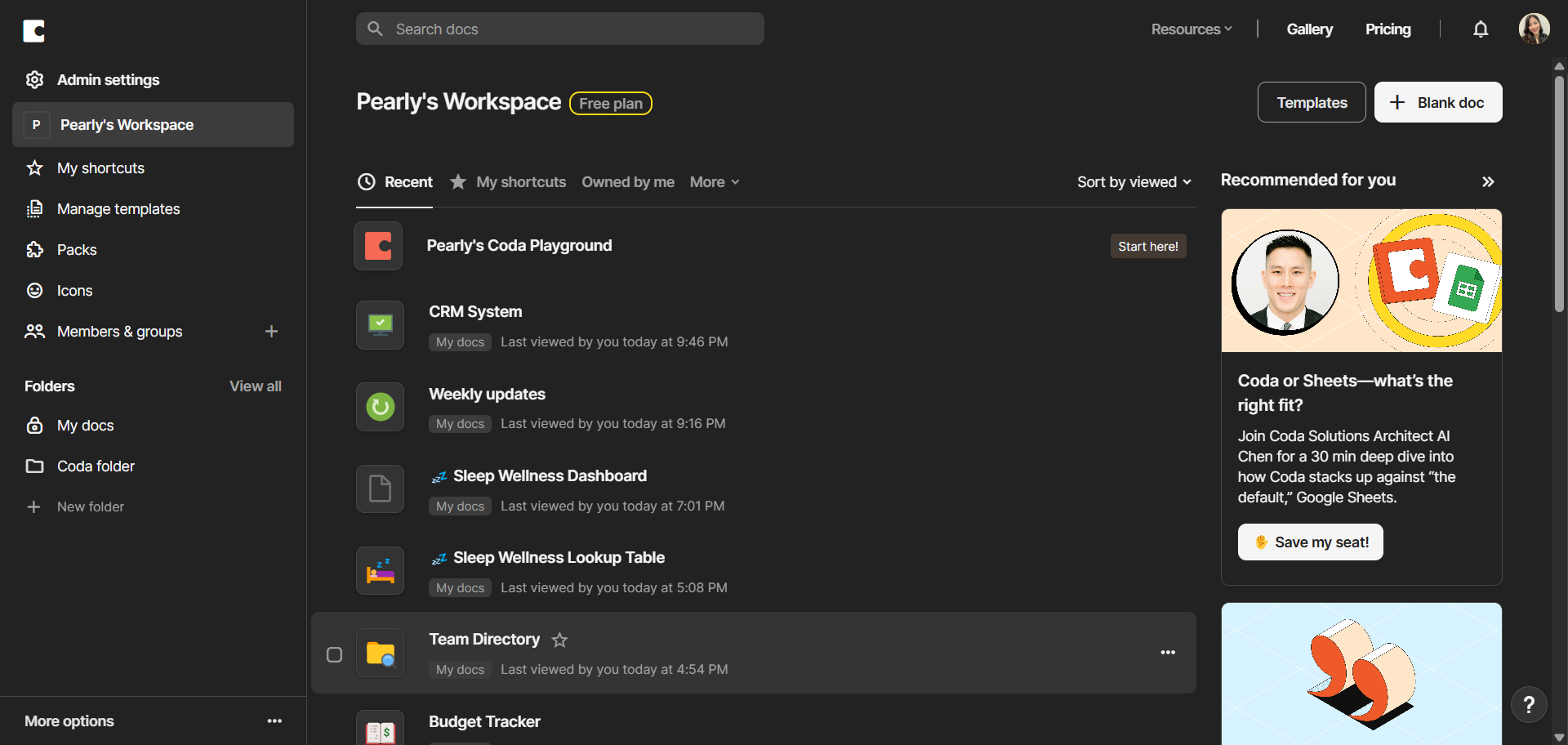
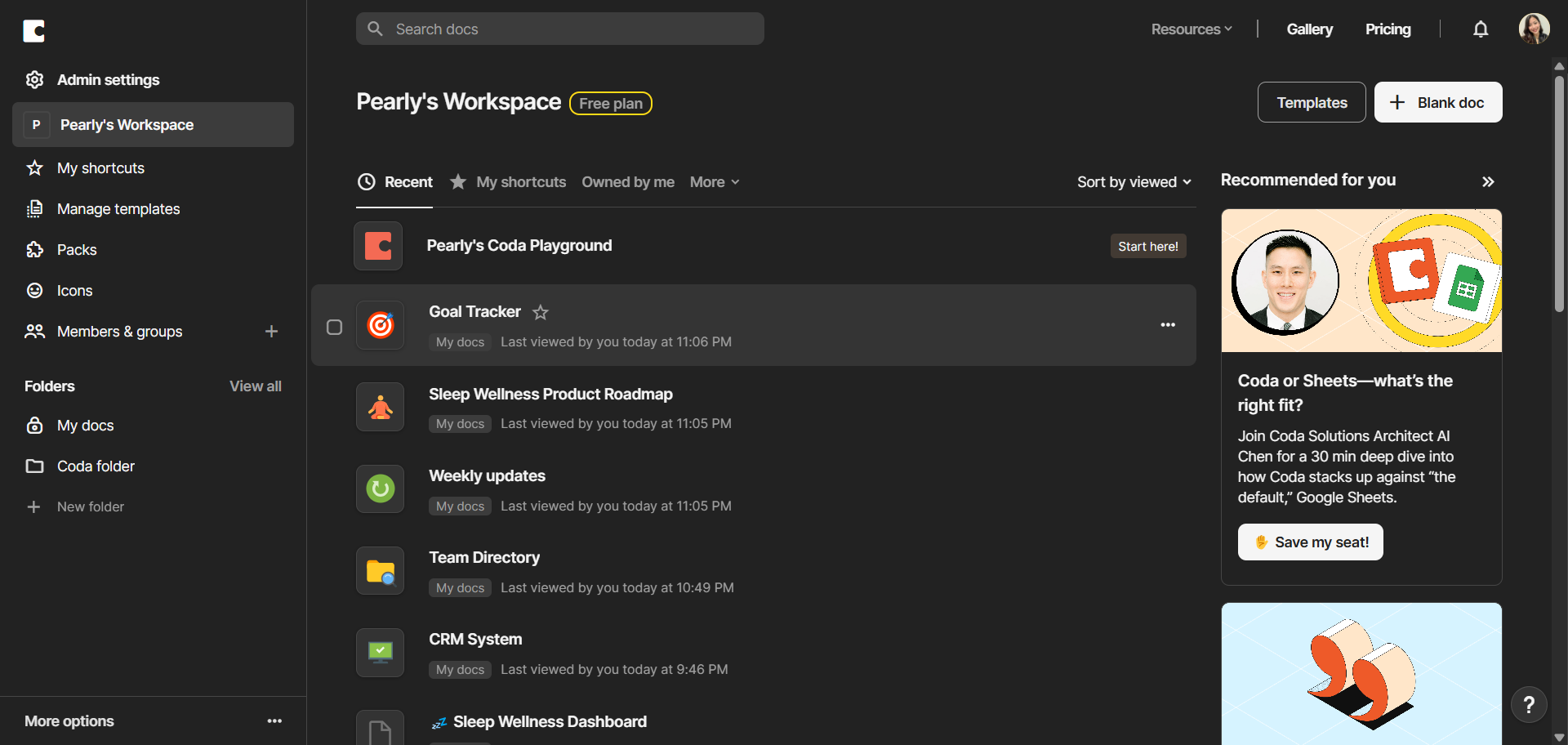
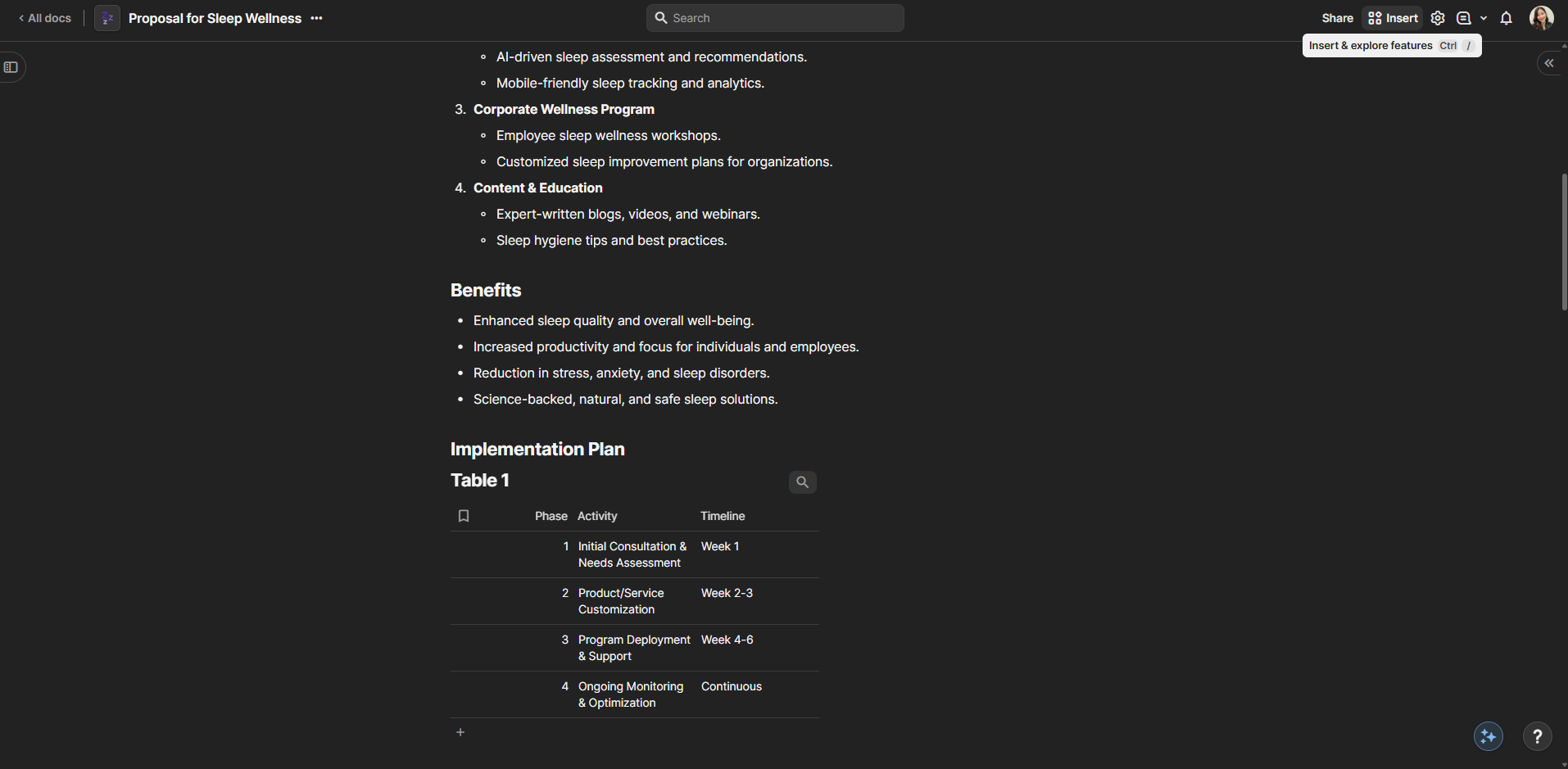
Go to your project tracking table, where you will implement conditional logic using IF statements to automate status updates.
Click the add icon and select 'Formula' as your column type.
Click on the formula field to create a formula that uses IF statements to make dynamic decisions based on your data.
Write a condition that checks if a task is completed - this will be the first part of our IF statement.
Connect your formula to the right columns to make sure it updates correctly as your data changes.
Your IF statement now automatically determines status based on multiple conditions with no manual updates needed.
Quick answer: To automate status updates using conditional logic in Coda, add a formula column to your project tracking table. Create an IF statement formula, write a condition to check completed tasks, and connect it to your data columns to automatically determine statuses without manual updates.
About this Coda tutorial
Automate project status updates in Coda by building dynamic IF statement formulas that make conditional decisions based on your live table data. This guide shows how to use IF Statements in Coda in 6 steps, starting with "Go to your project tracking table, where you will implement conditional logic using IF..." and finishing with "Your IF statement now automatically determines status based on multiple conditions with...". The interactive demo above is a click-through copy of the real Coda interface, so you can rehearse each step before doing it in your own account.
Frequently asked questions
How many steps does it take to use IF Statements in Coda?
6 steps. Each one is listed in order above, and the demo highlights exactly where to click.
Can I try it without changing my own account?
Yes. Clicking through the demo doesn't touch your Coda data or settings. Once you know the flow, repeat it in your own workspace.
This tutorial is filed under Coda. Related guides: How to use Packs in Coda, How to Use Text Functions in Coda and How to Use the Filter() Formula in Coda. Last reviewed 05 Oct 2026.

Create your first interactive demo in minutes
No credit card required • Start building today