How to Use Markdown in Linear
- George Apostolov
How to Use Markdown in Linear: step-by-step guide
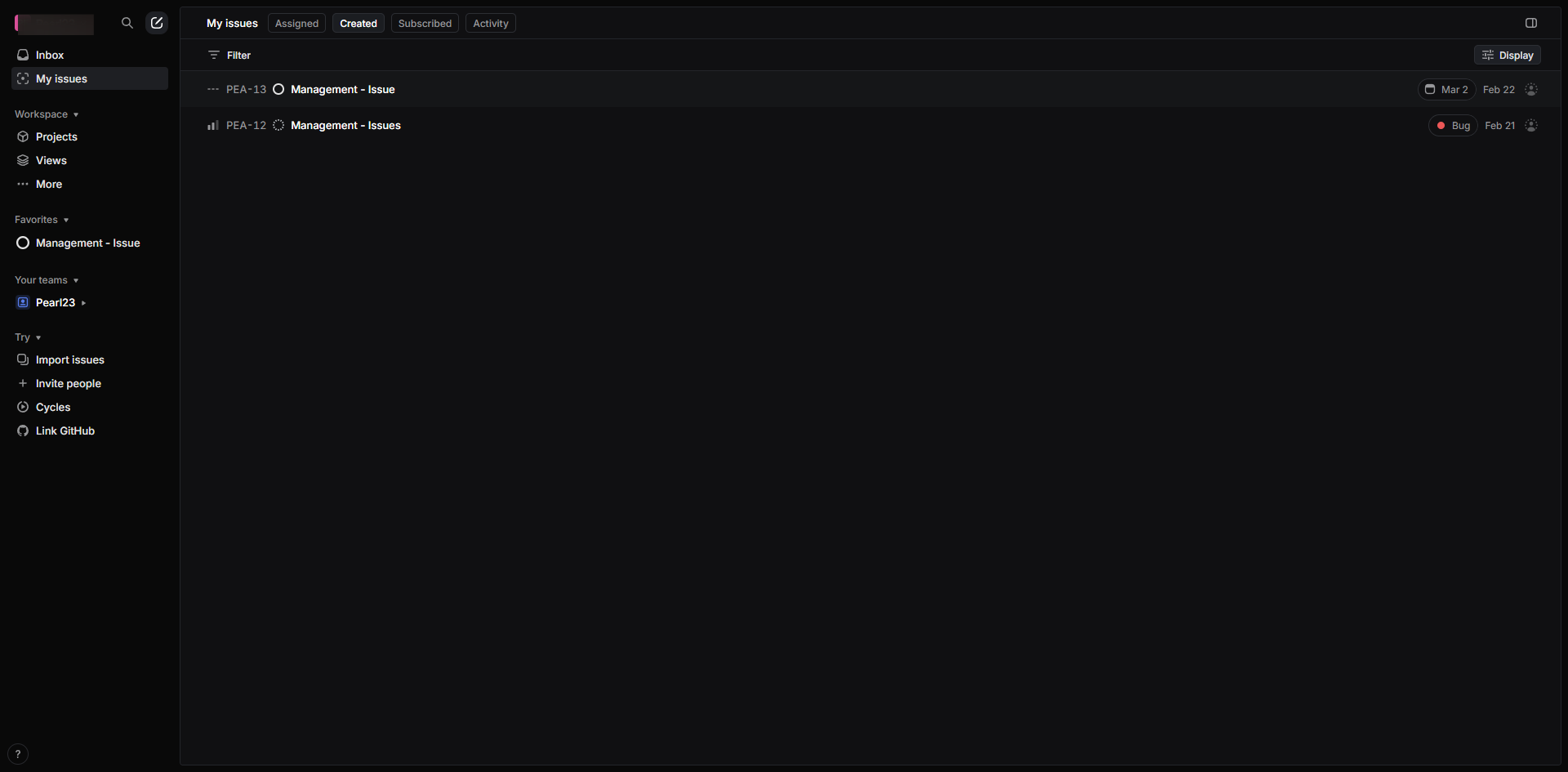
Markdown is device agnostic and displays the writing format consistently across device types.
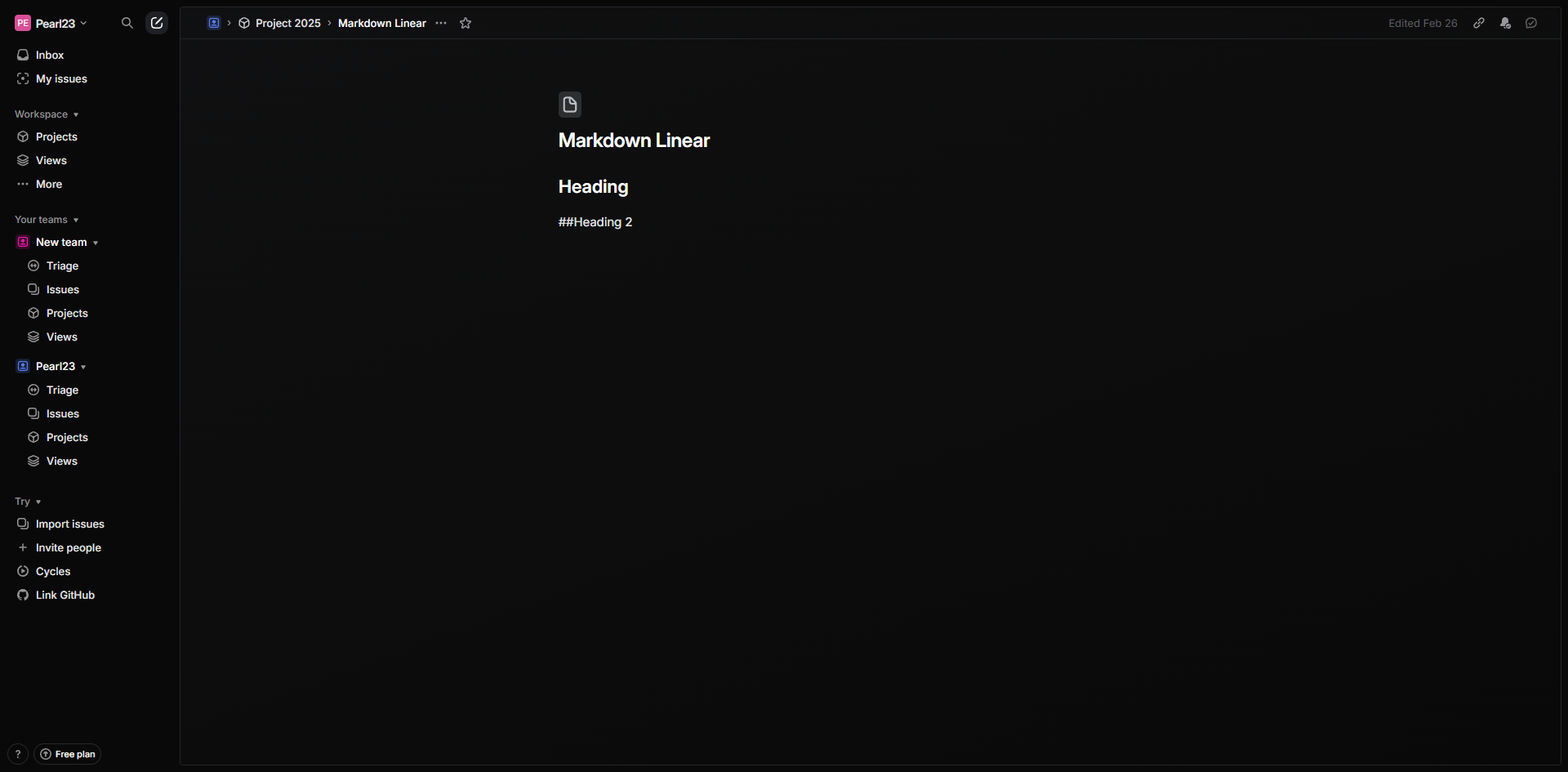
After you press enter, this will be the example output.
You can use the number symbol for headings before the word.
You can use the markdowns, without using a format text editor in Linear.
For basic formatting you may use the asterisk symbol before the word.
You may also use the dash symbol in writing the unordered list before the word.
Press 'Enter' and the output for the unordered list will instantly appear.
You may use the greater sign to add blockquotes and callouts.
Press 'Enter' and this will be the sample output.
That's it! Markdown is great for structuring content clearly in issues, documentation, and comments.
Quick answer: To format content in Linear, use device-agnostic markdown without a text editor: type the number symbol for headings, asterisk for basic formatting, dash for unordered lists, and greater sign for blockquotes and callouts, then press enter to display the output.
About this Linear tutorial
Structure your content clearly in Linear issues, documentation, and comments using markdown shortcuts for headings, lists, and blockquotes. This guide shows how to use Markdown in Linear in 10 steps, starting with "Markdown is device agnostic and displays the writing format consistently across device..." and finishing with "That's it! Markdown is great for structuring content clearly in issues, documentation,...". The interactive demo above is a click-through copy of the real Linear interface, so you can rehearse each step before doing it in your own account.
Frequently asked questions
How many steps does it take to use Markdown in Linear?
10 steps. Each one is listed in order above, and the demo highlights exactly where to click.
Can I try it without changing my own account?
Yes. Clicking through the demo doesn't touch your Linear data or settings. Once you know the flow, repeat it in your own workspace.
This tutorial is filed under Linear. Related guides: How to Use @mentions in Linear, How to Use Task Lists in Linear and How to Add Attachments to Issues in Linear. Last reviewed 05 Oct 2026.

Create your first interactive demo in minutes
No credit card required • Start building today