How to Use Miro for Retrospective
- George Apostolov
How to Use Miro for Retrospective: step-by-step guide
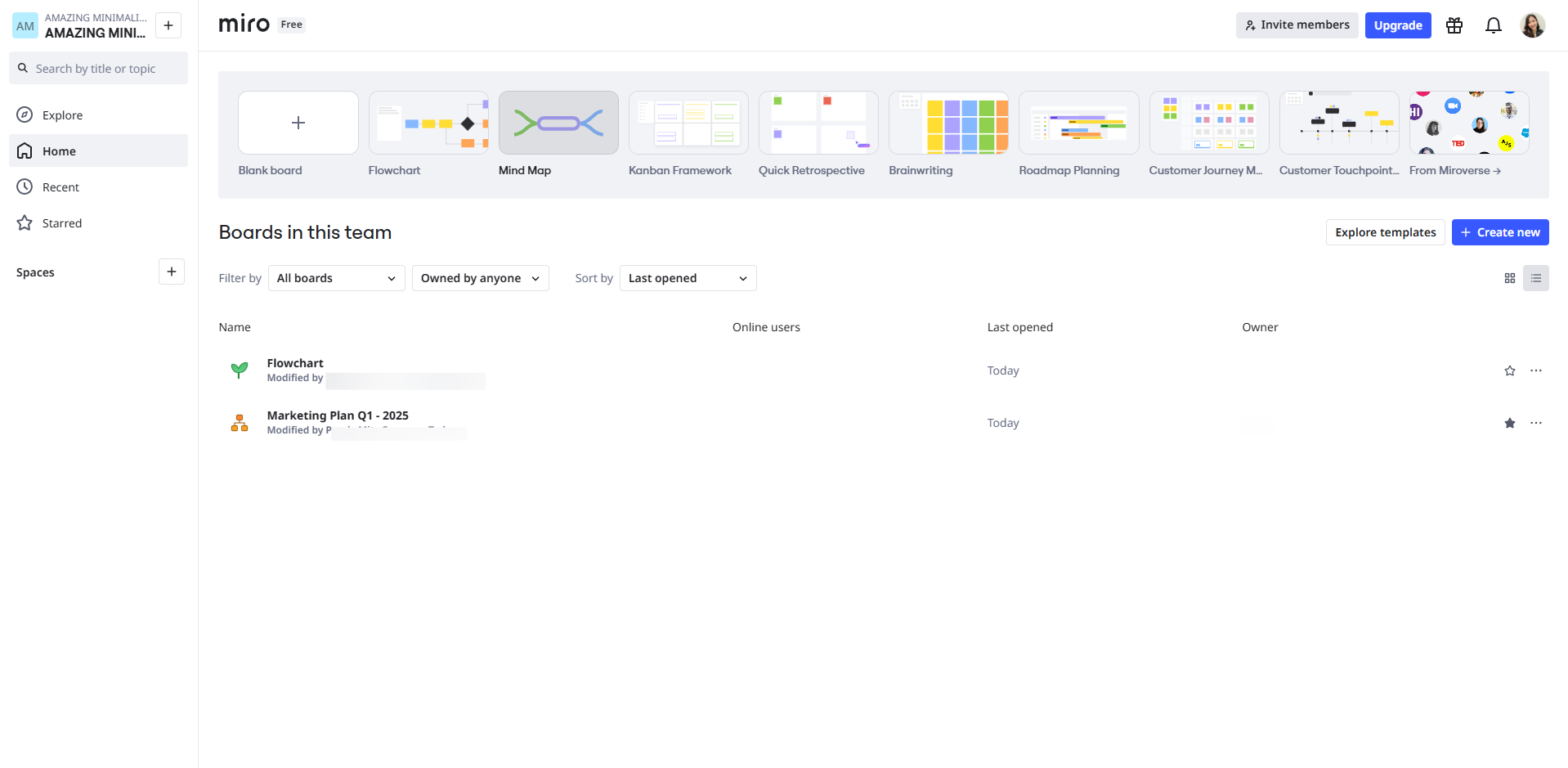
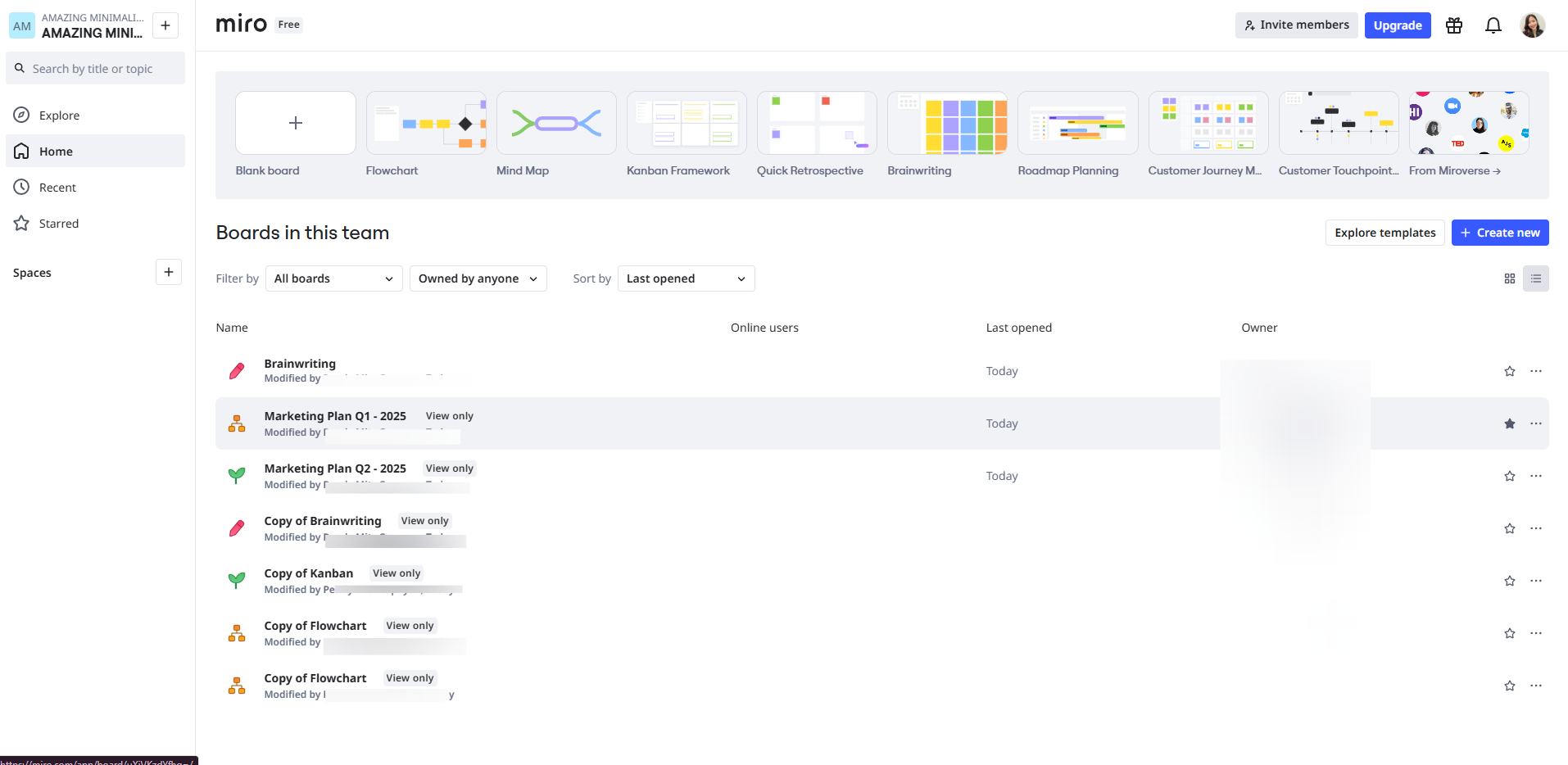
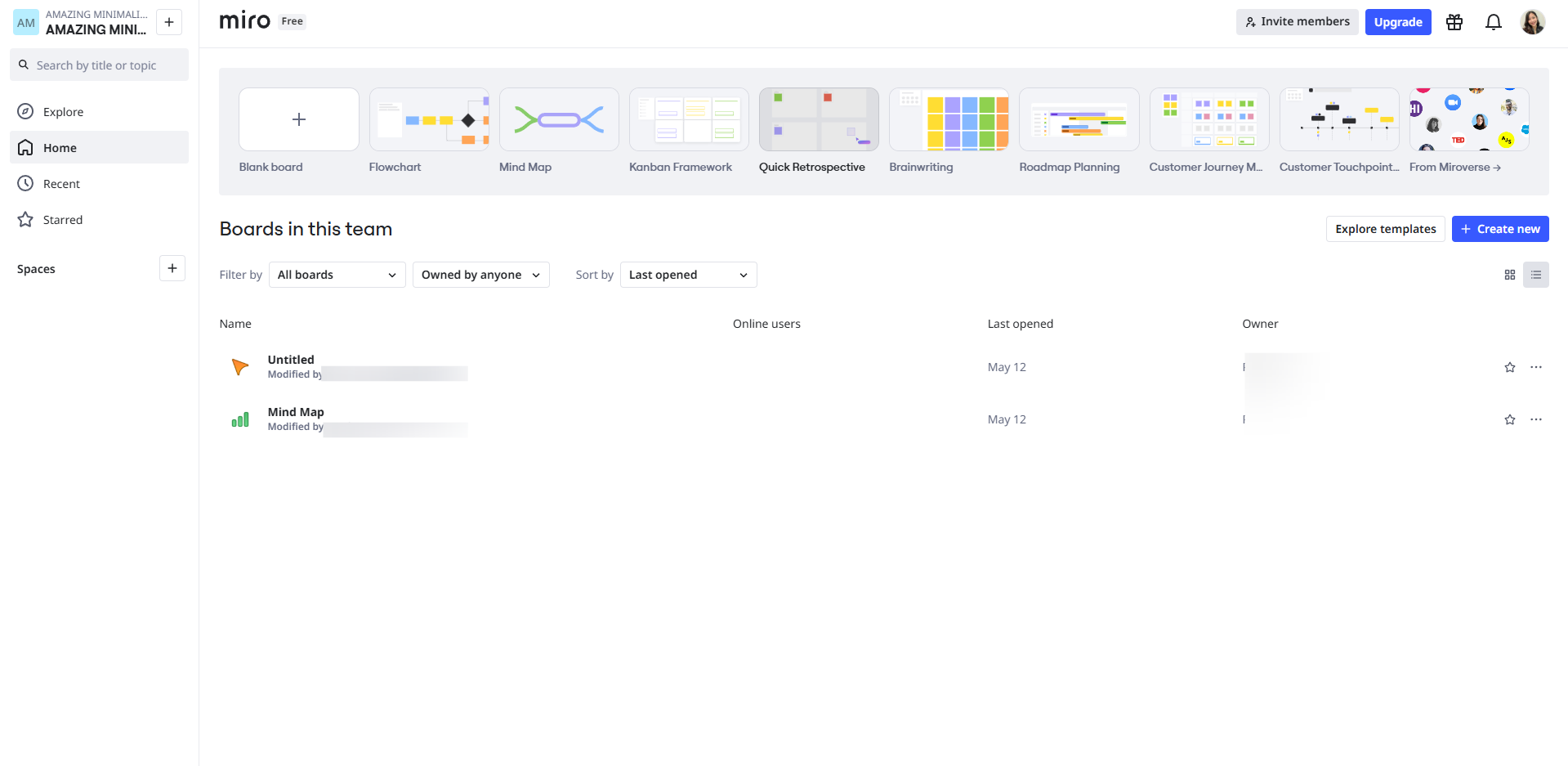
Log in to Miro, browse the templates from above and choose 'Quick Retrospective'.
Create a frame for each category.
Each team member will add sticky notes under the relevant sections.
Click on the interactions tool to reflect on team performance.
Use the featured tools of Retrospective for your board.
Provide a name for your retrospective.
Add a description if possible.
Use Miro’s voting tool to let participants vote on top items. This helps prioritize what the team should focus on next.
Click the 'Share' button and share the board.
Quick answer: To use Miro for a retrospective, choose the Quick Retrospective template, create category frames, and have members add sticky notes. Next, use the interactions tool, Retrospective features, name and describe the board, and prioritize items using voting. Finally, click the Share button to distribute the board.
About this Miro tutorial
Run an effective team retrospective in Miro by selecting templates, organizing sticky notes, utilizing voting tools, and sharing your board. This guide shows how to use Miro for Retrospective in 9 steps, starting with "Log in to Miro, browse the templates from above and choose 'Quick Retrospective'" and finishing with "Click the 'Share' button and share the board". The interactive demo above is a click-through copy of the real Miro interface, so you can rehearse each step before doing it in your own account.
Frequently asked questions
How many steps does it take to use Miro for Retrospective?
9 steps. Each one is listed in order above, and the demo highlights exactly where to click.
Can I try it without changing my own account?
Yes. Clicking through the demo doesn't touch your Miro data or settings. Once you know the flow, repeat it in your own workspace.
This tutorial is filed under Miro. Related guides: How to Use Miro for Teaching, How to Use Miro in the Classroom and How to Use Miro Mind Map. Last reviewed 05 Oct 2026.

Create your first interactive demo in minutes
No credit card required • Start building today