How to Apply Filter Context in Power BI
- George Apostolov
This guide is an interactive LiveDemo. Create interactive demos of your own product: Interactive demo software · Interactive customer onboarding guides · Start free
How to Apply Filter Context in Power BI: step-by-step guide
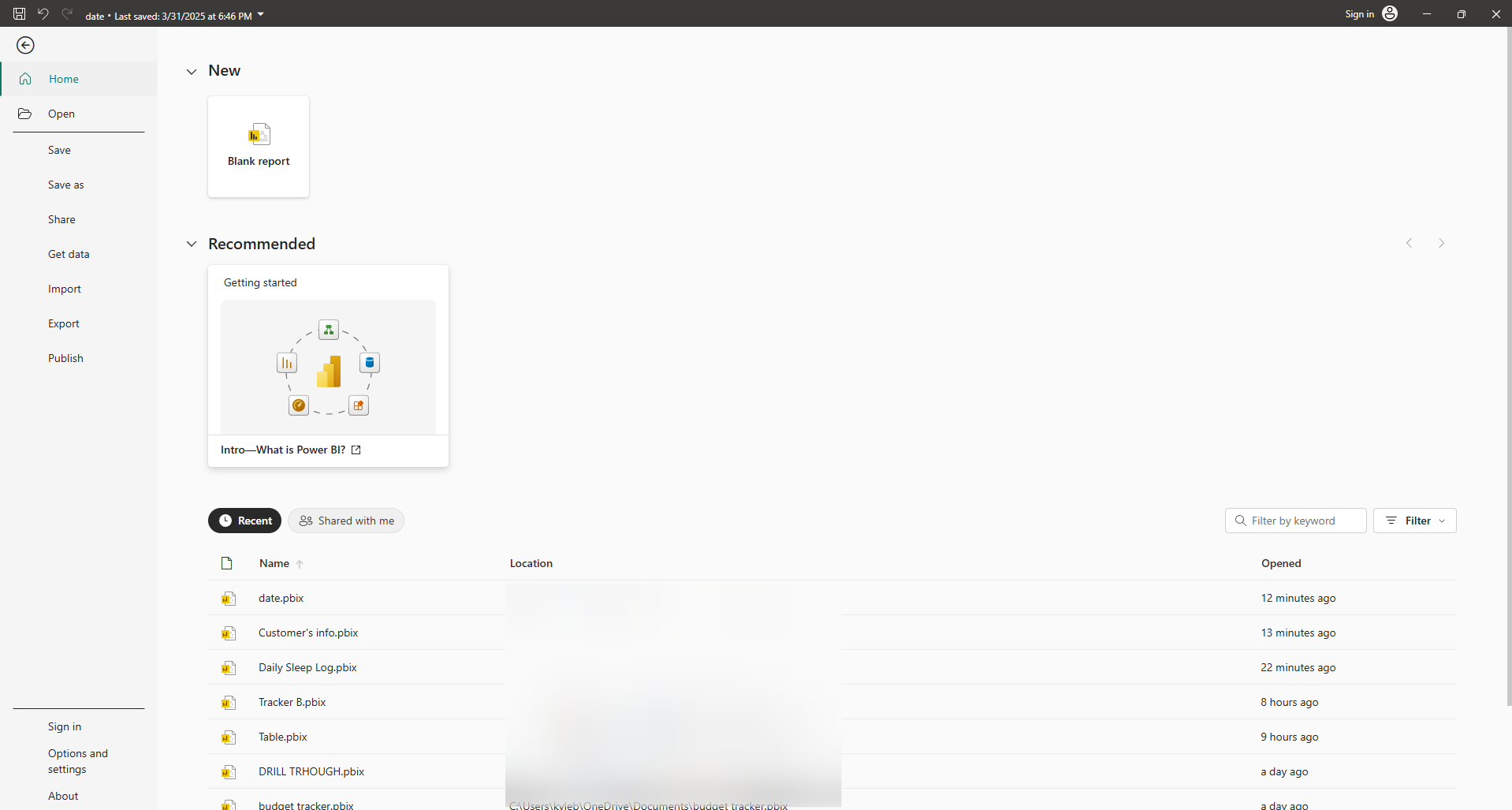
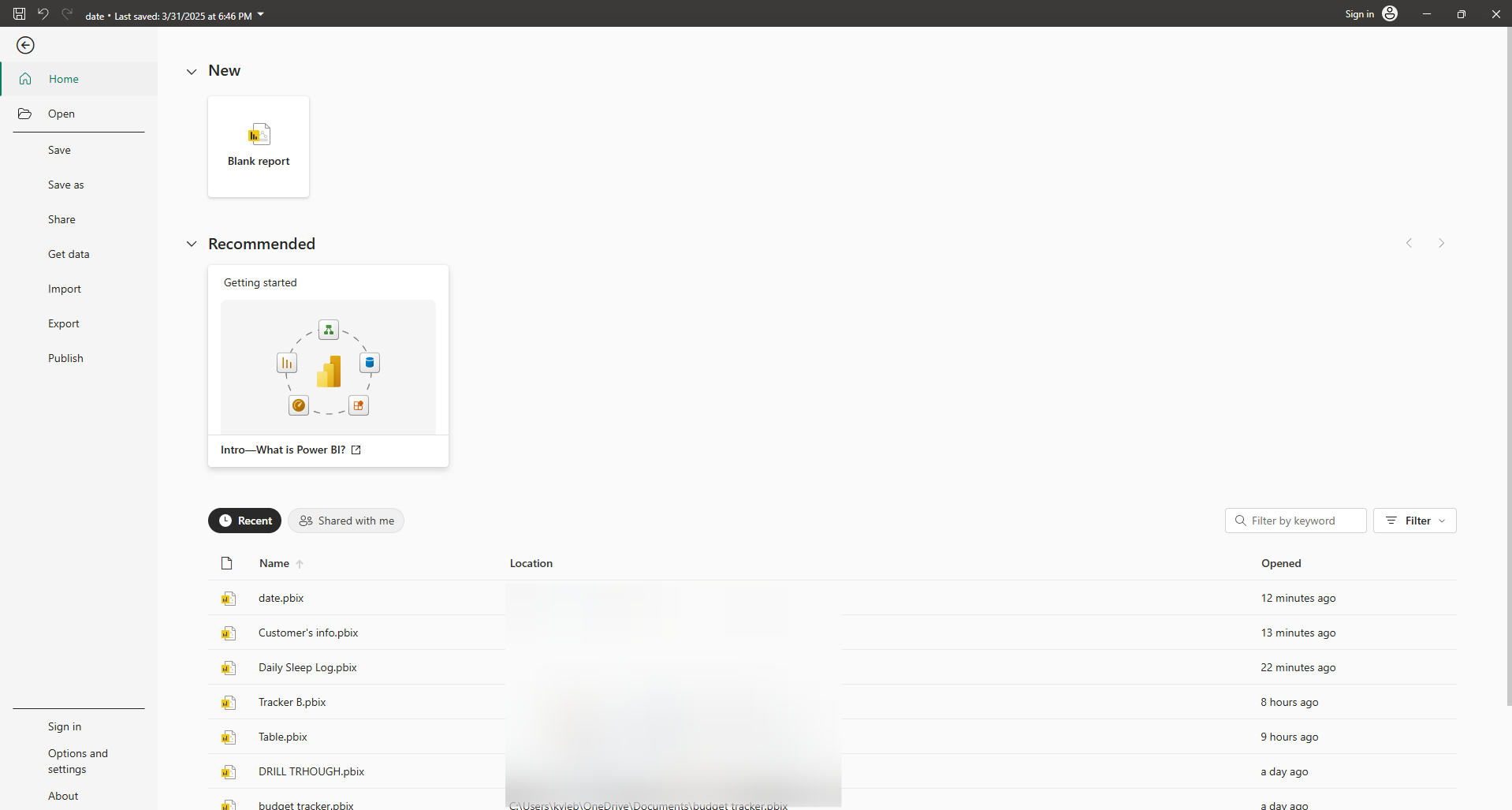
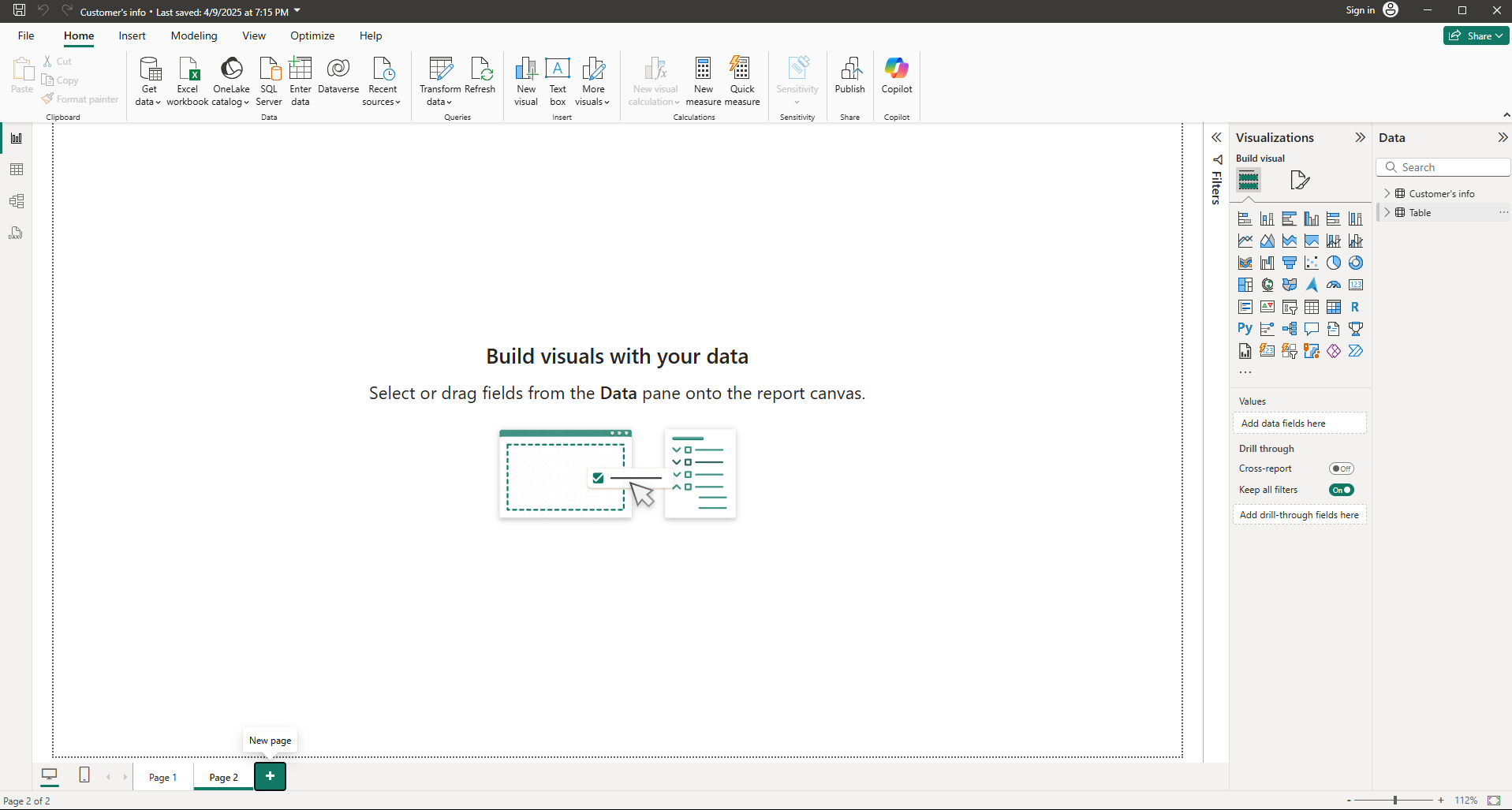
Upload your data into the report.
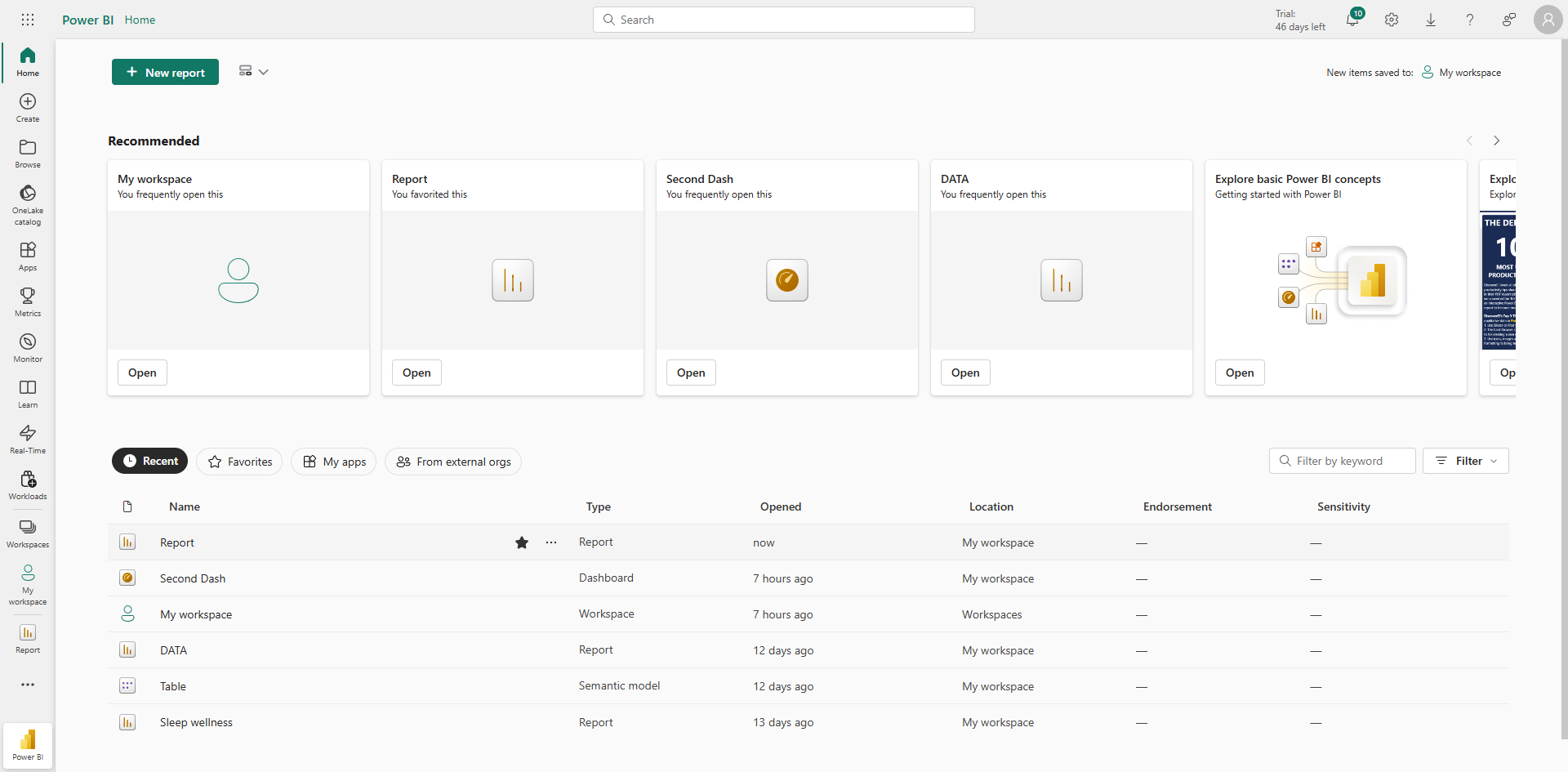
Select a visual to filter context row by row and column by column.
If you put a visual on a report page, the measure inside the visual will automatically calculate within that filter context.
Quick answer: To apply filter context in Power BI, first upload your data into the report. Next, select a visual to filter context row by row and column by column. Finally, place a visual on a report page so the measure inside automatically calculates within that specific filter context.
About this Power BI tutorial
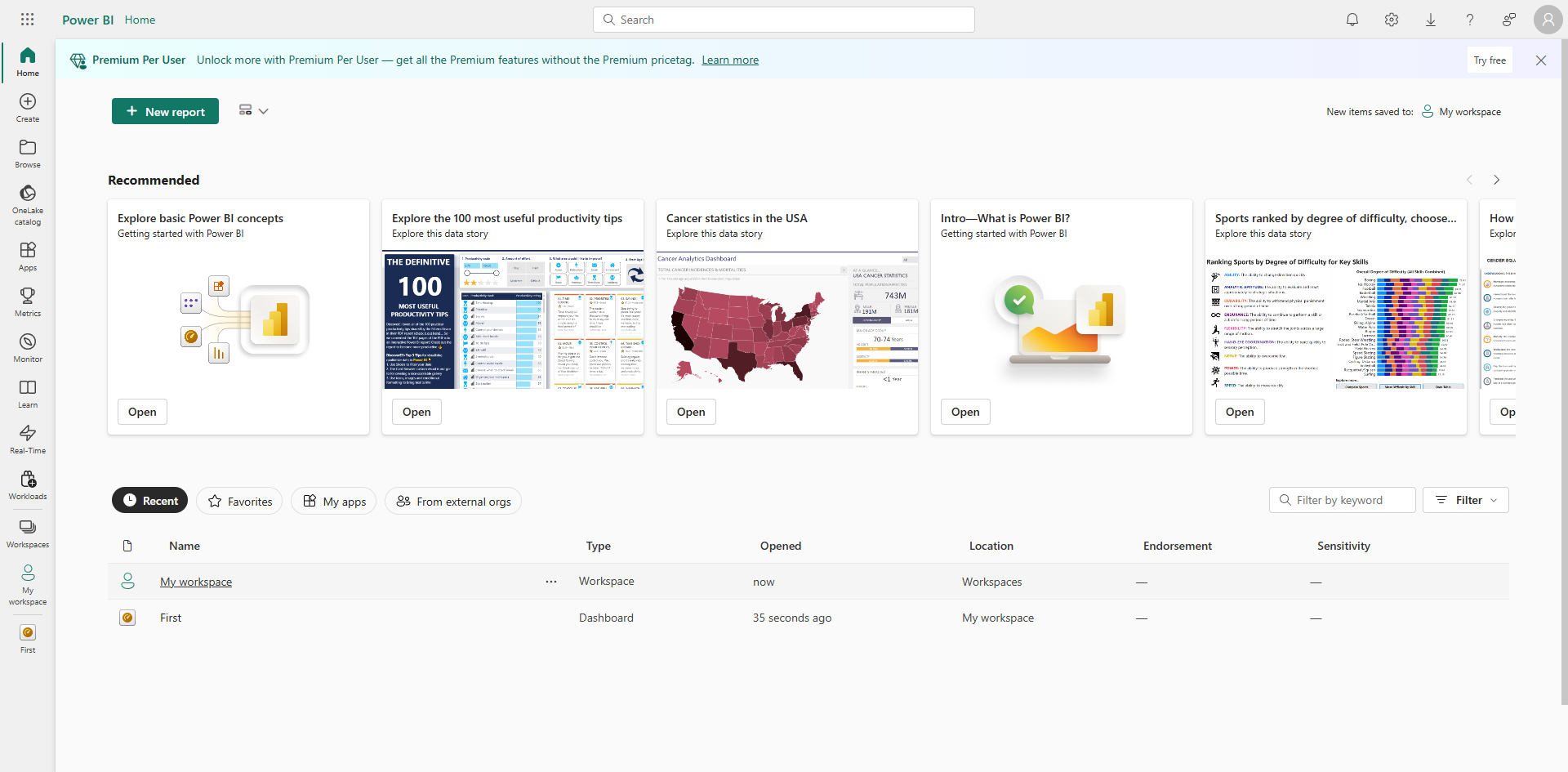
Calculate measures dynamically in Power BI by uploading data, selecting visuals, and placing them on report pages for automatic filtering. This guide shows how to apply Filter Context in Power BI in 3 steps, starting with "Upload your data into the report" and finishing with "If you put a visual on a report page, the measure inside the visual will automatically...". The interactive demo above is a click-through copy of the real Power BI interface, so you can rehearse each step before doing it in your own account.
Frequently asked questions
How many steps does it take to apply Filter Context in Power BI?
3 steps. Each one is listed in order above, and the demo highlights exactly where to click.
Can I try it without changing my own account?
Yes. Clicking through the demo doesn't touch your Power BI data or settings. Once you know the flow, repeat it in your own workspace.
This tutorial is filed under Power BI. Related guides: How to Auto Refresh Data in Power BI, How to Automate Power BI Reports and How to Automatically Refresh Power BI Report. Last reviewed 05 Oct 2026.

Create your first interactive demo in minutes
No credit card required • Start building today