How to Build Reports in Moz
- George Apostolov
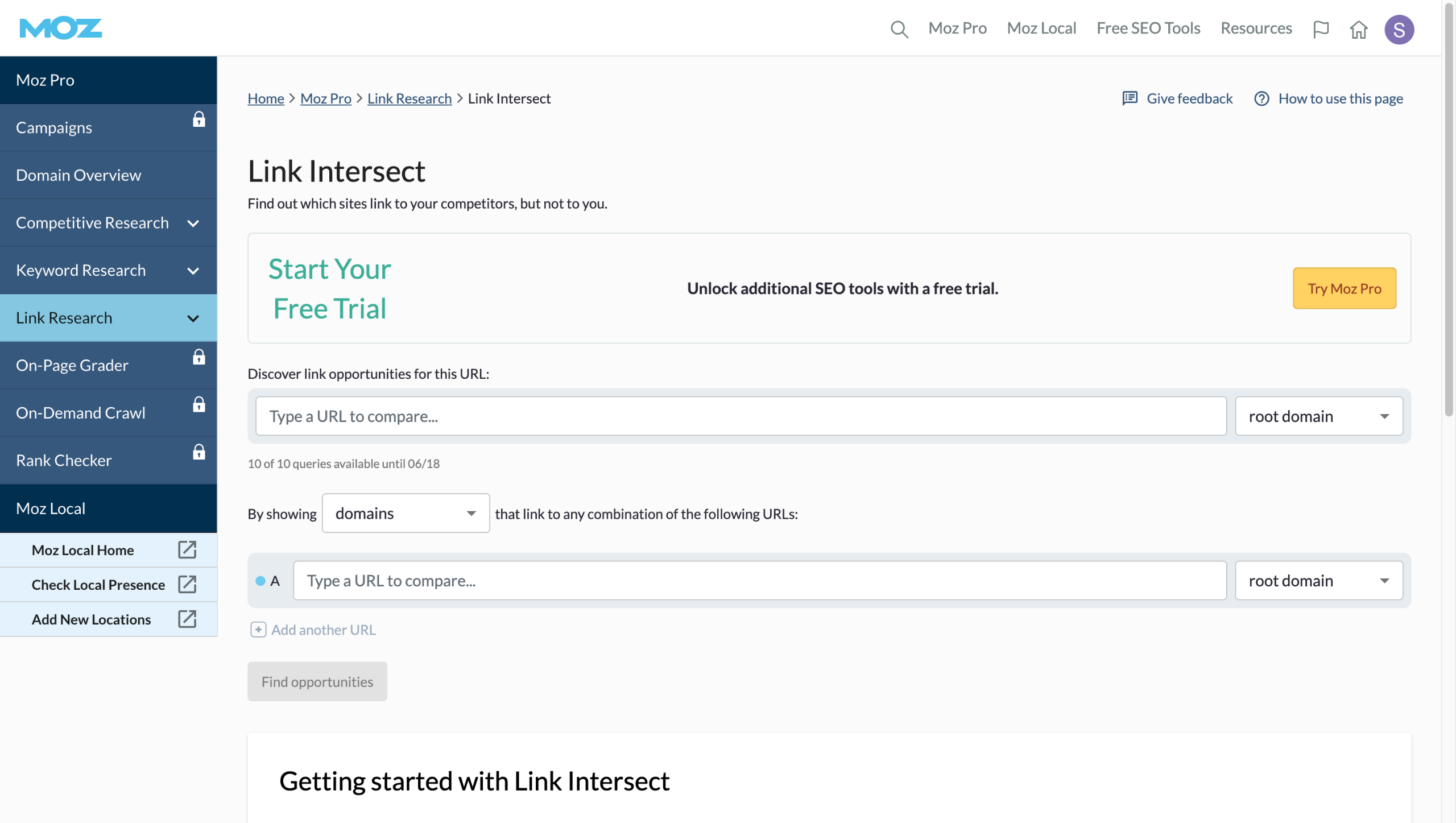
How to Build Reports in Moz: step-by-step guide
Navigate to the Link Research section, where you'll find powerful tools for analyzing your backlink profile.
Click "Explore by Keyword" to identify high-value terms your audience is searching for.
Enter your target keyword to uncover ranking potential and competition metrics.
Select a location (e.g., United States or your city).
Click "Analyze" to reveal comprehensive keyword metrics and ranking difficulty.
Review detailed metrics like search volume, keyword difficulty, and organic CTR.
Click "Export" to save your research for future reference or team collaboration.
Export your findings as a CSV to integrate with your SEO strategy documents.
Quick answer: To build reports in Moz, navigate to the Link Research section, click Explore by Keyword, enter your target keyword, select a location, and click Analyze. Finally, review detailed metrics and click Export to save your research as a CSV.
About this tutorial
Analyze keywords and generate backlink reports using the app. Review metrics like search volume and export data to a CSV. This guide shows how to build Reports in Moz in 8 steps, starting with "Navigate to the Link Research section, where you'll find powerful tools for analyzing y..." and finishing with "Export your findings as a CSV to integrate with your SEO strategy documents". The interactive demo above is a click-through copy of the real product interface, so you can rehearse each step before doing it in your own account.
Frequently asked questions
How many steps does it take to build Reports in Moz?
8 steps. Each one is listed in order above, and the demo highlights exactly where to click.
Can I try it without changing my own account?
Yes. Clicking through the demo doesn't touch your data or settings. Once you know the flow, repeat it in your own workspace.

Create your first interactive demo in minutes
No credit card required • Start building today