How to Cite Sources in Claude AI
- George Apostolov
This guide is an interactive LiveDemo. Create interactive demos of your own product: Interactive demo software · Interactive customer onboarding guides · Start free
How to Cite Sources in Claude AI: step-by-step guide
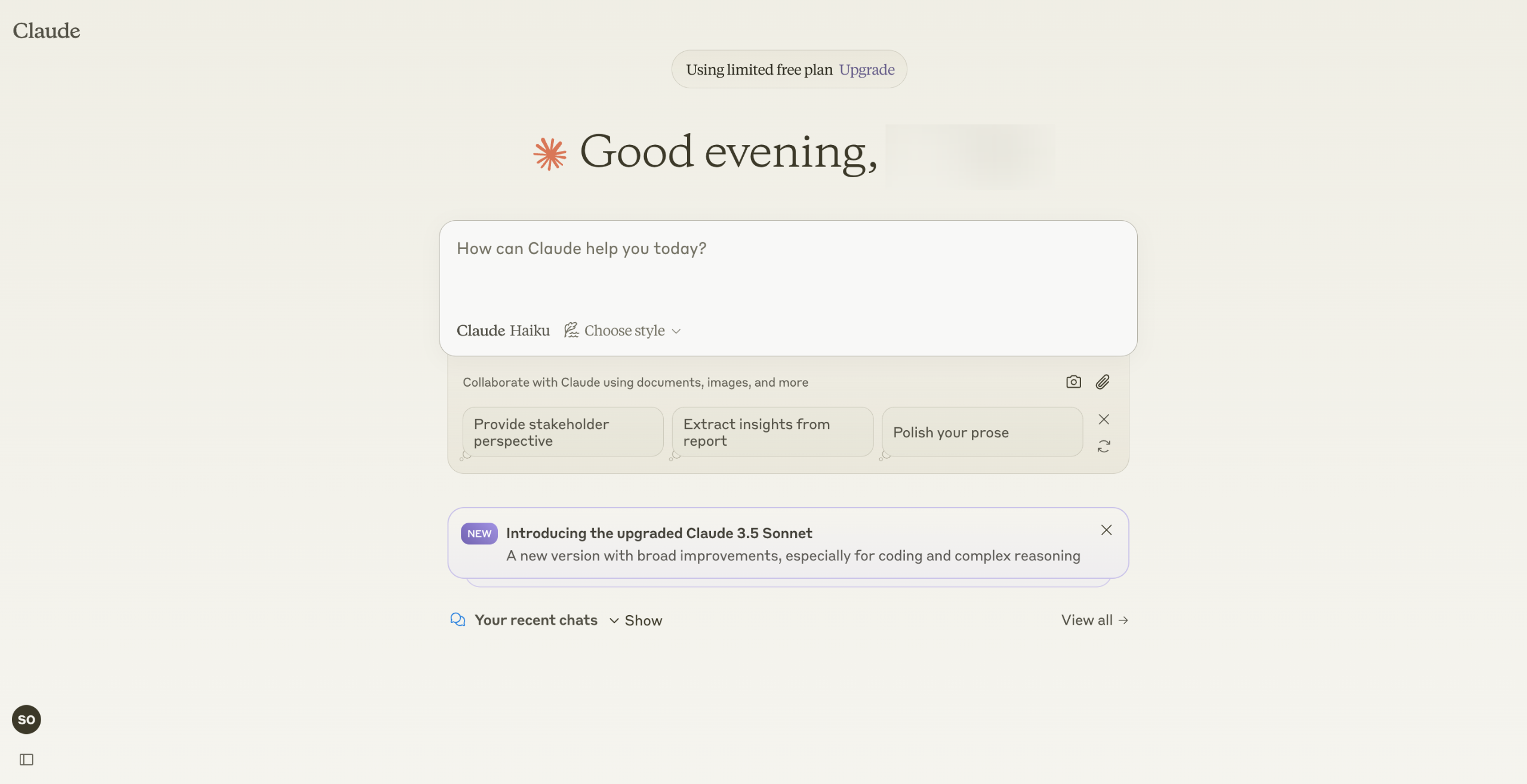
Open the Claude AI app or website.
Frame your question clearly and specify if you need sources.
When asking for citations, explicitly state it in your query.
If you need citations in a specific format (e.g., APA, MLA), specify this in your query.
Quick answer: To cite sources in Claude AI, open the app or website, frame your question clearly, explicitly state your need for citations in the query, and specify any required citation format such as APA or MLA.
About this tutorial
Get accurate references and formatting by asking for sources and specifying citation styles directly inside the app. This guide shows how to cite Sources in Claude AI in 4 steps, starting with "Open the Claude AI app or website" and finishing with "If you need citations in a specific format (e.g., APA, MLA), specify this in your query". The interactive demo above is a click-through copy of the real product interface, so you can rehearse each step before doing it in your own account.
Frequently asked questions
How many steps does it take to cite Sources in Claude AI?
4 steps. Each one is listed in order above, and the demo highlights exactly where to click.
Can I try it without changing my own account?
Yes. Clicking through the demo doesn't touch your data or settings. Once you know the flow, repeat it in your own workspace.

Create your first interactive demo in minutes
No credit card required • Start building today