How to Create a Blueprint in Wrike
- George Apostolov
How to Create a Blueprint in Wrike: step-by-step guide
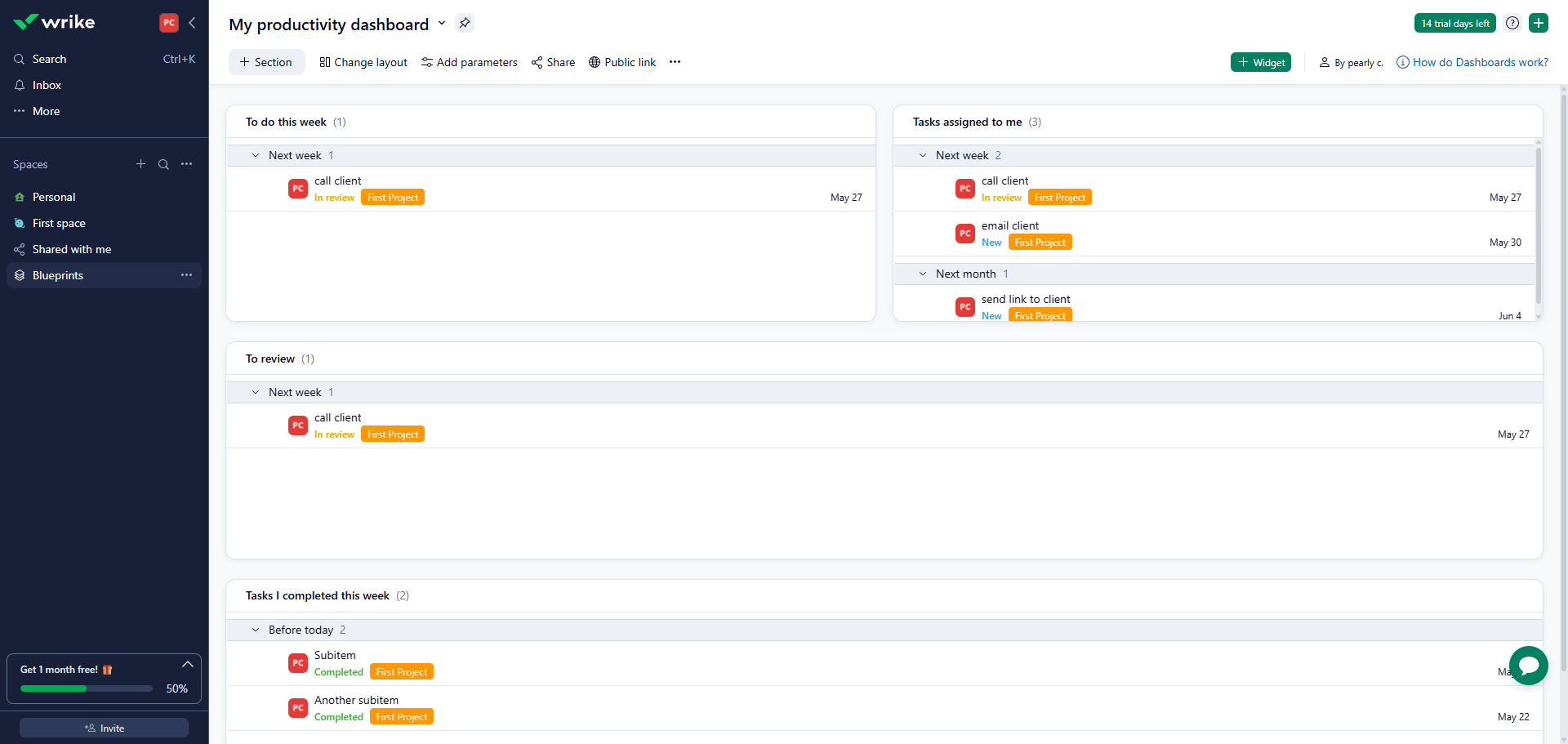
Navigate to 'Blueprints' to discover pre-built project templates for any workflow.
Select '+ Item' to explore different task types you can add to your blueprints.
Click on the drop-down arrow to create a standard work item in your project blueprint.
Select whether you want to create a 'Project Blueprint', 'Folder Blueprint', or 'Task Blueprint'.
Now, let's assign this blueprint task to the appropriate team member.
Add subtasks, status, and due dates.
Finalize your blueprint to enable consistent project setup going forward. Once done, click to open.
Your Event Blueprint is now ready with assigned ownership and timeline.
Quick answer: To create a blueprint in Wrike, navigate to Blueprints, select + Item, and click the drop-down arrow to choose a blueprint type. Next, assign the task, add subtasks, status, and due dates, then finalize your blueprint to enable consistent project setup.
About this tutorial
Build standardized workflows and consistent project setups in the app by creating customizable blueprints with assigned ownership and timelines. This guide shows how to create a Blueprint in Wrike in 8 steps, starting with "Navigate to 'Blueprints' to discover pre-built project templates for any workflow" and finishing with "Your Event Blueprint is now ready with assigned ownership and timeline". The interactive demo above is a click-through copy of the real product interface, so you can rehearse each step before doing it in your own account.
Frequently asked questions
How many steps does it take to create a Blueprint in Wrike?
8 steps. Each one is listed in order above, and the demo highlights exactly where to click.
Can I try it without changing my own account?
Yes. Clicking through the demo doesn't touch your data or settings. Once you know the flow, repeat it in your own workspace.

Create your first interactive demo in minutes
No credit card required • Start building today