How to Create a CRM System in Coda
- George Apostolov
How to Create a CRM System in Coda: step-by-step guide
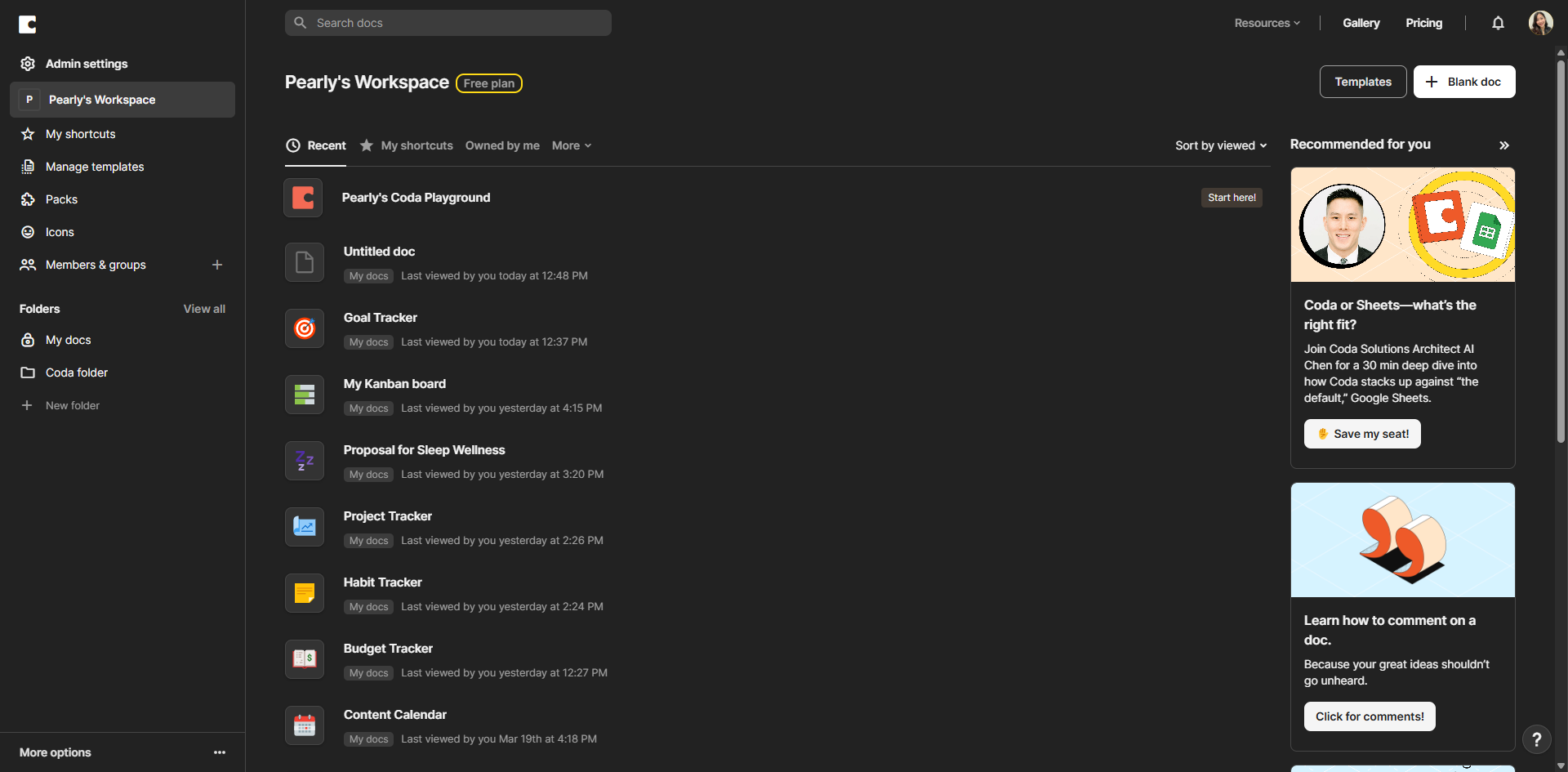
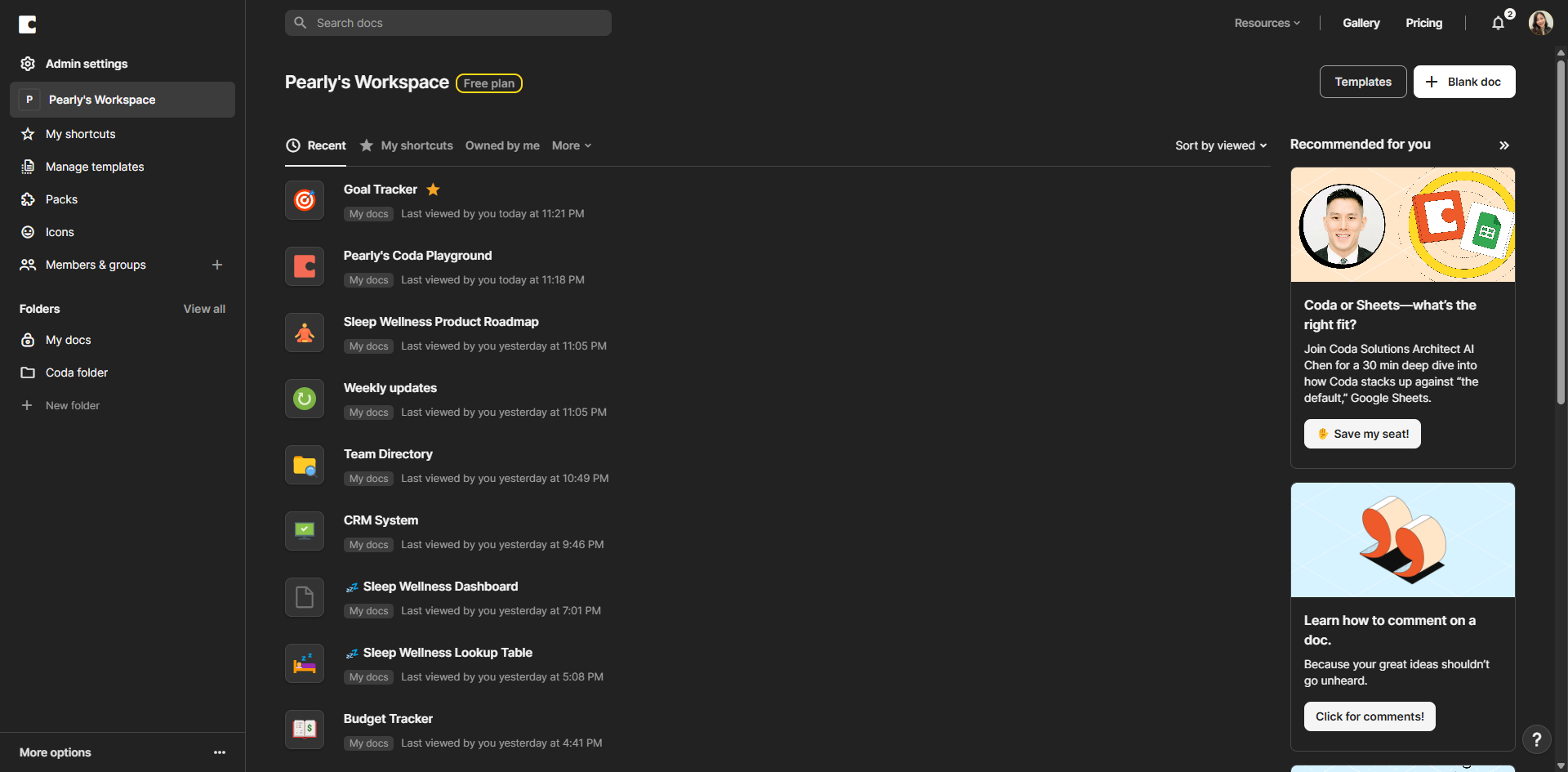
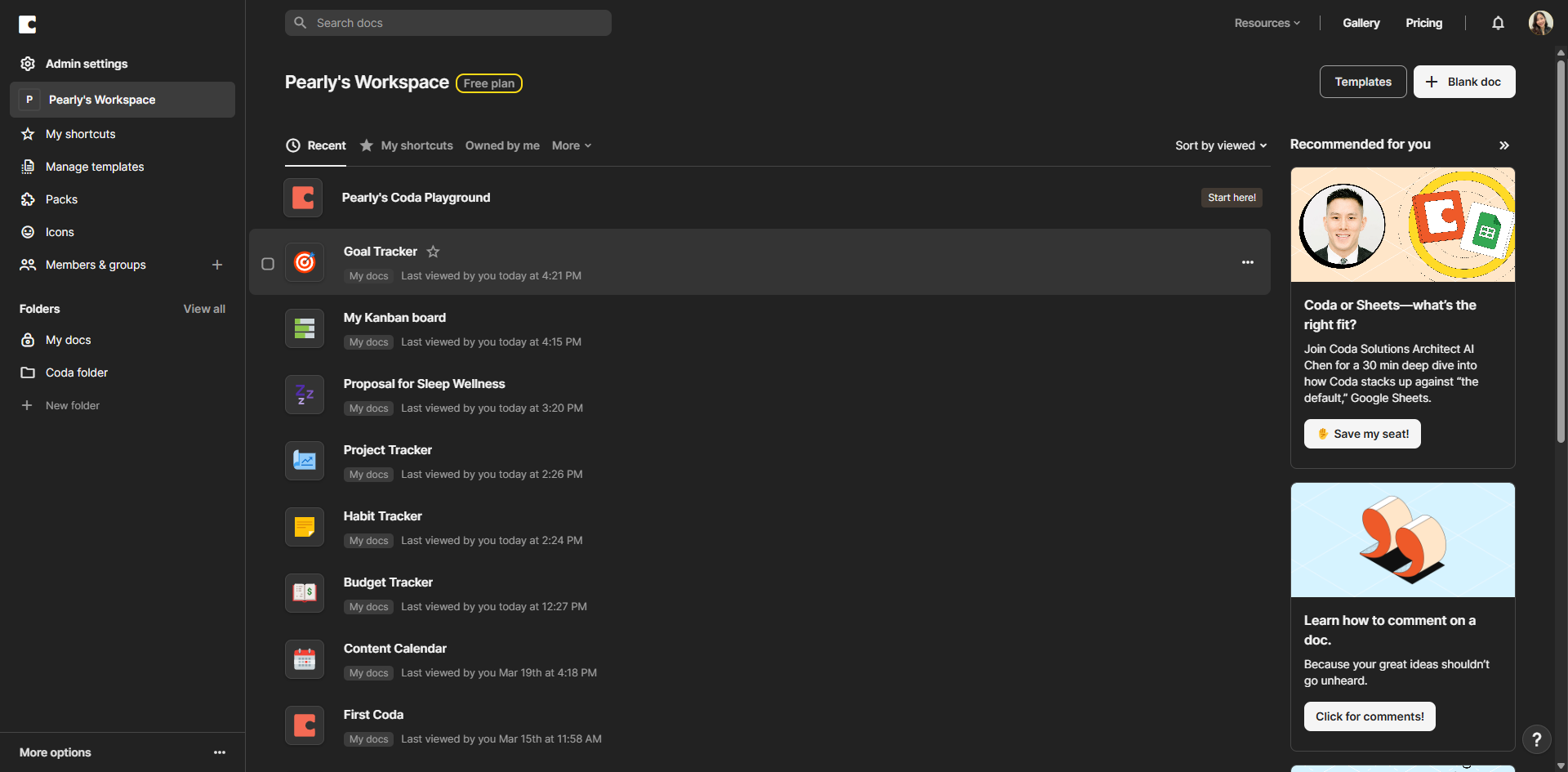
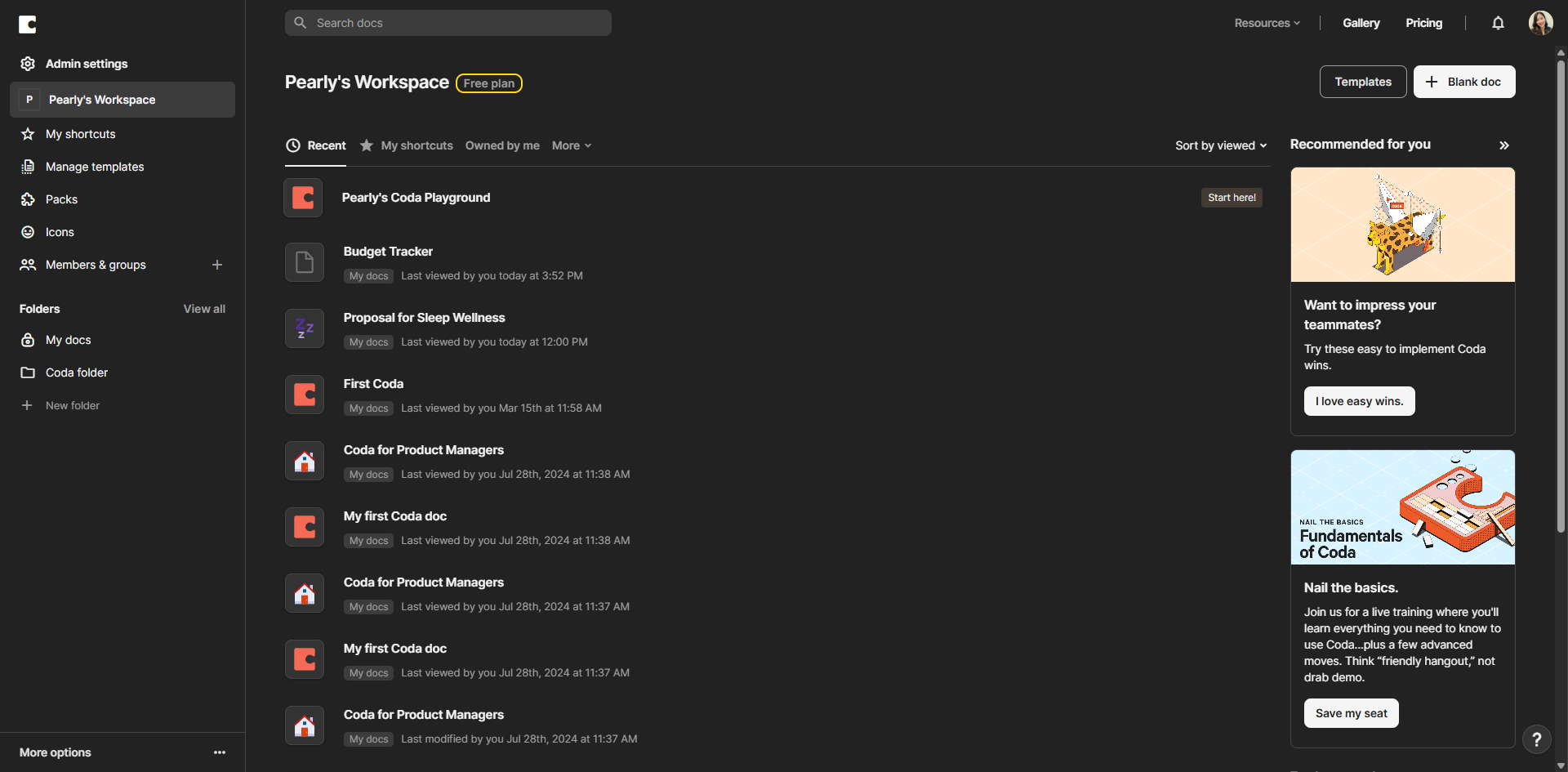
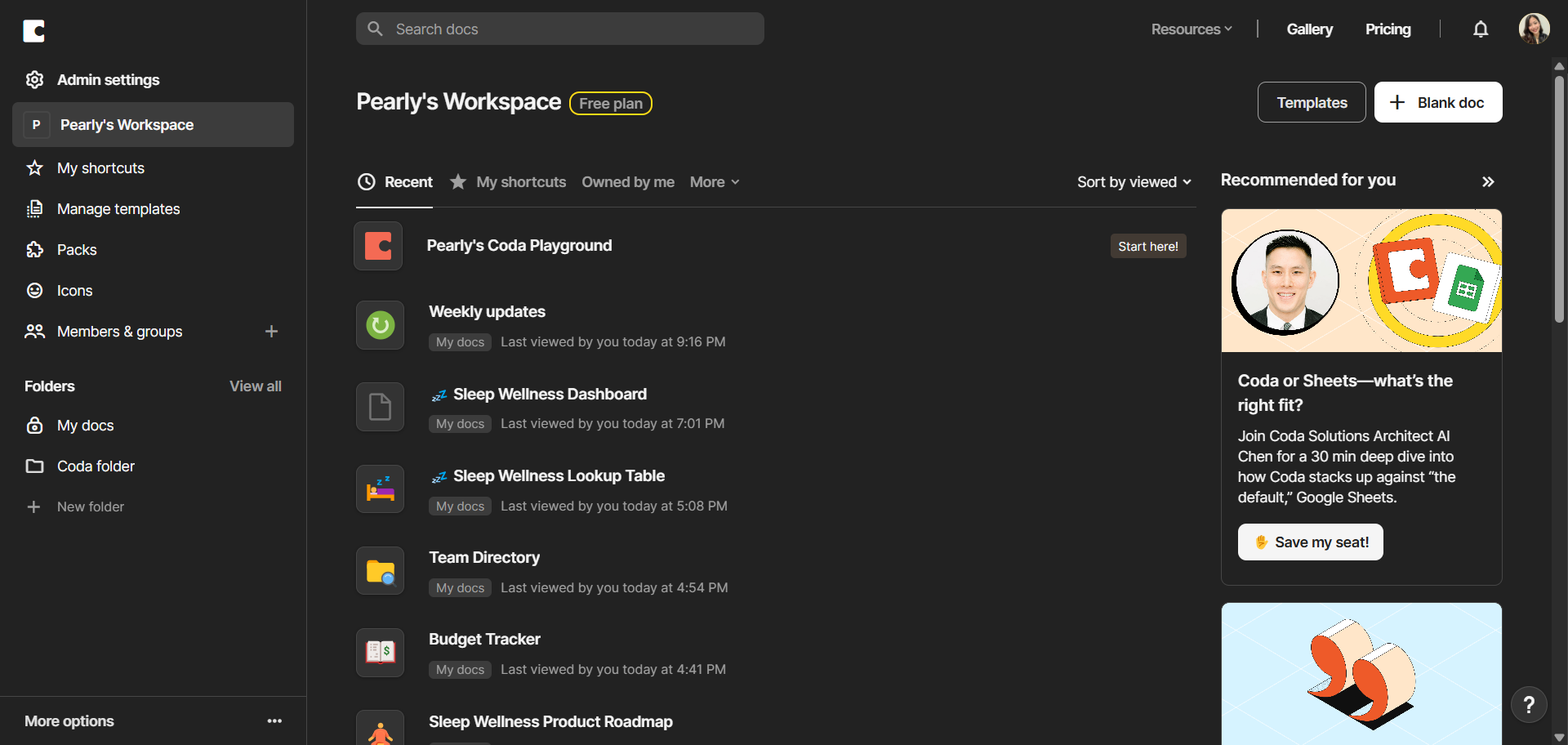
Let's start with a blank doc to build your custom CRM from scratch. Click '+ Blank doc'.
Provide a name for your Coda doc.
Type /table to store different kinds of CRM data.
Create your lead tracking system with custom fields.
Create a customer's table to store the details.
Create a sales pipeline table and add a task management table to track sales activities.
Use currency format for accurate financial reporting.
Add custom pipeline stages that match your sales process.
Create a deal stage field to visualize your sales funnel.
Add the final table to complete your CRM ecosystem.
Set deadlines for tasks to ensure timely follow-ups.
Add task priority levels for better workflow management.
Click on the add icon.
Select 'Relation' as your column type to link the table with columns.
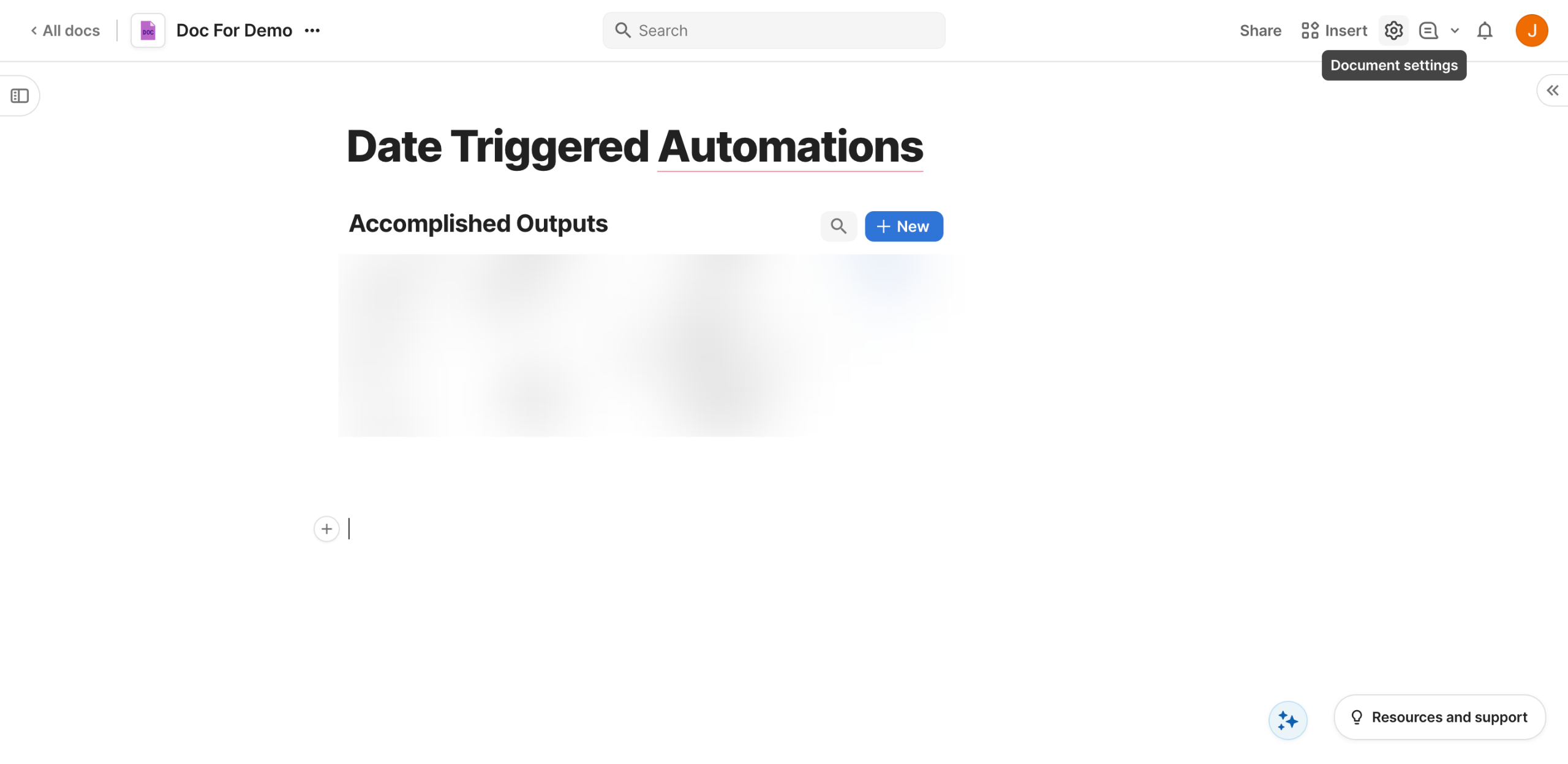
Click 'Settings'.
Select 'Automations' to add a rule.
Type /Line Chart to add a different view to your CRM system.
Click 'Share' to invite team members and assign permissions.
Quick answer: To build a custom CRM in Coda, start with a blank doc, add tables using slash commands for leads, customers, sales pipelines, and tasks, format currency, configure custom pipeline stages and deal stages, set task deadlines and priorities, link tables with relations, set up automations, add a line chart view, and share the doc with your team.
About this Coda tutorial
Build a custom CRM system in Coda from scratch with tables, automated rules, custom pipeline stages, task tracking, and team sharing. This guide shows how to create a CRM System in Coda in 18 steps, starting with "Let's start with a blank doc to build your custom CRM from scratch. Click '+ Blank doc'" and finishing with "Click 'Share' to invite team members and assign permissions". The interactive demo above is a click-through copy of the real Coda interface, so you can rehearse each step before doing it in your own account.
Frequently asked questions
How many steps does it take to create a CRM System in Coda?
18 steps. Each one is listed in order above, and the demo highlights exactly where to click.
Can I try it without changing my own account?
Yes. Clicking through the demo doesn't touch your Coda data or settings. Once you know the flow, repeat it in your own workspace.
This tutorial is filed under Coda. Related guides: How to Create a Date-Triggered Automation in Coda, How to Create a Decision Matrix in Coda and How to Create a Gallery View in Coda. Last reviewed 05 Oct 2026.

Create your first interactive demo in minutes
No credit card required • Start building today