How to Create a Dashboard in Wrike
- George Apostolov
How to Create a Dashboard in Wrike: step-by-step guide
Click 'Tools' in the left sidebar to access Wrike's dashboard creation features.
Select 'Dashboard' from the dropdown menu to get started with your customized workspace view.
Type a descriptive name for your dashboard in the title field – something that clearly identifies its purpose.
Adjust the dashboard settings to determine what information appears and how it's organized for your team.
Click 'Tools' again to see your newly created dashboard in the list of available dashboards.
Select your '2025' dashboard from the list – because it's never too early to plan for the future! (Your colleagues will thank you later.)
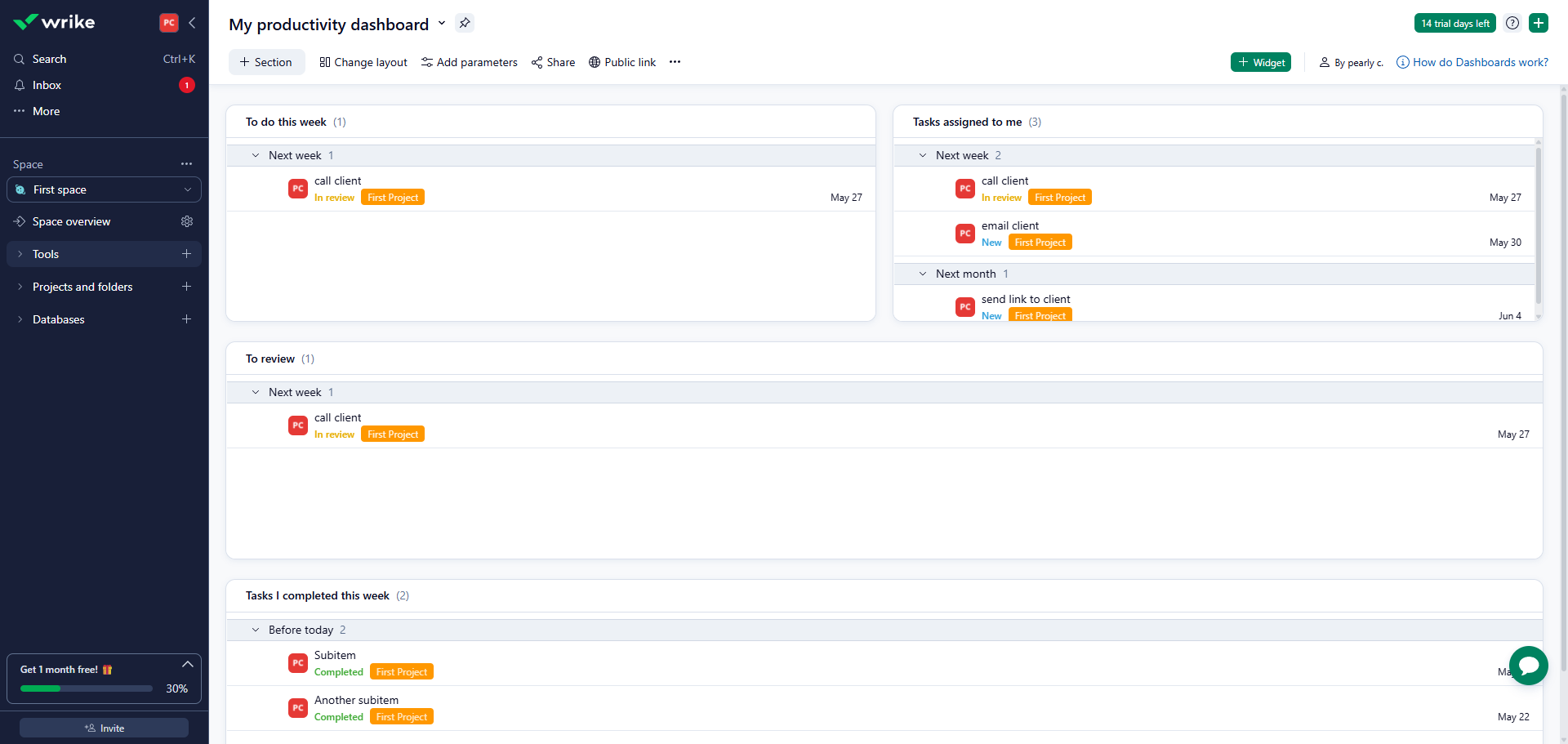
Your 2025 dashboard now displays with charts, metrics, and project data that update in real-time as your team progresses.
Quick answer: To create a dashboard in Wrike, click Tools in the left sidebar, select Dashboard, and type a descriptive title. Adjust the settings to organize your team's view. Finally, click Tools again to select your newly created dashboard from the list and view its real-time charts and metrics.
About this tutorial
Build and organize custom workspaces in the app with real-time charts, metrics, and project data to track your team's progress. This guide shows how to create a Dashboard in Wrike in 7 steps, starting with "Click 'Tools' in the left sidebar to access Wrike's dashboard creation features" and finishing with "Your 2025 dashboard now displays with charts, metrics, and project data that update in...". The interactive demo above is a click-through copy of the real product interface, so you can rehearse each step before doing it in your own account.
Frequently asked questions
How many steps does it take to create a Dashboard in Wrike?
7 steps. Each one is listed in order above, and the demo highlights exactly where to click.
Can I try it without changing my own account?
Yes. Clicking through the demo doesn't touch your data or settings. Once you know the flow, repeat it in your own workspace.

Create your first interactive demo in minutes
No credit card required • Start building today