How to Create a Group Event in Calendly
- George Apostolov
How to Create a Group Event in Calendly: step-by-step guide
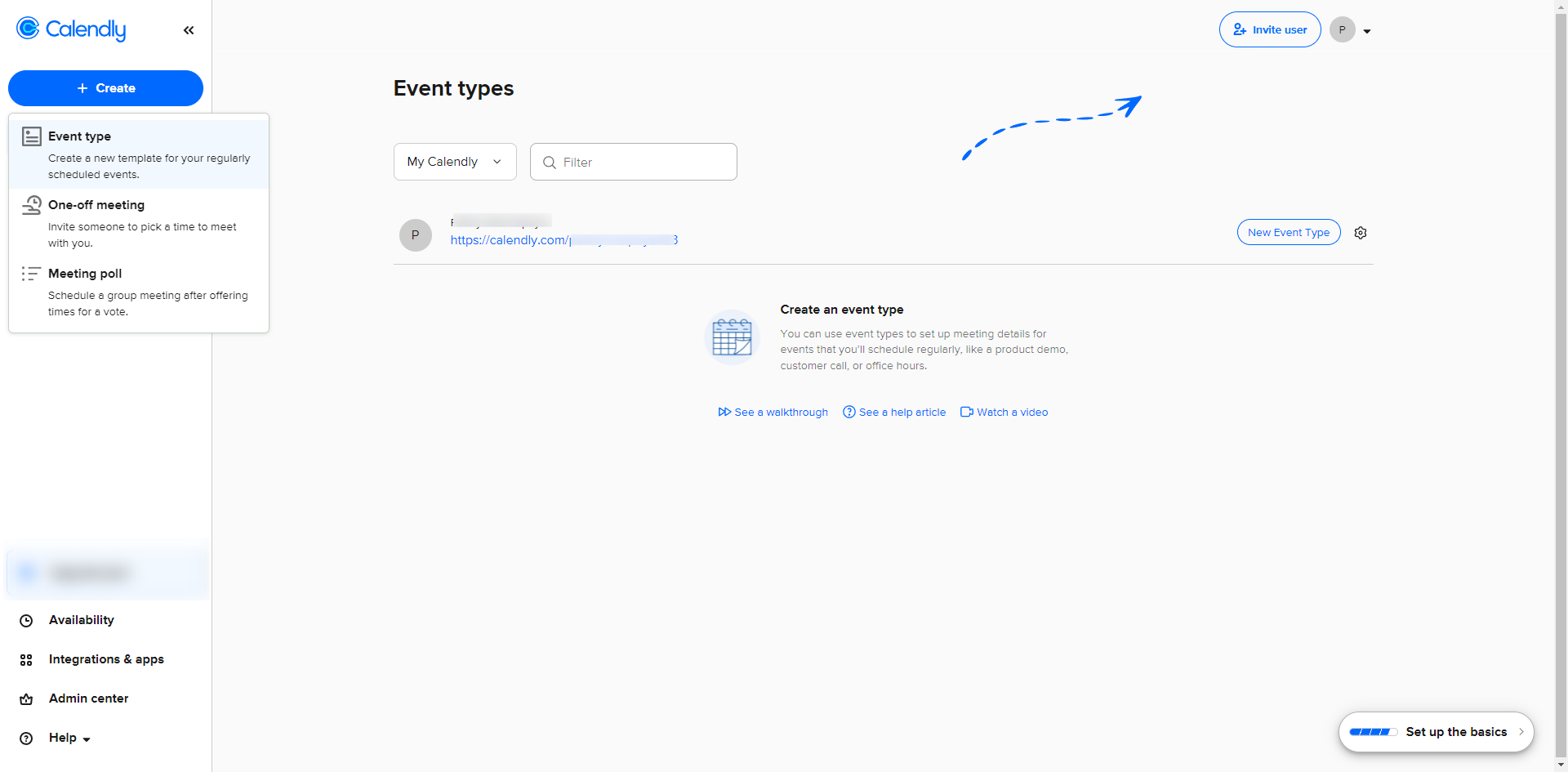
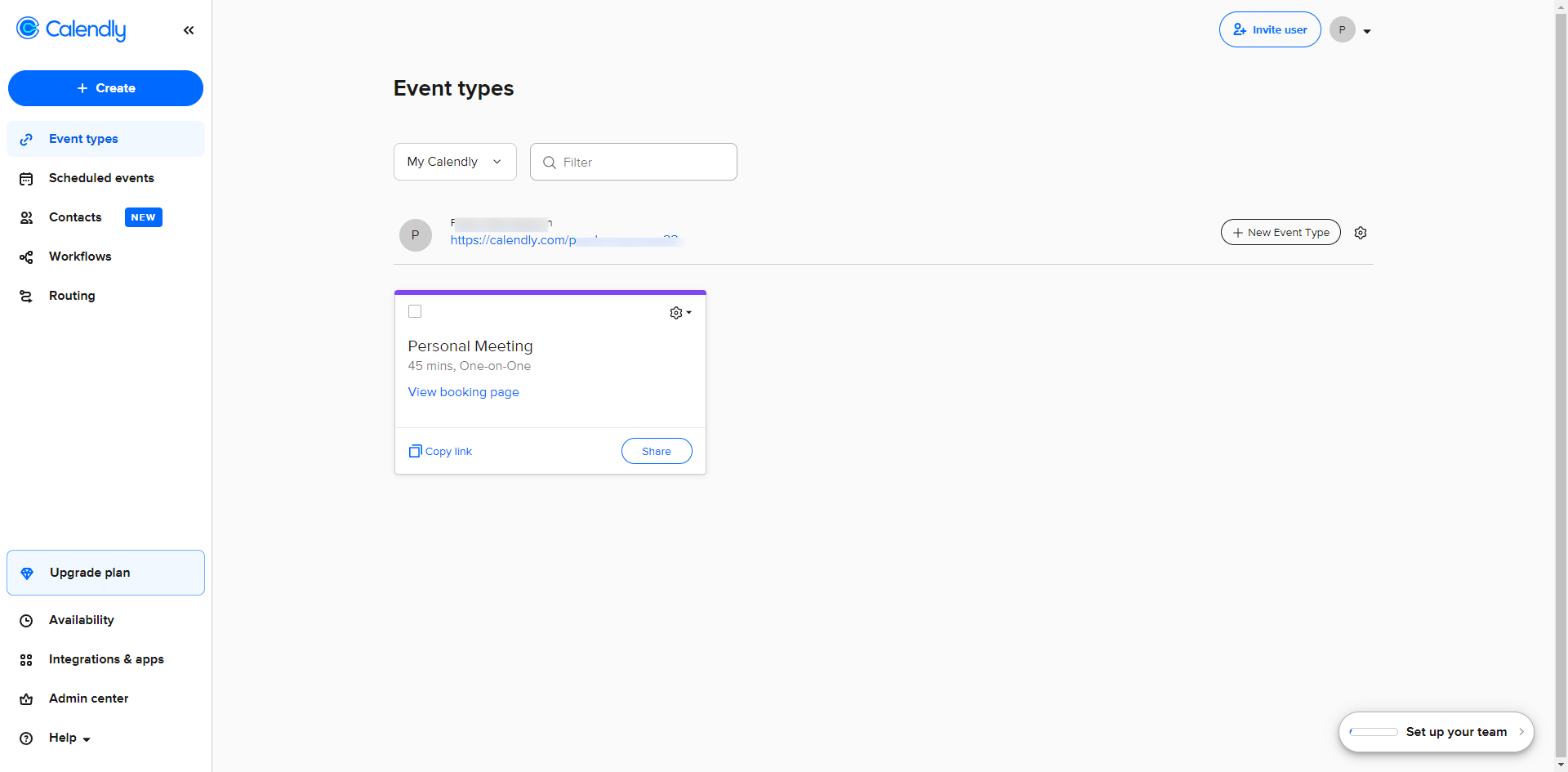
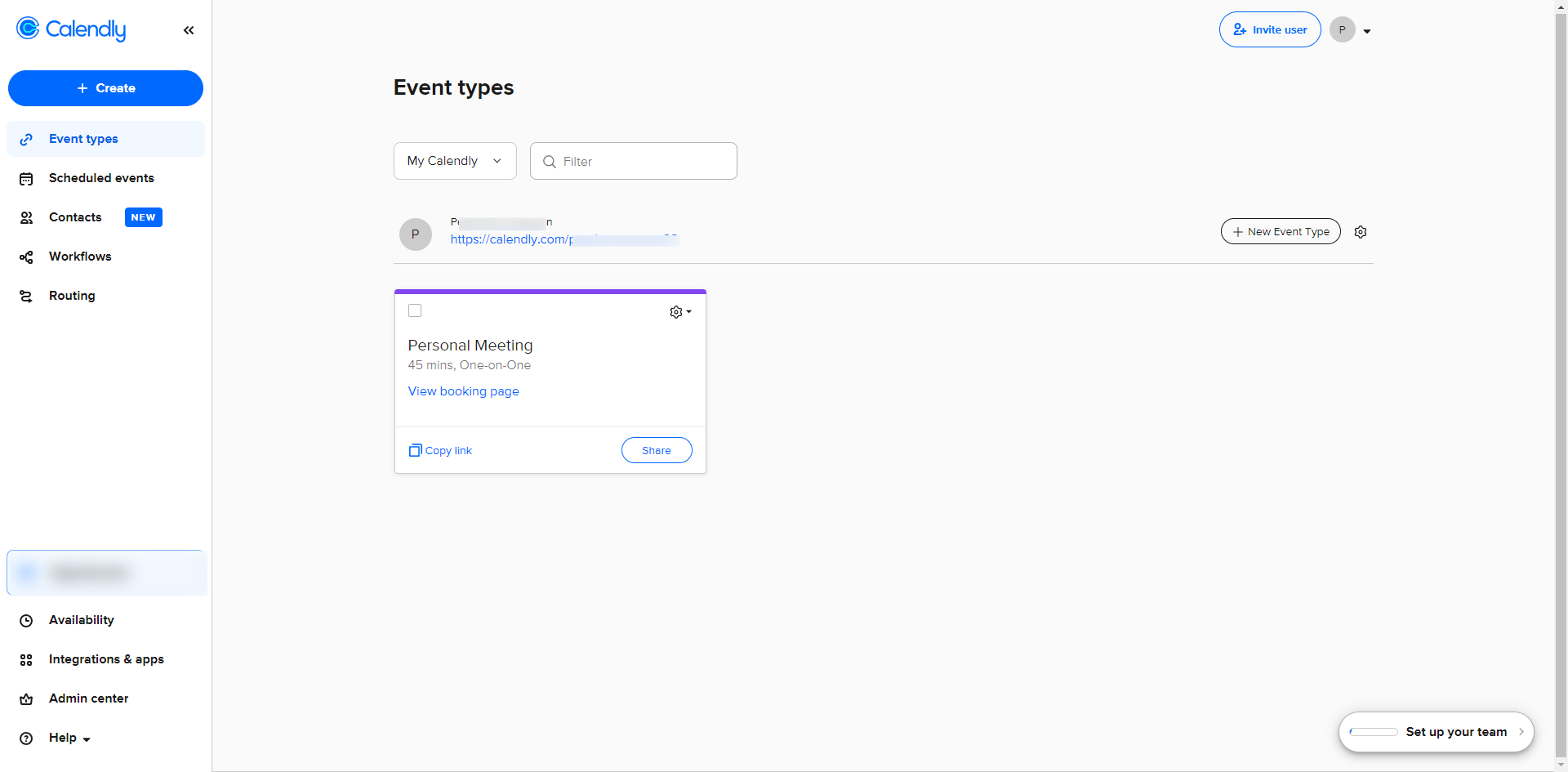
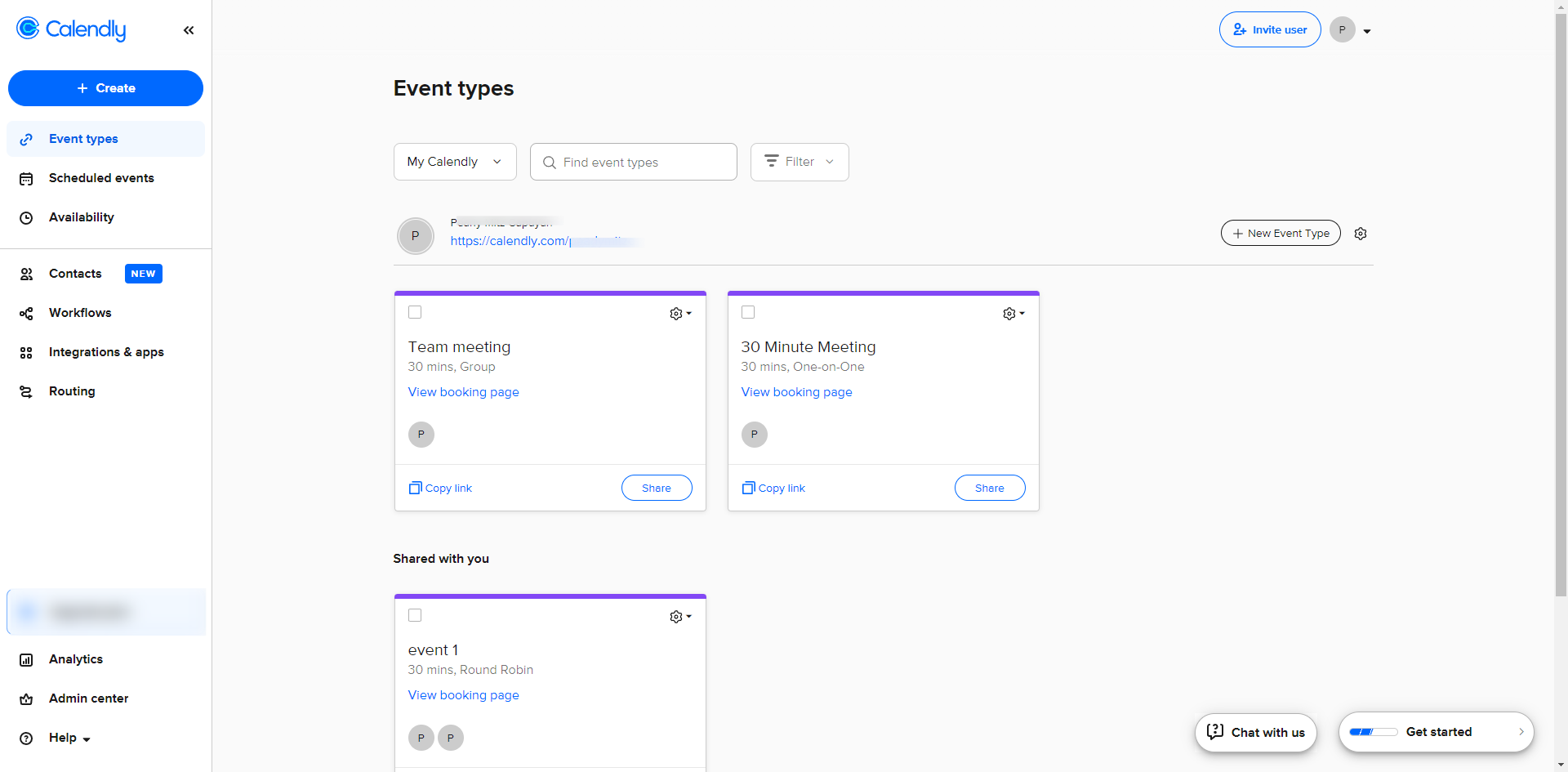
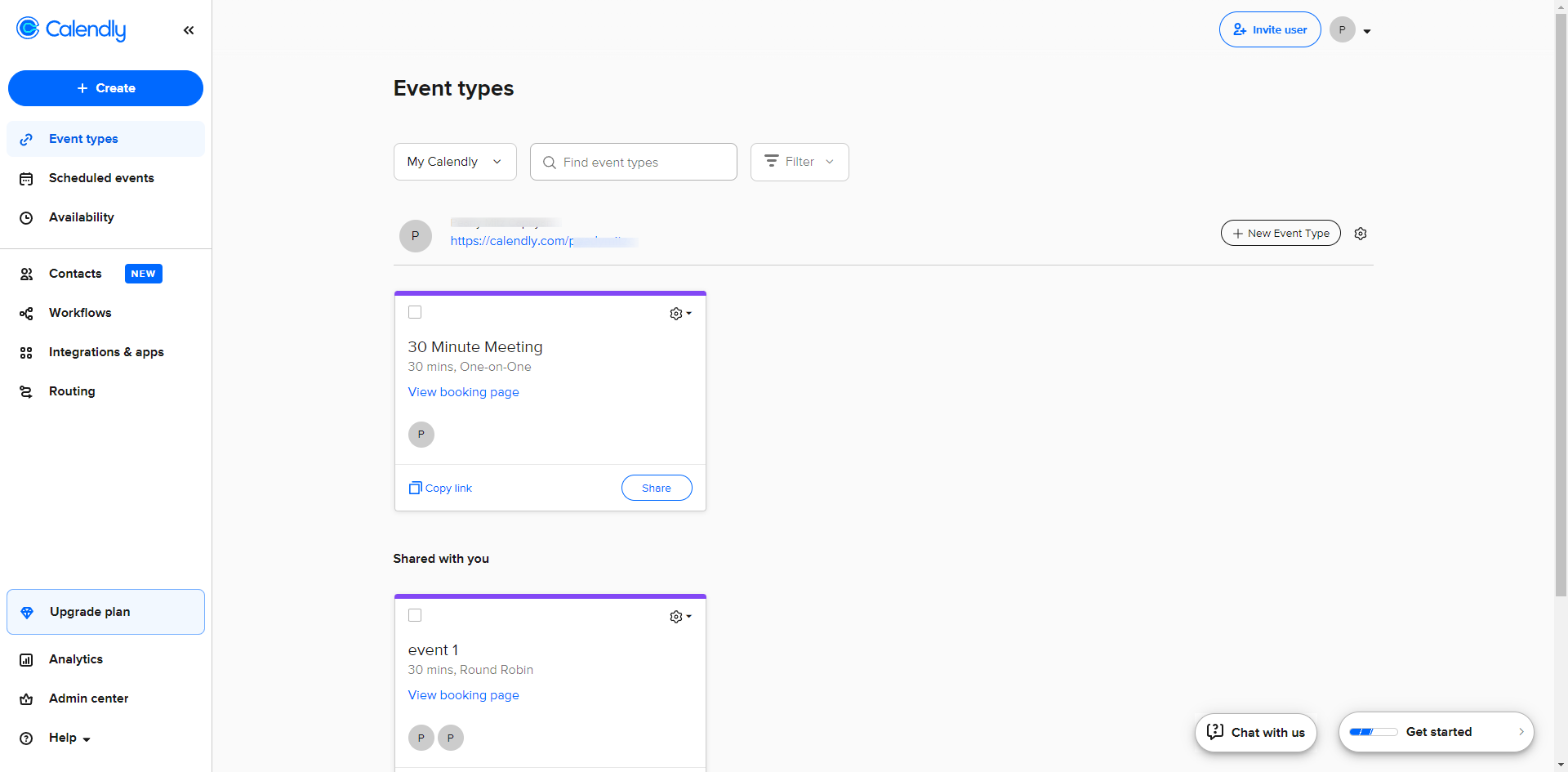
On your dashboard, click on the '+ New Event Type' button.
Select 'Group' from the options provided. This type allows multiple people to book the same time slot.
Enter a name for your event.
Specify the location of the event (e.g., Zoom, Google Meet, in-person, etc.).
Define the maximum number of people who can join a single event.
Once you have configured all the settings, click on the 'Continue' button.
A notification pops up once your event is ready.
Share the link with your invitees via email and social media by clicking the link icon.
Quick answer: To create a group event in Calendly, click the new event type button on your dashboard, select the group option, and enter your event name and location. Next, define the maximum participant limit and continue. Finally, receive your confirmation notification and share the event link with invitees via email or social media.
About this Calendly tutorial
Set up a group booking in Calendly by choosing the group event option, configuring details like location and capacity, and sharing your link. This guide shows how to create a Group Event in Calendly in 8 steps, starting with "On your dashboard, click on the '+ New Event Type' button" and finishing with "Share the link with your invitees via email and social media by clicking the link icon". The interactive demo above is a click-through copy of the real Calendly interface, so you can rehearse each step before doing it in your own account.
Frequently asked questions
How many steps does it take to create a Group Event in Calendly?
8 steps. Each one is listed in order above, and the demo highlights exactly where to click.
Can I try it without changing my own account?
Yes. Clicking through the demo doesn't touch your Calendly data or settings. Once you know the flow, repeat it in your own workspace.
This tutorial is filed under Calendly. Related guides: How to Create an Event in Calendly, How to Delete Calendly Account and How to Embed a Calendly Calendar Into ClickFunnels Pages. Last reviewed 05 Oct 2026.

Create your first interactive demo in minutes
No credit card required • Start building today