How To Create A Mixpanel Funnel
- George Apostolov
How To Create A Mixpanel Funnel: step-by-step guide
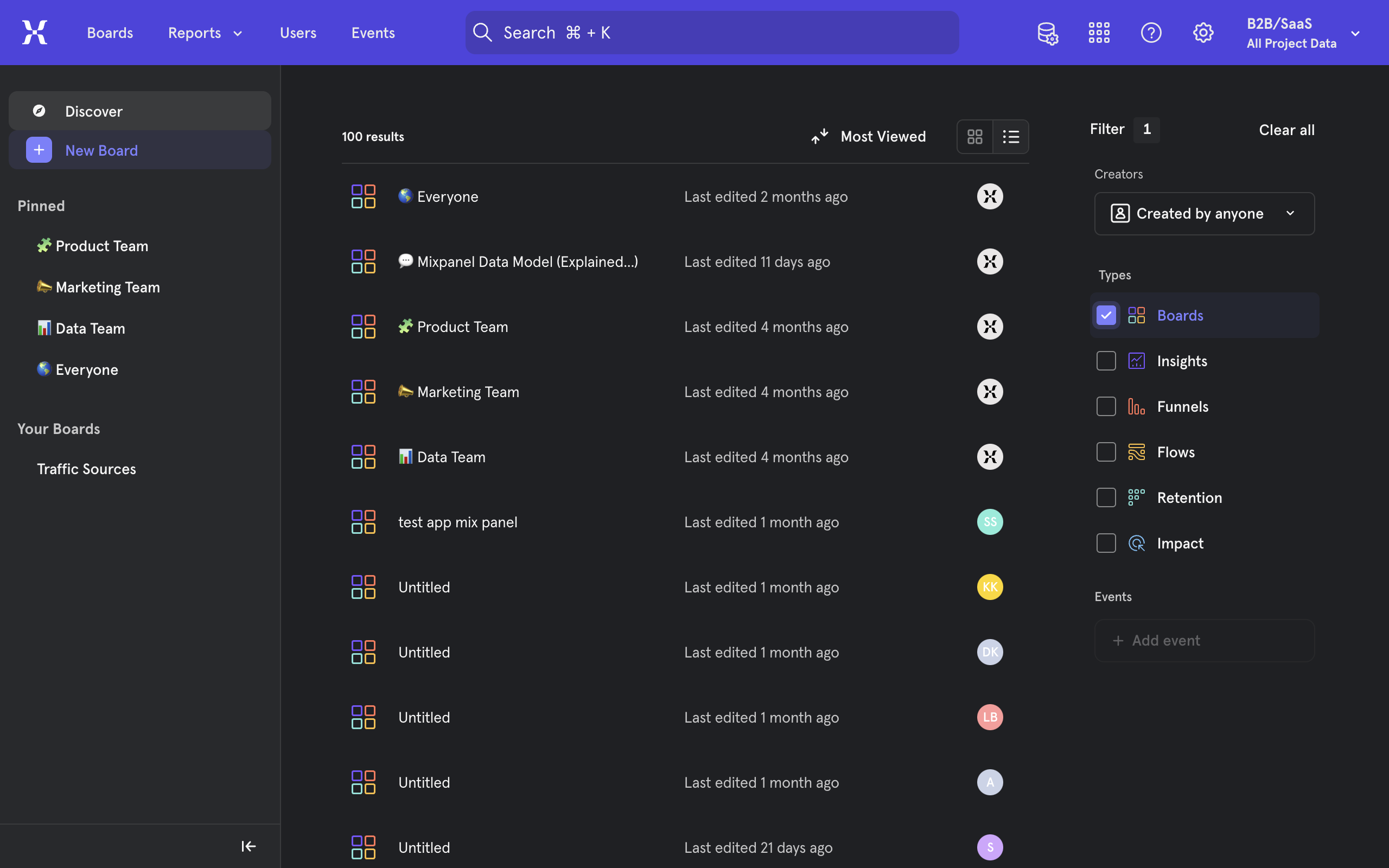
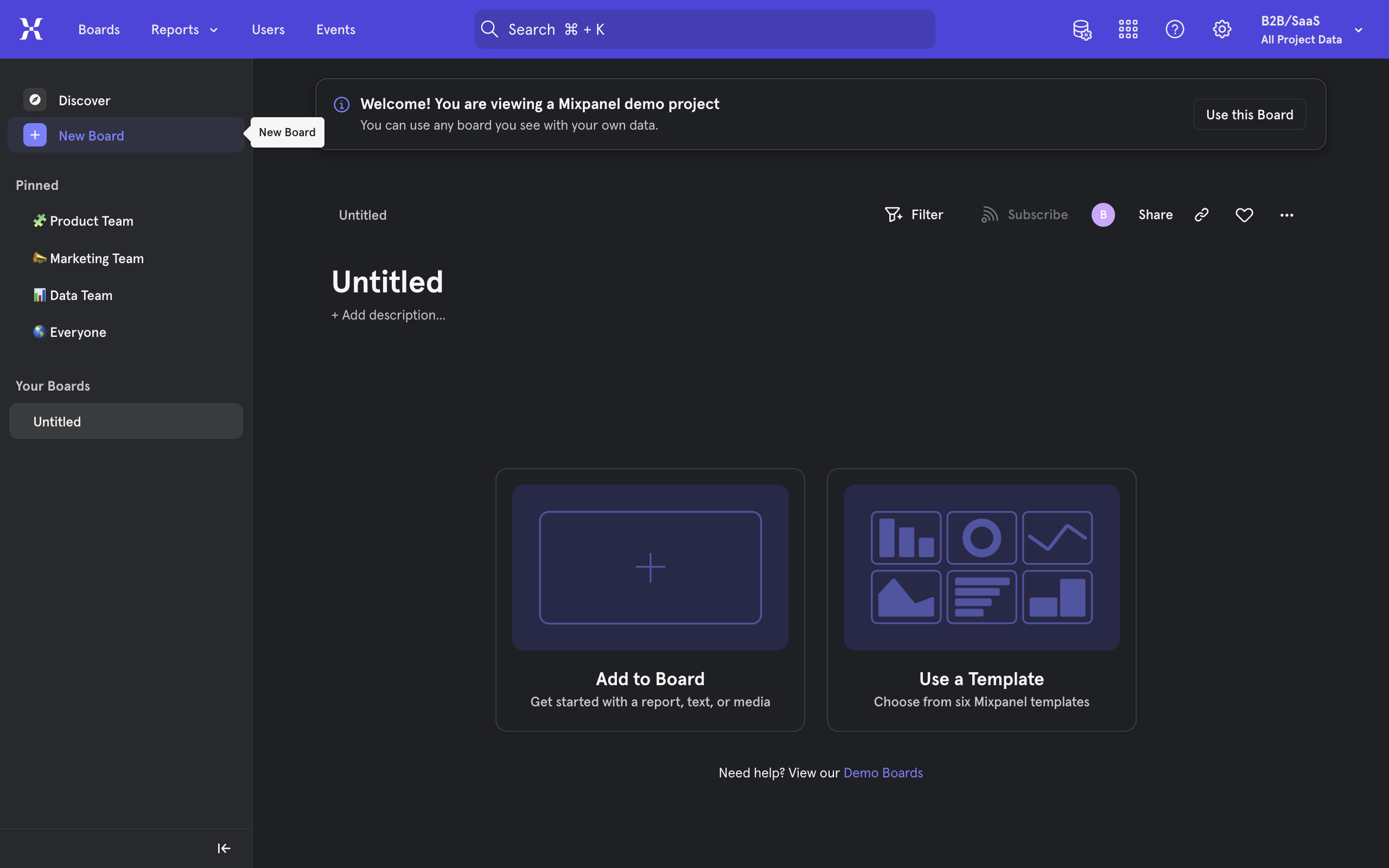
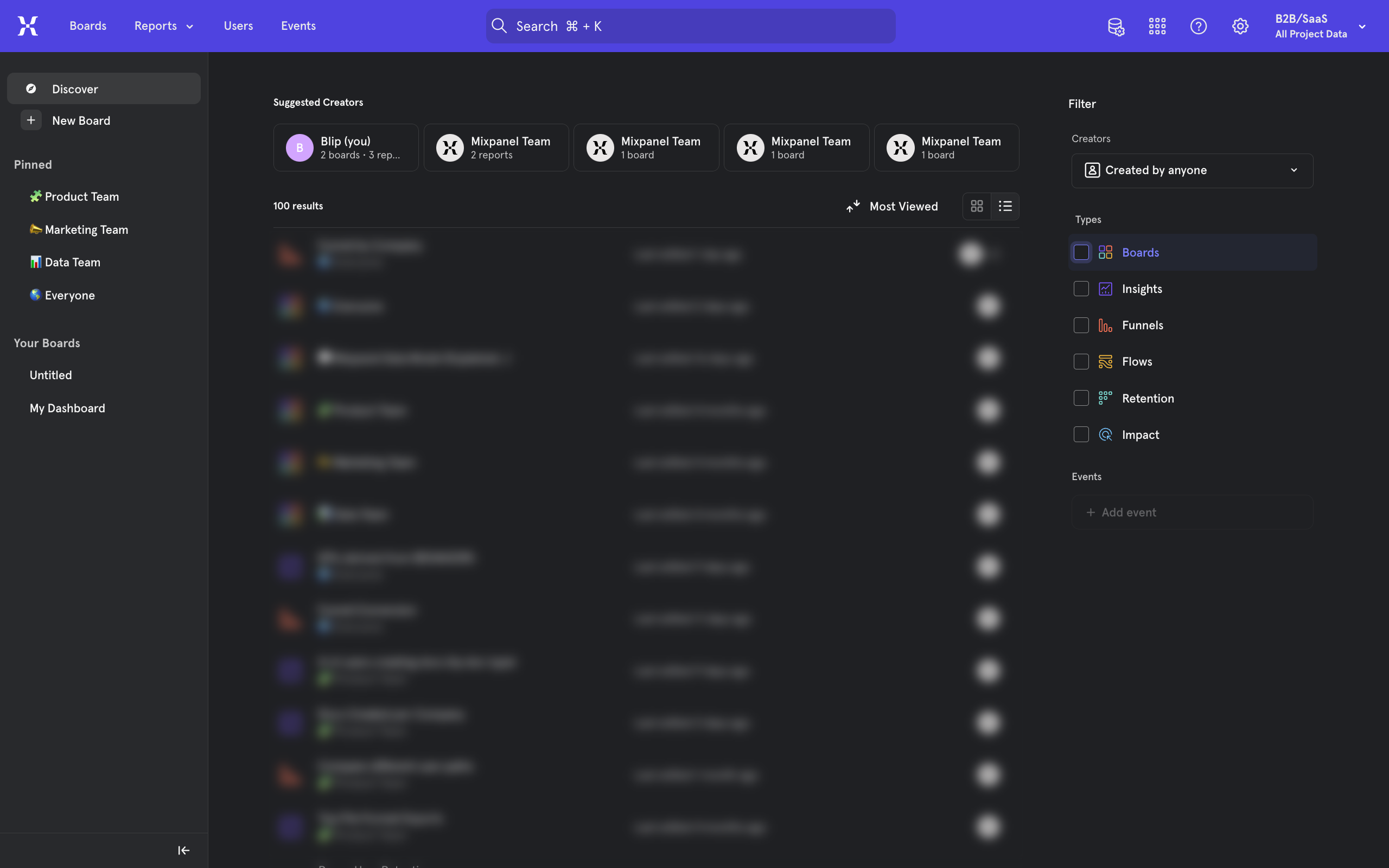
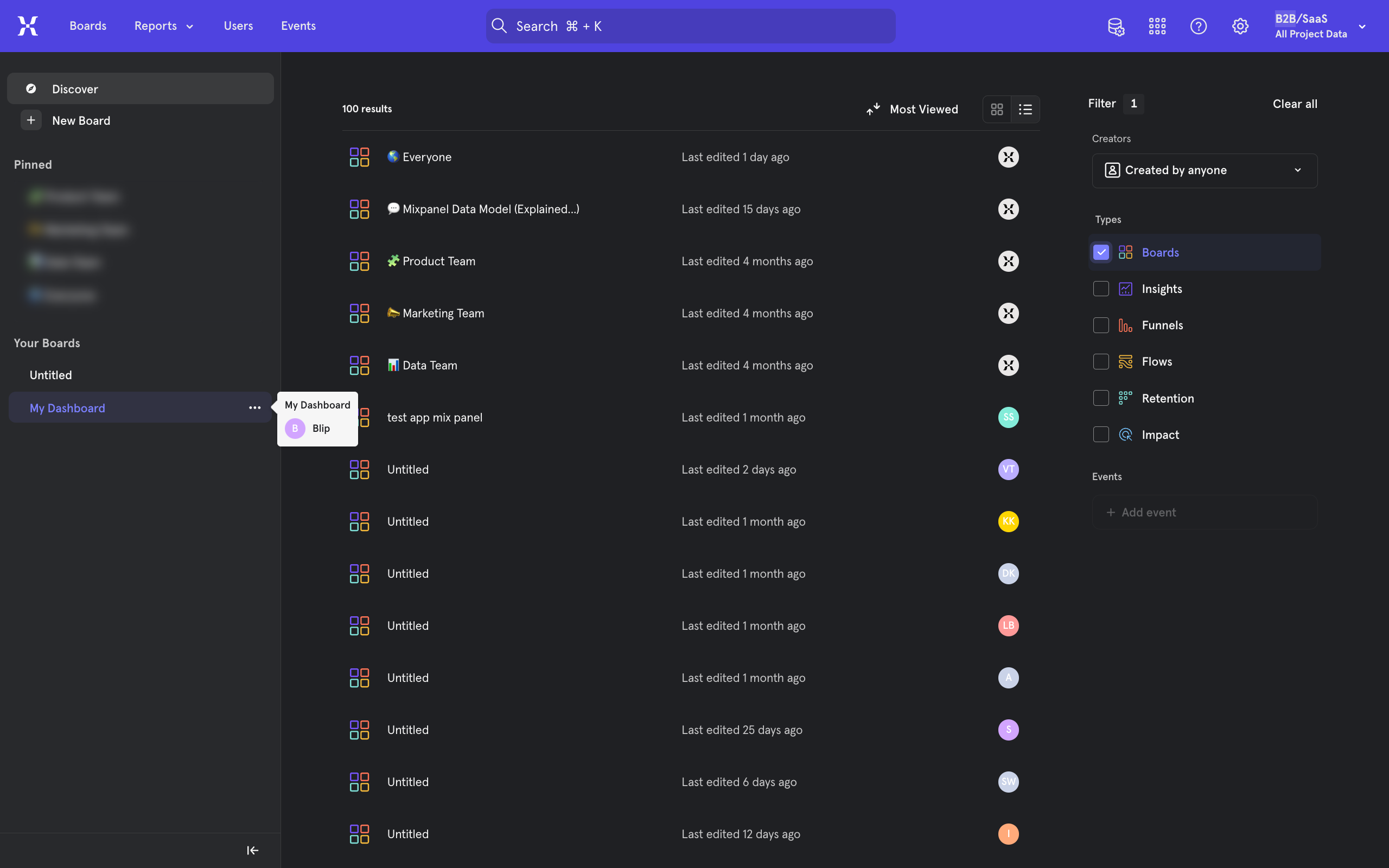
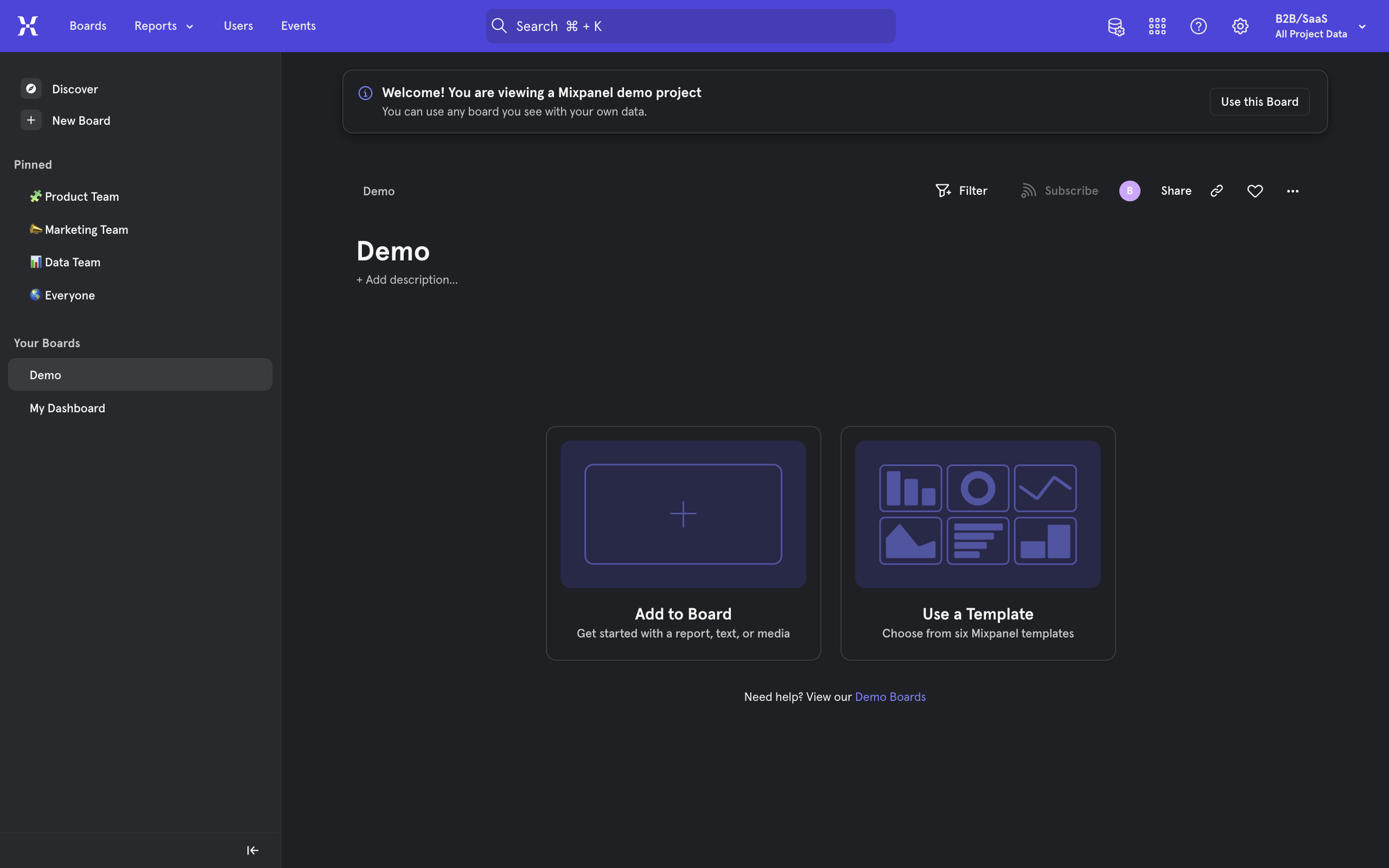
Open a board where you wish to create a funnel report.
Use the add a report option on a new or existing board.
Select Funnel Report.
This will open the funnel report page. The first step is to identify the most important settings on the left. This includes the Metrics you wish to funnel.
Funnels in mixpanel work by calculating conversion from one step to another, usually in a sequential manner. So, pick an event that happens first.
In our demo, we will go with page view.
Now, pick an event that occurs after page view, we will pick sign in.
You will notice funnels starting to be represented on the right. You can stop or continue adding steps to your funnel.
You can now better understand how useful funnels are to visualize the conversion between events.
You can change the visualization of your report from the top right.
And change the time window from right above the chart.
Another important setting is the Metric you are measuring, found above the filters option. Click on it to view more options.
Simply click on a new metric to measure and you will notice your visualization change.
Once ready, click on the Save button on the top right.
Quick answer: To create a funnel report in Mixpanel, open a board and select Funnel Report using the add a report option. Identify the settings on the left, pick your sequential events like page view and sign in, adjust the metric and visualization, and click the Save button.
About this Mixpanel tutorial
Build conversion funnels in Mixpanel by selecting sequential events, adjusting report metrics, and saving your customized visualization. This guide shows how to create A Mixpanel Funnel in 14 steps, starting with "Open a board where you wish to create a funnel report" and finishing with "Once ready, click on the Save button on the top right". The interactive demo above is a click-through copy of the real Mixpanel interface, so you can rehearse each step before doing it in your own account.
Frequently asked questions
How many steps does it take to create A Mixpanel Funnel?
14 steps. Each one is listed in order above, and the demo highlights exactly where to click.
Can I try it without changing my own account?
Yes. Clicking through the demo doesn't touch your Mixpanel data or settings. Once you know the flow, repeat it in your own workspace.
This tutorial is filed under Mixpanel. Related guides: How To Create A Report In Mixpanel, How To Create Dashboard In Mixpanel and How To Do A/B Testing With Mixpanel. Last reviewed 05 Oct 2026.

Create your first interactive demo in minutes
No credit card required • Start building today