How To Create A Report In Mixpanel
- George Apostolov
This guide is an interactive LiveDemo. Create interactive demos of your own product: Interactive demo software · Interactive customer onboarding guides · Start free
How To Create A Report In Mixpanel: step-by-step guide
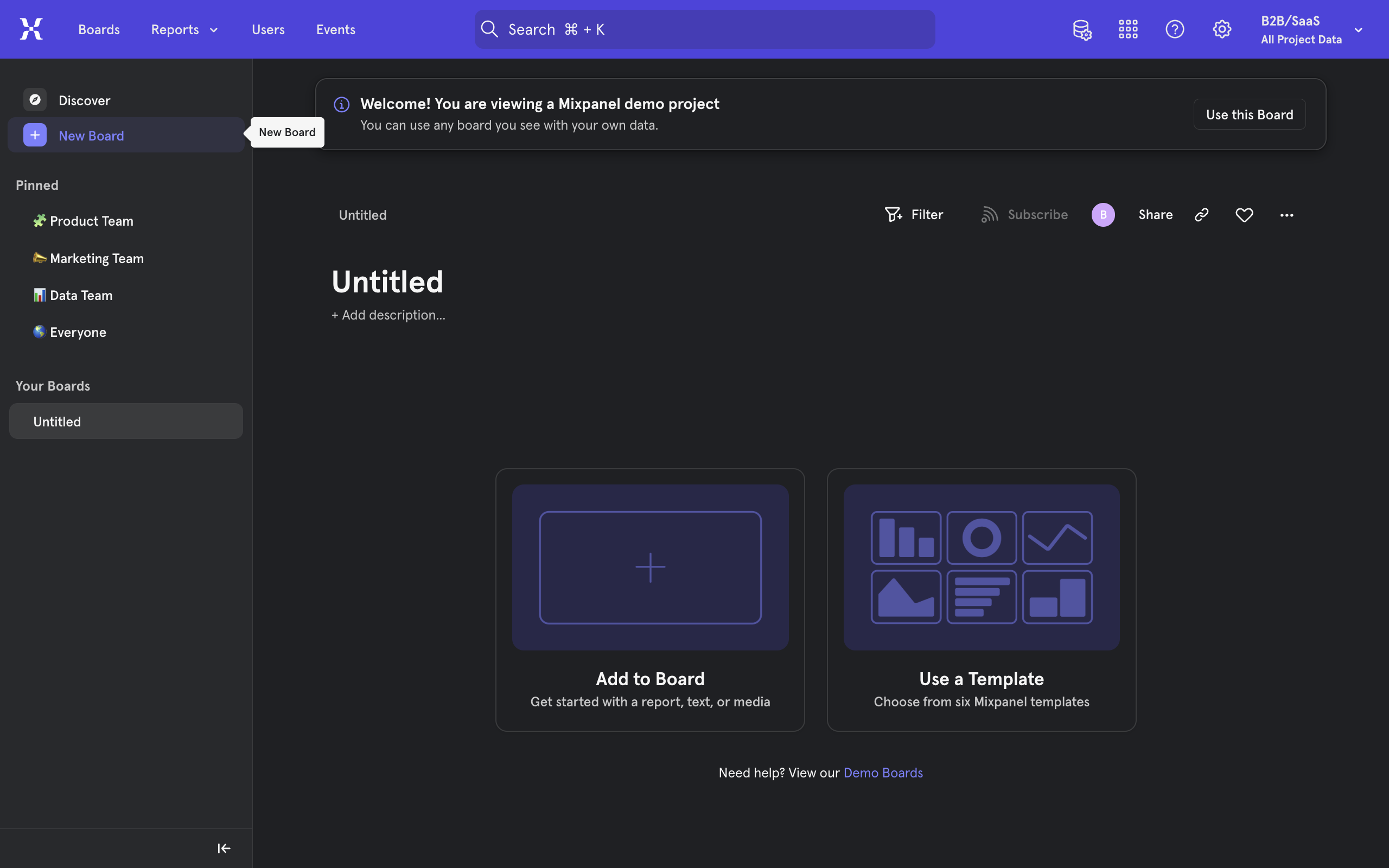
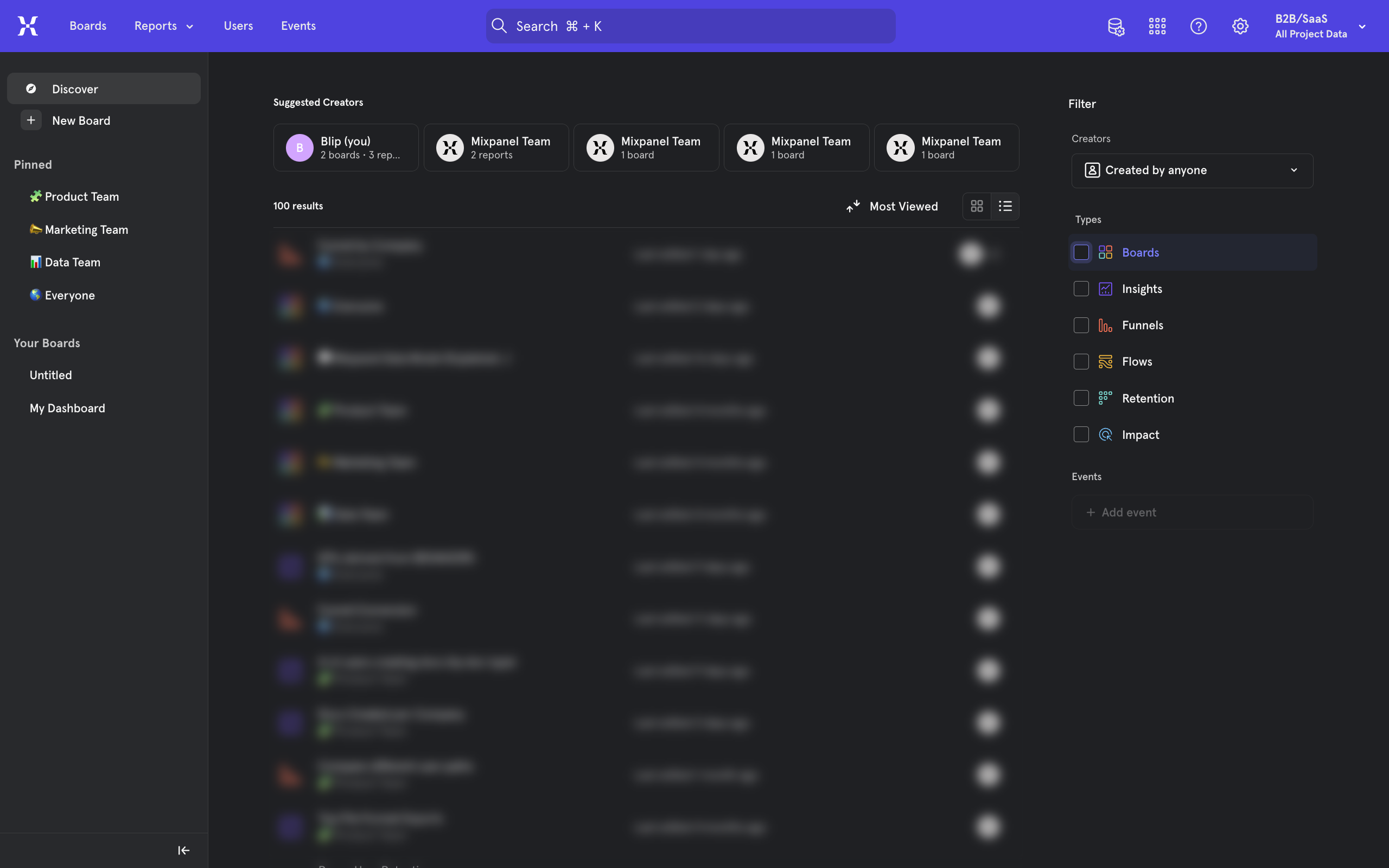
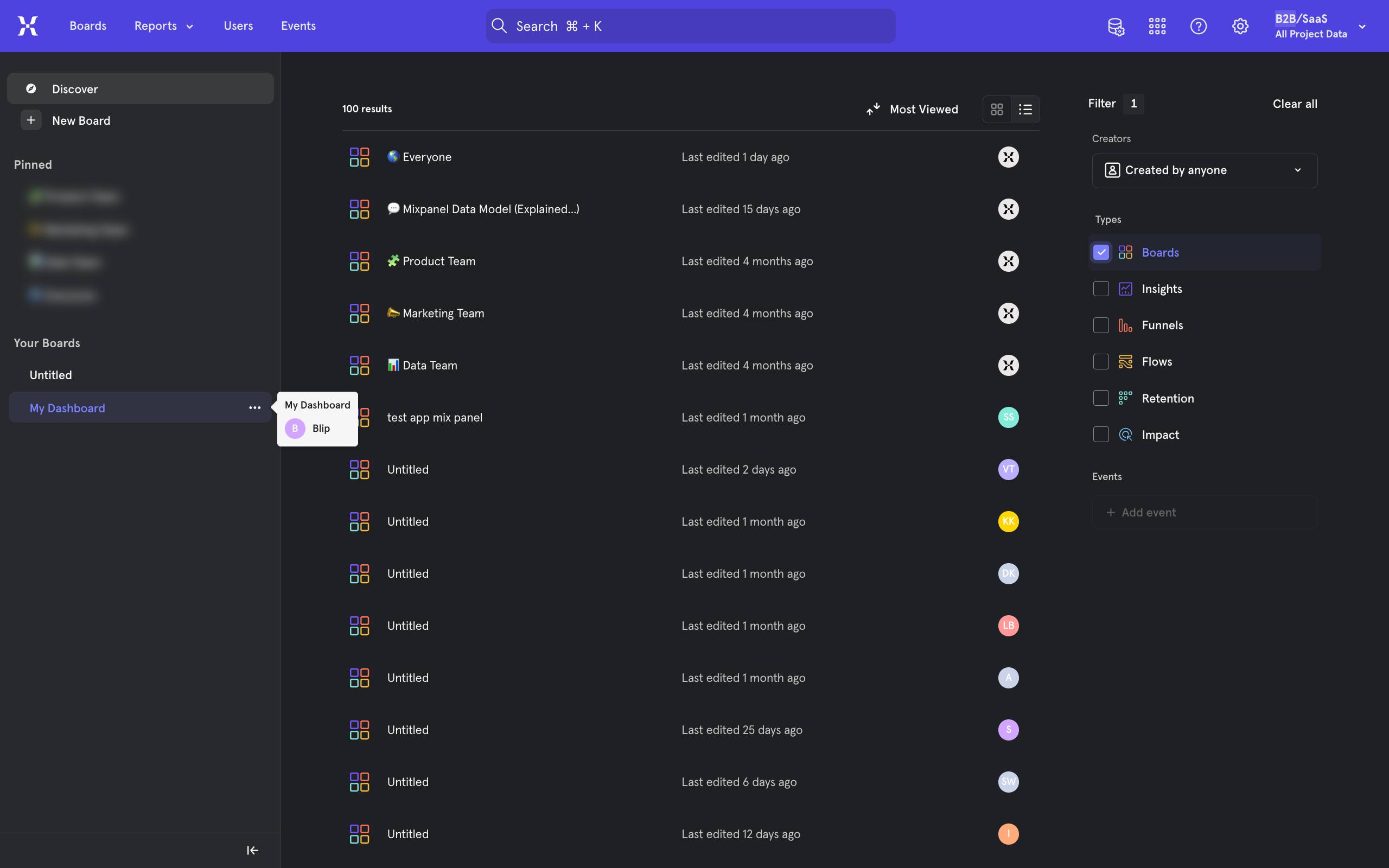
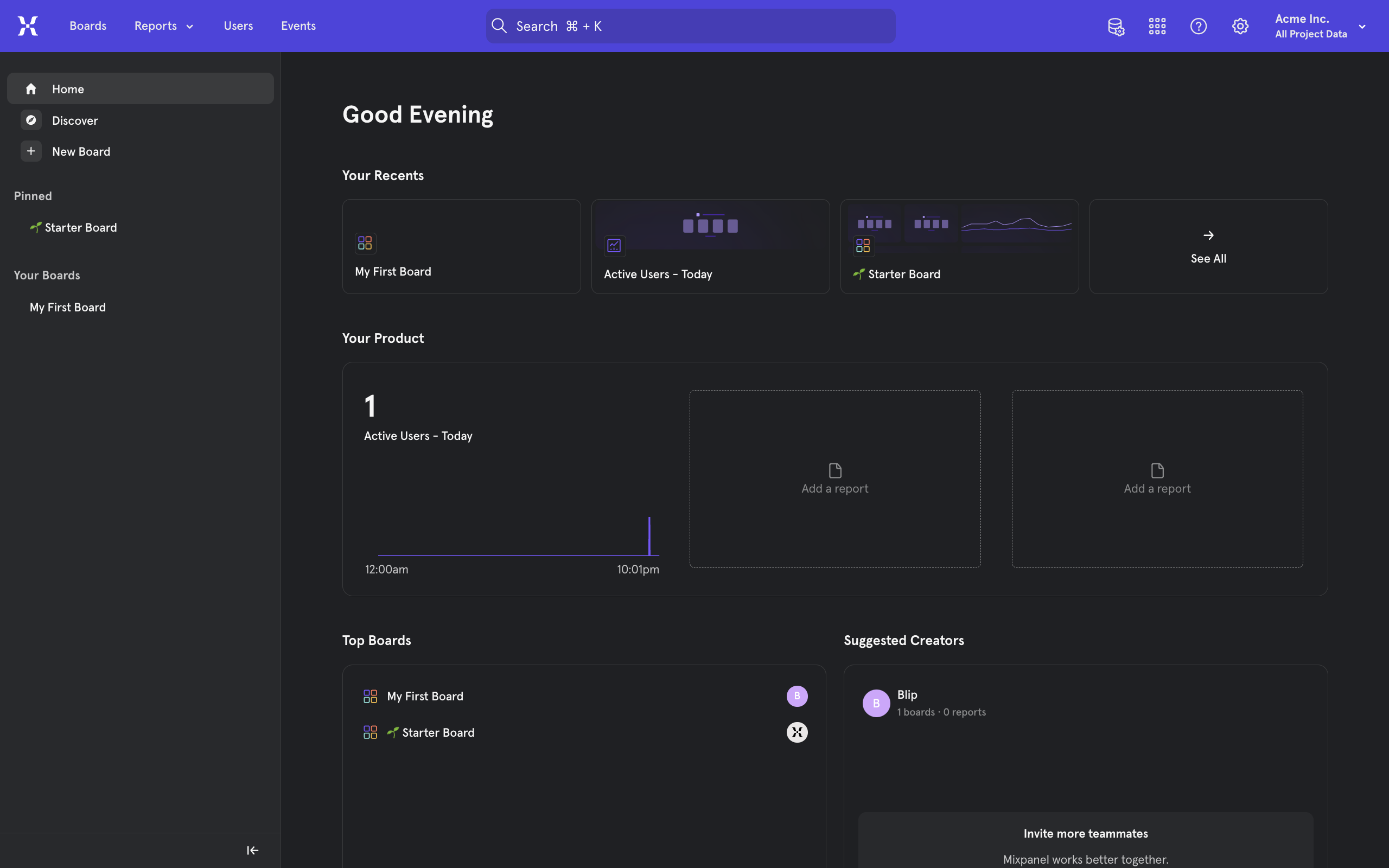
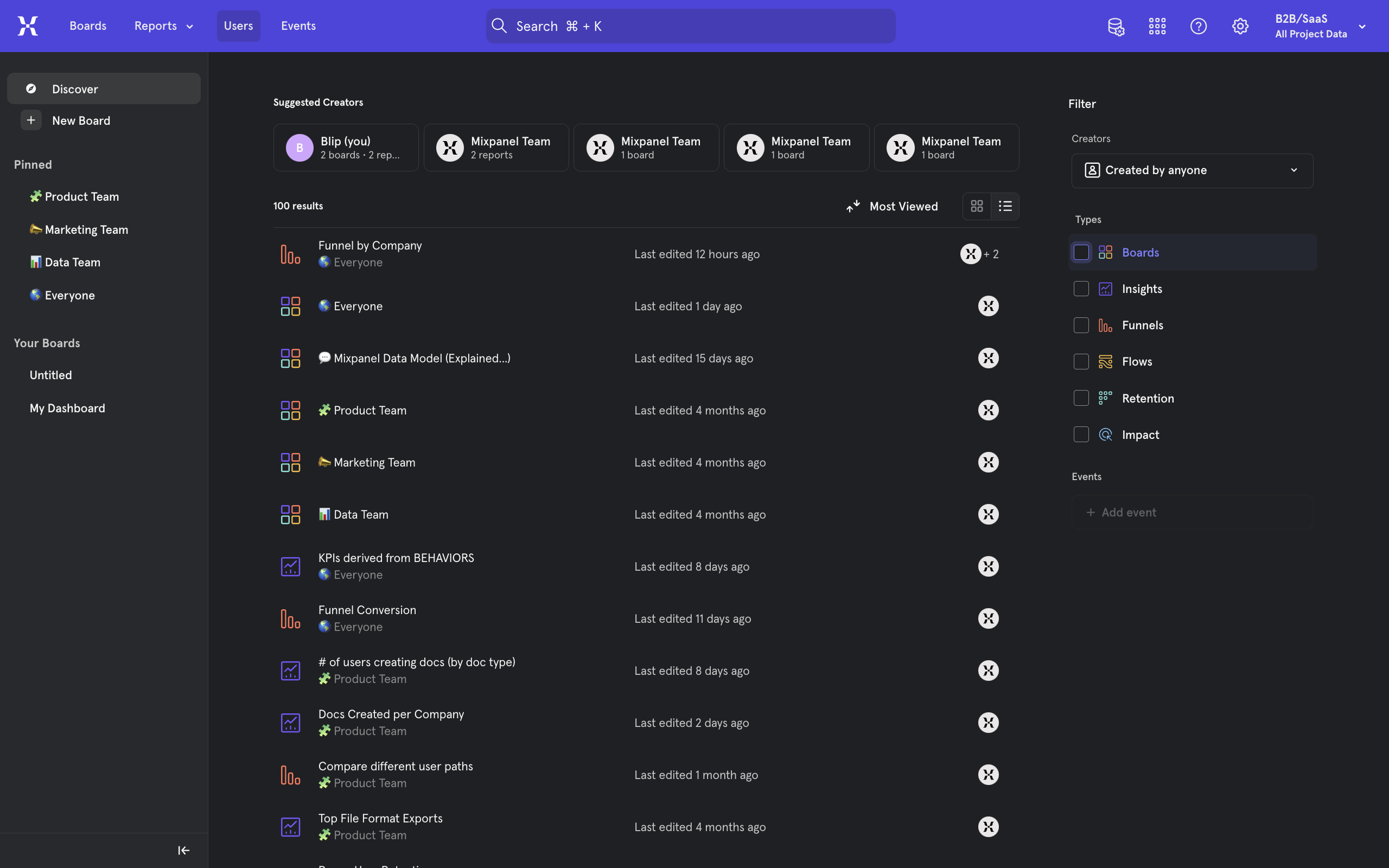
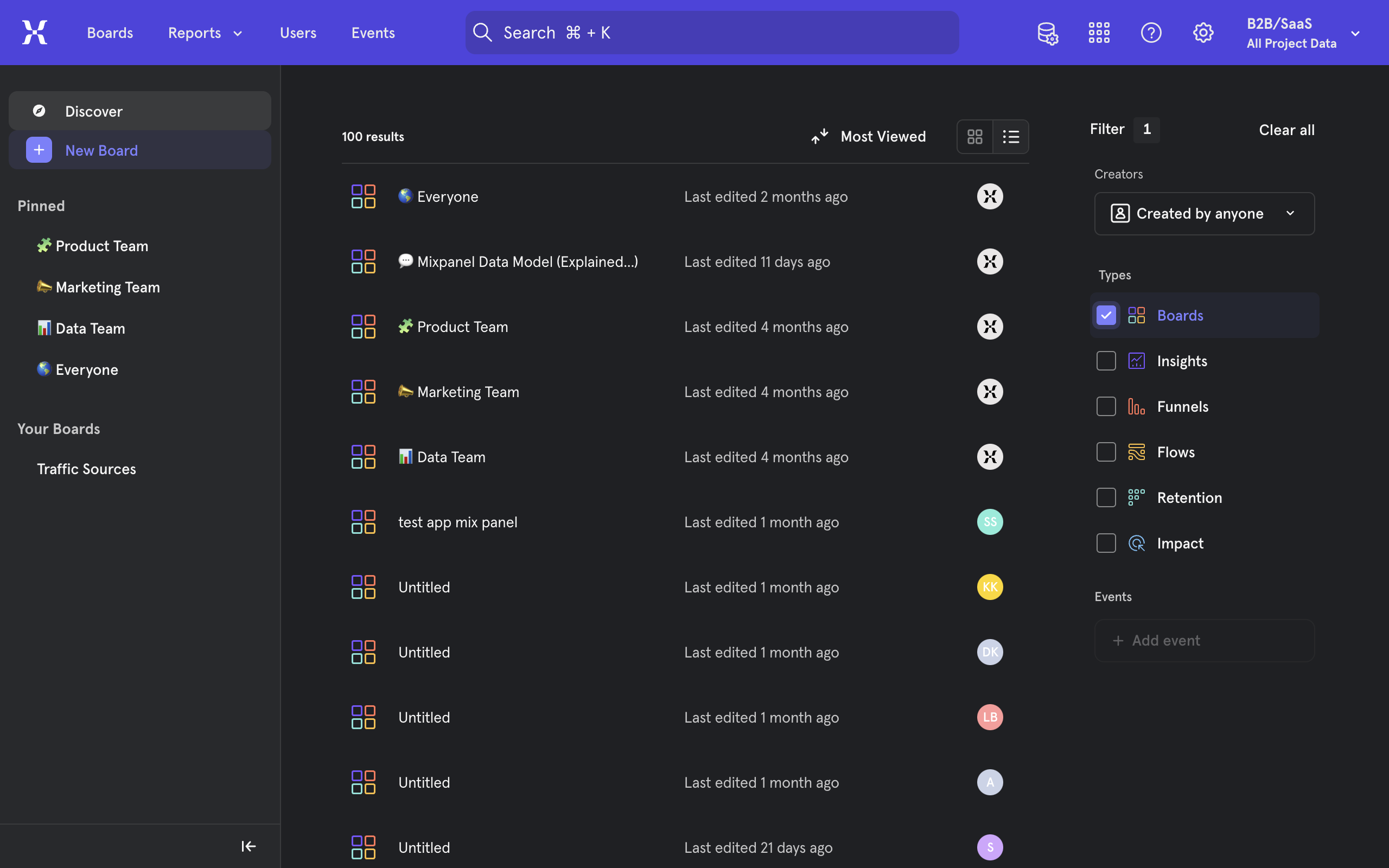
From the mixpanel homepage, either create a + New Board or use an existing one.
Click on Add to Board to view options.
You will notice a variety of reports which each serve a different purpose. Such as an Insights Report which is ideal for visualizing general trends on our data and gaining insights. To create a report of any style, simply click on it.
A report specific window will now open. Generally, you must now select the data you wish to use. In our example it is to select which events we wish to display. To do so, click on the Select Event option.
Select an event you wish to gain insights about.
You can customize this report to your heart's content. When done, Save your progress from the top right.
If you go back to your board containing this report.
You can use the + Add content button to add multiple types of reports to the same board.
You now know how to create reports or different types. Consider exploring the options extensively to make the best out of these reports.
Quick answer: To create a report in Mixpanel, open a board, click Add to Board, and choose a report type. Next, select your data and events, customize the report, and save your progress. Finally, return to your board where you can add multiple report types using the Add content button.
About this Mixpanel tutorial
Build custom reports in Mixpanel by selecting data, choosing event types, and saving your insights directly to boards. This guide shows how to create A Report In Mixpanel in 9 steps, starting with "From the mixpanel homepage, either create a + New Board or use an existing one" and finishing with "You now know how to create reports or different types. Consider exploring the options e...". The interactive demo above is a click-through copy of the real Mixpanel interface, so you can rehearse each step before doing it in your own account.
Frequently asked questions
How many steps does it take to create A Report In Mixpanel?
9 steps. Each one is listed in order above, and the demo highlights exactly where to click.
Can I try it without changing my own account?
Yes. Clicking through the demo doesn't touch your Mixpanel data or settings. Once you know the flow, repeat it in your own workspace.
This tutorial is filed under Mixpanel. Related guides: How To Create Dashboard In Mixpanel, How To Do A/B Testing With Mixpanel and How To Export Data From Mixpanel. Last reviewed 05 Oct 2026.

Create your first interactive demo in minutes
No credit card required • Start building today