How to Create a Survey in Klaviyo
- George Apostolov
How to Create a Survey in Klaviyo: step-by-step guide
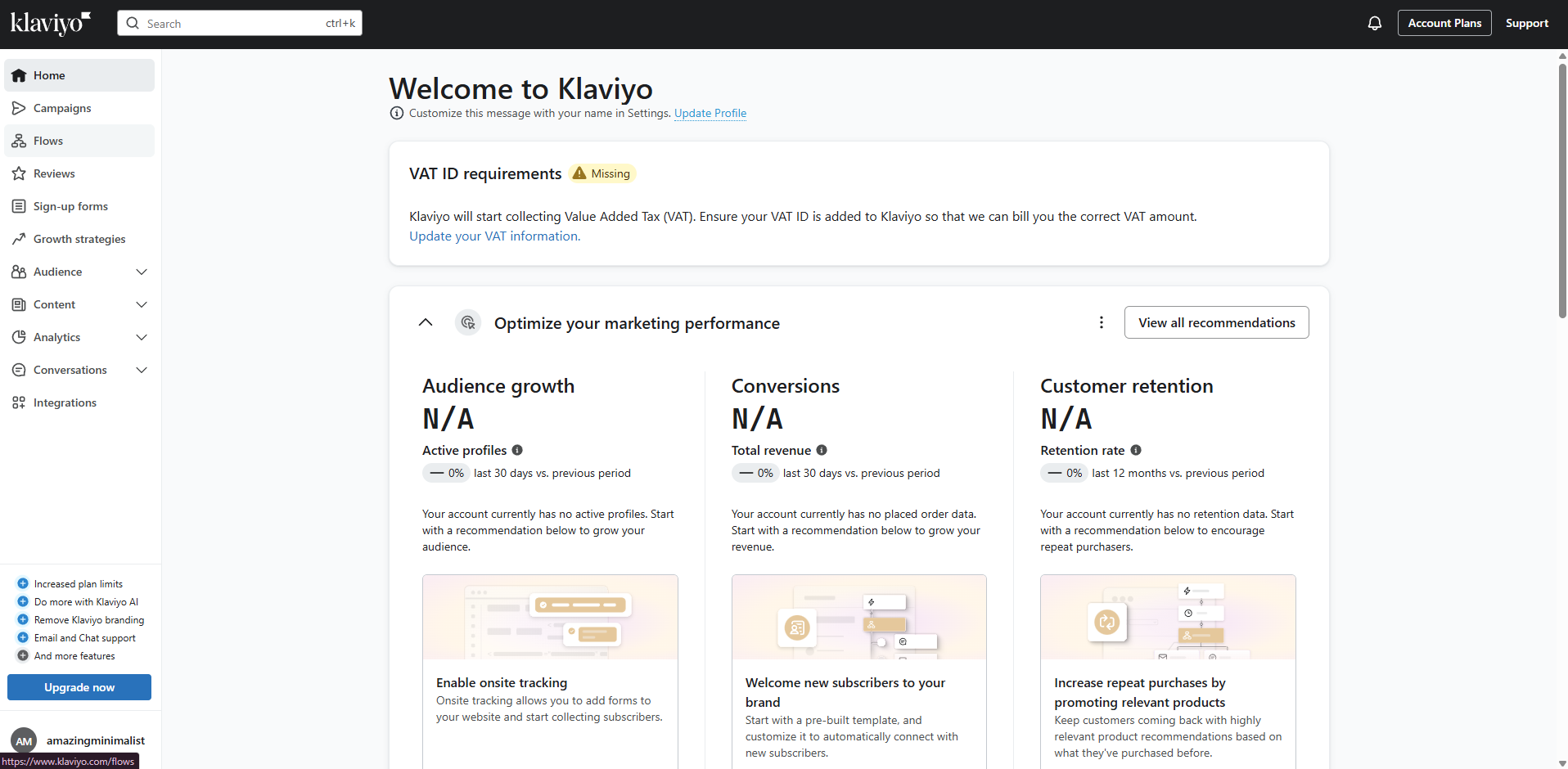
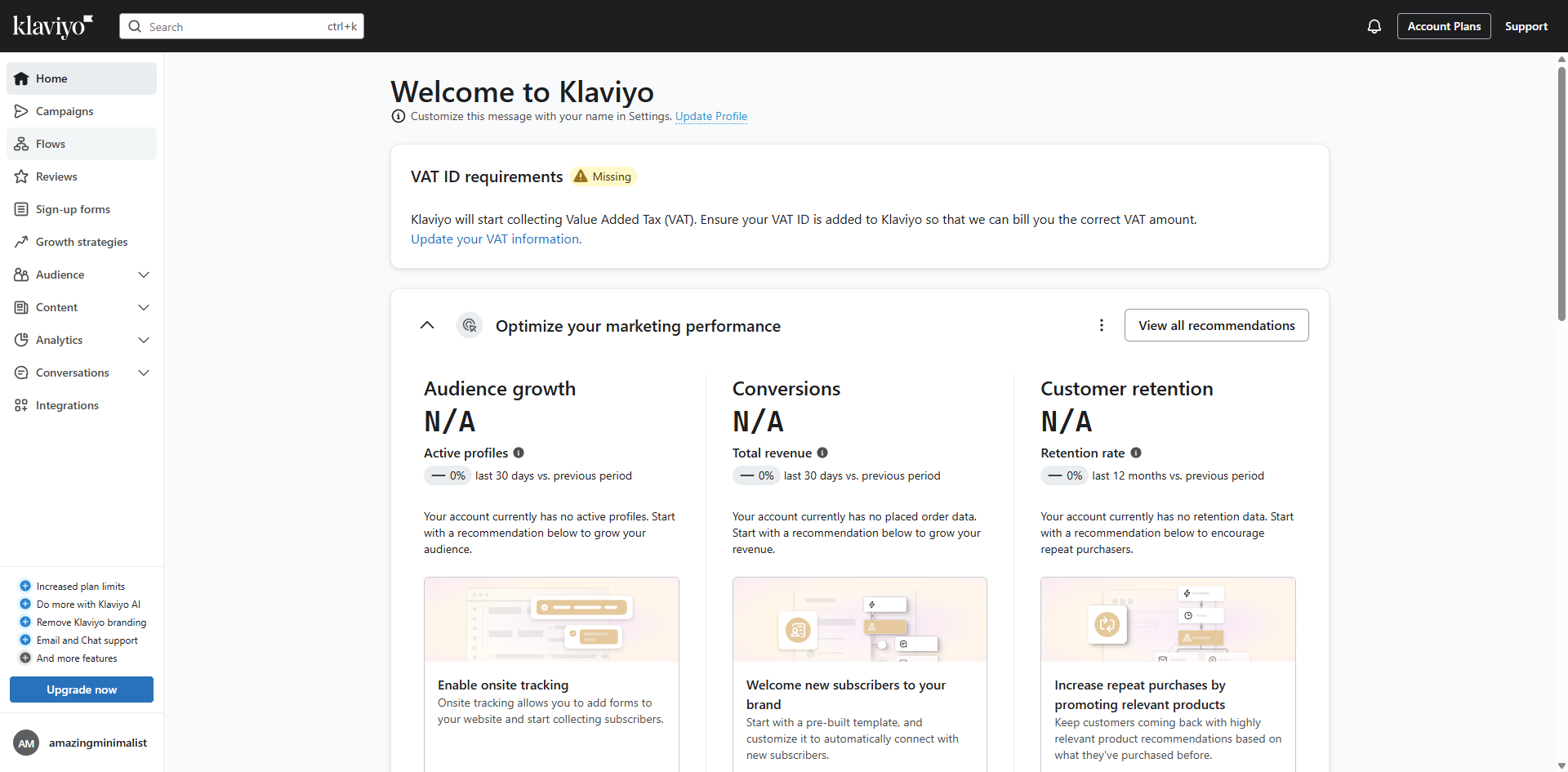
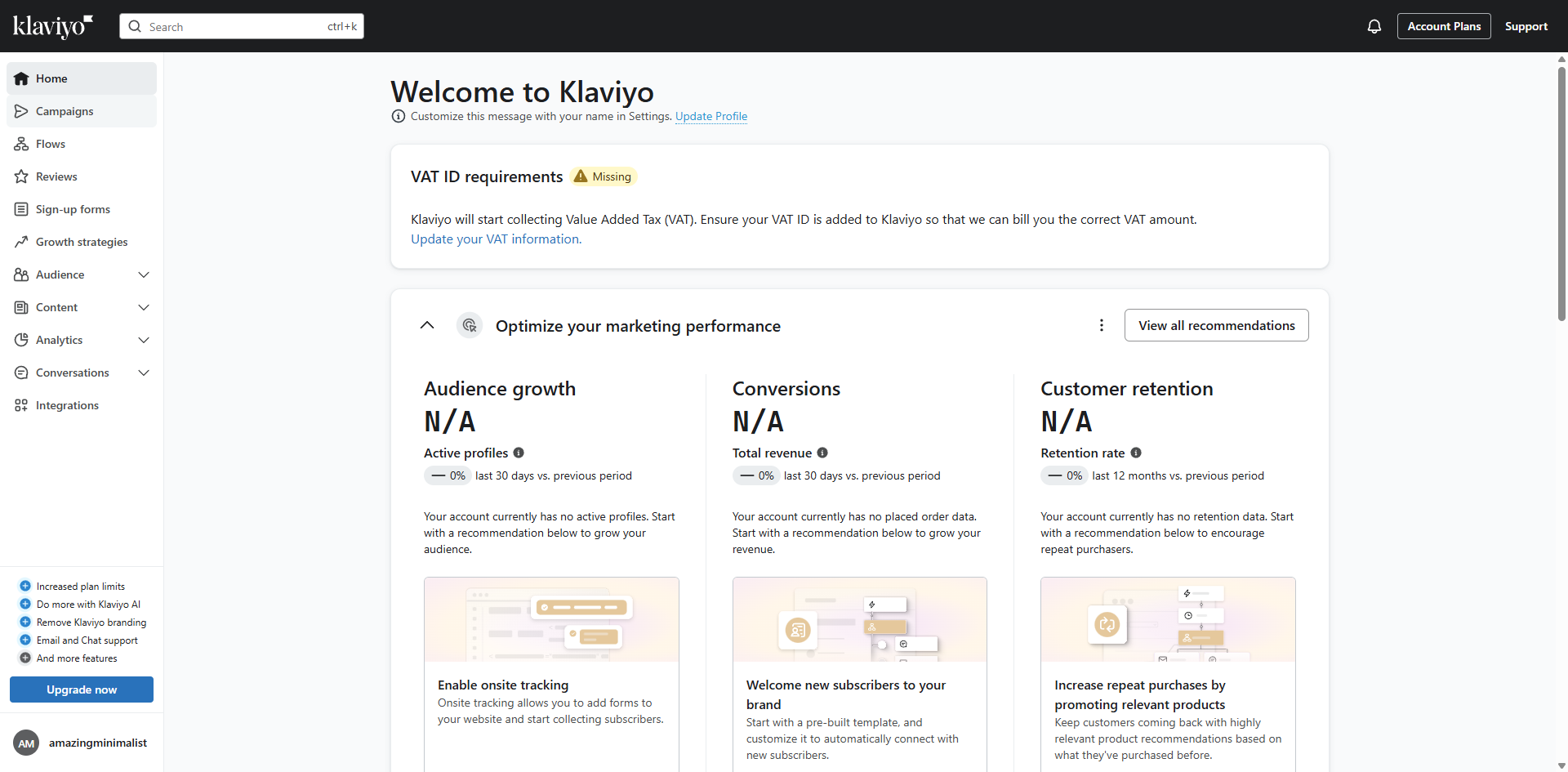
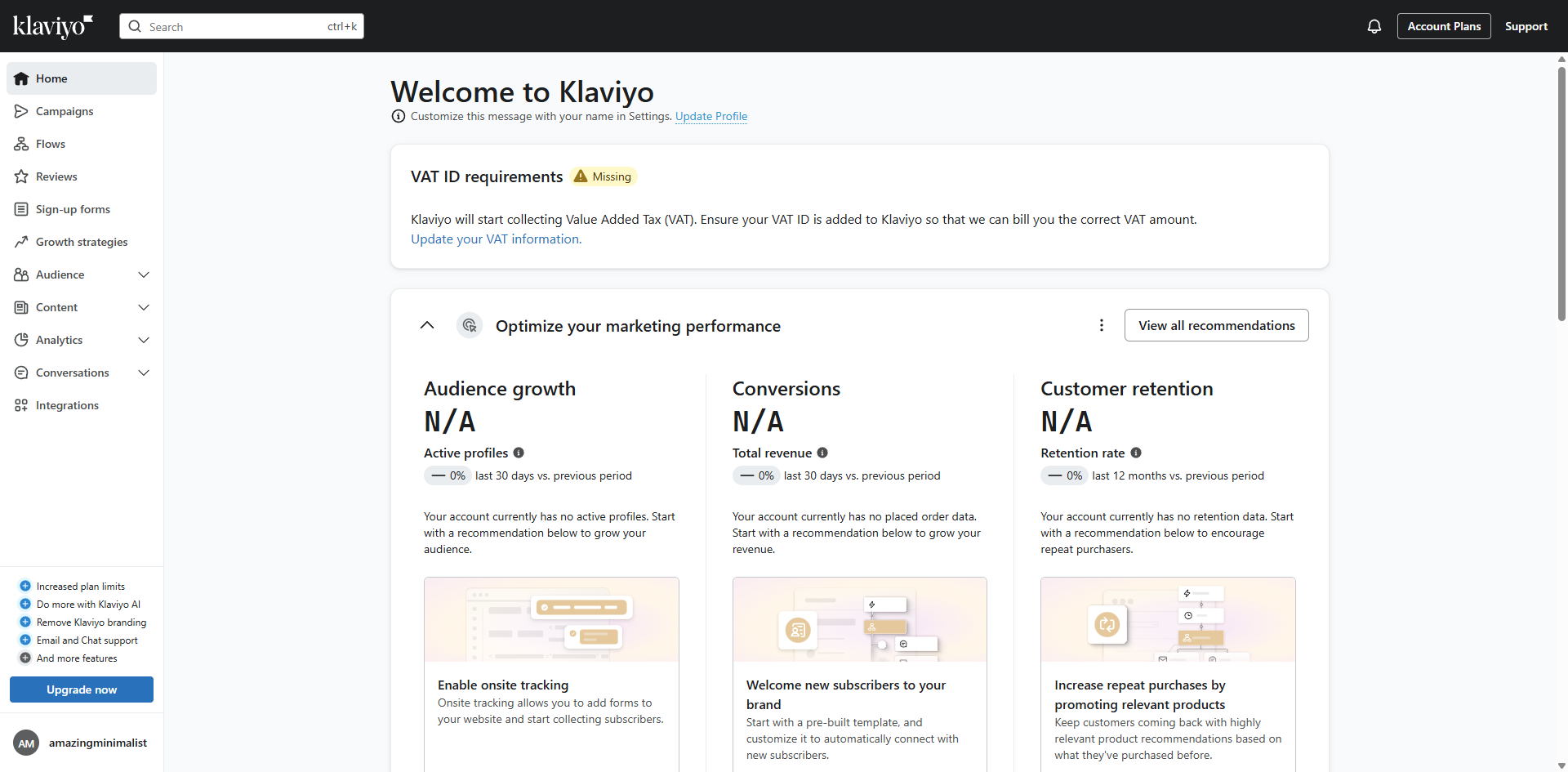
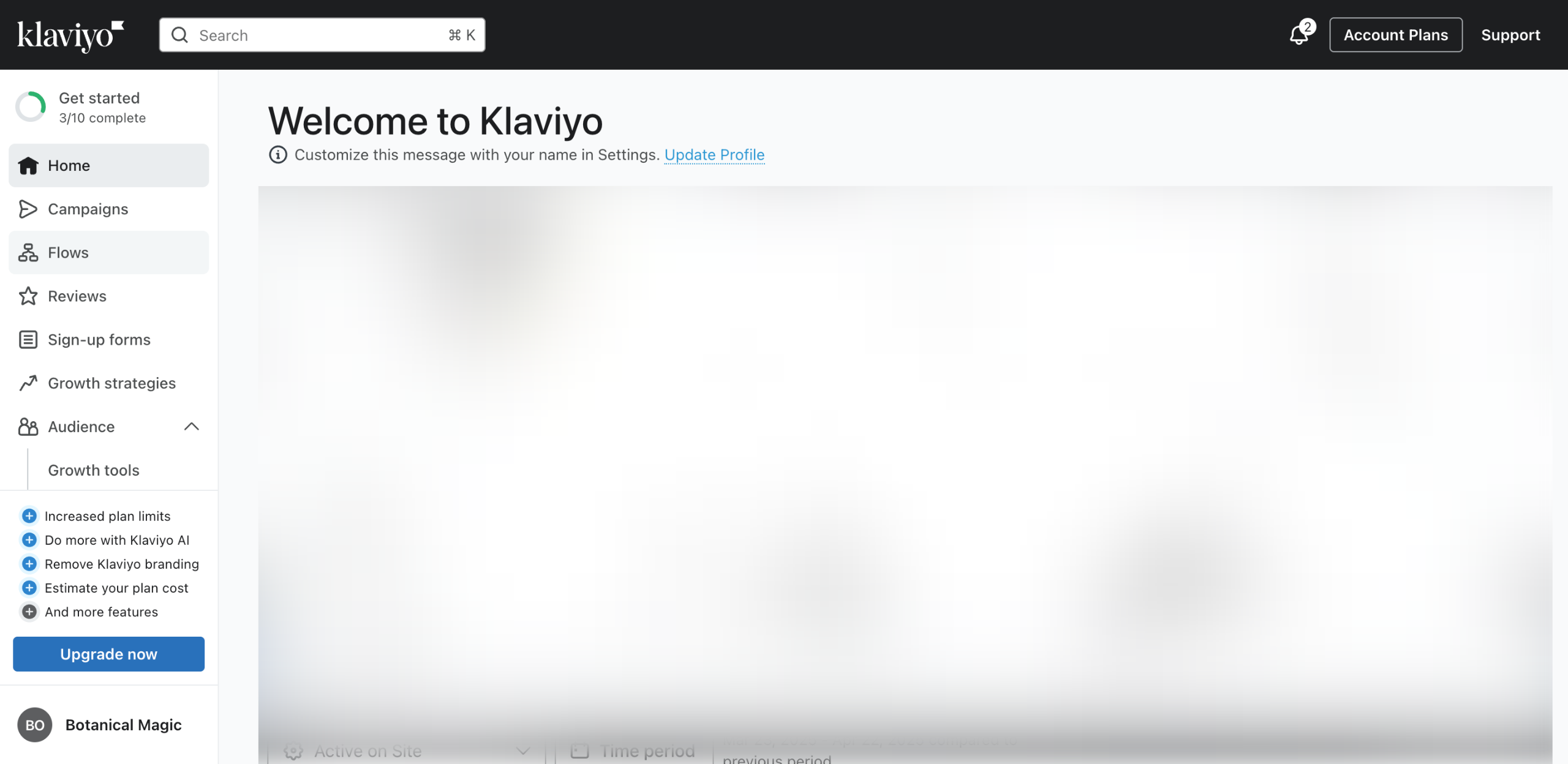
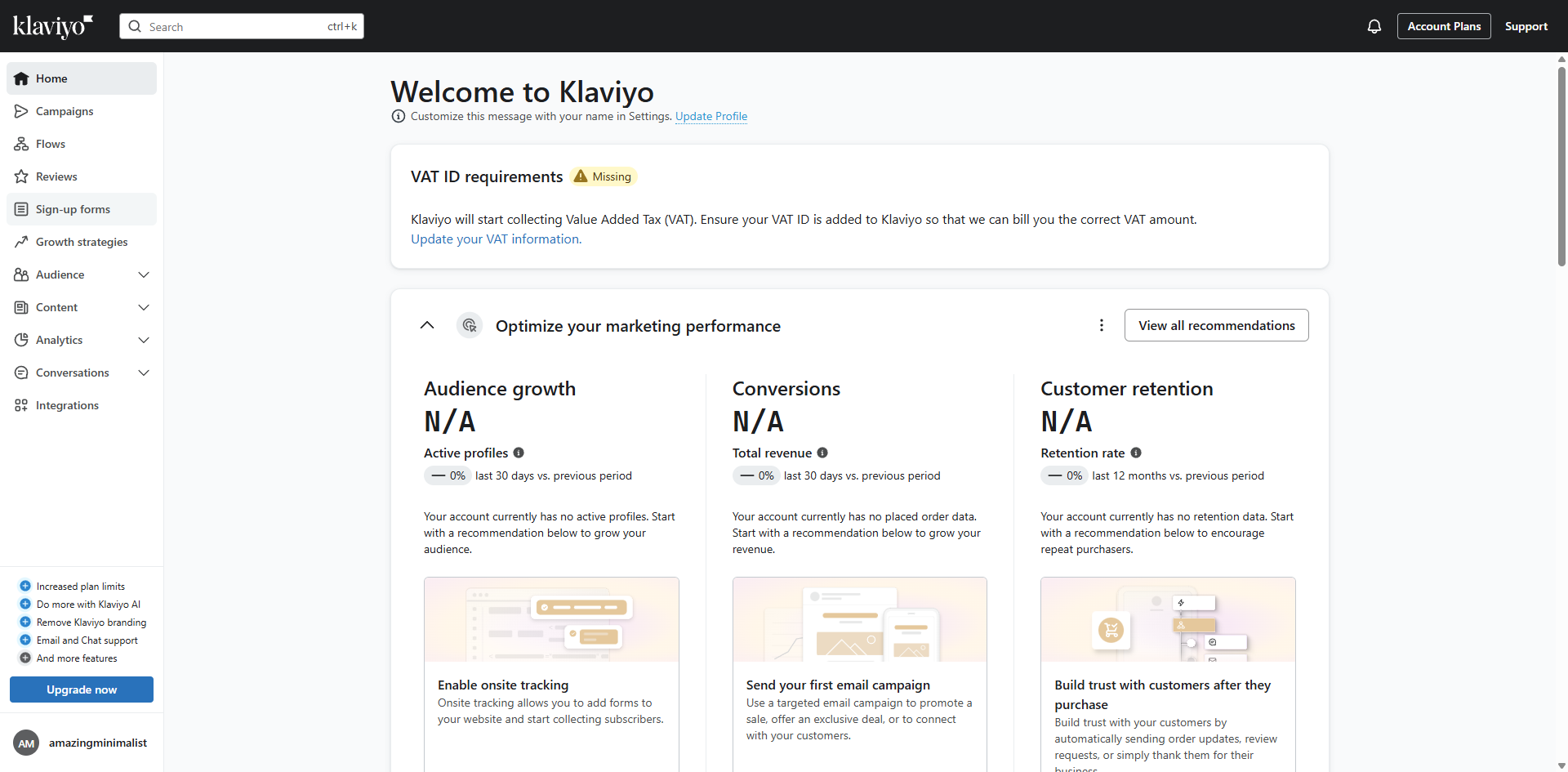
Start by exploring the Sign-up forms section where you'll build your lead capture strategy.
Select 'View templates'.
Use the search function to find the perfect template for your specific needs.
Narrow down options by entering keywords that match your campaign goals.
Select the survey template to create a seasonal engagement form.
Choose 'Email' as your data collection method to grow your subscriber list.
Assign new subscribers to your 'Email List' for seamless campaign integration.
Click 'Create form' to bring your form to life and move into the customization phase.
Apply circular elements to create a modern, eye-catching design aesthetic.
Refine your form's structure to optimize the user experience and conversion rate.
Customize this element to align perfectly with your brand identity.
Adjust the corner radius to soften edges and create a more approachable design.
Click 'Publish' to push your form live and start collecting valuable subscriber data immediately.
That's it! Following these steps will help you create a survey in Klaviyo.
Quick answer: To create a survey in Klaviyo, explore the Sign-up forms section, view templates, select a survey template, choose Email data collection, assign subscribers to an Email List, and click Create form. Finally, customize your design and click Publish to push the form live.
About this Klaviyo tutorial
Build and publish a custom engagement survey in Klaviyo by choosing a template, setting up data collection, and customizing your design. This guide shows how to create a Survey in Klaviyo in 14 steps, starting with "Start by exploring the Sign-up forms section where you'll build your lead capture strategy" and finishing with "That's it! Following these steps will help you create a survey in Klaviyo". The interactive demo above is a click-through copy of the real Klaviyo interface, so you can rehearse each step before doing it in your own account.
Frequently asked questions
How many steps does it take to create a Survey in Klaviyo?
14 steps. Each one is listed in order above, and the demo highlights exactly where to click.
Can I try it without changing my own account?
Yes. Clicking through the demo doesn't touch your Klaviyo data or settings. Once you know the flow, repeat it in your own workspace.
This tutorial is filed under Klaviyo. Related guides: How to Create an Abandoned Cart Flow in Klaviyo, How to Create Custom Properties in Klaviyo and How to Create Newsletter in Klaviyo. Last reviewed 05 Oct 2026.

Create your first interactive demo in minutes
No credit card required • Start building today